
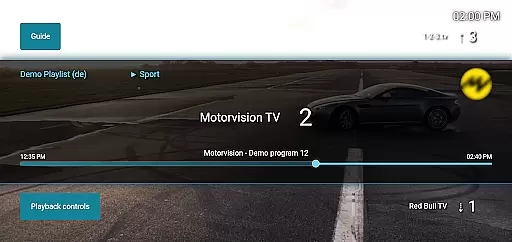
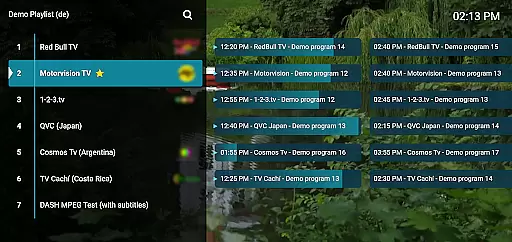
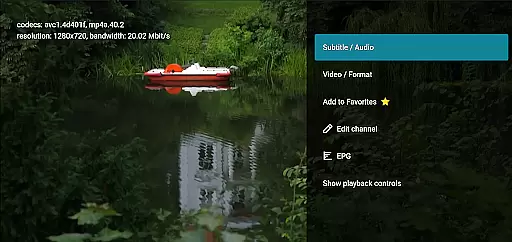
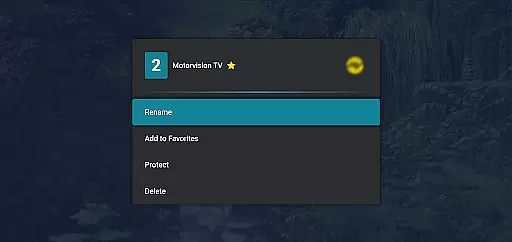
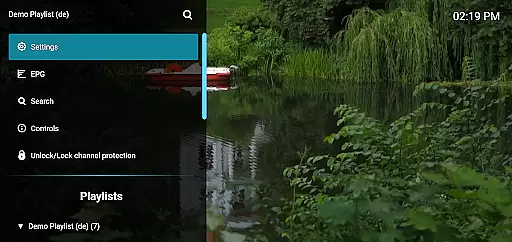
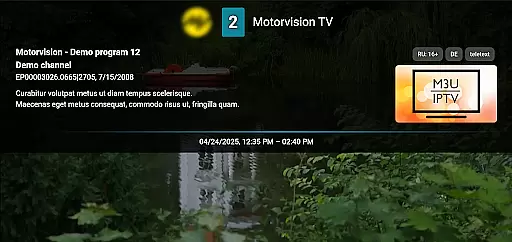
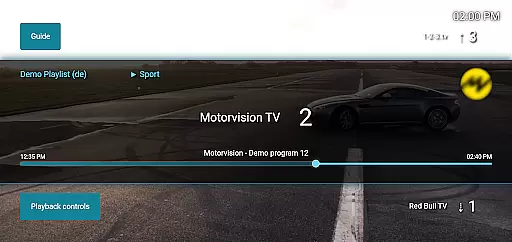
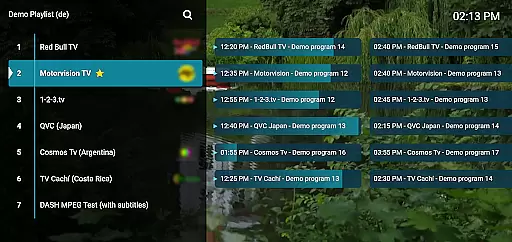
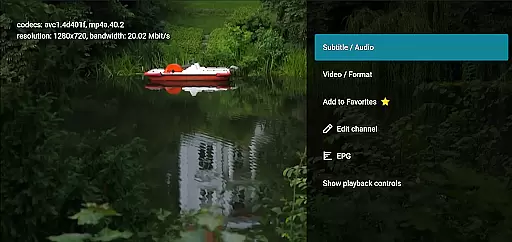
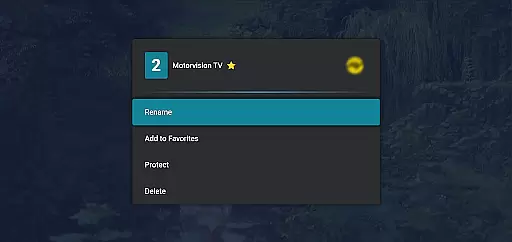
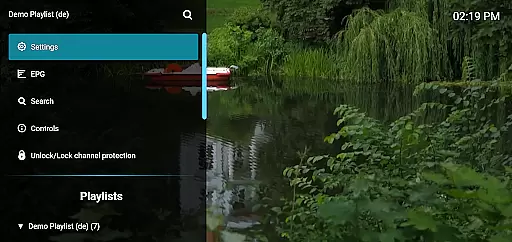
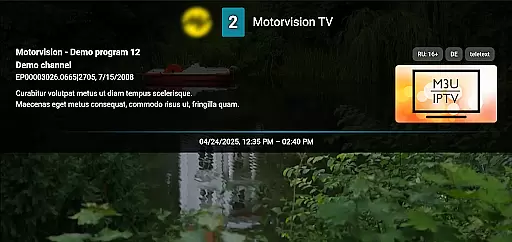
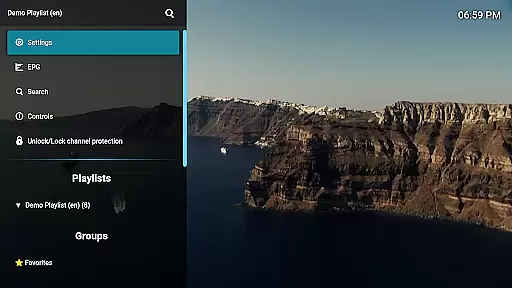
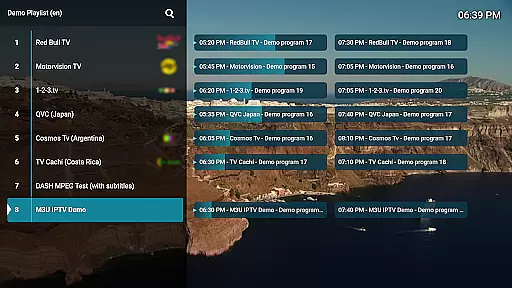
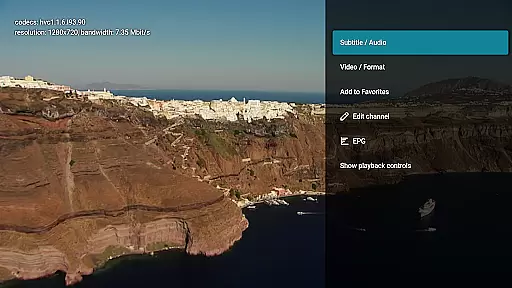
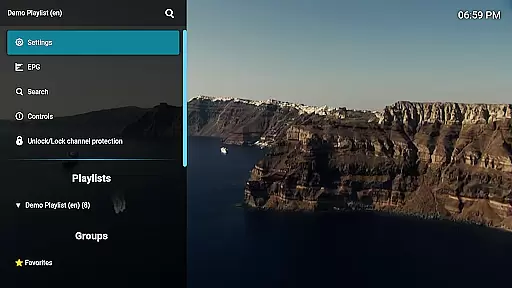
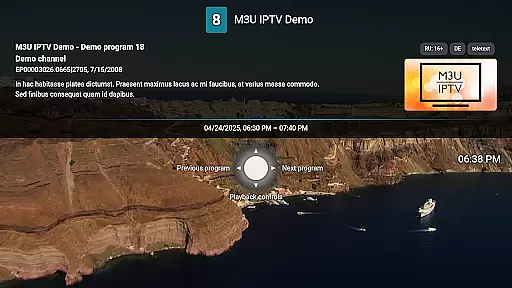
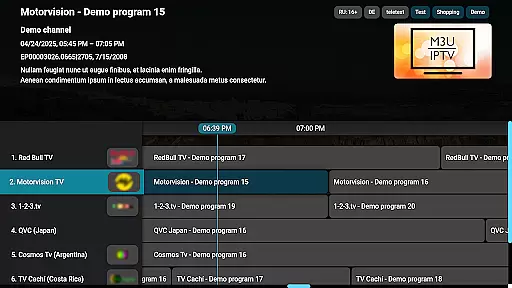
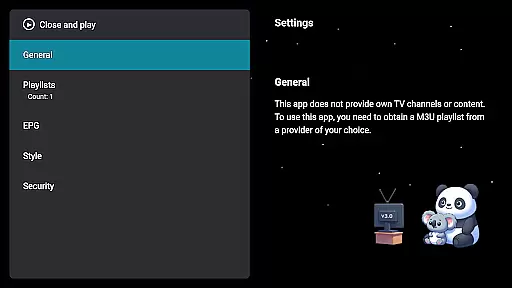
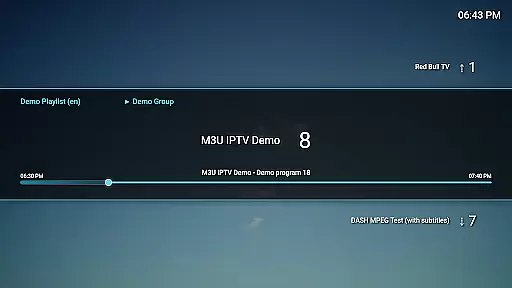
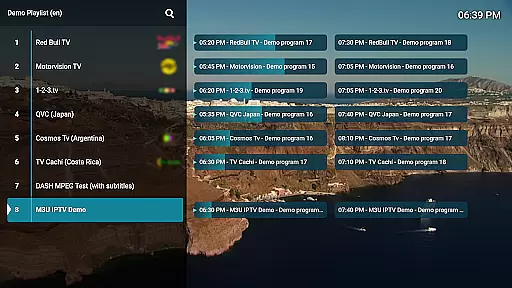
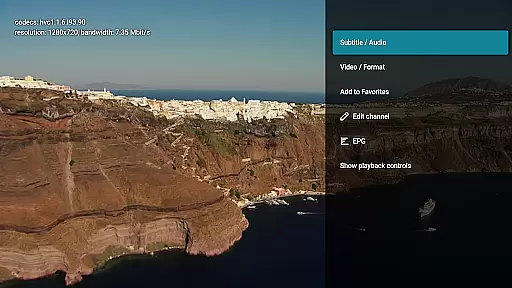
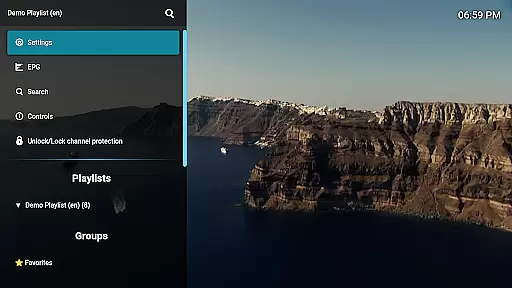
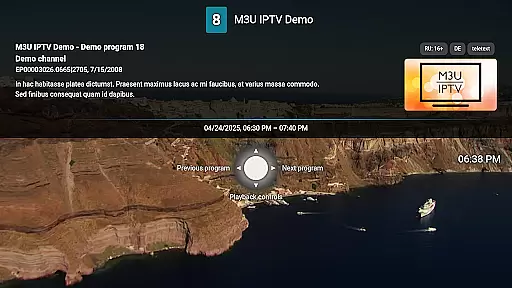
M3U IPTV Premium is a top-tier IPTV player designed for users seeking an ad-free, fully customizable streaming experience. It builds on the features of its free version by offering advanced tools and enhanced performance.
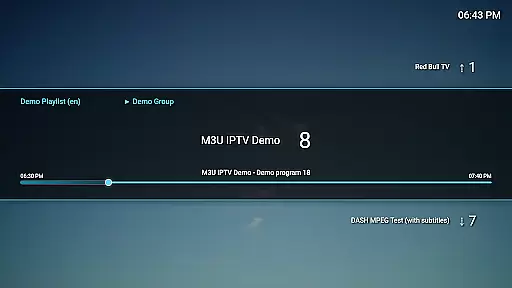
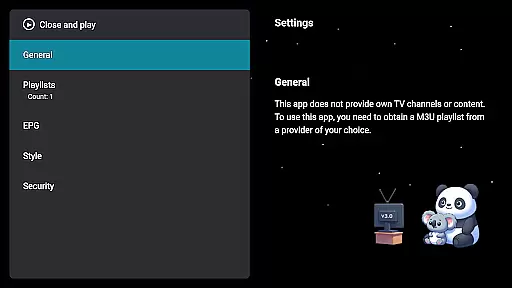
With support for M3U playlists, EPG integration, and advanced playback controls, this app allows users to stream their own IPTV content with ease. Its intuitive interface can be personalized, while additional features like catch-up functionality and channel protection make it ideal for power users.
Perfect for IPTV enthusiasts, M3U IPTV Premium ensures uninterrupted viewing and maximum control over your media library.
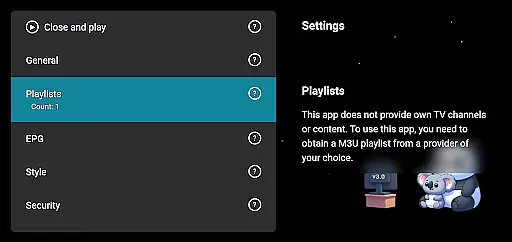
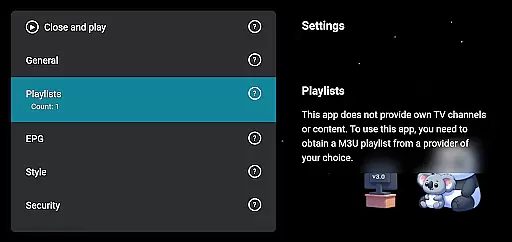
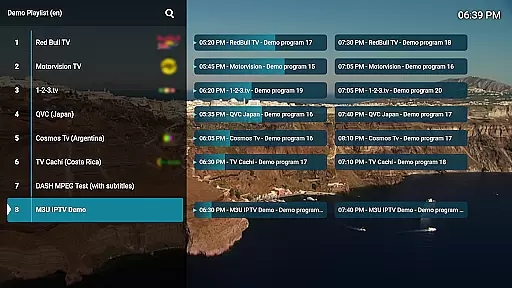
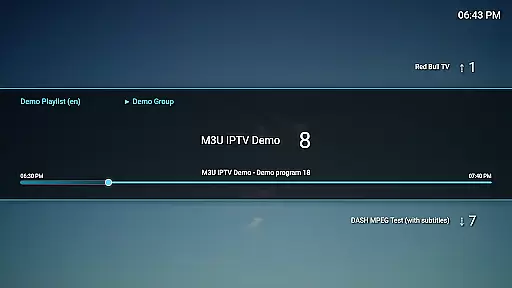
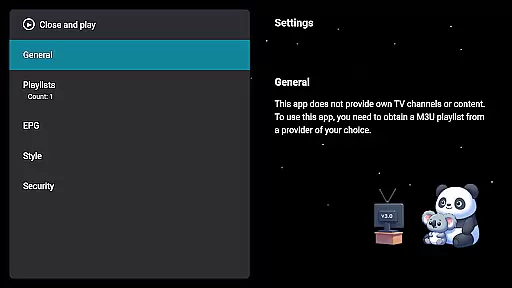
M3U IPTV Premium stands out with its comprehensive feature set tailored for seamless streaming. The app supports unlimited M3U playlists, enabling users to organize and switch between multiple content sources effortlessly.
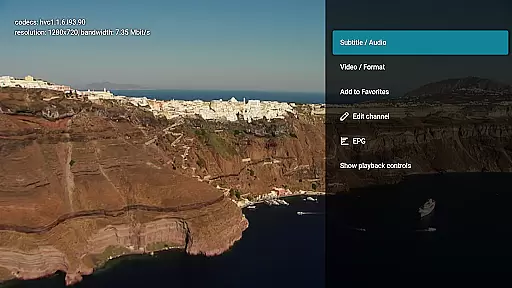
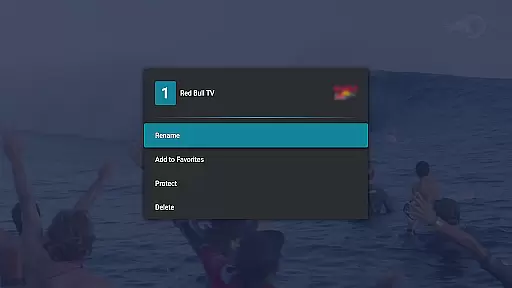
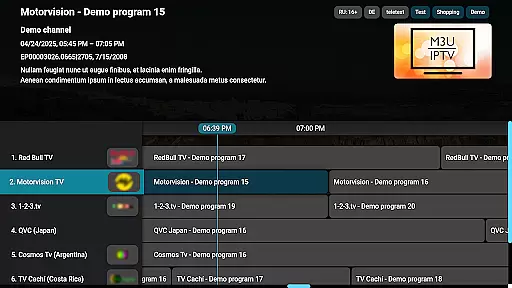
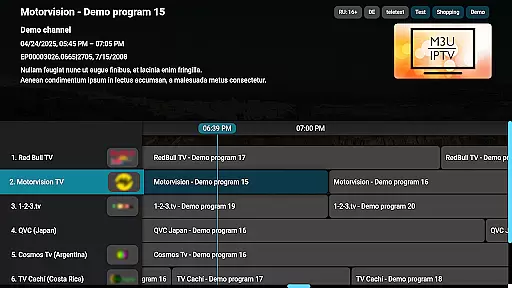
Advanced functionalities include EPG integration for TV schedules, customizable UI options, and playback controls such as pause, rewind, and fast-forward. Catch-up and archive playback let users rewatch missed programs, while channel editing and PIN protection enhance privacy and organization.
These robust features ensure that M3U IPTV Premium delivers a premium streaming experience without compromising usability or performance.
Video format compatibility is a crucial feature for any video player, ensuring that users can enjoy content in various formats without technical hindrances. M3U IPTV Premium excels in this area by supporting M3U playlists, which are widely used for streaming multimedia over the internet. This compatibility allows users to stream their own IPTV content seamlessly.
The application's support for M3U playlists means it can handle a wide array of video streams, accommodating different codecs and containers. This ensures that whether your content is in MP4, MKV, or another popular format, M3U IPTV Premium will play it without issues. The ability to add and switch between unlimited playlists enhances this flexibility, catering to diverse user preferences and needs.
For users, this level of video format compatibility translates into a hassle-free viewing experience. There's no need to convert files or worry about unsupported formats. Instead, they can focus on enjoying their favorite shows and channels, confident that M3U IPTV Premium will deliver a smooth playback every time. This makes the app an excellent choice for those who demand both quality and versatility in their media consumption.
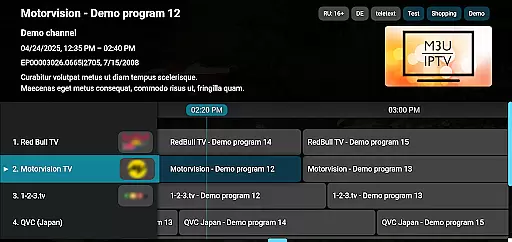
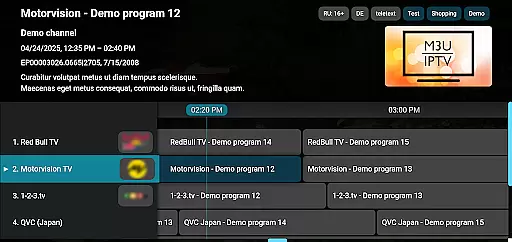
While M3U IPTV Premium does not focus on traditional video editing, it incorporates AI-powered features that enhance the viewing experience significantly. One standout feature is its advanced EPG integration, which uses AI to fetch and display electronic program guide information. This allows users to see full TV schedules, making it easier to plan their viewing sessions around available content.
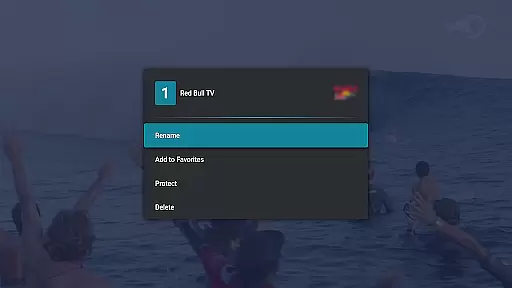
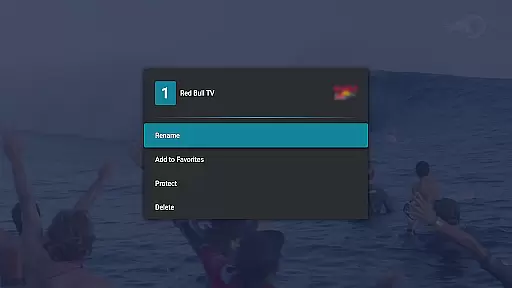
Another AI-driven aspect is the channel editor, enabling users to rename, reorder, or remove channels effortlessly. This tool simplifies organizing channels based on personal preferences, improving navigation and overall usability. Additionally, the catch-up and archive playback functionalities leverage AI to let viewers rewatch missed content if supported by their service provider.
These AI-powered editing features collectively offer users unprecedented control over their IPTV experience. By streamlining content management and offering insightful scheduling data, M3U IPTV Premium empowers users to tailor their viewing habits precisely how they want. Such innovations underscore the app's commitment to delivering a cutting-edge, user-centric platform for all IPTV enthusiasts.
Ad-free experience
Unlimited playlists
Customizable UI
EPG integration
Catch-up functionality
No included playlists
Requires technical setup
Premium cost
Limited beginner support
Device-specific compatibility

Powerful, professional, versatile teleprompter. Developed by an active film crew
 4.00
4.00
Create & edit videos with AI
4.30
VLC Remote lets you control your VLC Media Player on Mac, PC or Linux.
4.60
IPTV Player - Watch live TV from m3m & m3u8 playlist, stream IPTV on mobile
3.30
Fast & Private Video Downloader App. Save all videos easily from the Internet.
4.40
Add date and time watermark to photos and videos
4.50
Powerful video player with advanced hardware acceleration and subtitle supports
4.20
Create, Publish & Maximize
4.70
Photo editor & video maker with music and slideshows.
4.10
#1 Torrent App on Android ** No Ads Ever + Battery Saver **
4.80
A Quick and Pro Video Editor
4.70
High-Quality USB Camera Viewer & HDMI Display
4.70
HD Video player all format, HD Videos, Cast & Subtitle. No annoying ads.
4.60
Search & download videos from net with all video downloader, auto-detect & safe.
4.60
Powerful Video Editor & Photo Editing App —— Quick Edits & Stunning Effects!
4.30
This app was created to edit the metadata of music files.
4.20
Browser for Sony TV to stream web videos, online movies and live tv
3.20
Mix with Virtual DJ directly from your phone or tablet !
3.10
You can play SWF format file!
2.50


User Reviews