
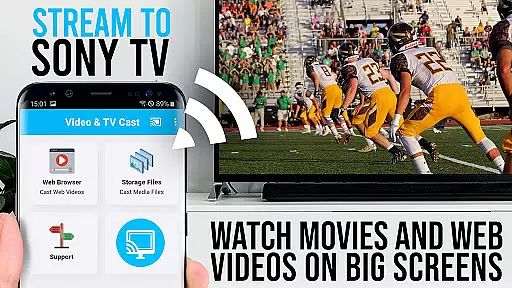
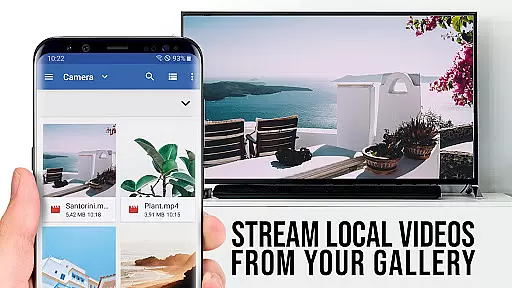
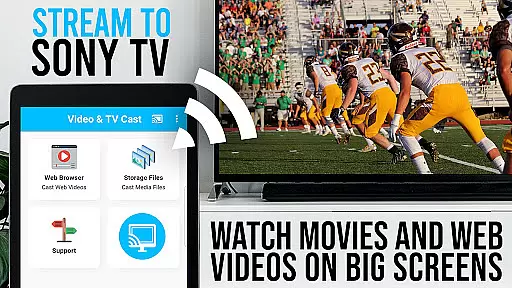
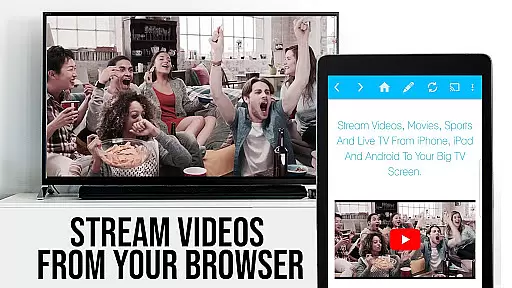
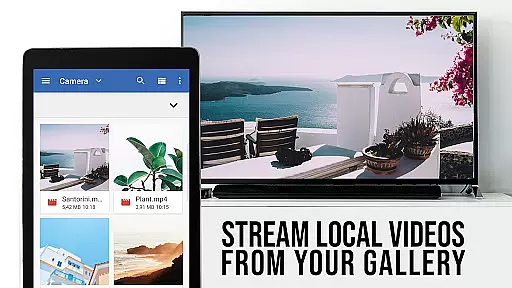
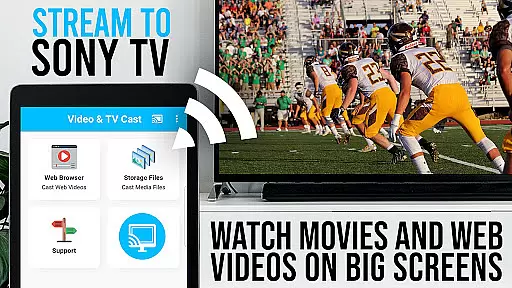
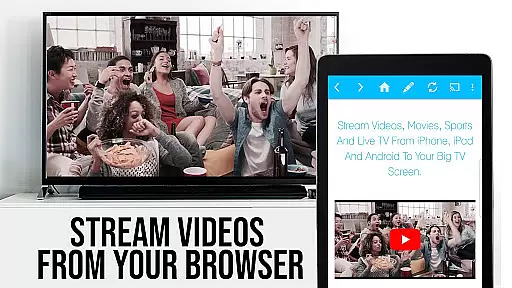
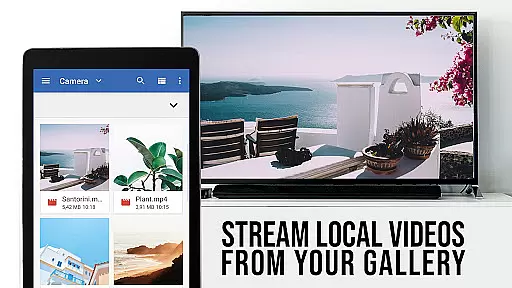
TV Cast Pro for Sony TV is a premier application designed to enhance your streaming experience on Sony TVs. This app allows users to stream web videos, online movies, livestreams, and live-TV shows directly to their Sony TV without the need for an additional streaming box. Supporting formats like mp4, m3u8, hls livestreams, video over https, and Full HD, it ensures high-quality playback. The PRO edition offers all premium features unlocked, catering specifically to Sony TVs with the built-in Video & TV Cast app.
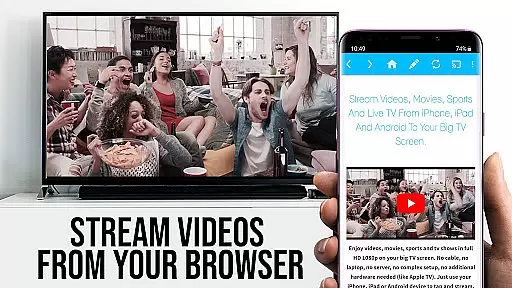
The app facilitates browsing the web and casting any video with a single tap, displaying discovered videos below the browser interface. It's important to note that this app does not support DRM-protected content from platforms like Netflix or Amazon. With functionalities such as remote playbar, ad-blocker, bookmarks, desktop mode, and customizable homepage settings, TV Cast Pro delivers a comprehensive and user-friendly streaming solution.
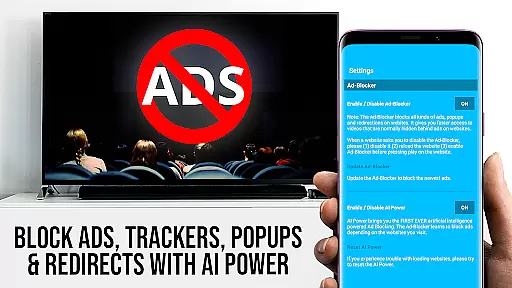
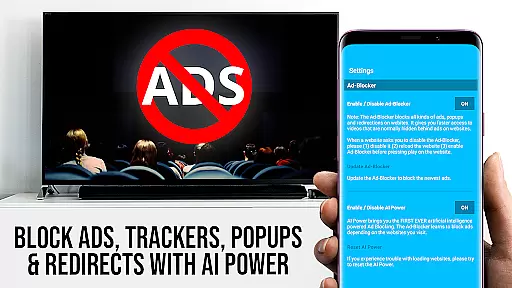
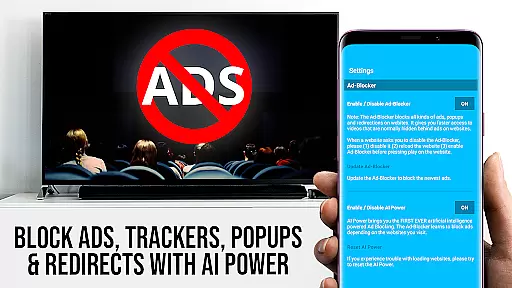
TV Cast Pro for Sony TV boasts an array of sophisticated features tailored for an optimal streaming experience. One of its standout capabilities is the Remote Playbar, which provides advanced video control including scrubbing, forward, rewind, play, pause, and stop functions while browsing. Coupled with an integrated Ad-Blocker, users can enjoy an uninterrupted viewing experience by blocking ads and popups on most websites visited within the app.
Further enhancing user convenience are the Bookmarks feature, allowing management of numerous bookmarks directly in the browser, and the Desktop Mode, enabling the loading of desktop websites instead of mobile versions. Users also have the flexibility to change the homepage according to personal preferences. These features collectively ensure that TV Cast Pro for Sony TV not only meets but exceeds user expectations by providing innovative tools that maximize both functionality and ease of use.
TV Cast Pro for Sony TV offers extensive video format compatibility, ensuring that users can enjoy a wide range of content without limitations. The app supports popular formats such as Mp4, m3u8, and HLS livestreams, allowing you to stream videos directly from the web to your Sony TV.
With the capability to handle video over https and Full HD support, this application guarantees high-quality playback for an immersive viewing experience. Whether you're streaming web videos or watching live TV shows, the app ensures smooth performance across different formats.
The importance of video format compatibility lies in providing users with the freedom to access diverse content sources. By supporting multiple formats, TV Cast Pro eliminates the need for additional streaming devices or conversions, making it convenient to enjoy your favorite media on the biggest screen in your home.
For users with Sony TVs equipped with the built-in Video & TV Cast app, this feature opens up a world of entertainment possibilities. You can browse websites, find embedded videos, and cast them effortlessly to your TV, experiencing the convenience of versatile format support.
While TV Cast Pro for Sony TV focuses primarily on streaming and casting capabilities, its AI-powered editing features enhance the overall user experience by offering advanced video control options. Through the Remote Playbar, users gain the ability to manage video playback with functions like scrubbing, forward, rewind, play, pause, and stop while browsing.
This level of control is akin to having a sophisticated editing suite at your fingertips, allowing for a more interactive and customized viewing session. The Remote Playbar transforms how users engage with content, giving them the tools to tailor their experience according to personal preferences.
Additionally, the Ad-Blocker feature works as an intelligent content filter, removing distractions by blocking ads and popups on most websites. This not only streamlines the viewing process but also contributes to a cleaner, more focused interface for users to navigate.
By integrating these AI-driven functionalities, TV Cast Pro elevates the standard video player experience into something more dynamic and user-centric. Users benefit from seamless interaction with their content, enjoying both convenience and enhanced control during their entertainment sessions.
User-friendly interface
High-quality video support
No additional hardware needed
Comprehensive ad-blocking
Flexible customization options
Limited to Sony TVs
No DRM content support
Requires specific TV models
Premium version costly
Occasional connectivity issues

Your media, on your terms.
 4.10
4.10
Create photo video with music & template. AI video maker for stunning slideshow.
4.60
Capture images & record videos for USB Camera, Webcam, Microscopes, Endoscopes
3.80
Support 1000+ Video Format, Subtitle Download, mp3 & Background Play, Cast On TV
4.60
Download website videos fast&privacy
4.40
Play and download HD videos from all sources — fast, simple, and all-in-one.
4.3
All in one multi protocols stream receiver for AirPlay, Cast and DLNA.
3.60
AI Video Editor with Music, Filter, Slideshow, Effect, Merge & Trim Video.
4.80
Video player with 4K & 1080P support, popup play, background play and subtitle.
4.20
Play ALL formats in 4K & HD. Video downloader, MP3 player, Chromecast & more.
4.80
High-Quality USB Camera Viewer & HDMI Display
4.70
Download videos and play them offline
4.70
Snaptubè Video Downloader app allows to download videos and music in Snaptube. .
4.60
Seamlessly connect and control your smart devices, anytime, anywhere with ease.
4.60
IPTV Loader, loads your own Playlist. DOES NOT CONTAIN ANY LIST OR CHANNELS
4.60
KineMaster, Your Ultimate Video Editor!
4.40
Live TV, anywhere in your home
3.80
Watch full episodes of your favorite Cartoon Network and Cartoonito shows!
3.50
Client application for NextPVR software
3.00


User Reviews