
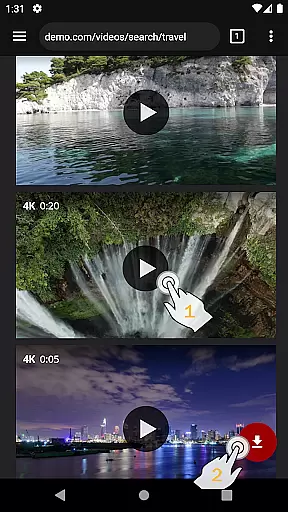
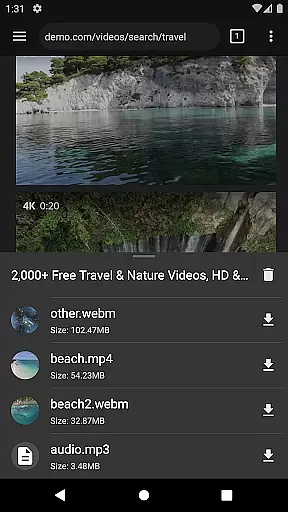
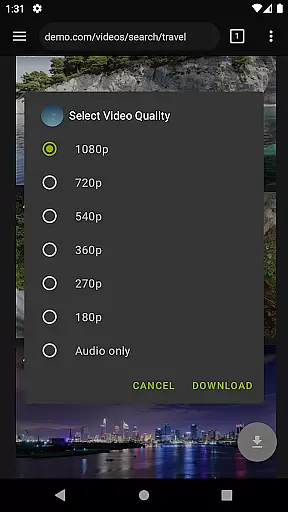
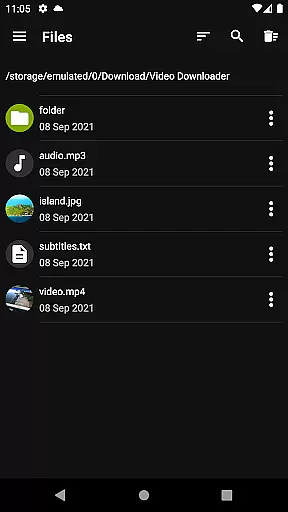
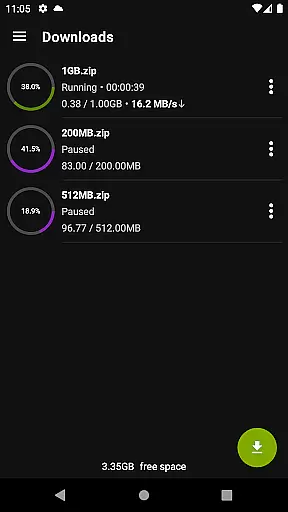

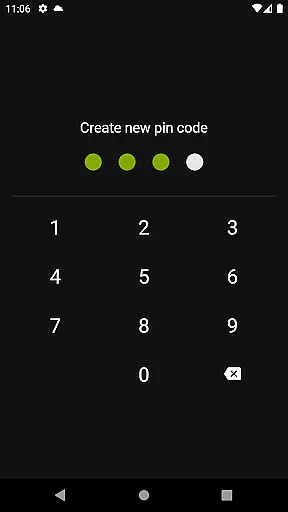
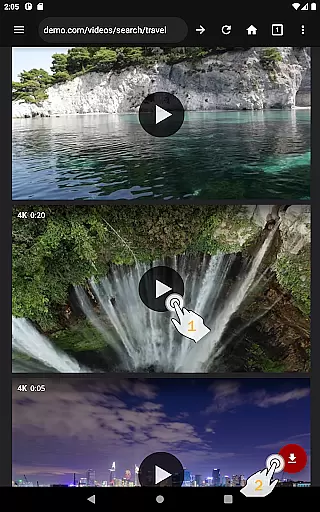
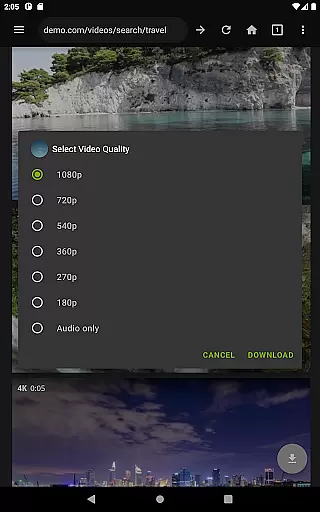
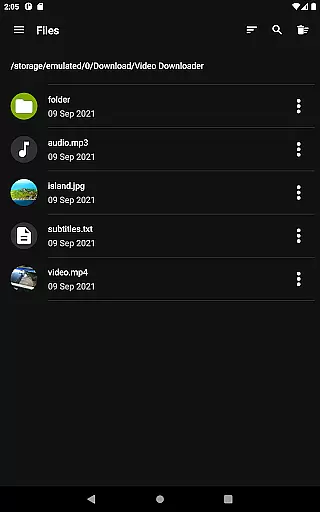
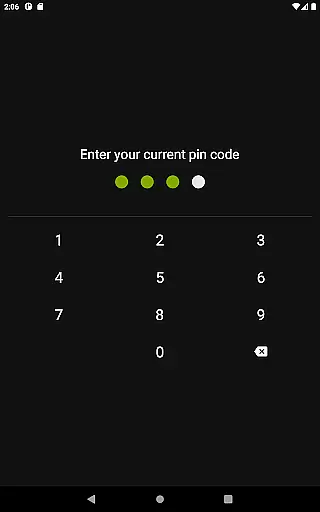
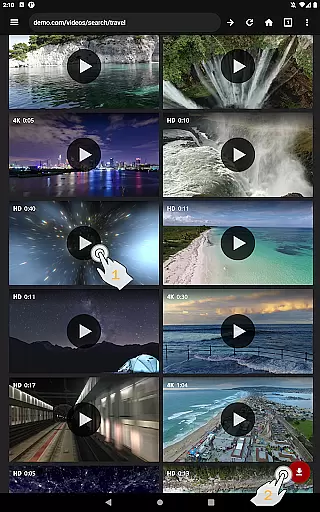
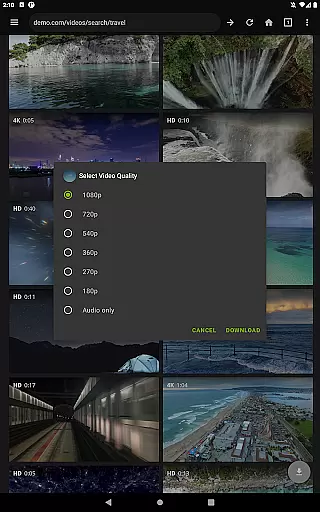
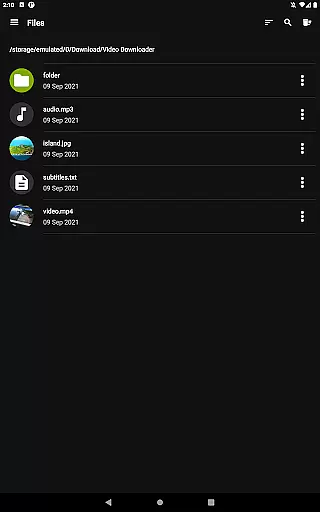
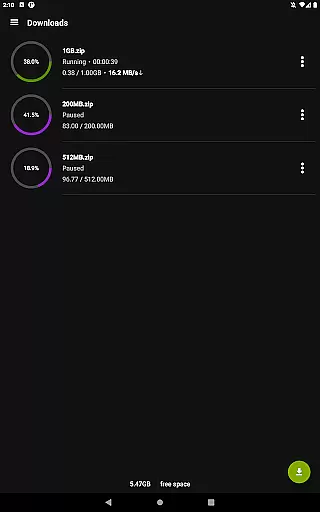
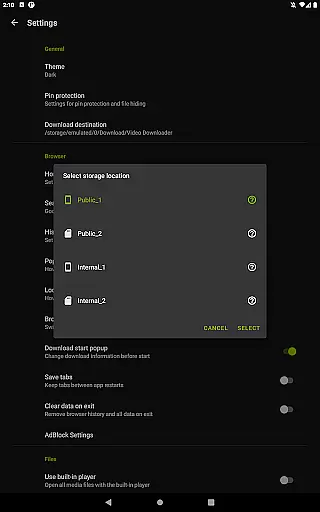
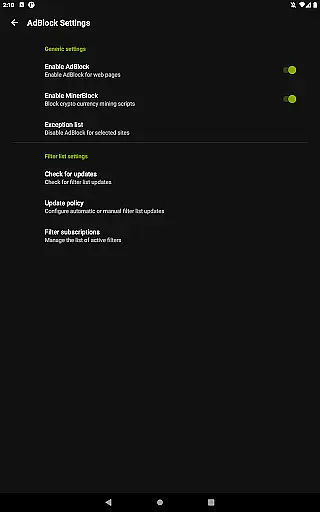
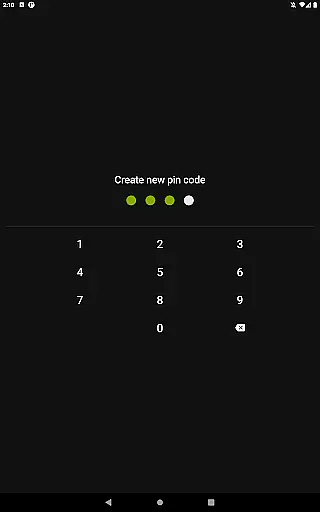
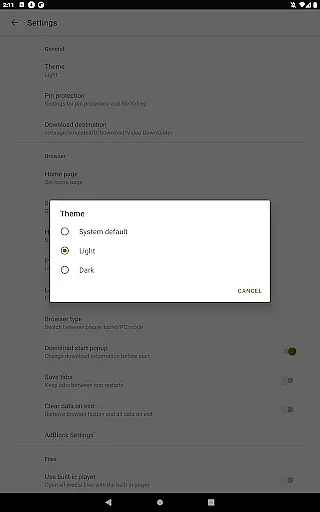
Video Downloader Pro is a premium application designed for users who need an efficient way to download and manage video content across multiple devices. The app offers advanced features such as the ability to download both static videos and live streams, making it versatile for various user needs. With its private web browser, users can browse incognito and protect their activity with PIN security.
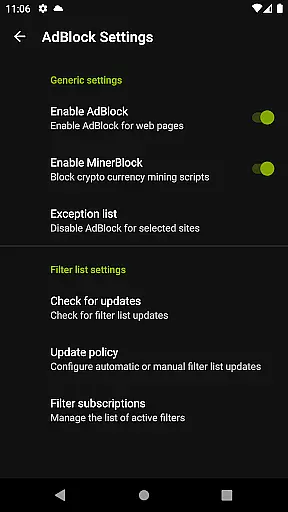
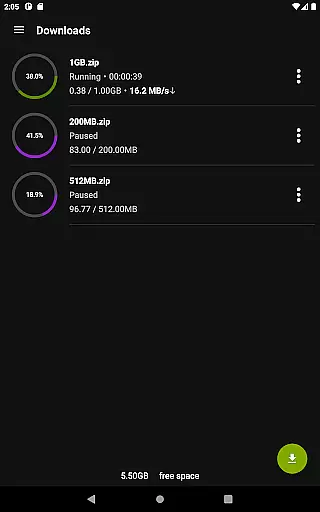
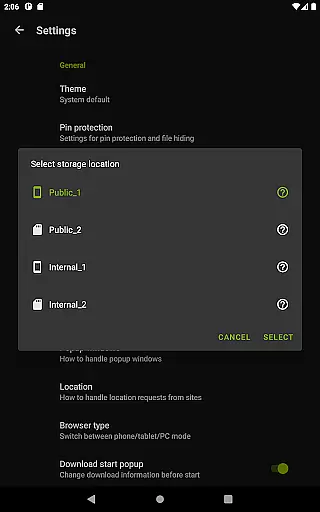
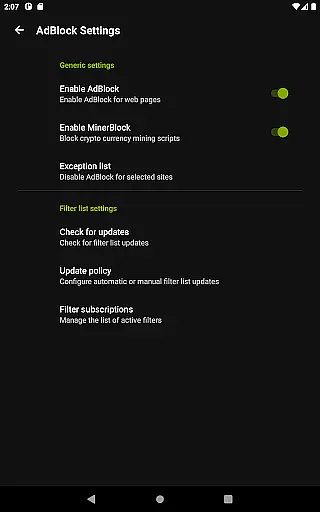
In addition to downloading capabilities, Video Downloader Pro includes a fully-featured AdBlocker, multi-connection download management that accelerates downloads, and support for multiple SD cards. These features ensure users have a smooth experience when managing large files or streaming content. The app is ideal for those looking to enjoy videos offline without interruptions from ads or connectivity issues.
Video Downloader Pro stands out due to its comprehensive feature set tailored for avid video consumers. One of its key features is the ability to download live video streams, which is not commonly found in standard video downloader apps. This functionality allows users to capture real-time content for later viewing. Additionally, the app provides a private browsing mode with PIN protection, ensuring user privacy while accessing content online.
The built-in AdBlocker supports custom filter lists, giving users control over their browsing experience by blocking unwanted advertisements. Another notable feature is the multi-connection download manager, which significantly speeds up the download process by utilizing multiple connections simultaneously. Furthermore, the app supports multiple SD cards, allowing flexible storage options for downloaded videos. These robust features collectively enhance the overall usability and convenience of Video Downloader Pro.
Video Downloader Pro stands out with its extensive video format compatibility, ensuring users can download and enjoy videos in their preferred formats. This feature is crucial for those who require specific formats for professional editing or playback on different devices.
The application supports a wide range of video formats including MP4, AVI, MKV, and more. This versatility allows users to seamlessly integrate downloaded videos into their existing workflows without worrying about conversion issues.
Moreover, the app's multi-connection download manager accelerates the downloading process, regardless of the file format. Users benefit from faster downloads while maintaining high-quality standards across all supported formats.
By offering comprehensive video format support, Video Downloader Pro caters to both casual viewers and professionals who demand flexibility and quality in their video content management.
While primarily a video downloader, Video Downloader Pro incorporates AI-powered editing features that enhance user experience beyond simple downloads. These intelligent tools help streamline video processing tasks, making it easier for users to manage their media libraries efficiently.
The premium version includes advanced functionalities such as automatic video quality enhancement and smart tagging. These features utilize machine learning algorithms to analyze and improve video characteristics, ensuring optimal viewing experiences on any device.
Additionally, the built-in AdBlocker and private browsing mode contribute to a distraction-free environment, allowing users to focus on their editing tasks without interruptions from unwanted ads or privacy concerns.
These AI-driven capabilities not only save time but also elevate the overall utility of Video Downloader Pro, positioning it as a comprehensive solution for managing and enhancing video content.
Ad-free experience
Live stream downloads
Lifetime usage
Priority support
Money-back guarantee
Premium price tag
Complex setup
Limited free features
Requires permissions
Device restrictions

Search & download videos from net with all video downloader, auto-detect & safe.
 4.60
4.60
Fast video downloader & private browser. Save HD clips to watch offline.
4.40
All format media Player, no need video converter any more!
4.00
This app was created to edit the metadata of music files.
4.20
Turn your phone into a wireless camera!
4.20
Download videos easily & play them all in one smart, powerful video manager.
3.40
Browser for Fire TV to stream webvideos, online movies, livestreams in HD
4.40
Web Browser for LG TV to stream webvideos, online movies and livestreams in HD
4.20
Cast movies, tv shows and live streams to Chromecast, Roku, DLNA, Fire TV & more
4.60
Tik & Story Saver-Download ALL social media videos, photos & reels no watermark.
4.80
Find, download, and play torrents with the official BitTorrent® Pro app
4.70
Snaptubè Video Downloader app allows to download videos and music in Snaptube. .
4.60
Support 1000+ Video Format, Subtitle Download, mp3 & Background Play, Cast On TV
4.60
KMPlayer Plus (Divx Codec) officially support Divx codec.
4.30
Your media, on your terms.
4.10
Online Videos Player
3.90
Kodi media center, a free and open source cross-platform entertainment hub
3.60
Connect EasyCap or UVC devices for recording and broadcast video/audio stream
3.60
You can play SWF format file!
2.50


User Reviews