
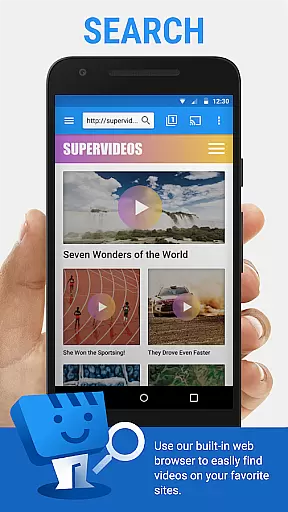
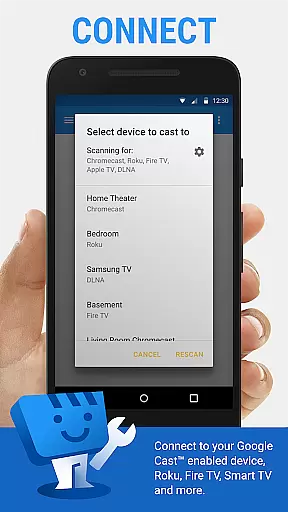
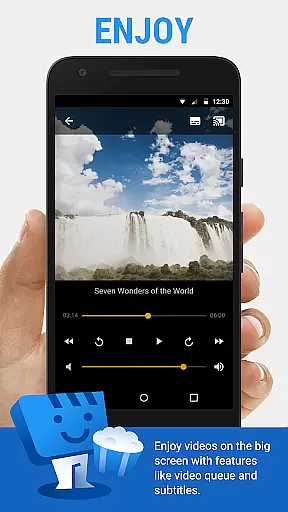
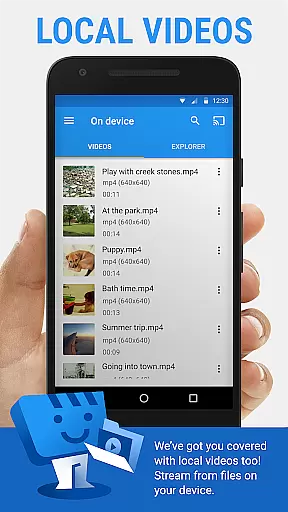
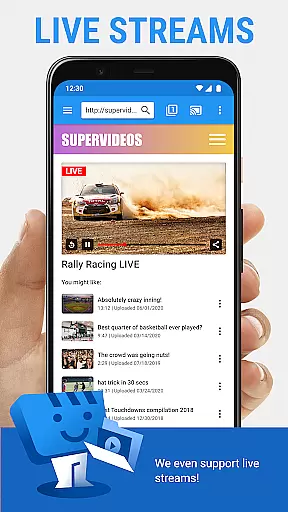
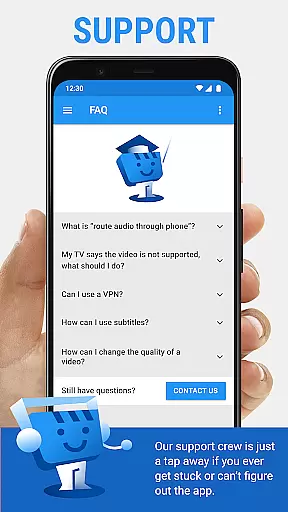
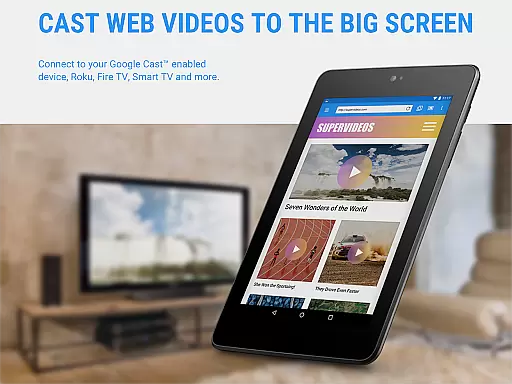
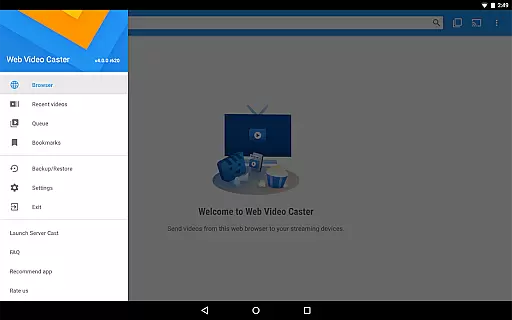
Web Video Cast is a versatile streaming application that enables users to cast videos, photos, and audio files from their mobile devices or websites directly to their TVs. The app supports popular streaming devices like Chromecast, Roku, Amazon Fire TV, and Smart TVs, making it easy to enjoy web content on a larger screen. With support for various media formats including MP4 videos, live streams in M3U8 format, and HTML5 videos, Web Video Cast ensures broad compatibility.
The app also offers advanced features such as subtitle detection, local file casting, and integration with OpenSubtitles.org for enhanced viewing experiences. Whether you want to watch movies, TV shows, live news, or sports, Web Video Cast provides a seamless solution to stream content from your phone to your TV. Its intuitive interface and wide device support make it an essential tool for anyone looking to enhance their home entertainment system.
Web Video Cast stands out with its comprehensive feature set tailored for streaming enthusiasts. One of its key strengths is the ability to cast both online and local content, including videos, photos, and audio files, to a wide range of supported devices. This includes popular streaming platforms like Chromecast, Roku, DLNA receivers, and even PlayStation 4 via its web browser. The app's support for HLS live streams and HTML5 videos ensures that users can access high-quality content without compatibility issues.
Another notable feature is the app's subtitle support. Web Video Cast automatically detects subtitles on web pages and allows users to upload their own subtitle files or search for subtitles via OpenSubtitles.org. Additionally, premium features such as bookmarks, video history, and a customizable home page enhance the user experience by providing greater control and personalization. These features, combined with the app's user-friendly interface, make Web Video Cast a powerful tool for anyone looking to stream content effortlessly.
Video format compatibility is a crucial feature for any video player and editor, ensuring that users can enjoy content from various sources without technical barriers. Web Video Cast supports an extensive range of formats including MP4 videos, HLS live streams in M3U8 format, and any HTML5 videos, provided your streaming device can decode them. This broad compatibility allows you to cast local videos stored on your phone, movies, TV shows, live news, sports, photos, and audio files to your TV effortlessly.
The application's strength lies in its ability to work seamlessly with popular streaming devices like Chromecast, Roku, DLNA receivers, Amazon Fire TV, and many smart TVs. By supporting these devices, Web Video Cast ensures that no matter what brand or model you own, you're likely covered. However, it's important to note that the app does not perform any video or audio decoding or transcoding, meaning playback success depends on your device's native capabilities.
For users, this means more flexibility and less frustration when trying to watch content from different websites or playing locally stored media. Whether you're looking to stream the latest movie trailers, binge-watch your favorite series, or share precious memories through photos, Web Video Cast has got you covered. The peace of mind that comes with knowing your preferred content will play smoothly on your TV makes this app an indispensable tool for modern entertainment needs.
AI-powered editing features represent the cutting edge of video player and editor technology, offering users advanced tools to enhance their viewing experience. While Web Video Cast primarily focuses on casting and streaming capabilities, it incorporates intelligent functionalities such as automatic subtitle detection on web pages. This feature simplifies the process of finding and using subtitles, enhancing accessibility and viewer engagement. Additionally, users have the option to upload their own subtitles or utilize the integrated search function of OpenSubtitles.org, providing even more customization options.
Although Web Video Cast doesn't offer traditional video editing tools, its AI-driven enhancements significantly improve usability. For instance, the app intelligently identifies playable content on web pages, allowing users to cast videos directly without manual intervention. This seamless interaction between the app and web content reduces the complexity often associated with streaming, making it accessible even to those with limited technical skills.
By leveraging these smart features, Web Video Cast delivers a superior user experience that goes beyond basic playback. Users benefit from streamlined access to their favorite online content, whether it's movies, TV shows, or live streams, all while enjoying enhanced control over how they consume media. These innovations underscore the app's commitment to combining powerful technology with user-friendly design, setting a new standard in the realm of video players and editors.
User-friendly interface
Wide device compatibility
Subtitle support
Local file casting
Premium customization options
No tab casting functionality
Limited server-side issue resolution
Premium features not universal
Device-specific limitations
In-app advertisements in free version

You can play SWF format file!
 2.50
2.50
Cast Videos from Web Browser, IPTV to Roku, Chromecast, DLNA, Smart TV +more
4.60
Watch a large amount of high-definition short drama content
4.60
Create photo video with music & template. AI video maker for stunning slideshow.
4.60
VLC Remote lets you control your VLC Media Player on Mac, PC or Linux.
4.60
Pro video editor app for Instagram, edit video with song, AI, effect & slowmo.
4.80
Fast & easy HD video downloader for all formats, support 4K playback & download.
4.60
Connect EasyCap or UVC devices for recording and broadcast video/audio stream
3.60
Create, Publish & Maximize
4.70
Video Trimmer, Video to MP3 Converter. Extract music from video, Easy & Fast.
4.80
Play ALL formats in 4K & HD. Video downloader, MP3 player, Chromecast & more.
4.80
An easy-to-use and all-round screen recorder with audio
4.80
#1 Torrent App on Android ** No Ads Ever + Battery Saver **
4.80
Download videos and play them offline
4.70
Support 1000+ Video Format, Subtitle Download, mp3 & Background Play, Cast On TV
4.60
Browser + Remote for Roku to stream webvideos, online movies and livestreams
4.60
AirMirror Receiver - Screen mirroring/cast web videos to Android TV by AirPlay.
4.40
Livestream, news, & gaming content. Watch, chat, and upload. Join Rumble today!
3.80
Play and download HD videos from all sources — fast, simple, and all-in-one.
4.5


User Reviews