
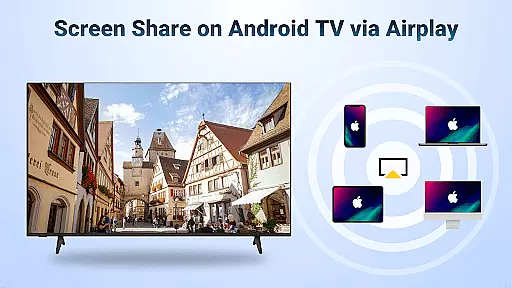
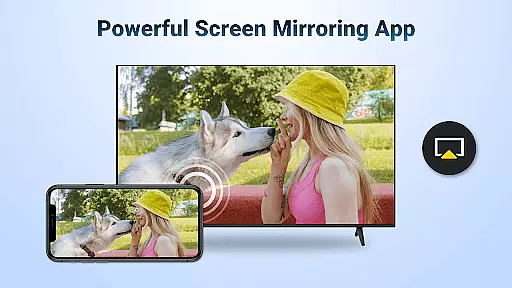
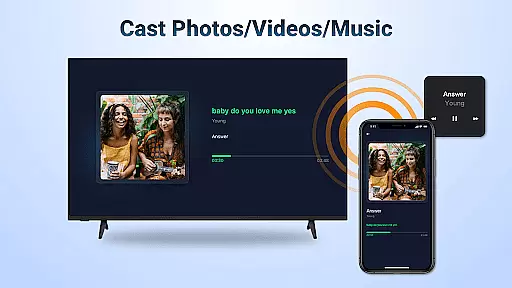
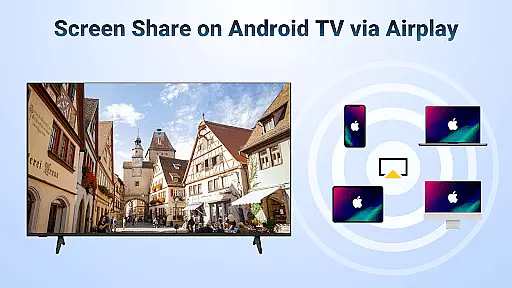
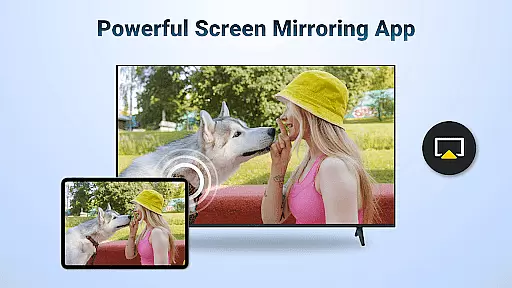
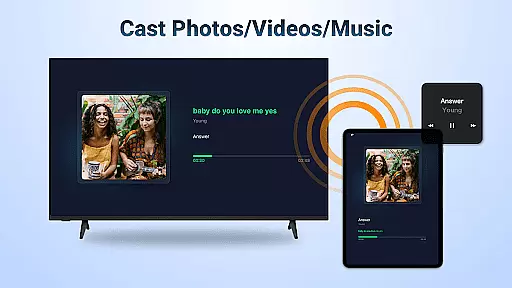
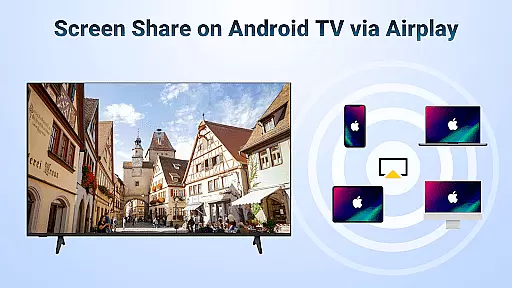
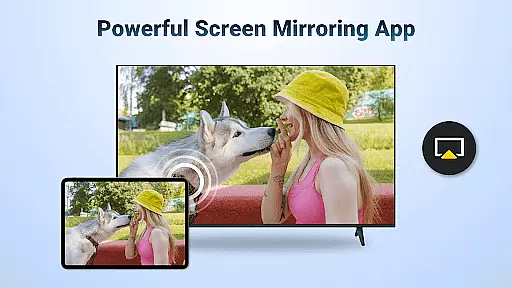
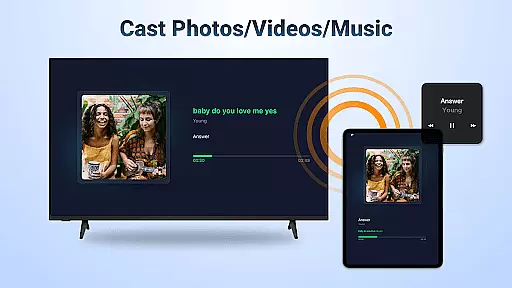
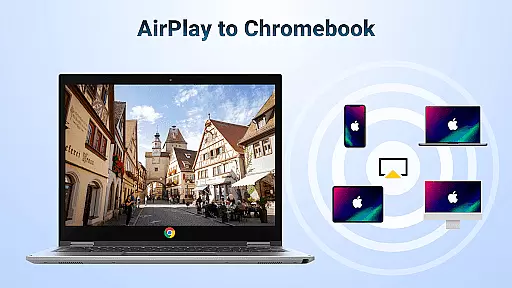
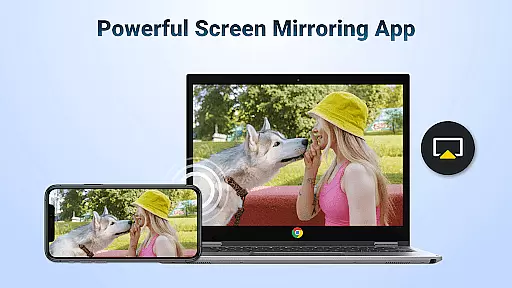
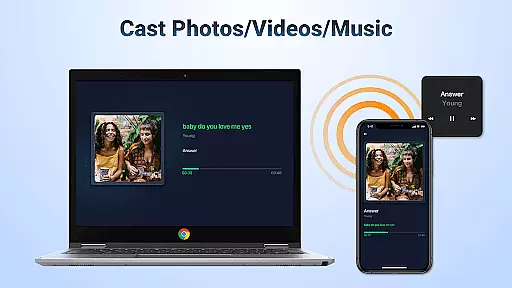
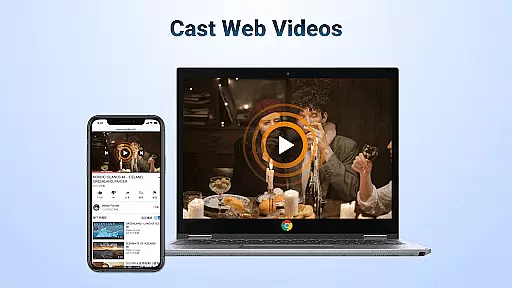
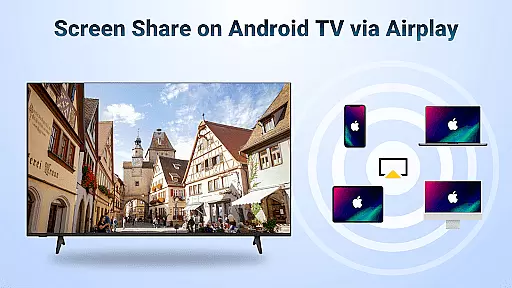
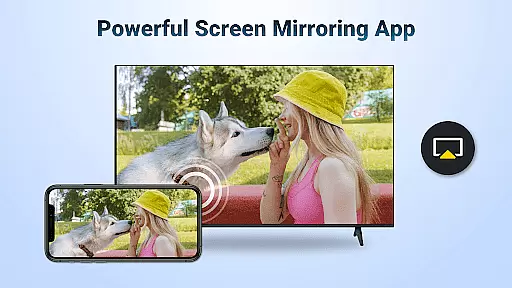
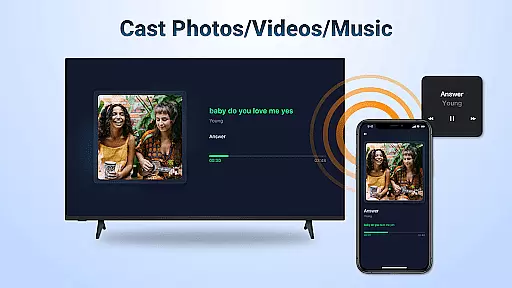
AirMirror is a powerful wireless streaming receiver app that allows users to mirror and cast content from Apple devices to Android TV over WiFi. With this innovative solution, you can effortlessly share your iOS screen or stream photos, videos, and music directly to your Android TV without the need for additional converters or frequent device switching.
The application supports various use cases including business presentations, educational content sharing, multiplayer gaming, and family entertainment. Whether you're conducting a meeting, teaching a class, or simply enjoying media with friends and family, AirMirror provides a seamless connection between your Apple devices and Android TV.
By enabling direct streaming of web videos, music playlists, and personal media libraries, AirMirror creates an immersive viewing experience on larger screens while maintaining excellent audio quality. The intuitive interface ensures simple setup and stable performance, making it an essential tool for both professional and personal use.
AirMirror offers a comprehensive set of features designed to enhance your multimedia experience across devices. The app supports AirPlay-enabled devices, allowing you to stream audio, video, and photos from iTunes, iOS devices, and other compatible sources directly to your Android TV. This includes smooth and fast casting of web videos, with playback controls available directly on the receiving end.
One of the key advantages of AirMirror is its flexible orientation options. Users can switch between landscape and portrait modes according to their preference, ensuring optimal viewing angles for different types of content. The app maintains stable mirroring and screen casting even during extended sessions, providing reliable performance for both casual and professional use.
The application's user-friendly design simplifies connectivity while ensuring consistent performance. By requiring only a shared WiFi network connection between devices, AirMirror eliminates complicated setup procedures. However, it's important to note that the app does not support DRM-protected content from services like Netflix or paid video platforms, maintaining compliance with digital rights management policies.
Video format compatibility is a crucial feature for any video player and editor, ensuring that users can enjoy a wide range of content without worrying about format restrictions. AirMirror: TV Cast via AirPlay supports streaming audio, video, and photos from devices enabled with Airplay, including iTunes, iOS devices, and more.
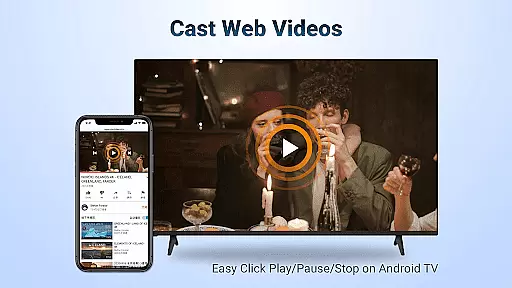
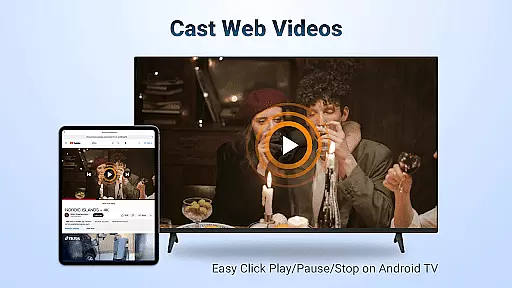
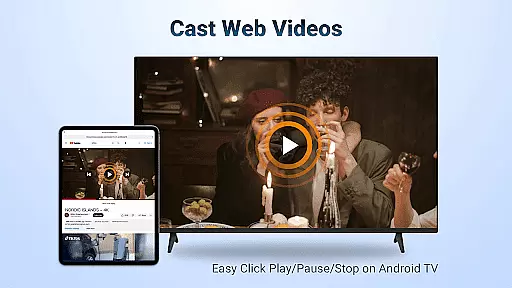
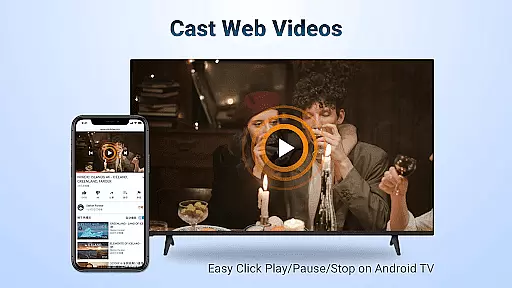
This application allows you to cast web videos via Airplay with smooth and super-fast performance. Whether you're streaming personal media or online content where DRM allows, the app ensures seamless playback without the need for additional converters or format changes.
Users benefit from simple connectivity and stable mirroring and screen casting. The ability to click Play, Pause, or Stop directly on the receiving end enhances user control and convenience. This flexibility in video format handling makes AirMirror an ideal choice for both casual viewing and professional presentations.
AI-powered editing features are transforming how we interact with multimedia content by providing intelligent tools that enhance user experience. While AirMirror: TV Cast via AirPlay focuses primarily on screen mirroring and casting, it incorporates smart functionalities that streamline media sharing.
The app enables users to switch between landscape and portrait modes effortlessly, adapting to different types of content being shared. This adaptability is akin to AI-driven adjustments found in advanced video editors, ensuring optimal display regardless of source orientation.
Although AirMirror doesn't offer traditional editing capabilities, its intelligent connectivity provides stable mirroring and screen casting. These features effectively bridge Apple and Android ecosystems, allowing users to share presentations, gaming sessions, fitness videos, and more with ease.
Seamless cross-platform compatibility
Stable wireless streaming performance
User-friendly interface design
Flexible orientation options
Wide range of supported content types
No DRM content support
Requires stable WiFi connection
Limited to AirPlay-enabled devices
Occasional connectivity issues
Basic feature set compared to premium solutions

Stream high quality video from your camera over NDI protocol
 4.5
4.5
Live TV, anywhere in your home
3.80
Fast & easy HD video downloader for all formats, support 4K playback & download.
4.60
Make your own Animations, Video and Photo Edits, Visual Effects, and more!
4.00
Browser + Remote for Roku to stream webvideos, online movies and livestreams
4.60
AI Video Editor with Music, Filter, Slideshow, Effect, Merge & Trim Video.
4.80
Viddo: Generate Action Figure, AI Anime, AI kiss, AI hug Video from image & text
4.40
Make videos you’re proud to share with Edits, a video editor for creators.
4.70
Capture the moment and Cut
3.40
Tik & Story Saver-Download ALL social media videos, photos & reels no watermark.
4.80
Cast Videos from Web Browser, IPTV to Roku, Chromecast, DLNA, Smart TV +more
4.60
Seamlessly connect and control your smart devices, anytime, anywhere with ease.
4.60
Auto video maker with music & exclusive filters. Video editing made simple.
4.50
Video Downloader is an utility that can save videos and music from web sites
4.20
Web Browser for LG TV to stream webvideos, online movies and livestreams in HD
4.20
VLC for Android is the best open source video and music player, fast and easy!
4.10
Capture images & record videos for USB Camera, Webcam, Microscopes, Endoscopes
3.80
Save photos and videos from social apps in one tap.
3.60
Play and download HD videos from all sources — fast, simple, and all-in-one.
4.2


User Reviews