
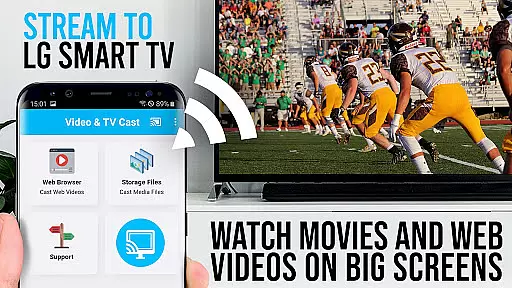
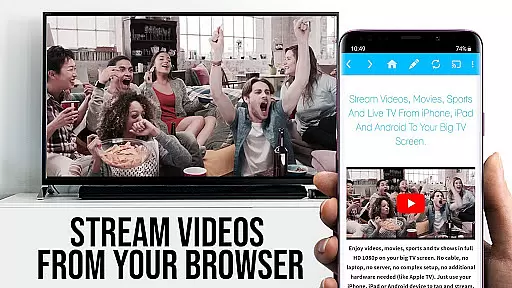
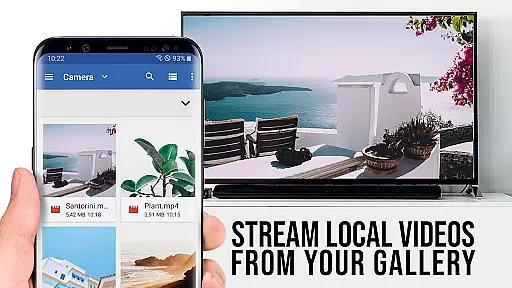
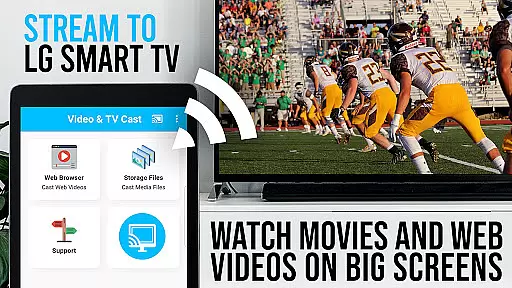
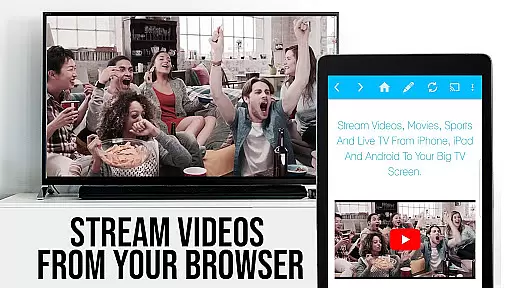
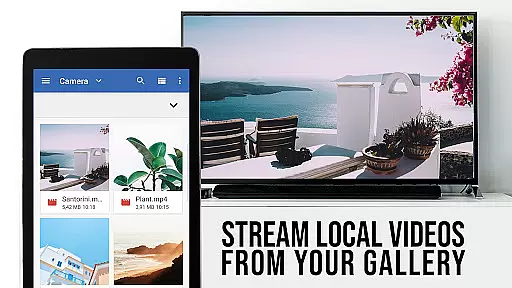
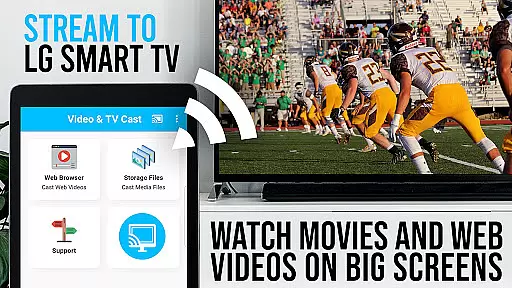
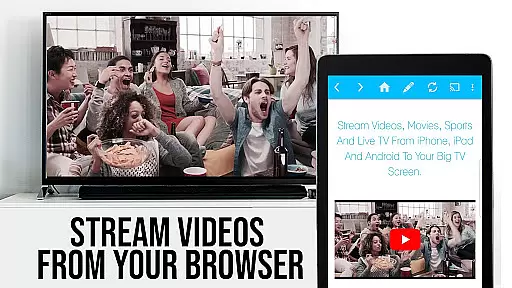
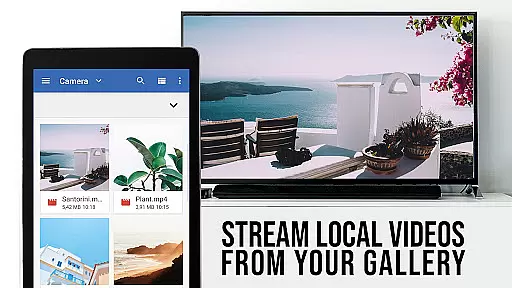
TV Cast Pro for LG webOS is a premium application designed to enhance your streaming experience on LG Smart TVs. This app allows users to cast web-videos, online-movies, livestreams, and live TV shows directly to their LG TV without the need for an additional streaming box. With support for video formats like mp4 and m3u8, it ensures high-quality Full HD streaming. The app supports multitasking, enabling users to use their phone for other activities while casting continues uninterrupted.
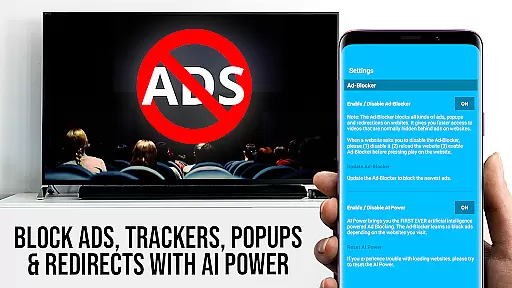
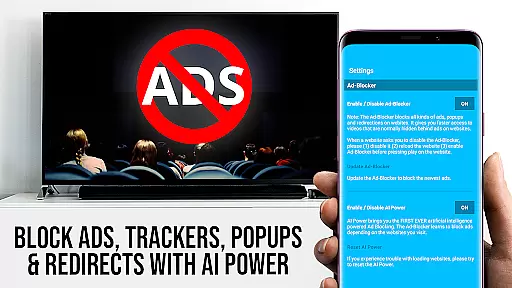
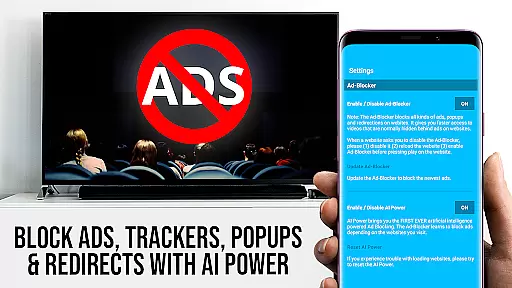
The PRO edition offers exclusive features such as the Remote Playbar for advanced video control, an Ad-Blocker to eliminate ads and popups, Bookmarks for easy access to favorite sites, Desktop Mode to view desktop versions of websites, and customizable Homepage settings. These features collectively provide a seamless and enriched streaming experience, making it a top choice for users looking to maximize their TV's potential.
TV Cast Pro stands out with its innovative features tailored for an optimal streaming experience. One notable feature is the ability to cast in Full HD, regardless of the Android device's screen resolution, offering superior video quality compared to traditional Miracast technology. Additionally, the app facilitates multitasking by allowing users to close the app or even shut down their phone while casting continues.
Another significant advantage is the reduced Wi-Fi usage since the phone isn't actively involved once casting begins. The app also boasts broad device compatibility, working on all Android devices. Moreover, the PRO version includes advanced functionalities like the Remote Playbar for enhanced video navigation, an Ad-Blocker for an uninterrupted viewing experience, and options to manage bookmarks and change the homepage, providing users with a personalized and efficient streaming solution.
TV Cast Pro for LG webOS stands out with its versatile video format compatibility, ensuring users can enjoy a wide range of content without limitations. The app supports popular formats such as mp4 and m3u8, allowing seamless streaming of web-videos, online-movies, livestreams, and live-tv shows directly to LG Smart TVs.
This compatibility is crucial for an uninterrupted entertainment experience. Whether you're streaming high-definition movies or catching up on live TV, the ability to handle various formats ensures that content plays smoothly without the need for additional conversions or plugins.
By supporting Full HD streaming even from devices with lower screen resolutions, TV Cast Pro enhances video quality across the board. This feature guarantees that users can enjoy crisp, clear visuals on their biggest screen, making it an ideal solution for home entertainment enthusiasts.
While TV Cast Pro for LG webOS focuses primarily on video streaming, it incorporates intelligent features that enhance user interaction similar to AI-powered editing tools. The app's advanced browsing capabilities allow users to discover and cast videos with unprecedented ease, offering a streamlined experience comparable to smart editing functions.
The Remote Playbar feature demonstrates this technological sophistication, providing users with precise control over their streaming content. With options for video scrubbing, forward, rewind, play, pause, and stop, viewers maintain complete command over their viewing experience, much like how AI-powered editors assist with content manipulation.
Additionally, the built-in Ad-Blocker works intelligently to filter out unwanted advertisements and popups from most websites. This smart filtering system ensures a cleaner, more focused viewing environment, automatically adapting to different web pages and maintaining optimal performance without manual intervention.
Full HD casting
Multi-tasking enabled
Ad-Blocker included
Device compatibility
Remote Playbar
No DRM support
Limited refunds
QR Code required
Third-party app issues
Network dependency

Online Videos Player
 3.90
3.90
Photo and Music Video Creator into Stunning Videos—Effortlessly
4.40
?100% FREE! Download & save videos? safely in this app. All formats supported.
4.60
Video Trimmer, Video to MP3 Converter. Extract music from video, Easy & Fast.
4.80
Capture images & record videos for USB Camera, Webcam, Microscopes, Endoscopes
3.80
IPTV Loader, loads your own Playlist. DOES NOT CONTAIN ANY LIST OR CHANNELS
4.60
Browser for Sony TV to stream web videos, online movies and live tv
3.20
All in one multi protocols stream receiver for AirPlay, Cast and DLNA.
3.60
Browser + Remote for Roku to stream webvideos, online movies and livestreams
4.60
A Quick and Pro Video Editor
4.70
GENRAL PRO - General Pro is the best video player that fully supports all formats.
4.70
A Simple app to download Video & Music from the Internet.
4.70
VLC Remote lets you control your VLC Media Player on Mac, PC or Linux.
4.60
Seamlessly connect and control your smart devices, anytime, anywhere with ease.
4.60
This app was created to edit the metadata of music files.
4.20
HD video & music player - All format support with floating & PIP mode!
3.80
Connect EasyCap or UVC devices for recording and broadcast video/audio stream
3.60
This app is an emulator of some specific IPTV boxes
3.50
Mix with Virtual DJ directly from your phone or tablet !
3.10


User Reviews