

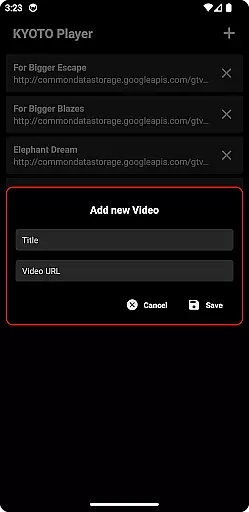
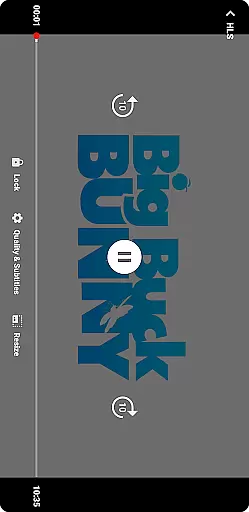
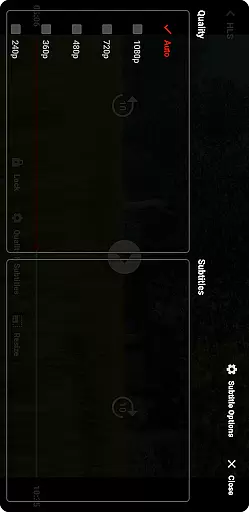

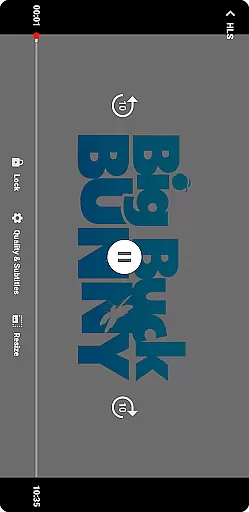
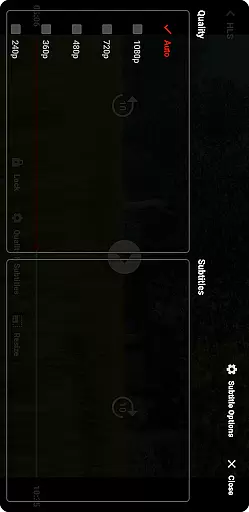

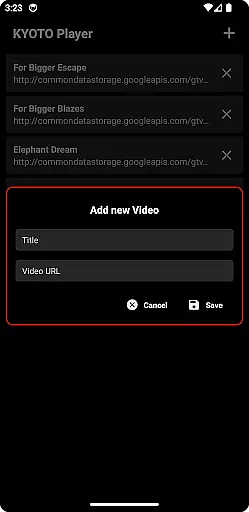
KYOTO Player is a versatile video player app designed for seamless playback of various online video formats. Supporting an extensive range of file types including MP4, HLS, DASH, and more, it ensures smooth streaming without compatibility issues.
The app's intuitive interface allows users to easily navigate through their media library while enjoying high-quality video playback. Whether you're watching casual videos or managing a large collection of multimedia files, KYOTO Player provides a reliable solution for all your video viewing needs.
One of the standout features of KYOTO Player is its wide format support, accommodating over 10 different video and audio formats. This includes popular standards like MP4 and WebM as well as professional formats such as MPEG-TS and FLV.
Beyond basic playback capabilities, the app offers advanced functionality like customizable playback speeds, subtitle support, and equalizer settings for audio enhancement. These features make it suitable for both casual viewers and enthusiasts who require precise control over their media experience.
Video format compatibility is a crucial feature for any video player application. KYOTO Player excels in this area by supporting an extensive range of video formats including MP4, HLS, DASH, MP3, WebM, MKV, OGG, WAV, MPEG-TS, MPEG-PS, FLV, and more.
The ability to play such a wide variety of formats ensures that users can enjoy their media content without worrying about format restrictions. This flexibility makes KYOTO Player suitable for diverse user needs, whether they are streaming online videos or playing locally stored files.
By incorporating advanced decoding technologies, KYOTO Player delivers smooth playback performance across different devices. The app's comprehensive format support not only enhances user convenience but also positions it as a versatile tool for both casual viewers and tech-savvy users who work with various video formats.
While primarily a video player, KYOTO Player incorporates AI-powered editing features that add significant value to the user experience. These intelligent tools help users enhance their video content through automated processes that would typically require professional editing skills.
The AI algorithms within KYOTO Player can analyze video content to suggest optimal cropping, color correction, and audio enhancement settings. This feature enables users to improve video quality with minimal effort, making professional-grade editing accessible to everyone.
Furthermore, the integration of machine learning technologies allows the app to learn from user preferences and viewing habits. Over time, this results in more personalized and effective editing suggestions, creating a more engaging and customized video experience for each individual user.
User-friendly interface
Wide format compatibility
Advanced playback options
Subtitle integration
Regular updates
Limited editing tools
No built-in downloader
Occasional bugs
Ads in free version
Heavy on resources

Stream high quality video from your camera over NDI protocol
 4.2
4.2
Powerful HD video player with support for all formats & subtitles.
4.1
Live TV, anywhere in your home
3.80
High-Quality USB Camera Viewer & HDMI Display
4.70
Stream Web Videos to Chromecast, Samsung, LG, Sony, Roku, Fire TV, DLNA + more
4.00
Mix with Virtual DJ directly from your phone or tablet !
3.10
The essential companion to your Blue Iris PC software
2.50
This app is an emulator of some specific IPTV boxes
3.50
VLC for Android is the best open source video and music player, fast and easy!
4.10
GENRAL PRO - General Pro is the best video player that fully supports all formats.
4.70
HD Video player all format, HD Videos, Cast & Subtitle. No annoying ads.
4.60
Snaptubè Video Downloader app allows to download videos and music in Snaptube. .
4.60
Download website videos fast&privacy
4.40
Powerful video player with advanced hardware acceleration and subtitle supports
4.20
Browser for Samsung TV to stream webvideos, online movies and livestreams in HD
4.10
Powerful, professional, versatile teleprompter. Developed by an active film crew
4.00
HD video & music player - All format support with floating & PIP mode!
3.80
Connect EasyCap or UVC devices for recording and broadcast video/audio stream
3.60
A full editing room to accompany your Insta360 cameras and handheld gimbals.
3.30


User Reviews