
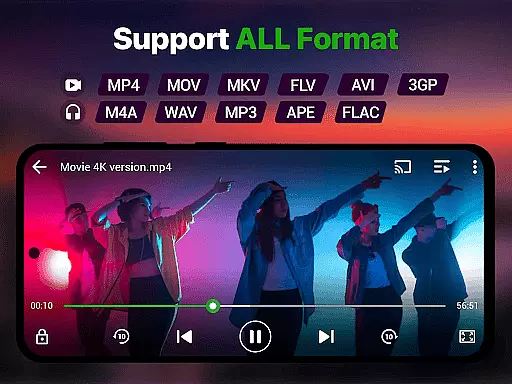
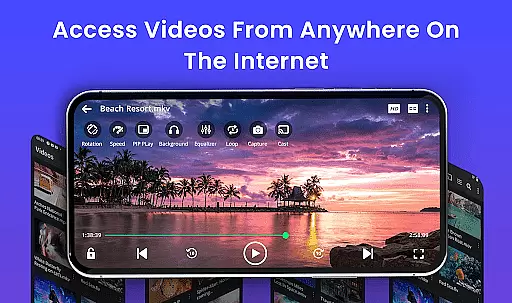
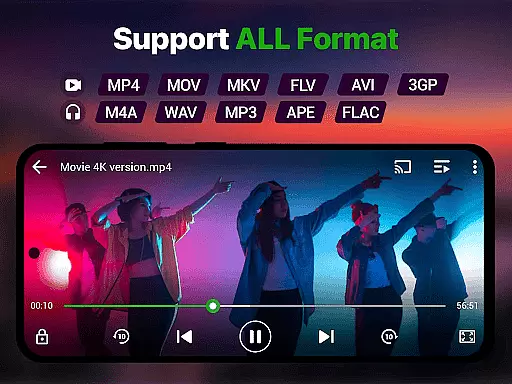
Video Player is a feature-rich application designed for seamless video playback on Android devices. Supporting all major video formats including MP4, MKV, AVI, MOV, and more, it ensures smooth performance even in Ultra HD and 4K resolutions. The app incorporates advanced decoding technology and AI-enhanced rendering to deliver stunning clarity and optimized frame rates, making it ideal for watching movies, tutorials, or managing media libraries.
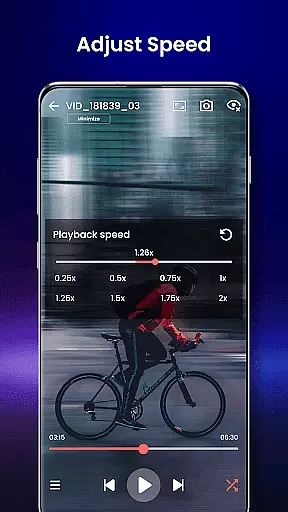
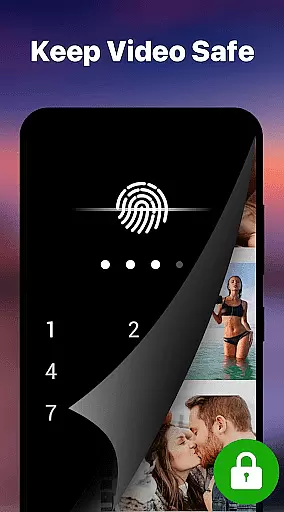
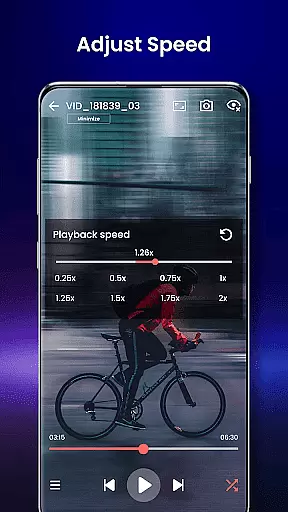
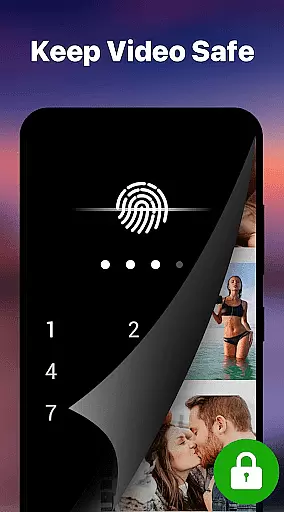
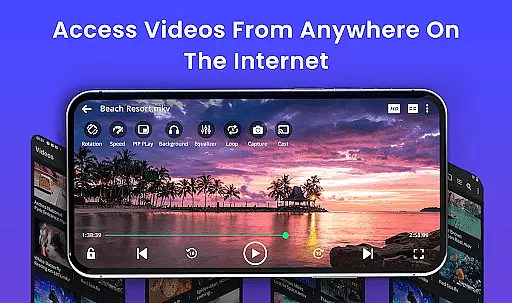
With smart gesture controls, subtitle support, and background play options, Video Player enhances user convenience. It also offers unique features like a private folder with PIN lock, Chromecast integration, and speed control ranging from 0.25x to 4x. Whether you're streaming content or organizing local files, this app provides a cinema-grade experience tailored to your needs.
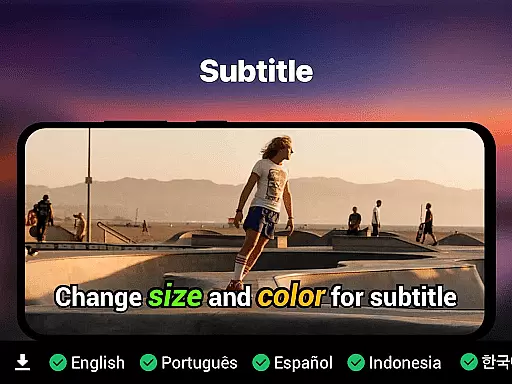
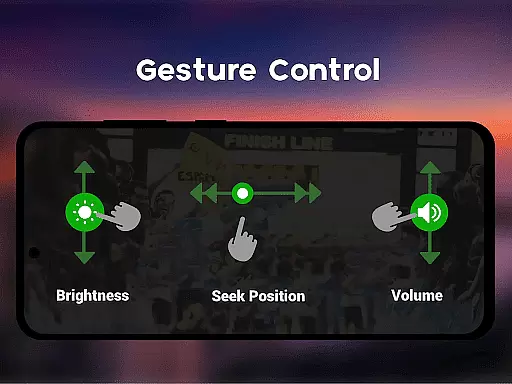
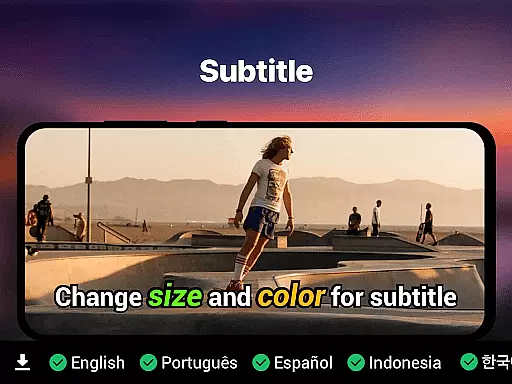
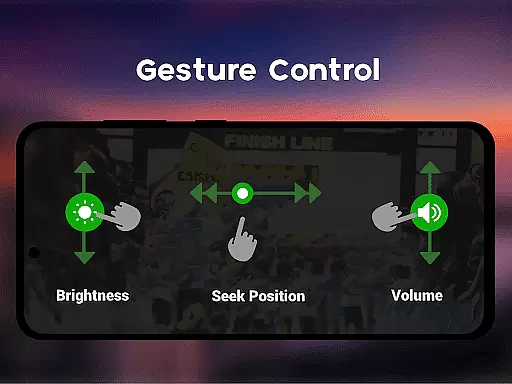
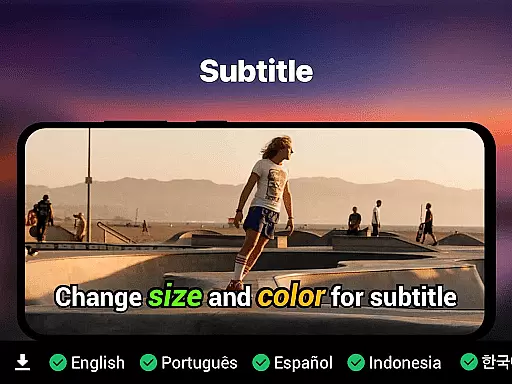
Video Player stands out with its extensive format compatibility, supporting everything from MP4 to WMV and FLV. Its Ultra HD and 4K playback capabilities ensure high-quality viewing, while smart gesture controls allow users to adjust volume, brightness, and seeking effortlessly. Subtitle support includes SRT, SSA, ASS, and VTT formats, with automatic track detection for an uninterrupted experience.
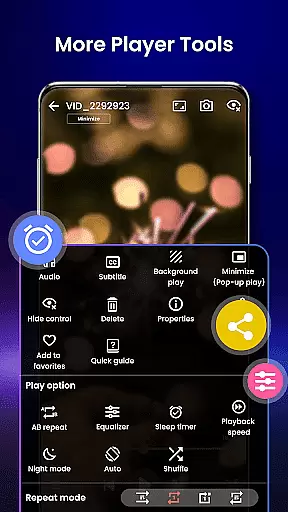
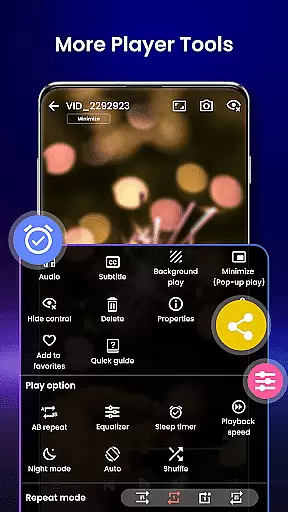
The app's innovative features include pop-up window mode, night mode for eye protection, and customizable speed settings. Integrated file management automatically detects and organizes videos, while the private folder option adds security with PIN protection. Chromecast support enables easy streaming to larger screens, and resume playback functionality ensures you never lose your place.
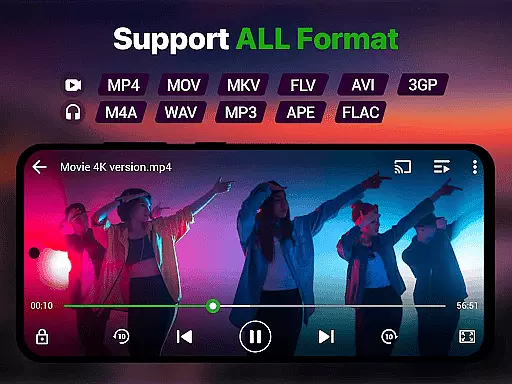
Video format compatibility is a crucial feature for any video player, ensuring that users can enjoy their media files without worrying about format restrictions. The Video Player app supports an extensive range of formats including MP4, MKV, AVI, MOV, FLV, 3GP, and WMV, making it one of the most versatile players available.
This comprehensive support means that whether you're watching downloaded movies, recorded clips, or streamed content, the app delivers smooth playback without requiring any conversion or additional software. This versatility ensures that users can access their entire video library with ease.
The app's advanced decoding technology guarantees high-performance playback even for demanding formats like 4K and Ultra HD videos. By optimizing frame rendering and boosting clarity, the app provides a seamless viewing experience across all supported formats.
With this level of video format compatibility, users can confidently manage and watch diverse media collections on their Android devices, transforming them into powerful multimedia hubs capable of handling virtually any video file type.
AI-powered editing features represent the cutting-edge of video player technology, enhancing both the playback and management of media files. The Video Player app incorporates AI-enhanced rendering to optimize video clarity and ensure smooth playback, particularly beneficial for high-resolution content such as 4K and Ultra HD videos.
Beyond just playback, these intelligent features extend to practical functionalities like automatic video file organization and subtitle track detection. The app's smart gesture controls for volume, brightness, and seeking are refined through AI algorithms, providing intuitive and responsive user interactions.
Additionally, the app offers speed control from 0.25x to 4x, allowing users to customize their viewing experience while maintaining optimal video quality. These AI-driven capabilities not only improve usability but also contribute to a more engaging and personalized entertainment experience.
By integrating advanced AI technologies, the Video Player app establishes itself as more than just a playback tool u2013 it becomes a sophisticated media companion that adapts to various user needs and preferences.
Supports all video formats
Ultra HD & 4K playback
Smart gesture controls
Private folder with PIN lock
No ads
Limited iOS support
Advanced features locked
Occasional bugs
Heavy on storage
Complex UI

HD Video player all format, HD Videos, Cast & Subtitle. No annoying ads.
 4.60
4.60
Video Downloader is an utility that can save videos and music from web sites
4.20
Search & download videos from net with all video downloader, auto-detect & safe.
4.60
Pro video editor app for Instagram, edit video with song, AI, effect & slowmo.
4.80
Seamlessly connect and control your smart devices, anytime, anywhere with ease.
4.60
GENRAL PRO - General Pro is the best video player that fully supports all formats.
4.70
Movie maker & video editing app with AI effects and green screen
4.30
All in one multi protocols stream receiver for AirPlay, Cast and DLNA.
3.60
Manage your YouTube channel on the go
4.40
Video Trimmer, Video to MP3 Converter. Extract music from video, Easy & Fast.
4.80
High-Quality USB Camera Viewer & HDMI Display
4.70
A Simple app to download Video & Music from the Internet.
4.70
Watch a large amount of high-definition short drama content
4.60
Fast video downloader & private browser. Save HD clips to watch offline.
4.40
Full HD Video mp3 Player, MP4 player play 1080p, File manager, Video Downloader
4.40
Powerful video player with advanced hardware acceleration and subtitle supports
4.20
LumaFusion: The Ultimate Storytelling Experience for Video Editing
4.10
Stream Web Videos to Chromecast, Samsung, LG, Sony, Roku, Fire TV, DLNA + more
4.00
IPTV Player - Watch live TV from m3m & m3u8 playlist, stream IPTV on mobile
3.30


User Reviews