
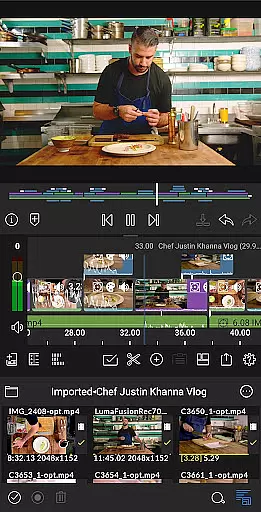
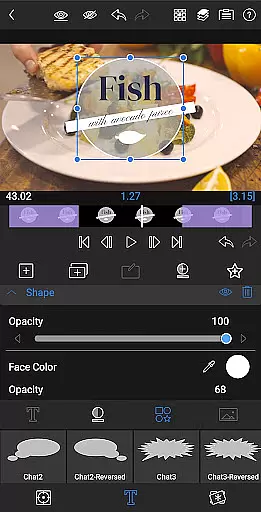
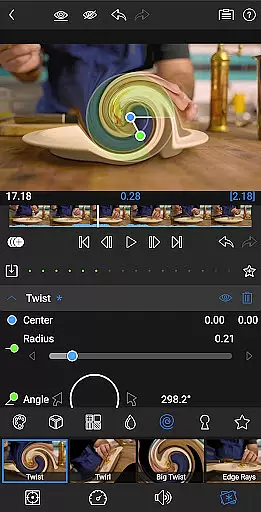
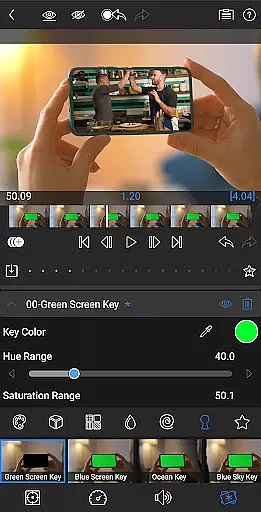
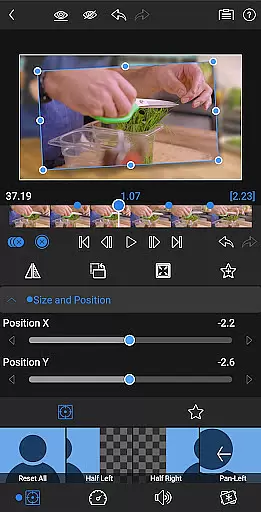
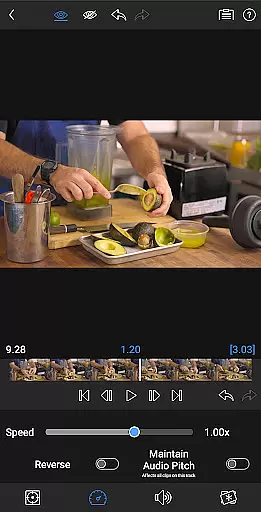
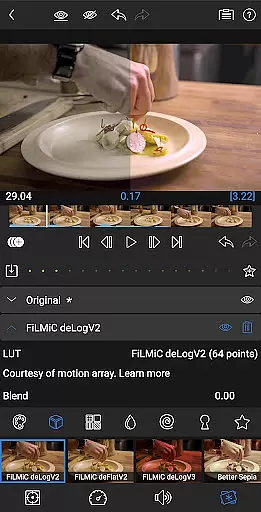
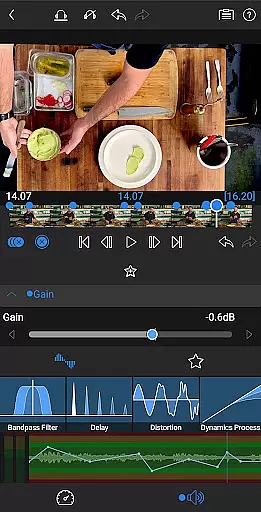
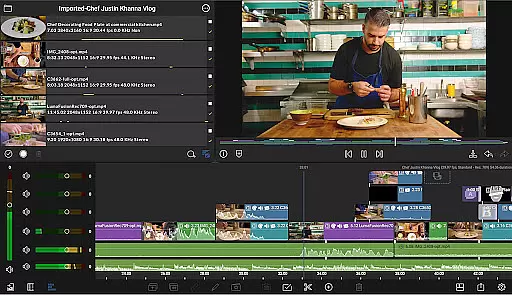
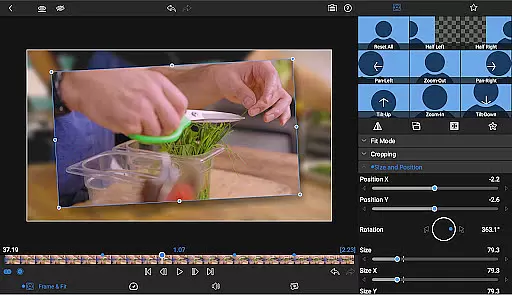
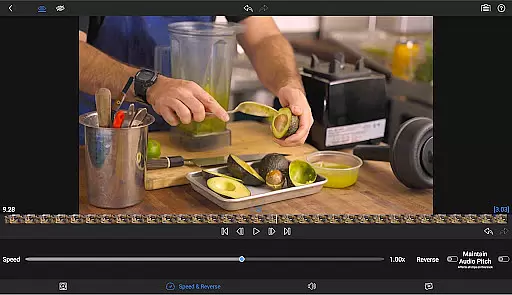
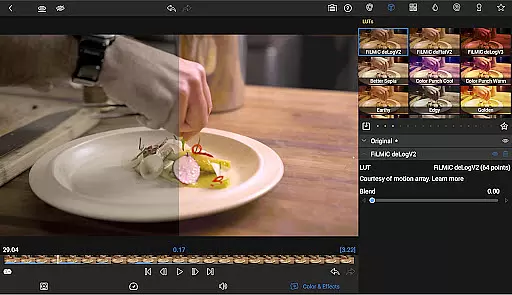
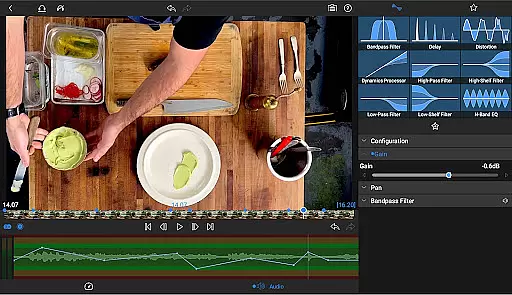
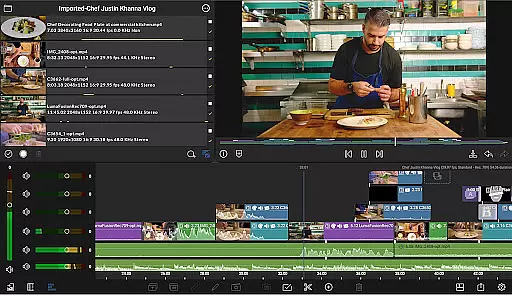
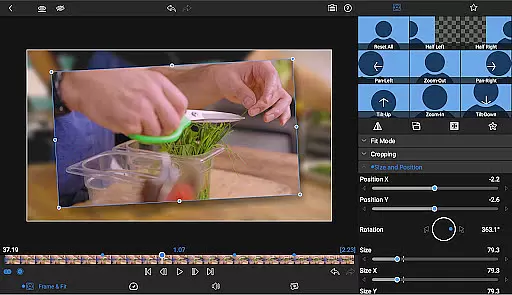
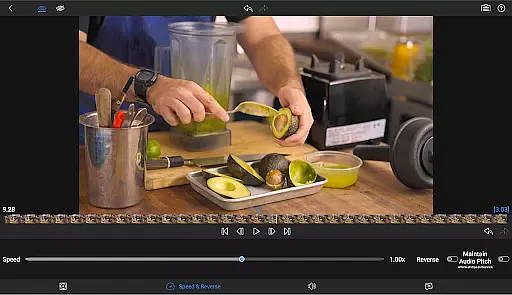
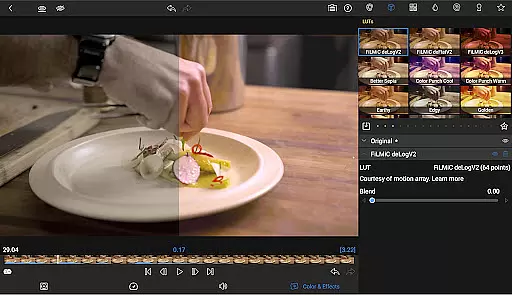
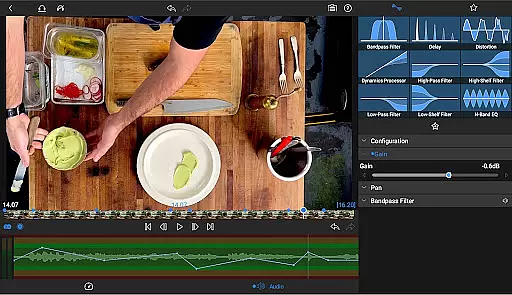
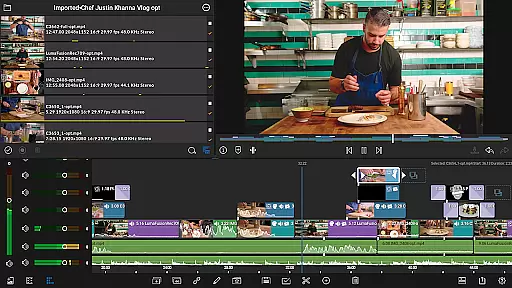
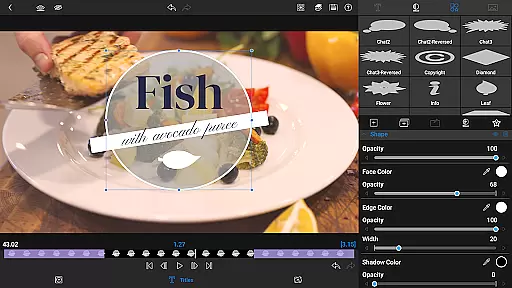
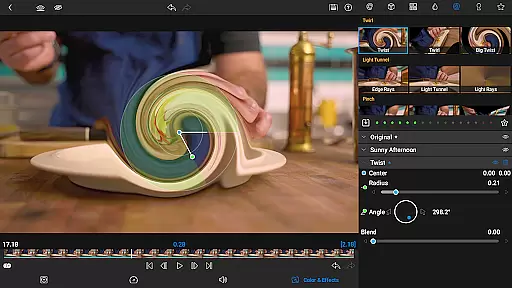
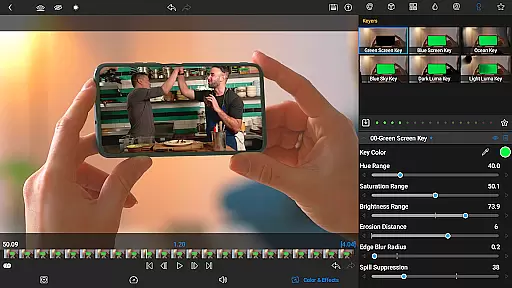
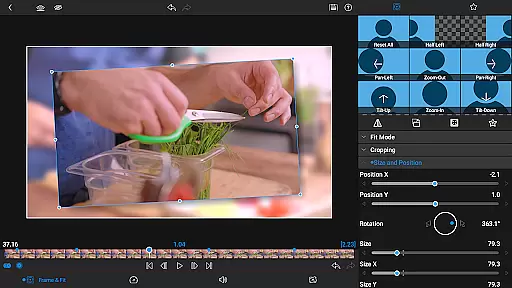

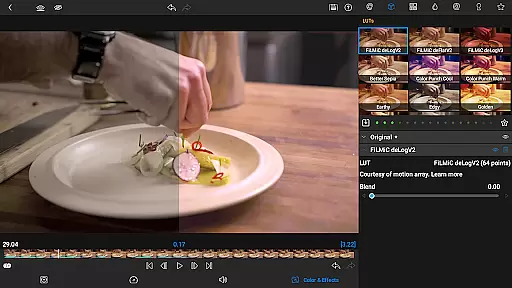
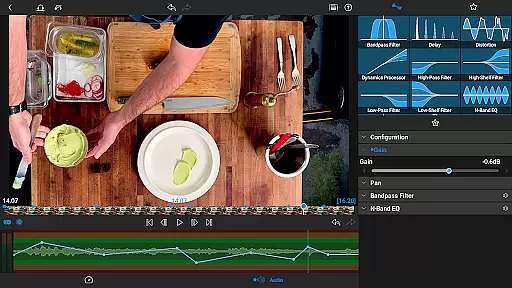
LumaFusion is the gold standard for storytellers, offering a fluid, intuitive touch-screen editing experience. With professional editing tools, it supports up to 4K media and provides six video-with-audio or graphic tracks alongside six additional audio-only tracks.
It features advanced audio control, creative titles, multilayer text, and project flexibility. The app also offers Speed Ramping and Enhanced Keyframing as part of its Creator Pass subscription, making it an ideal choice for both amateur and professional video editors.
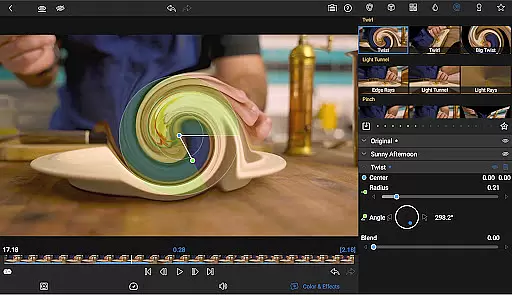
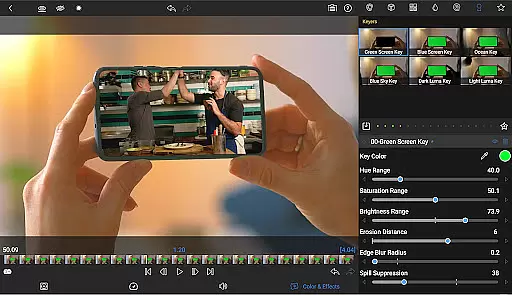
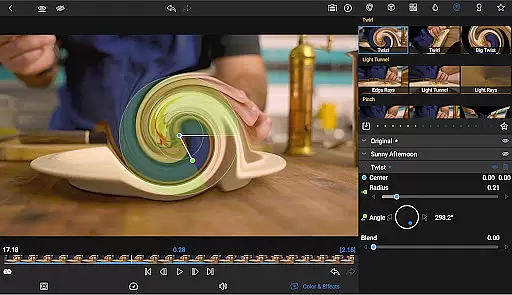
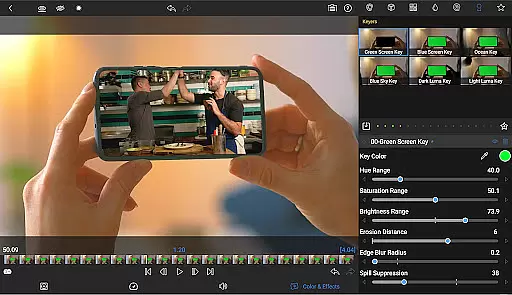
LumaFusion stands out with its ultimate timeline that allows fluent editing using flexible track-based and magnetic timelines. It includes layered effects and color correction tools such as green screen, luma, chroma keys, and powerful color correction options.
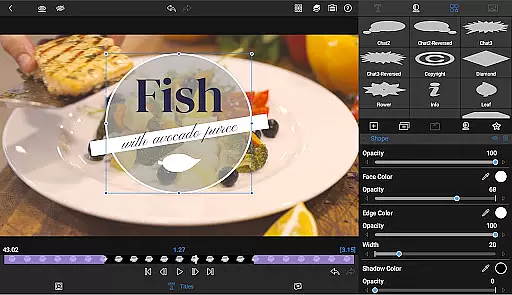
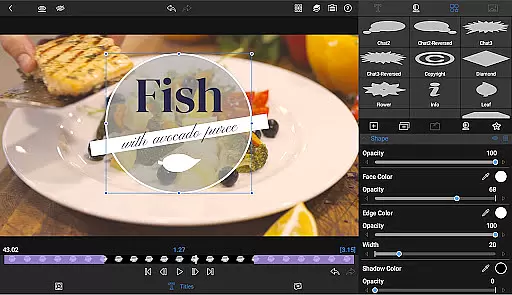
The app excels in audio manipulation with Graphic EQ, Parametric EQ, and keyframe audio levels. Additionally, users can create eye-catching titles with customizable fonts, colors, borders, and shadows, along with importing custom fonts for branding purposes.
Video format compatibility is a crucial feature for any video editing application, ensuring that users can work with a wide range of video files without conversion hassles. LumaFusion excels in this area by supporting multiple video formats up to 4K resolution across its six video-with-audio or graphic tracks.
The app allows creators to import media directly from USB-C drives and cloud storage, streamlining the editing process. This flexibility enables editors to focus on storytelling rather than technical limitations, making it an ideal tool for both amateur and professional use.
With LumaFusion's extensive format support, users benefit from a seamless workflow. Whether producing content for widescreen cinema or social media platforms, the ability to handle various aspect ratios and frame rates from 18fps to 240fps ensures that projects maintain their intended visual impact.
AI-powered editing features are revolutionizing the way video content is created, allowing for more efficient workflows and enhanced creativity. LumaFusion incorporates several AI-driven tools that simplify complex tasks such as color correction, audio ducking, and speed ramping.
The app's advanced color correction tools enable users to craft unique looks using Video Waveform, vector, and histogram scopes. Additionally, the inclusion of LUTs for professional color grading elevates the final output quality, providing filmmakers with the means to achieve cinematic results.
Audio production is also enhanced through AI, with features like Graphic EQ and Parametric EQ allowing precise sound adjustments. Audio ducking balances music and dialogue automatically, while keyframing options offer further control over audio levels, panning, and EQ settings. These intelligent functionalities empower creators to produce polished, professional-grade videos with ease.
Intuitive touch-screen interface
Professional-grade editing tools
Advanced audio manipulation capabilities
Customizable title creation
Flexible project settings
Subscription required for full access
Complex for beginners
High system requirements
Limited free features
In-app purchases necessary

Online Videos Player
 3.90
3.90
Watch full episodes of your favorite Cartoon Network and Cartoonito shows!
3.50
Cast to Chromecast, Xbox, Fire Stick, Roku, DLNA, Smart TV & No Feature Limited!
4.50
Search & download videos from net with all video downloader, auto-detect & safe.
4.60
Full HD Video mp3 Player, MP4 player play 1080p, File manager, Video Downloader
4.40
High-Quality USB Camera Viewer & HDMI Display
4.70
Make your own Animations, Video and Photo Edits, Visual Effects, and more!
4.00
This app is an emulator of some specific IPTV boxes
3.50
Browser for Fire TV to stream webvideos, online movies, livestreams in HD
4.40
Video Trimmer, Video to MP3 Converter. Extract music from video, Easy & Fast.
4.80
Tik & Story Saver-Download ALL social media videos, photos & reels no watermark.
4.80
Seamlessly connect and control your smart devices, anytime, anywhere with ease.
4.60
Auto video maker with music & exclusive filters. Video editing made simple.
4.50
Video Downloader, Multiple Resolution Options, Video Player
4.50
Fast & Private HD Video Downloader with Built-in Proxy Browser and Video Player.
4.50
Photo and Music Video Creator into Stunning Videos—Effortlessly
4.40
Video player with 4K & 1080P support, popup play, background play and subtitle.
4.20
Fast private browser with secure, seamless access & supported video downloads!
4.00
Livestream, news, & gaming content. Watch, chat, and upload. Join Rumble today!
3.80


User Reviews