
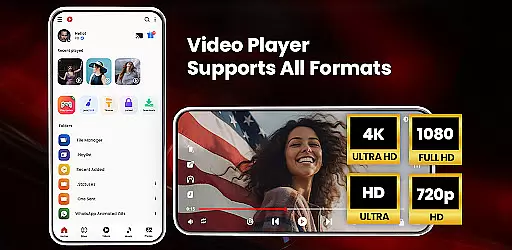
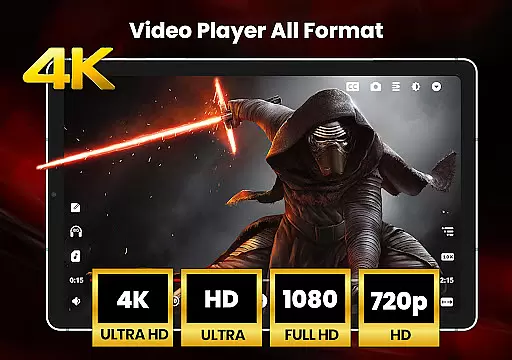
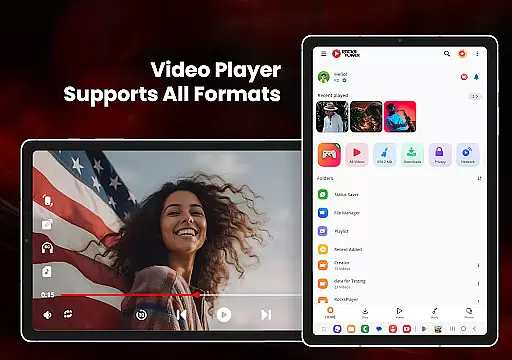
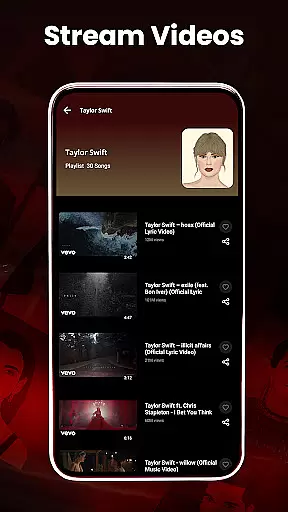
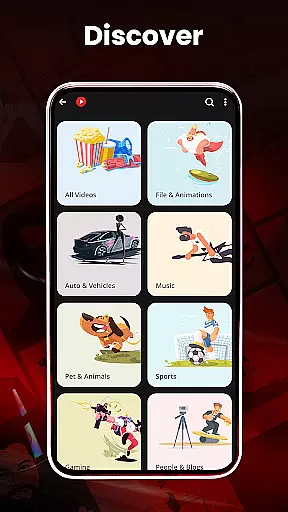
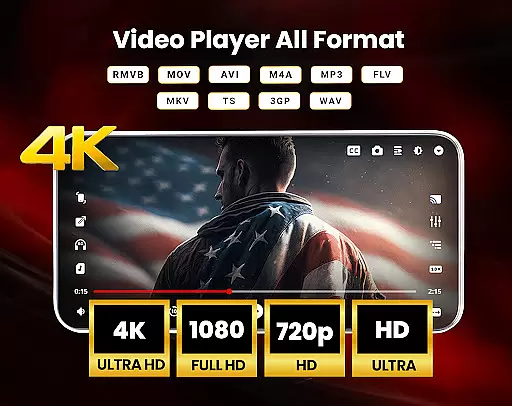
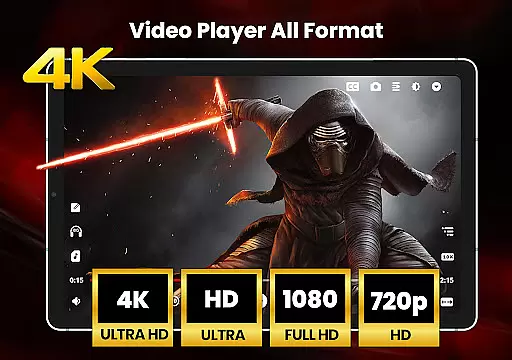
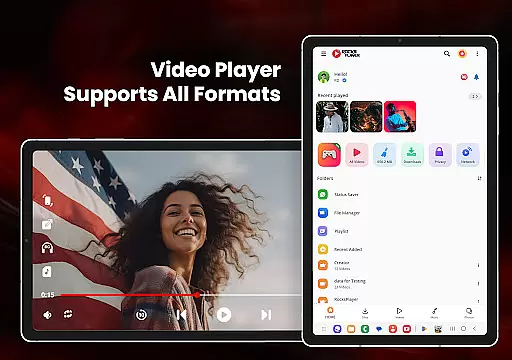
HD Video Player All Formats is a versatile media player designed for Android users who need comprehensive support for various video and audio formats. This powerful app supports everything from MP3 to Ultra HD 4K videos, making it an all-in-one solution for your media playback needs.
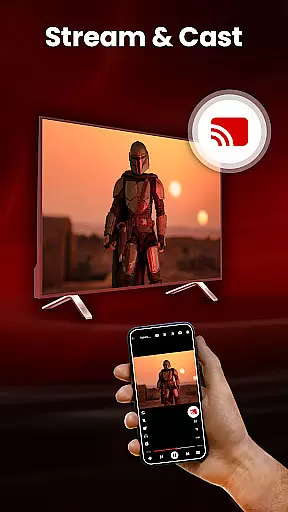
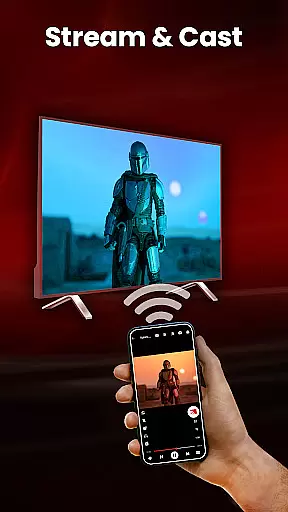
The application not only plays videos but also offers advanced features such as file management, duplicate file scanning, and privacy controls. With capabilities like casting to TV, playing in background, and hardware acceleration, it ensures a smooth and customizable viewing experience.
Ideal for users who require high-quality playback and efficient media management, this app is perfect for enjoying media files on the go or at home. Its user-friendly interface and robust feature set make it one of the best choices for Android users seeking a reliable video player.
One of the standout features of HD Video Player All Formats is its extensive format support, including MKV, MP4, MOV, and more. The built-in video downloader allows users to save videos from popular social media platforms, while the HW+ decoder ensures smooth playback even for high-resolution files.
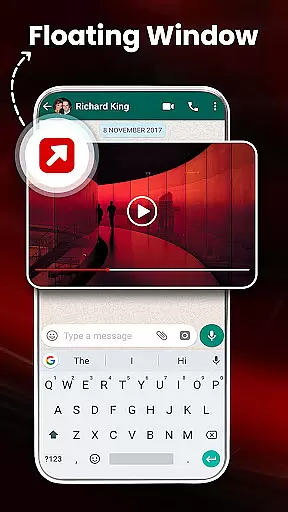
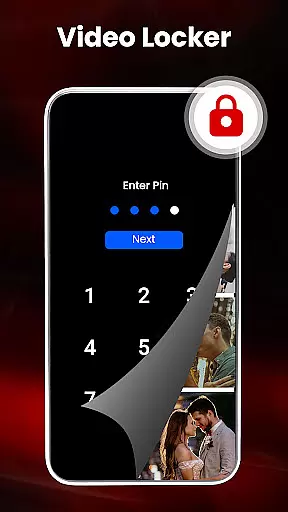
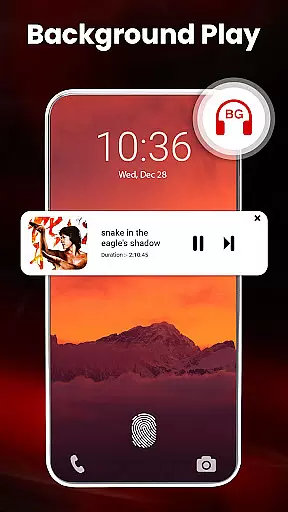
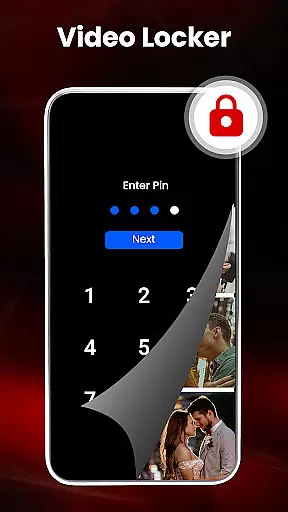
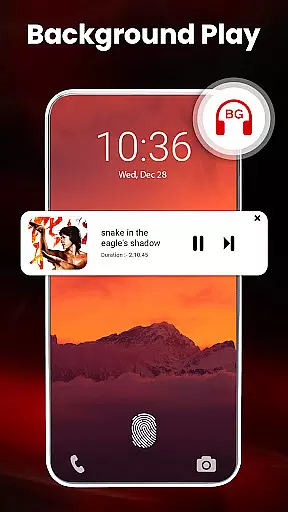
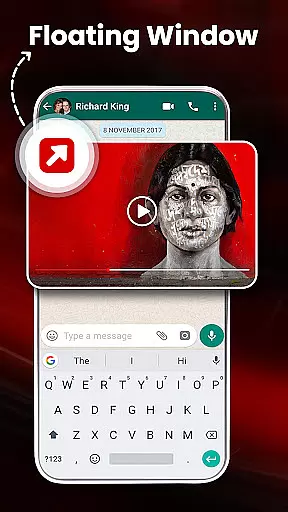
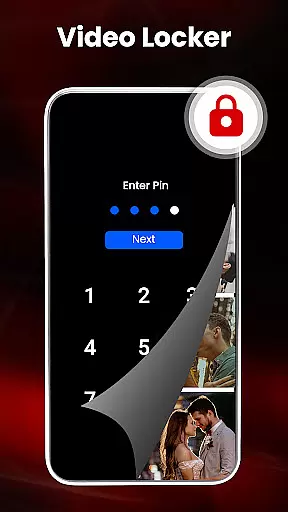
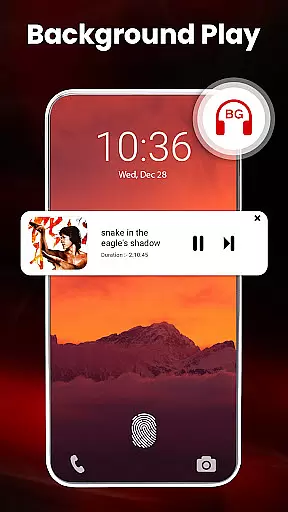
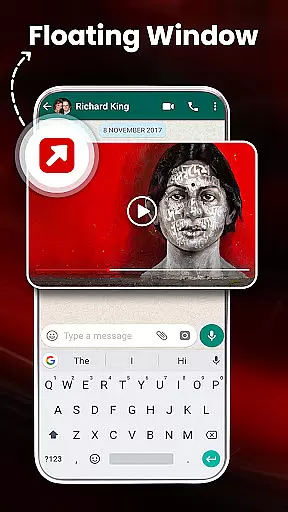
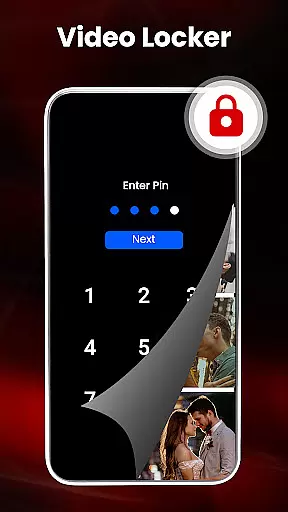
Beyond basic playback, the app provides advanced functionalities such as pop-up video, split-screen mode, and background audio play. Users can also benefit from the integrated file manager, video locker, and equalizer with bass boost, enhancing both privacy and audio quality.
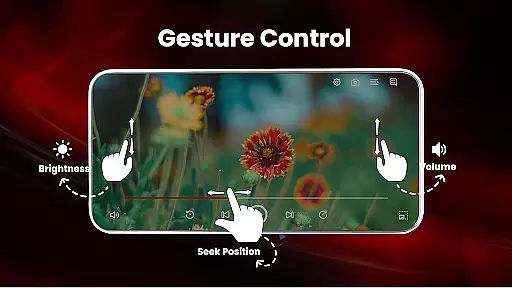
Additional features include smart gestures for controlling volume and brightness, multiple themes for personalization, and a night mode to reduce eye strain. These thoughtful additions ensure that users have a comfortable and tailored media experience every time they use the app.
Video format compatibility is a crucial feature for any video player application, ensuring that users can enjoy their media files regardless of the format. HD Video Player All Formats supports an extensive range of video formats including MKV, MP4, M4V, MOV, 3GP, FLV, WMV, TS, MP3, and MPG. This wide compatibility ensures that users are not restricted by file type and can play videos from various sources without the need for conversion.
The app's ability to handle HD, Full HD, 4K, and Ultra HD video files makes it stand out as one of the best options for Android users who demand high-quality playback. Whether you're watching standard definition or ultra-high-definition content, this video player guarantees smooth and uninterrupted streaming. The inclusion of hardware acceleration with the new HW+ decoder further enhances the playback experience, providing users with a seamless viewing experience even for the most demanding video files.
For users who frequently download videos from platforms like Facebook and Instagram, the built-in video downloader functionality adds another layer of convenience. Not only does it support multiple formats, but it also allows for background playback, giving users the flexibility to multitask while enjoying their favorite content. With such comprehensive format support, HD Video Player All Formats truly lives up to its name, offering a versatile solution for all your video playback needs.
While HD Video Player All Formats primarily focuses on video playback, it also offers AI-powered editing features that enhance the overall user experience. One notable feature is the smart gesture control, which allows users to easily adjust volume, playing progress, and brightness with simple swipes. This intuitive interaction makes navigating through videos effortless and provides a modern touch to the traditional video-watching experience.
In addition to gesture controls, the app includes advanced playback options such as pinch to zoom, auto-rotation, aspect ratio adjustment, and screen lock. These features give users complete control over how they view their content, adapting to different viewing preferences and environments. The powerful equalizer with bass boost and virtualizer in the MP3 player further demonstrates the app's commitment to delivering high-quality audio alongside its video capabilities.
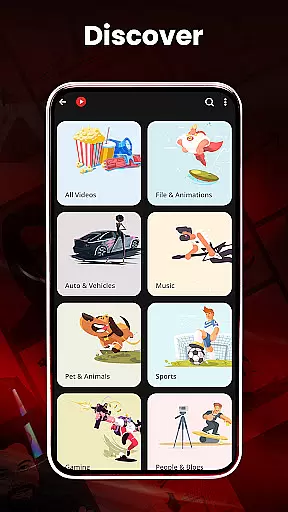
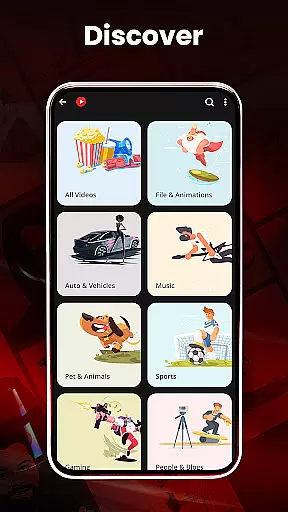
Another innovative feature is the automatic scanning and identification of all video files on the user's device and SD card. This function not only helps organize media files efficiently but also filters out duplicate videos and photos, saving valuable storage space. The built-in gallery and playlist management tools allow users to create customized collections of their favorite videos and songs, enhancing the organization and accessibility of their media library. With these AI-driven enhancements, HD Video Player All Formats proves to be more than just a basic video playeru2014it's a comprehensive multimedia management solution.
User-friendly interface
Extensive format support
Advanced playback options
Integrated file manager
Privacy protection features
Occasional ads
Large app size
Some features require permissions
Limited iOS availability
Premium version costs

Video player, file manager for all formats, 4K/HD media player supports subtitle
 4.30
4.30
Client application for NextPVR software
3.00
You can play SWF format file!
2.50
Powerful, professional, versatile teleprompter. Developed by an active film crew
4.00
Cast to Chromecast, Xbox, Fire Stick, Roku, DLNA, Smart TV & No Feature Limited!
4.50
Search & download videos from net with all video downloader, auto-detect & safe.
4.60
VLC Remote lets you control your VLC Media Player on Mac, PC or Linux.
4.60
Pro video editor app for Instagram, edit video with song, AI, effect & slowmo.
4.80
A Simple app to download Video & Music from the Internet.
4.70
Play ALL formats in 4K & HD. Video downloader, MP3 player, Chromecast & more.
4.80
Download Hub, easy and private way to download and enjoy your videos offline
4.80
Screen recorder with audio to take live videos & Screenshot in high quality!
4.70
Fast, private downloading, video saving, social media
4.50
HD video maker with no watermark, no ads & vlog maker with music, PIP, text
4.50
Create & edit videos with AI
4.30
Fast private browser with secure, seamless access & supported video downloads!
4.00
Live TV, anywhere in your home
3.80
Download videos easily & play them all in one smart, powerful video manager.
3.40
Mix with Virtual DJ directly from your phone or tablet !
3.10


User Reviews