
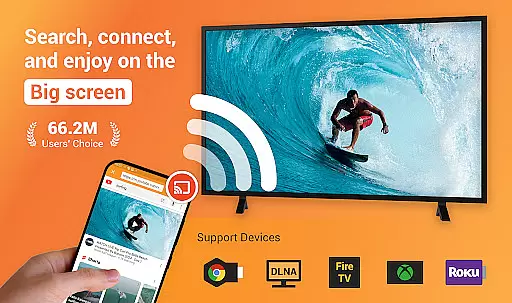
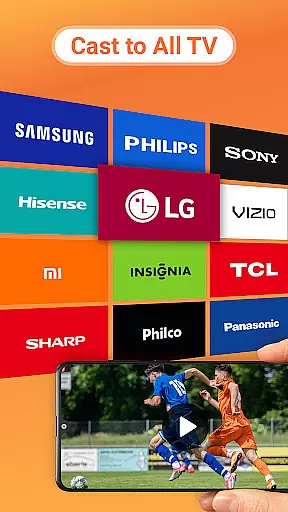
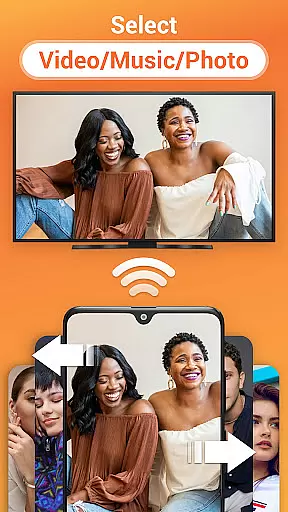
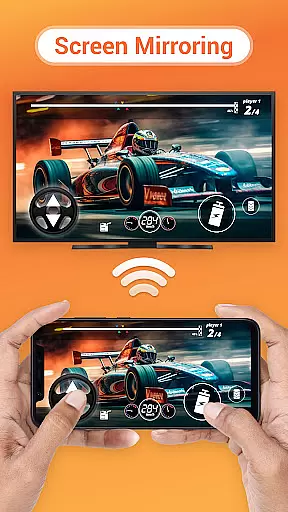
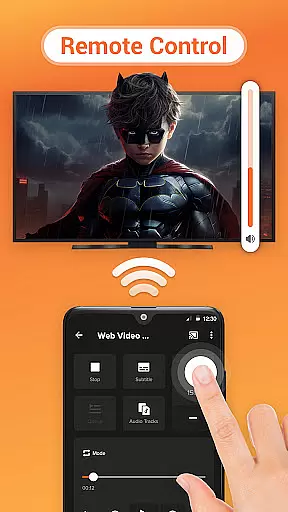

Cast to TV is a versatile media streaming application that allows users to cast online videos, live streams, and local multimedia content including videos, music, and images to various devices such as TVs, Chromecast, Roku, Amazon Fire Stick or Fire TV, Xbox, Apple TV, and other DLNA-enabled devices. The app provides an easy-to-use interface for controlling the TV with your phone, enabling functions like pause, volume adjustment, forward/rewind, and switching between media.
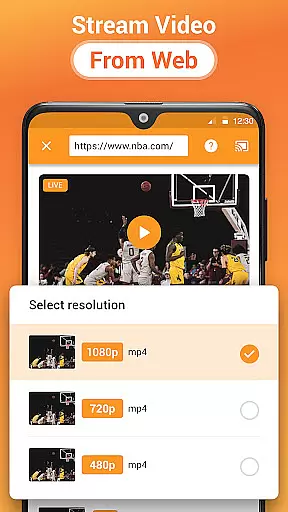
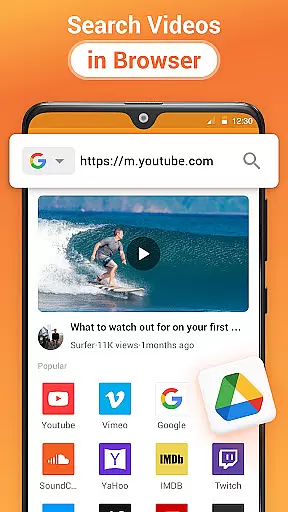
One of the standout features of Cast to TV is its built-in browser for web video casting, which means you can find and stream content directly from the internet without needing a separate device or application. Additionally, it supports advanced playback options like shuffle, loop, and repeat modes, making it ideal for parties or presentations. Whether you're looking to enjoy a movie night, share photos, or listen to music, Cast to TV offers a comprehensive solution for all your casting needs.
Cast to TV boasts a wide array of features designed to enhance user experience when streaming multimedia content. One of its key functionalities is the ability to control TV playback directly from your smartphone, offering commands such as play, pause, volume control, and navigation through media libraries. This feature ensures that users have complete control over their viewing experience without needing to physically interact with the TV or streaming device.
The app also includes a powerful built-in browser that facilitates web video casting, allowing users to search for and cast online content seamlessly. Moreover, Cast to TV supports casting of local files, live sports, and gaming streams, providing unparalleled flexibility in content consumption. With automatic device detection and support for various file formats, the app makes streaming to TV both convenient and efficient. Its compatibility with multiple streaming devices, including Chromecast, Roku, and Apple TV, further amplifies its utility, ensuring that users can enjoy their favorite content on virtually any screen.
One of the key features of Cast to TV, Chromecast & Roku is its extensive video format compatibility. This ensures that users can cast a wide variety of local and online videos without worrying about format support issues.
The application supports numerous video formats including MP4, AVI, MKV, and more. This broad compatibility allows users to stream content from their device or the web directly to their TV or other DLNA devices without conversion hassles.
By identifying video files on your device and SD Card automatically, the app simplifies the casting process. Users can enjoy seamless playback of their favorite movies, TV shows, and personal recordings on the big screen.
This level of video format compatibility enhances user experience by providing flexibility and convenience. Whether it's streaming live sports, gaming sessions, or family videos, this feature ensures smooth and uninterrupted viewing.
While primarily a casting app, Cast to TV, Chromecast & Roku also incorporates basic AI-powered editing features that enhance media management and presentation capabilities.
The built-in browser for web video casting uses intelligent algorithms to optimize streaming quality and automatically adjust settings based on network conditions. This smart feature ensures smooth playback regardless of internet speed fluctuations.
Advanced media management functions include automatic file categorization and playlist creation. The app intelligently organizes video, audio, and photo files, making it easier for users to manage their media library efficiently.
Additionally, the app offers smart playback options such as shuffle, loop, and repeat modes. These AI-driven features provide users with customized viewing experiences tailored to their preferences and habits.
User-friendly interface
Wide device compatibility
Built-in web browser
Advanced playback controls
Automatic device detection
Dependent on Wi-Fi stability
Occasional connectivity issues
Limited by device format support
No offline mode
Premium features require subscription

A full editing room to accompany your Insta360 cameras and handheld gimbals.
 3.30
3.30
IPTV-Smarters Player Pro M3U - Watch Live Stream TV Channels with Chromecast
4.00
HD video maker with no watermark, no ads & vlog maker with music, PIP, text
4.50
All format media Player, no need video converter any more!
4.00
An easy-to-use and all-round screen recorder with audio
4.80
Mix with Virtual DJ directly from your phone or tablet !
3.10
Powerful video player with advanced hardware acceleration and subtitle supports
4.20
Screen recorder with audio to take live videos & Screenshot in high quality!
4.70
Viddo: Generate Action Figure, AI Anime, AI kiss, AI hug Video from image & text
4.40
Find, download, and play torrents with the official BitTorrent® Pro app
4.70
Cast Videos from Web Browser, IPTV to Roku, Chromecast, DLNA, Smart TV +more
4.60
Search & download videos from net with all video downloader, auto-detect & safe.
4.60
Watch IPTV on your Android device
4.60
Turn your phone into a wireless camera!
4.20
Web Browser for LG TV to stream webvideos, online movies and livestreams in HD
4.20
Watch full episodes of your favorite Cartoon Network and Cartoonito shows!
3.50
Client application for NextPVR software
3.00
The essential companion to your Blue Iris PC software
2.50
The smartest M3U IPTV Player your playlists have ever seen.
4.3


User Reviews