
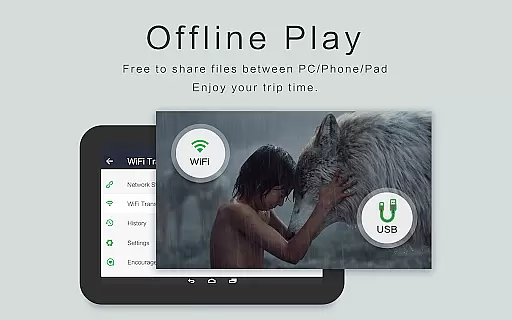
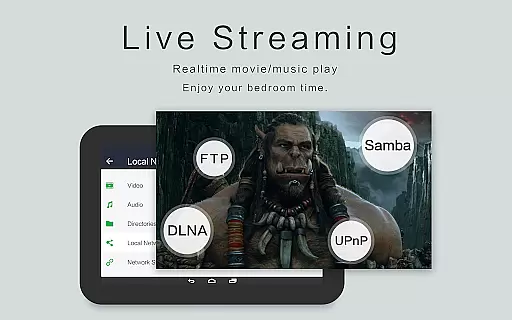
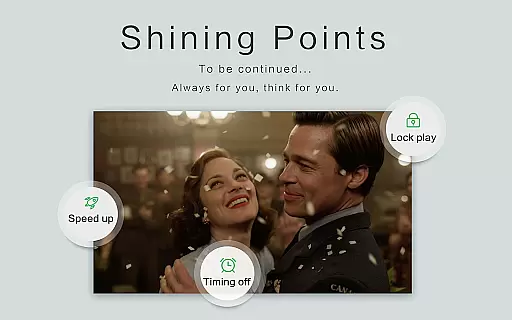
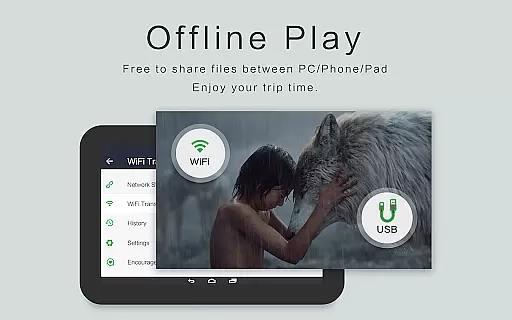
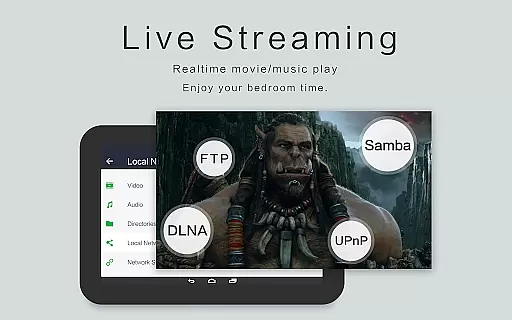
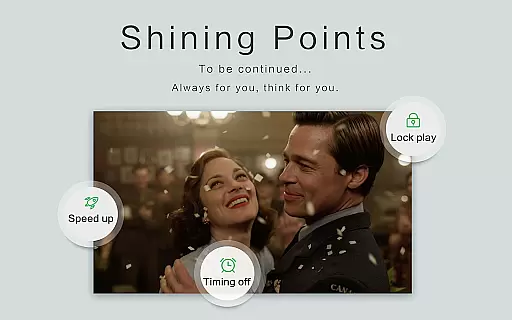
OPlayer is a professional-grade media playback application designed for both Android tablets and smartphones, offering support for an extensive range of video and audio formats. With over a decade of development, it stands out as one of the premier choices for HD and 4K video playback.
Key features include hardware acceleration for smooth Ultra HD video playback, Chromecast support for casting to TV, pop-up and split-screen video options, and comprehensive file management capabilities. Its versatility makes it suitable for users who require reliable playback of various media formats on their mobile devices.
Whether you're watching movies, listening to music, or managing your media library, OPlayer provides a seamless experience with advanced functionalities like gesture unlock, subtitle downloader, and multi-playback options. This ensures that users can enjoy their media safely and conveniently, wherever they are.
OPlayer distinguishes itself through its robust feature set tailored for avid media consumers. It supports nearly all popular video formats including MKV, MP4, AVI, and more, while also providing exceptional audio format compatibility such as FLAC, MP3, and DTS.
The app's Ultra HD video player supports 4K resolution and includes hardware acceleration for optimal performance. Users can cast videos to their TV using Chromecast, play videos in a floating window for multitasking, and even enjoy background playback. Additional features like night mode, quick mute, and adjustable playback speed enhance user comfort.
Beyond playback, OPlayer serves as a fully-featured file manager, allowing users to organize, move, cut, paste, and share their video files effortlessly. The automatic identification of media files on both internal storage and SD cards streamlines media management, making it an indispensable tool for organizing large collections.
Video format compatibility is a crucial feature for any video player as it determines the range of video files that can be played. OPlayer excels in this area by supporting almost all media formats, making it one of the best HD video players for Android devices.
The application supports a wide array of video formats including MKV, MP4, M4V, AVI, MOV, 3GP, FLV, WMV, RMVB, TS, and more. This extensive support ensures that users can play videos without worrying about format incompatibility issues.
With OPlayer, users benefit from its ultra HD video player capabilities, which include support for 4K resolution. This means that whether you're watching standard definition or high-definition content, you'll enjoy crisp, clear visuals.
Moreover, the hardware acceleration feature enhances playback performance, allowing for smooth video streaming even with high-resolution files. Users can also cast videos to TV with Chromecast, further expanding their viewing options.
While OPlayer focuses primarily on video playback, it does offer some AI-powered editing features that enhance the user experience. Although not a full-fledged video editor, the app includes functionalities that allow for better control and management of video content.
One notable feature is the automatic identification of all video files on your device and SD Card. This simplifies the process of locating and managing your video library, saving users time and effort.
OPlayer also provides a full-featured file manager that allows users to perform actions such as moving, cutting, and pasting files. These capabilities make it easier to organize and share videos directly from the app.
Additionally, the app offers multi-playback options like auto-rotation, aspect-ratio adjustments, and screen-lock settings. These features give users greater flexibility in customizing their viewing experience according to their preferences.
Extensive format support
Smooth 4K playback
Chromecast integration
Advanced file management
Multitasking friendly
Interface may feel dated
Occasional playback glitches
Limited customer support
No cloud integration
Premium version required

Kodi media center, a free and open source cross-platform entertainment hub
 3.60
3.60
Photo and Music Video Creator into Stunning Videos—Effortlessly
4.40
Video Downloader is an utility that can save videos and music from web sites
4.20
Snaptubè Video Downloader app allows to download videos and music in Snaptube. .
4.60
VLC Remote lets you control your VLC Media Player on Mac, PC or Linux.
4.60
Live TV, anywhere in your home
3.80
Make your own Animations, Video and Photo Edits, Visual Effects, and more!
4.00
Download videos and play them offline
4.70
A Simple app to download Video & Music from the Internet.
4.70
A Quick and Pro Video Editor
4.70
Fast video downloader & private browser. Save HD clips to watch offline.
4.40
Fast & Private Video Downloader App. Save all videos easily from the Internet.
4.40
Connect 2 UVC devices for recording and broadcast video/audio stream
3.90
Explore the largest library of free GIFs, Stickers & Memes - or create your own!
3.90
Connect EasyCap or UVC devices for recording and broadcast video/audio stream
3.60
Video player with powerful streaming playback and various convenient features.
2.10
The smartest M3U IPTV Player your playlists have ever seen.
4.3
Powerful HD video player with support for all formats & subtitles.
4.1
Play and download HD videos from all sources — fast, simple, and all-in-one.
4.4


User Reviews