
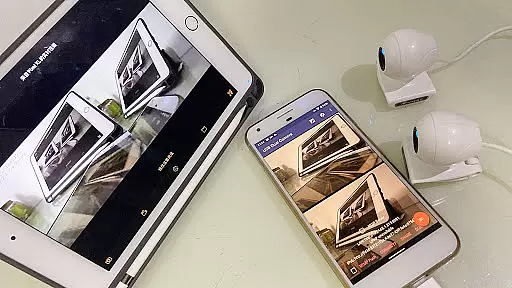
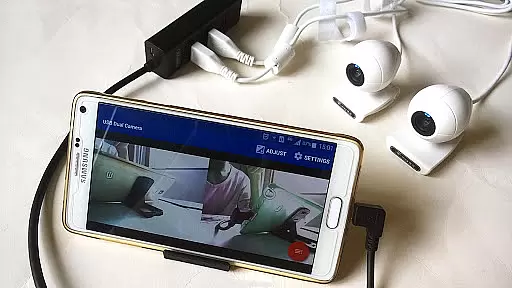
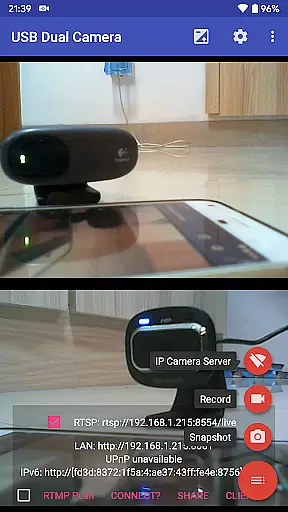
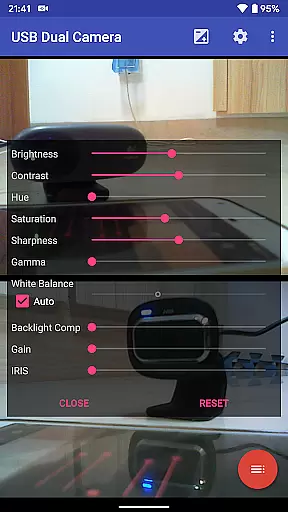
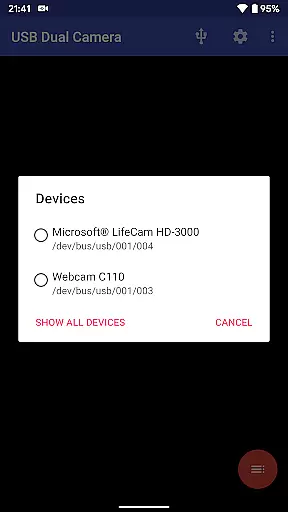

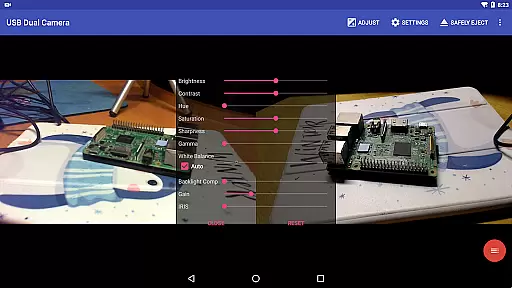
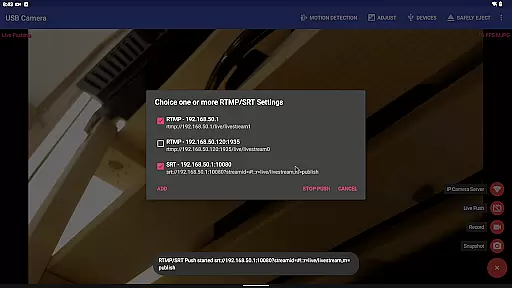
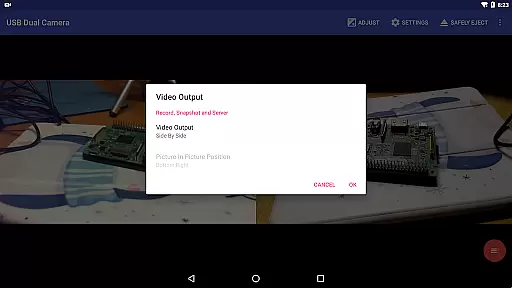
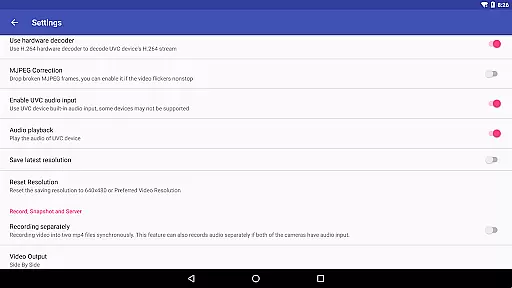
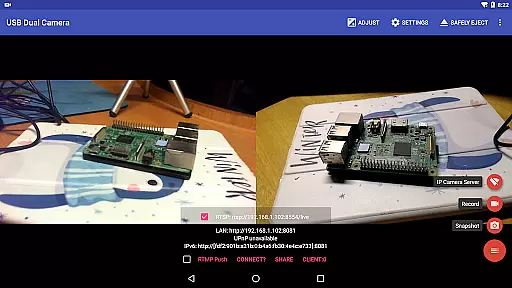
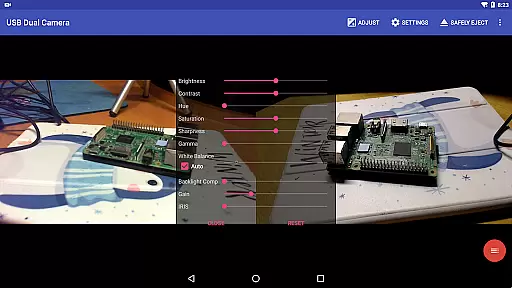
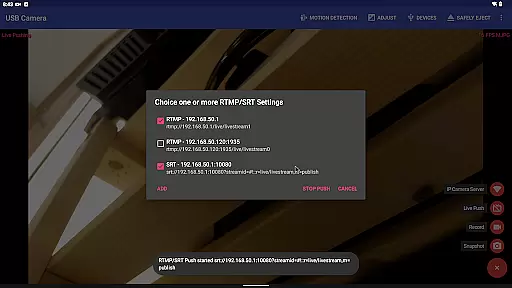
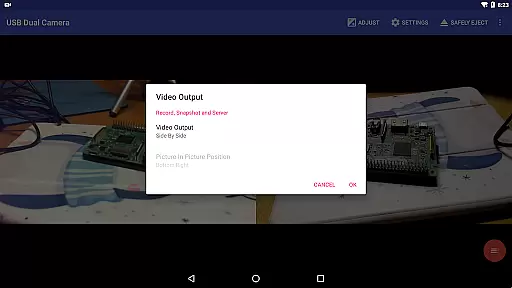
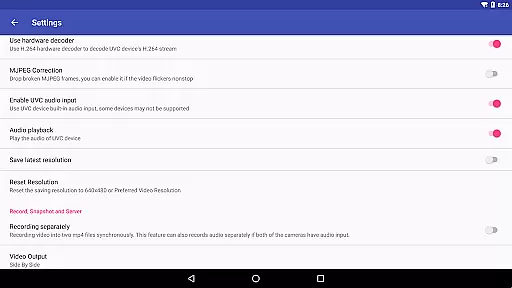
USB Dual Camera Pro is a versatile video application that allows Android devices to connect to two USB webcams or video capture cards simultaneously via USB-OTG. It supports UVC webcams with microphones and video grabbers with audio input, enabling users to record videos or take snapshots in MJPEG, H.264, H.265, or HEVC formats. The app also transforms your phone into a wireless IP camera through an integrated RTSP and HTTP server for security monitoring.
The app's advanced features include bi-directional audio support, RTMP/SRT live streaming capabilities, and the ability to mix USB audio with built-in microphones or system audio. Users can overlay internal camera footage onto external camera video, making it ideal for professional broadcasting and content creation. With support for up to 4K resolution via HDMI, this app caters to users seeking high-quality video recording and streaming solutions.
Whether you're using it as a dash cam with loop-recording or for motion detection-based auto video recording, USB Dual Camera Pro offers practical applications for both personal and professional use. Its ability to seamlessly switch between foreground and background ensures uninterrupted recording, while its compatibility with Windows Hello and IR cameras expands its functionality. This makes it a valuable tool for anyone needing reliable dual-camera operation on their Android device.
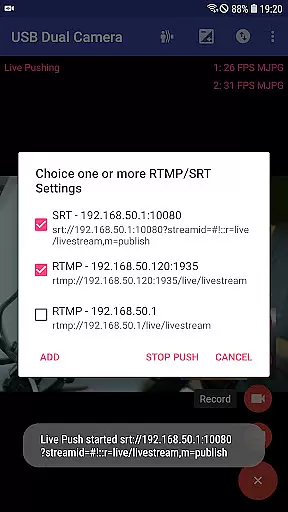
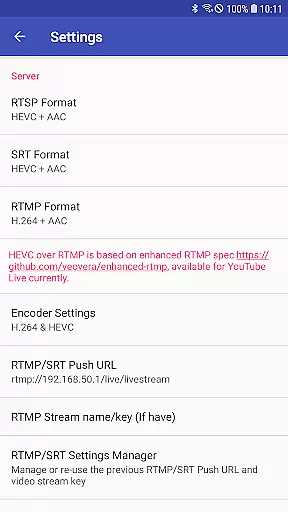
USB Dual Camera Pro stands out with its comprehensive feature set tailored for advanced video operations. One of its key features is the ability to push video and audio to RTMP/SRT live media servers, supporting rtmps security protocols and SRT protocol. This functionality allows simultaneous streaming to multiple media servers, including YouTube Live, with HEVC/AV1 over RTMP support. Such capabilities make it indispensable for network live broadcasts.
The app excels in video recording by allowing synchronous recording into two MP4 files when connected to two USB webcams. It supports separate audio recording if both cameras have audio input and can create full Side-by-Side (SBS) 3D videos viewable with compatible 3D video players. Additionally, it automatically mixes audio from both sources, enhancing the user experience for creating immersive content. Timestamps, GPS data, and speed information can be overlaid on video frames during recording.
Other notable features include loop-recording with auto-segment settings and automatic deletion of old video archives when storage is limited. Motion detection triggers auto video recording, which can then be uploaded to an FTP server with email notifications. These features ensure that users can efficiently manage their video content while maintaining high standards of quality and reliability. The app's seamless background switching further enhances usability, making it suitable for extended recording sessions without interruptions.
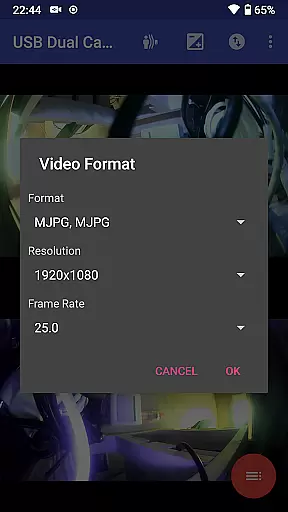
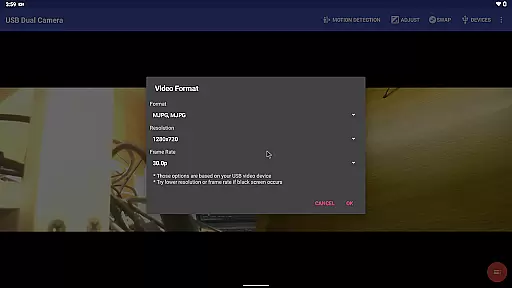
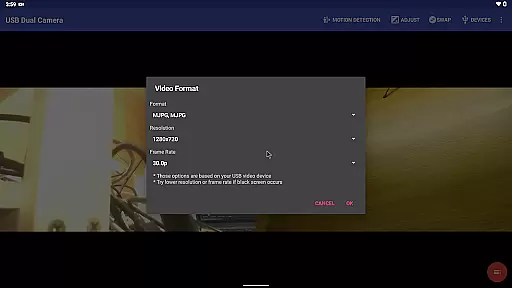
USB Dual Camera Pro demonstrates exceptional versatility in video format compatibility, ensuring a seamless experience for users working with diverse video sources. The application supports an extensive range of formats including MJPEG, H.264, H.265, HEVC, and even the emerging AV1 codec.
This compatibility is crucial when connecting multiple cameras simultaneously, as it allows users to work with up to two USB WebCams or video capture cards via USB-OTG without format-related limitations. The app's ability to handle advanced codecs like HEVC and AV1 ensures that users can work with high-quality video streams while maintaining optimal performance.
What sets this application apart is its intelligent format management system. When using two cameras concurrently, the app automatically selects the appropriate format based on device capabilities and Android version requirements. This ensures maximum compatibility across different Android devices, from version 5.0 upwards for HEVC, and version 10.0 for AV1 support.
The practical benefit for users is significant - they can confidently connect various camera devices knowing that the application will handle format negotiations automatically. This feature is particularly valuable for professional applications such as live broadcasting, security monitoring, and content creation where maintaining video quality across different sources is essential.
While primarily focused on camera connectivity, USB Dual Camera Pro incorporates several AI-powered editing features that enhance its value proposition. The application's most notable AI capability is its automatic video mixing and audio synchronization system, which intelligently combines feeds from multiple sources.
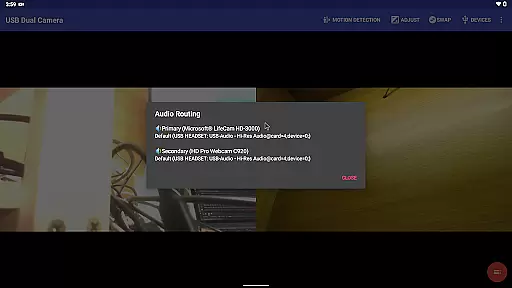
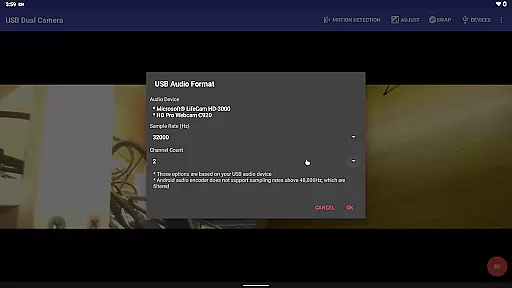
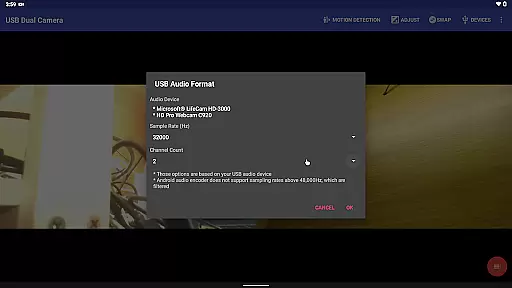
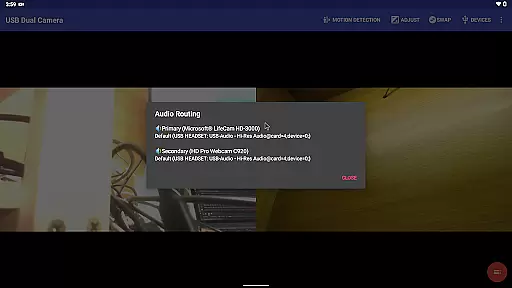
The built-in AI engine analyzes video streams in real-time, automatically adjusting parameters to create seamless overlays and transitions. This includes sophisticated audio mixing algorithms that combine USB audio with system audio or built-in microphone input, ensuring professional-quality sound output without manual configuration.
One of the application's standout features is its automated metadata overlay system. Using AI processing, the app can add timestamp, GPS coordinates, speed information, and other relevant data directly onto video frames during recording. This functionality is particularly useful for security monitoring and dashcam applications, where accurate metadata is crucial.
The AI-powered features extend to motion detection-based recording, where the system intelligently identifies significant movement patterns and triggers recording accordingly. This smart detection system helps optimize storage usage while ensuring important events are captured. Additionally, the app's background processing capabilities maintain these AI functions without interrupting the main recording process, providing users with a comprehensive yet automated video editing solution.
User-friendly interface
High-quality video support
Advanced streaming options
Comprehensive recording features
Reliable performance
Requires good OTG cables
Power supply needed
Complex setup process
Limited third-party app support
Premium pricing

Client application for NextPVR software
 3.00
3.00
You can play SWF format file!
2.50
KineMaster, Your Ultimate Video Editor!
4.40
Create photo video with music & template. AI video maker for stunning slideshow.
4.60
AirMirror is Receiver for Screen Mirroring and Casting from Apple Devices.
3.60
Video player with powerful streaming playback and various convenient features.
2.10
Connect EasyCap or UVC devices for recording and broadcast video/audio stream
3.60
Fast & Private HD Video Downloader with Built-in Proxy Browser and Video Player.
4.50
Make videos you’re proud to share with Edits, a video editor for creators.
4.70
#1 Torrent App on Android ** No Ads Ever + Battery Saver **
4.80
IPTV Loader, loads your own Playlist. DOES NOT CONTAIN ANY LIST OR CHANNELS
4.60
Browser + Remote for Roku to stream webvideos, online movies and livestreams
4.60
KMPlayer Plus (Divx Codec) officially support Divx codec.
4.30
Powerful Video Editor & Photo Editing App —— Quick Edits & Stunning Effects!
4.30
Stream Web Videos to Chromecast, Samsung, LG, Sony, Roku, Fire TV, DLNA + more
4.00
Watch full episodes of your favorite Cartoon Network and Cartoonito shows!
3.50
A full editing room to accompany your Insta360 cameras and handheld gimbals.
3.30
Browser for Sony TV to stream web videos, online movies and live tv
3.20
The essential companion to your Blue Iris PC software
2.50


User Reviews