
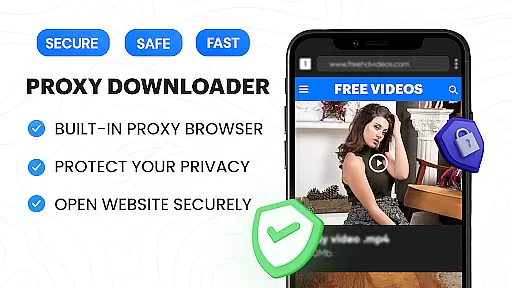

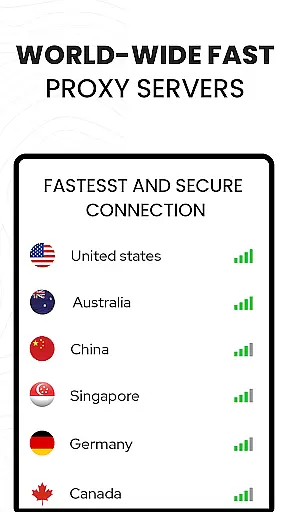

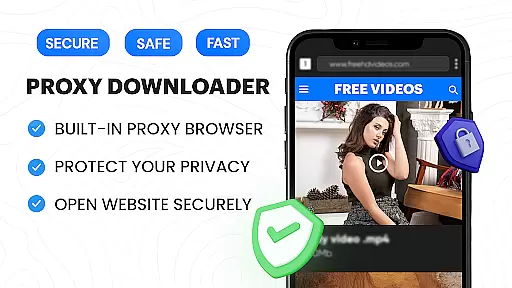

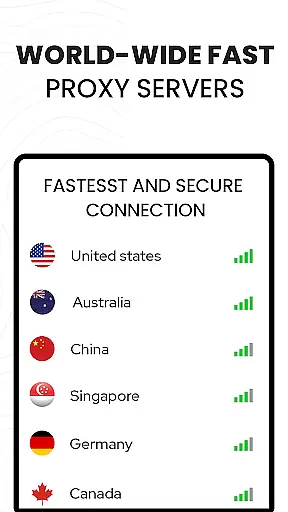

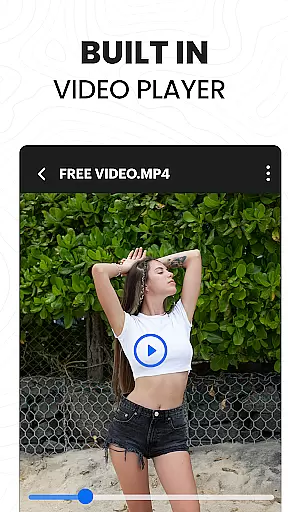
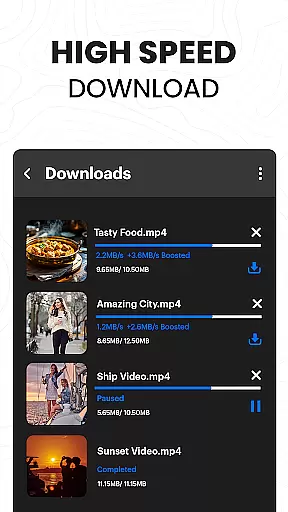
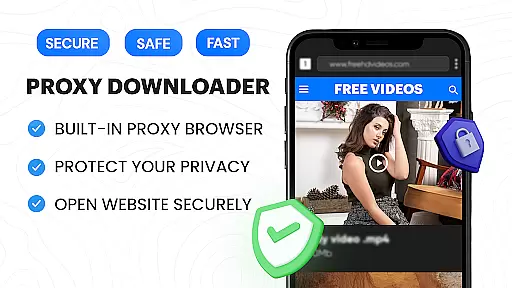

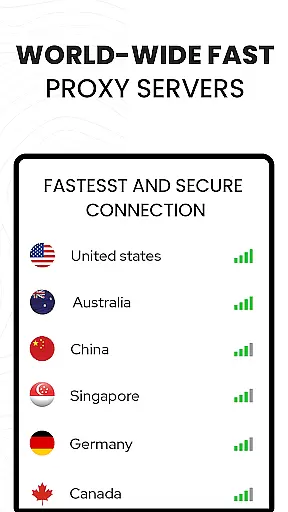

Video Downloader Proxy Browser is a versatile app designed for Android users who need a secure and efficient way to browse, download, and manage videos. The app features a built-in proxy browser that ensures privacy and security, even on public WiFi networks. With its fast HD video downloader, users can easily save online videos with one tap and enjoy smooth playback using the integrated 4K video player.
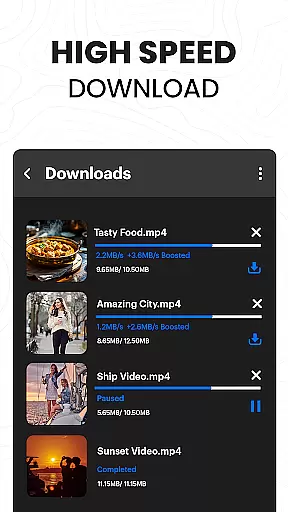
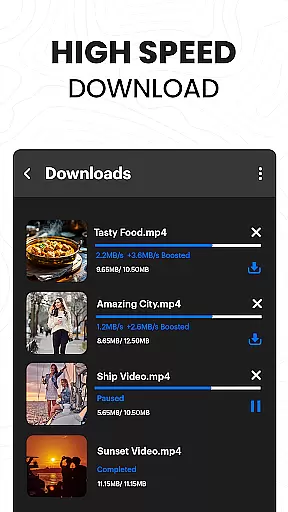
In addition to downloading capabilities, the app offers advanced features like multiple simultaneous downloads, background mode, and resume options for interrupted tasks. Its powerful download manager ensures up to 4X faster download speeds without compromising quality. The app also includes a password-protected folder for storing downloaded files securely, making it an ideal solution for users looking to manage their video content efficiently while maintaining privacy.
The Video Downloader Proxy Browser stands out with its comprehensive set of features tailored for video enthusiasts. One of the key highlights is the built-in proxy browser, which not only provides fast and reliable browsing but also blocks ads and trackers, enhancing both speed and safety. This feature ensures that users can browse without distractions while conserving data usage.
Another significant aspect is the app's powerful video downloader, which supports one-click HD downloads and works seamlessly with popular websites and social media platforms. It includes smart auto-detect functionality and allows users to download videos, reels, stories, and more with ease. Additionally, the advanced download manager supports multiple simultaneous downloads, background downloading, and pause/resume options, ensuring a smooth experience even with large files or unstable connections.
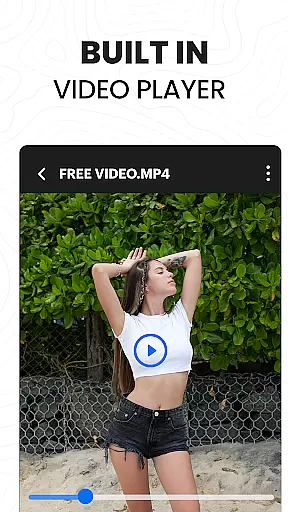
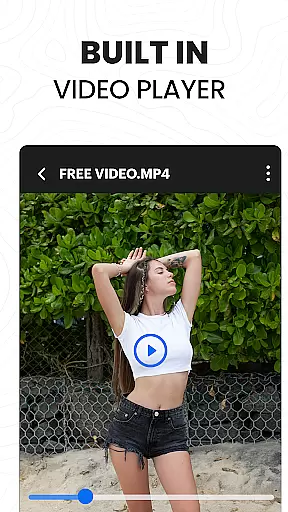
Finally, the app offers an ultra HD video player that supports various formats including 4K resolution. Users can play downloaded videos directly within the app, enjoying high-quality playback without needing additional software. These features collectively make the Video Downloader Proxy Browser a robust tool for managing and enjoying video content on Android devices.
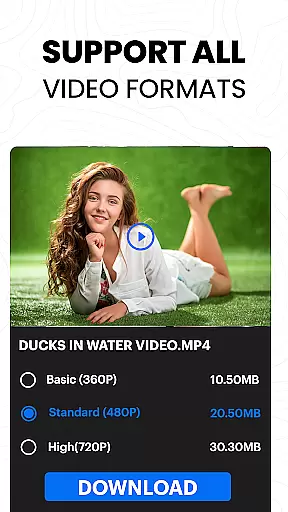
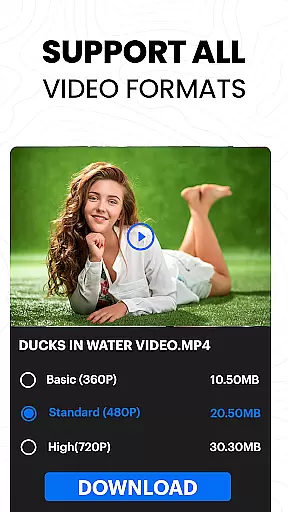
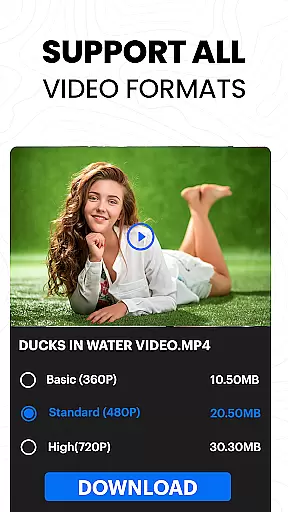
Video format compatibility is a crucial feature for any video player and editor application. The Video Downloader Proxy Browser supports an extensive range of video formats, ensuring that users can play nearly any file they download or have stored on their devices.
This app's built-in ultra HD video player, which supports 4K resolution, allows users to enjoy high-quality visuals without worrying about format restrictions. Whether it's MP4, AVI, MOV, or other less common formats, this app provides seamless playback, enhancing the user experience by eliminating the need for format conversion.
Moreover, the ability to play multiple video formats is complemented by the app's one-click HD video download feature. This means users can download videos from various sources and be confident that they will be able to view them immediately within the same application.
The comprehensive format support ensures that whether you're downloading videos for personal collections, educational purposes, or entertainment, the Video Downloader Proxy Browser stands out as a versatile tool in managing your video content.
AI-powered editing features are revolutionizing how users interact with video content, making editing more accessible and efficient. The Video Downloader Proxy Browser incorporates intelligent tools that simplify the video editing process, allowing users to effortlessly enhance their footage.
With smart auto-detect capabilities, the app identifies videos on websites for quick downloads and potential edits. Users can take advantage of AI enhancements to improve video quality, add effects, or adjust settings without needing advanced technical knowledge.
In addition to facilitating easy video downloads, the app offers functionalities like saving files in password-protected folders, showcasing its commitment to integrating useful features beyond basic playback and downloading services.
By leveraging these sophisticated AI-powered editing features, users can achieve professional-grade results while enjoying a user-friendly interface. This positions the Video Downloader Proxy Browser not just as a downloader but as an all-encompassing video management solution.
User-friendly interface
Fast download speeds
Secure proxy browsing
High-quality video playback
Comprehensive ad blocking
Limited to supported sites
No YouTube support
Requires stable internet
Storage-intensive
Privacy concerns on shared devices

HD Video player all format, HD Videos, Cast & Subtitle. No annoying ads.
 4.60
4.60
Video Player - Unlimited features, 30 days money back guarantee.
4.60
Photo and Music Video Creator into Stunning Videos—Effortlessly
4.40
Search & download videos from net with all video downloader, auto-detect & safe.
4.60
This app was created to edit the metadata of music files.
4.20
AirMirror Receiver - Screen mirroring/cast web videos to Android TV by AirPlay.
4.40
Download videos easily & play them all in one smart, powerful video manager.
3.40
Video Downloader, Multiple Resolution Options, Video Player
4.50
IPTV Loader, loads your own Playlist. DOES NOT CONTAIN ANY LIST OR CHANNELS
4.60
Play ALL formats in 4K & HD. Video downloader, MP3 player, Chromecast & more.
4.80
#1 Torrent App on Android ** No Ads Ever + Battery Saver **
4.80
Find, download, and play torrents with the official BitTorrent® Pro app
4.70
Auto video maker with music & exclusive filters. Video editing made simple.
4.50
HD video maker with no watermark, no ads & vlog maker with music, PIP, text
4.50
Viddo: Generate Action Figure, AI Anime, AI kiss, AI hug Video from image & text
4.40
Video Downloader is an utility that can save videos and music from web sites
4.20
Video player with 4K & 1080P support, popup play, background play and subtitle.
4.20
HD video & music player - All format support with floating & PIP mode!
3.80
This app is an emulator of some specific IPTV boxes
3.50


User Reviews