
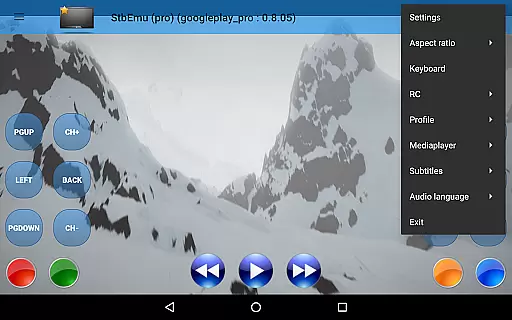
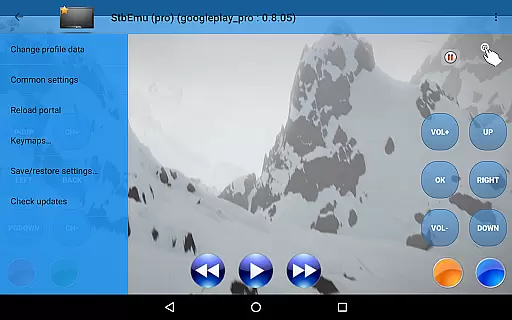
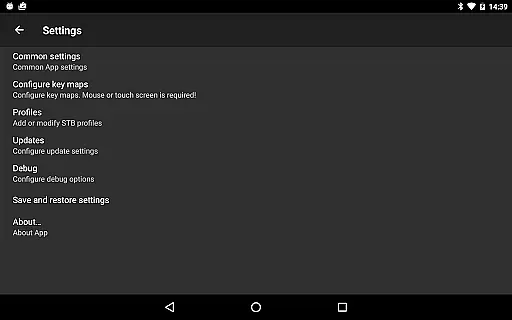
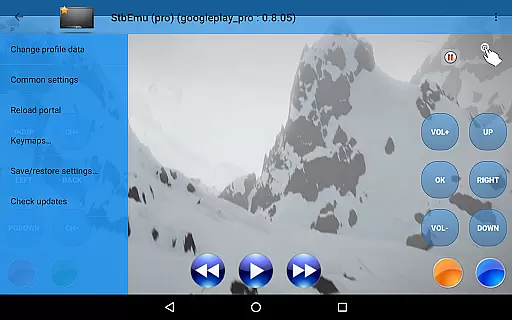
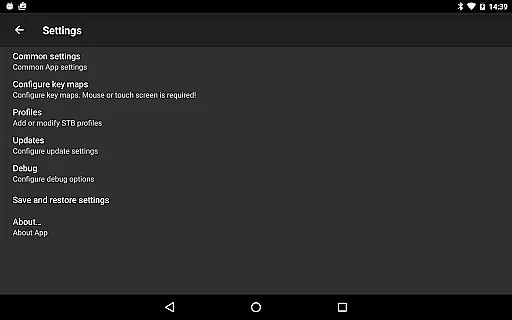
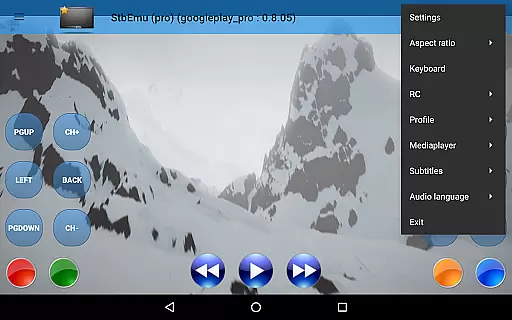
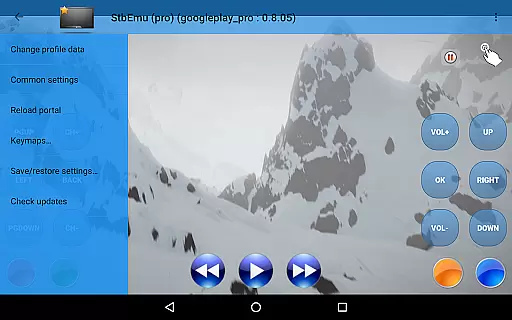
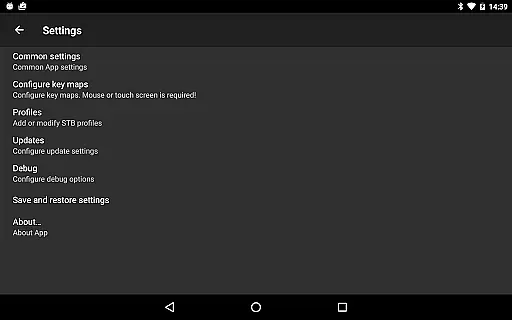
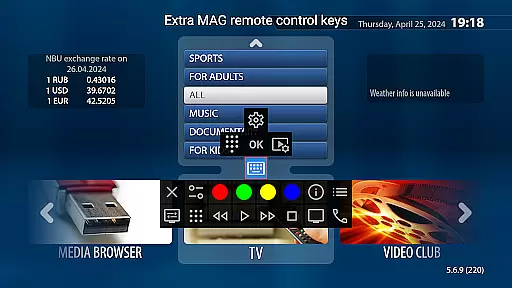
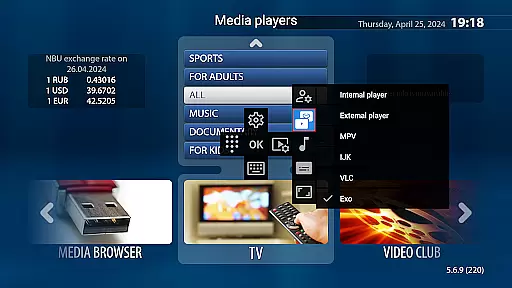
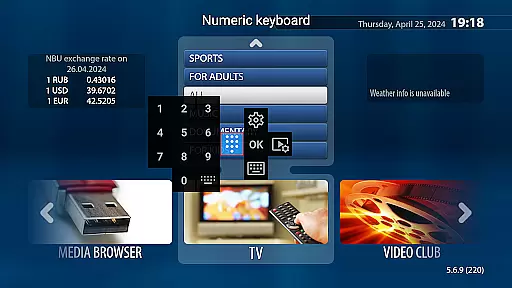
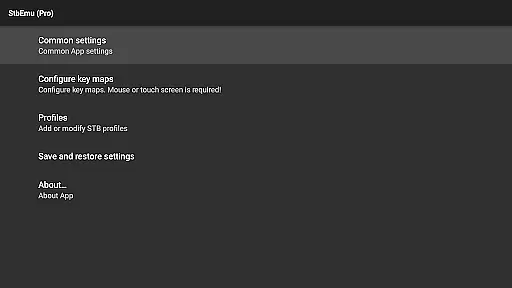
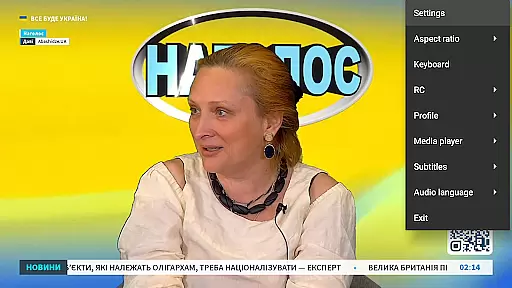
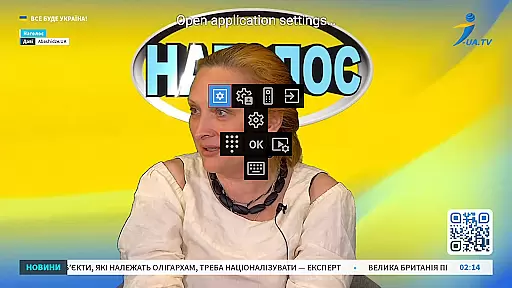

StbEmu (Pro) is a specialized video player app designed for IPTV services. It allows users to emulate set-top box functionalities on their Android devices, providing access to live TV channels and video content through IPTV providers.
The app requires configuration with your specific IPTV provider's settings and does not support m3u playlists or similar formats. Tailored for advanced users familiar with IPTV setup processes, it offers extensive customization options but demands technical knowledge for proper configuration.
While the initial setup may be challenging for beginners, once configured, StbEmu (Pro) delivers a seamless IPTV viewing experience across various video contents, making it valuable for users seeking flexible IPTV solutions.
StbEmu (Pro) stands out with its comprehensive feature set tailored for IPTV services. The app provides advanced network settings including UDP proxy and HTTP proxy configurations, allowing optimal streaming performance based on user's network environment.
It supports various authentication methods used by IPTV portals and maintains compatibility with multiple EPG sources for electronic program guide information. The app also includes detailed logging features that help in troubleshooting connection issues.
Users can customize channel lists, set individual channel preferences, and configure various playback parameters. These features make StbEmu (Pro) a powerful tool for experienced users who need precise control over their IPTV streaming experience.
Video format compatibility is a crucial feature for any video player, ensuring that users can enjoy content in various formats without technical barriers. StbEmu (Pro) offers support for specific video formats tailored to IPTV streaming, making it suitable for users who want seamless playback of their provider's content.
The app is designed with advanced settings that allow users to optimize video playback based on their IPTV provider's requirements. This ensures that the supported formats are fully aligned with what the IPTV service delivers, although it does not support m3u playlists or similar formats. Users should refer to the official documentation to configure these settings correctly.
For users who have properly configured the app, the video compatibility feature provides reliable performance and an uninterrupted viewing experience. By focusing on formats specific to IPTV, StbEmu (Pro) ensures high-quality streaming without unnecessary format conversions or codec issues.
AI-powered editing features represent the next step in video customization, allowing users to enhance their video content through intelligent tools. While StbEmu (Pro) focuses primarily on IPTV playback, its advanced configuration options provide a foundation for personalized video experiences based on user preferences and network conditions.
Although the app doesn't include traditional AI-driven editing like trimming or effects, its sophisticated settings enable users to adjust streaming parameters dynamically. These adjustments act similarly to AI enhancements by optimizing video quality and stability automatically, depending on the useru2019s IPTV service and internet speed.
Experienced users will find value in configuring these pseudo-AI features to suit their unique needs. The app empowers users to create a customized and optimized IPTV experience, though it requires some technical knowledge to unlock its full potential effectively.
User-friendly interface
Advanced network settings
Customizable channel preferences
Detailed logging features
Multiple EPG source support
Complex initial setup
No m3u playlist support
Requires technical knowledge
Limited beginner accessibility
Potential configuration errors

Auto video maker with music & exclusive filters. Video editing made simple.
 4.50
4.50
Video Player - Unlimited features, 30 days money back guarantee.
4.60
Tik & Story Saver-Download ALL social media videos, photos & reels no watermark.
4.80
Play ALL formats in 4K & HD. Video downloader, MP3 player, Chromecast & more.
4.80
HD video maker with no watermark, no ads & vlog maker with music, PIP, text
4.50
GENRAL PRO - General Pro is the best video player that fully supports all formats.
4.70
IPTV Player - Watch live TV from m3m & m3u8 playlist, stream IPTV on mobile
3.30
Connect EasyCap or UVC devices for recording and broadcast video/audio stream
3.60
LumaFusion: The Ultimate Storytelling Experience for Video Editing
4.10
Video Trimmer, Video to MP3 Converter. Extract music from video, Easy & Fast.
4.80
HD Video player all format, HD Videos, Cast & Subtitle. No annoying ads.
4.60
Cast Videos from Web Browser, IPTV to Roku, Chromecast, DLNA, Smart TV +more
4.60
?100% FREE! Download & save videos? safely in this app. All formats supported.
4.60
Fast, private downloading, video saving, social media
4.50
Fast & Private HD Video Downloader with Built-in Proxy Browser and Video Player.
4.50
Fast video downloader & private browser. Save HD clips to watch offline.
4.40
Create & edit videos with AI
4.30
Video player with 4K & 1080P support, popup play, background play and subtitle.
4.20
Stream Web Videos to Chromecast, Samsung, LG, Sony, Roku, Fire TV, DLNA + more
4.00


User Reviews