
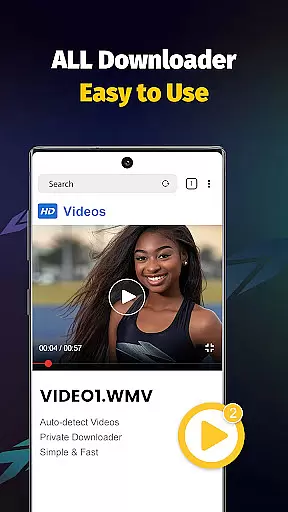
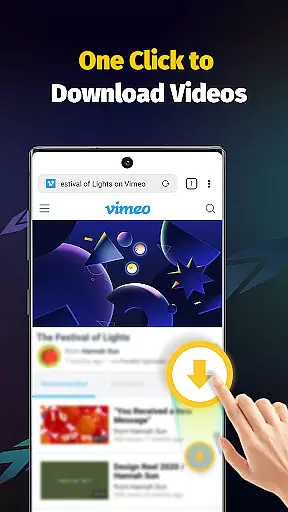
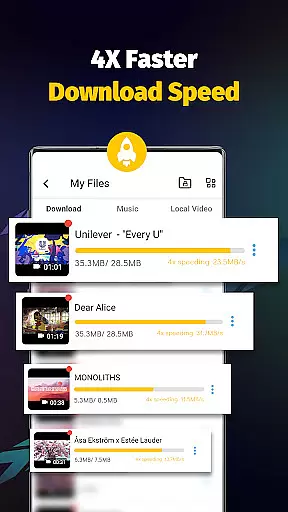
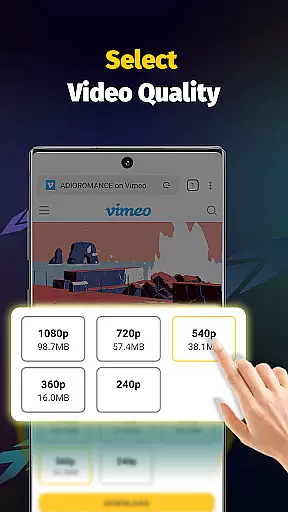
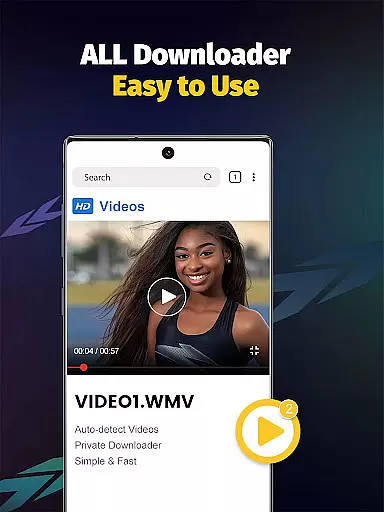
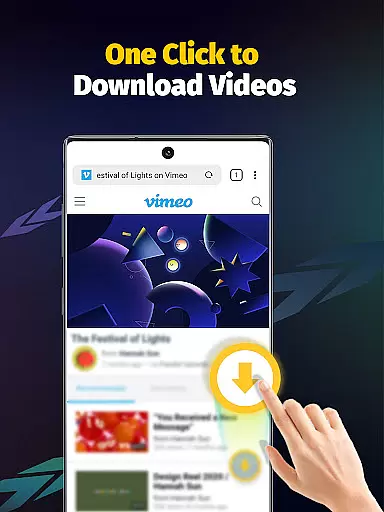
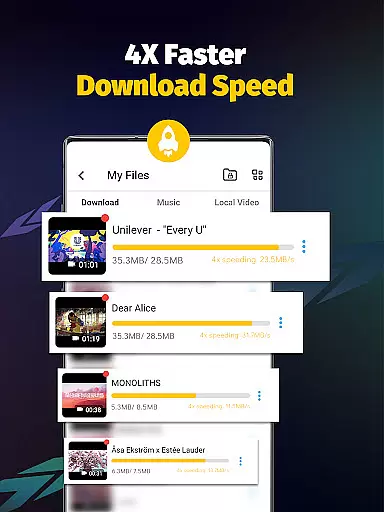
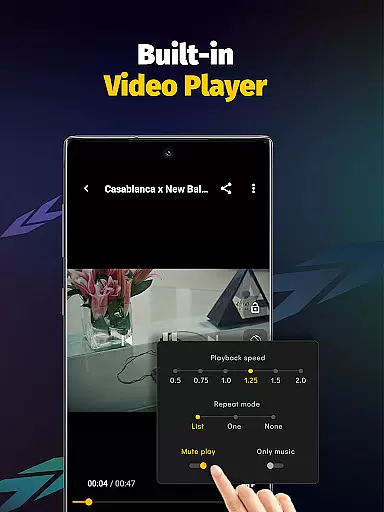
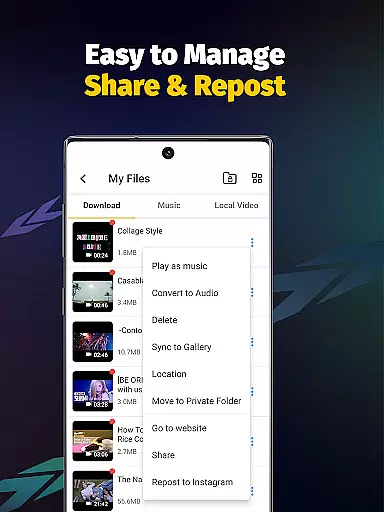
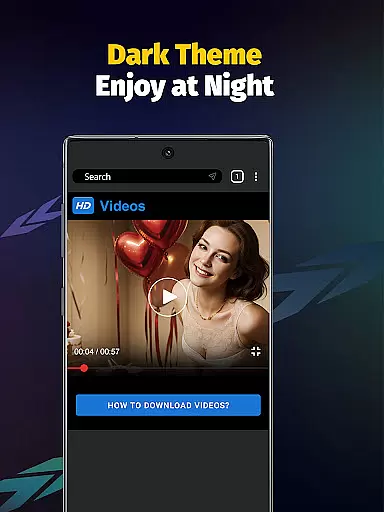
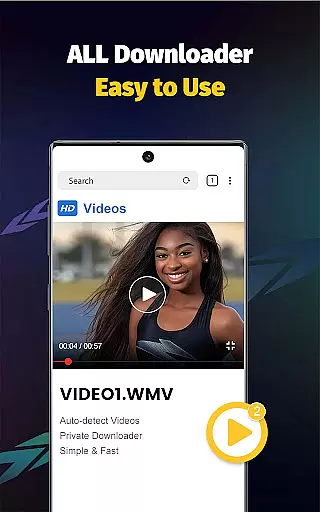
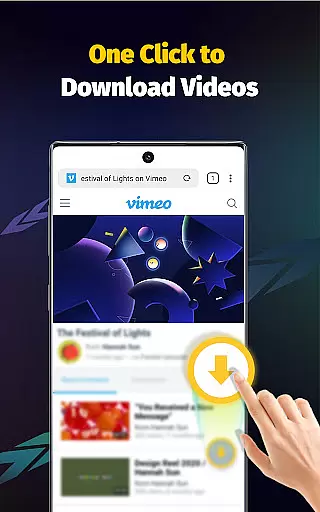
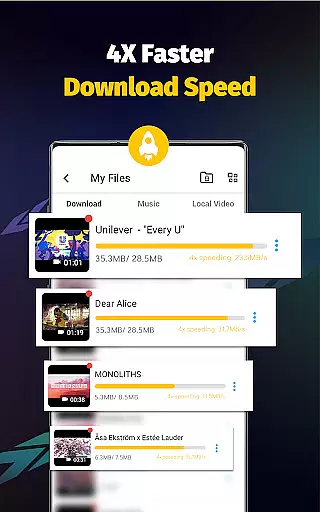
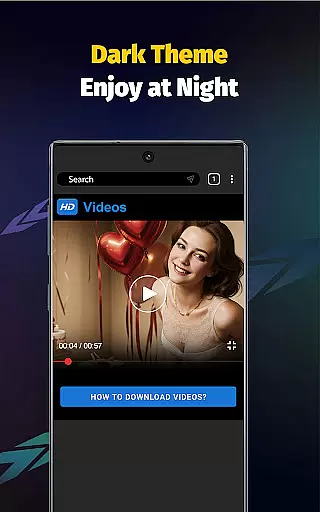
Video Downloader - Save Videos is a versatile and free video downloader app designed for users who need to download, save, and manage videos from various social media platforms. With its 4x faster download speed, this app allows you to efficiently store HD videos, music, and images directly on your device. The built-in browser and multi-functional player ensure seamless transitions between downloading and enjoying content.
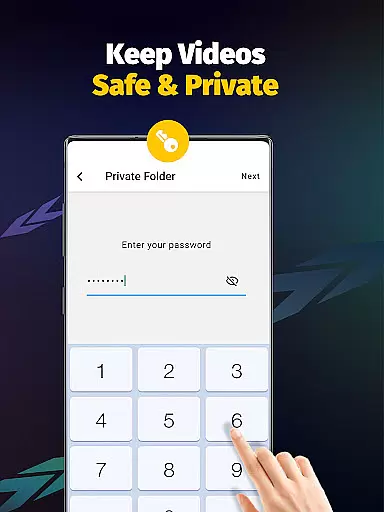
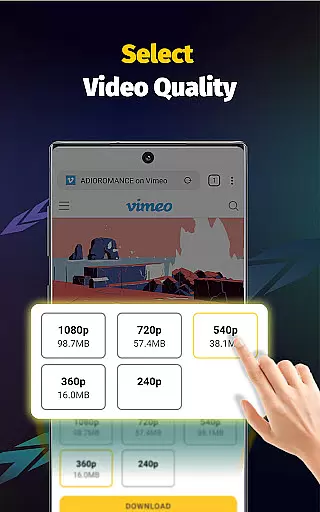
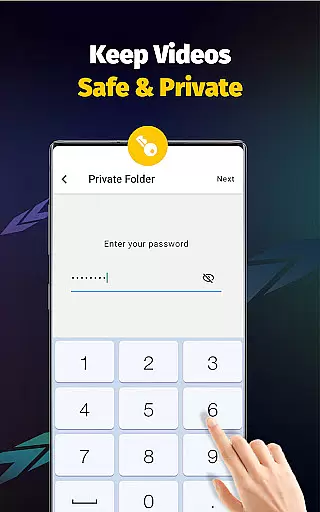
This app stands out with features like multi-threading downloads, resolution selection, and support for multiple file formats such as MP4, AVI, and PNG. Additionally, it offers privacy controls, enabling users to password-protect private folders. Whether you're looking to download videos for offline viewing or collect ideas and posts, Video Downloader - Save Videos provides a comprehensive solution for managing digital content securely and conveniently.
Video Downloader - Save Videos boasts an array of powerful features that cater to diverse user needs. One of the standout capabilities is its support for simultaneous downloads of multiple files, which is enhanced by multi-threading technology to significantly accelerate the download process. This ensures that users can download large files or several items at once without compromising speed or performance.
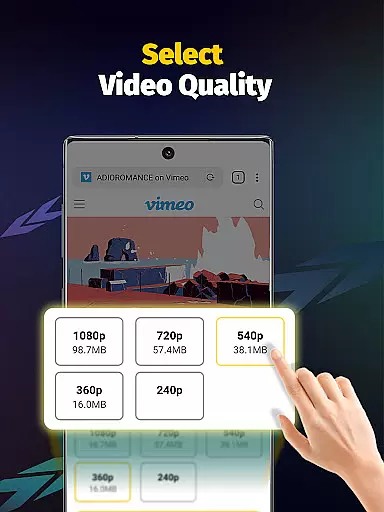
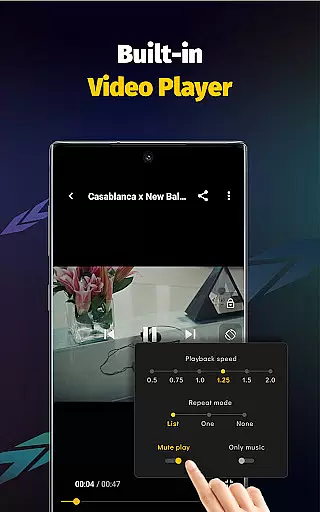
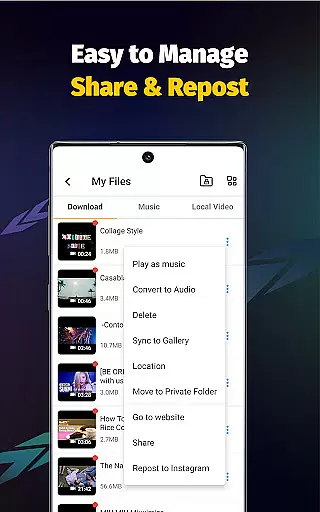
The app also supports various video resolutions and file formats including MP4, AVI, and JPEG, making it adaptable to different types of media. Its built-in player allows for offline playback, while the automatic detection of downloadable content streamlines the user experience. Moreover, the clean and intuitive interface simplifies navigation, ensuring users can easily bookmark favorites, share content, and manage their downloads efficiently.
Video format compatibility is a crucial feature for any video player and editor application. The Video Downloader - Save Videos app excels in this area by supporting a wide range of file formats including MP4, M4A, M4V, AVI, WMV, MOV, JPG, JPEG, and PNG. This extensive format support ensures that users can download and play videos from various sources without worrying about compatibility issues.
The app's ability to handle different video resolutions further enhances its format compatibility. Whether you're downloading standard definition or high-definition videos, the app maintains the quality and integrity of the original content. This flexibility allows users to enjoy their favorite videos in the best possible quality, regardless of the source platform.
With built-in multi-threading capabilities, the app accelerates downloads by several times while maintaining format integrity. This means users can download multiple videos simultaneously without compromising on quality or speed. The combination of broad format support and fast download speeds makes Video Downloader - Save Videos an excellent choice for anyone looking to save and enjoy media files from the internet.
Moreover, the app's offline playback feature ensures that once downloaded, videos can be enjoyed without an internet connection. The built-in player supports all the formats mentioned above, providing a seamless transition from download to viewing. This comprehensive approach to format compatibility demonstrates the app's commitment to delivering a superior user experience in the realm of video players and editors.
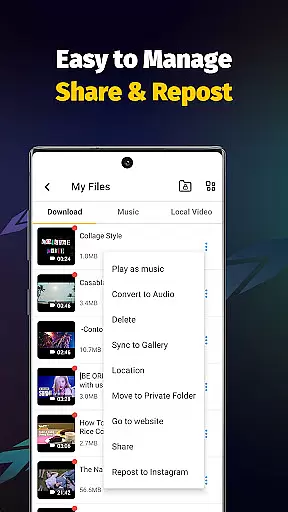
AI-powered editing features are revolutionizing the way users interact with video content. The Video Downloader - Save Videos app incorporates advanced AI technologies to enhance the video editing process. One notable feature is the ability to extract audio from videos with just a single tap. This functionality is particularly useful for users who want to save music or soundtracks separately from video files.
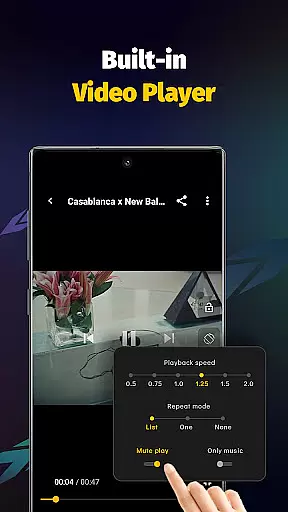
In addition to audio extraction, the app offers intelligent video playback controls. Users can easily adjust playback speed, set custom playing modes, and even bookmark favorite moments within videos. These AI-driven enhancements provide greater flexibility and control over how content is consumed and shared. The intuitive interface makes these features accessible to both casual users and more experienced editors.
The app's smart detection system automatically identifies downloadable content across various platforms. This AI-powered capability streamlines the downloading process by eliminating manual search efforts. When combined with multi-threading technology, which enables simultaneous downloads, users can quickly gather and organize media files from different sources.
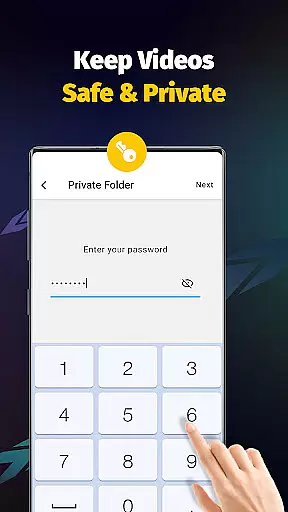
Furthermore, the app's privacy-focused AI features allow users to create password-protected folders and manage storage locations efficiently. These security measures, powered by intelligent algorithms, ensure that personal content remains private while maintaining easy access for authorized users. By integrating these sophisticated AI-powered editing features, Video Downloader - Save Videos establishes itself as a comprehensive solution in the video players and editors category.
User-friendly interface
Fast download speeds
Multi-threading support
Privacy protection features
Wide format compatibility
No YouTube support
Limited to permitted content
Requires platform login
Ads may be present
Storage management needed

Online Videos Player
 3.90
3.90
Kodi media center, a free and open source cross-platform entertainment hub
3.60
All format media Player, no need video converter any more!
4.00
AirMirror is Receiver for Screen Mirroring and Casting from Apple Devices.
3.60
AirMirror Receiver - Screen mirroring/cast web videos to Android TV by AirPlay.
4.40
Movie maker & video editing app with AI effects and green screen
4.30
Video Downloader, Multiple Resolution Options, Video Player
4.50
Connect EasyCap or UVC devices for recording and broadcast video/audio stream
3.60
#1 Torrent App on Android ** No Ads Ever + Battery Saver **
4.80
Screen recorder with audio to take live videos & Screenshot in high quality!
4.70
Find, download, and play torrents with the official BitTorrent® Pro app
4.70
HD video maker with no watermark, no ads & vlog maker with music, PIP, text
4.50
Fast & Private HD Video Downloader with Built-in Proxy Browser and Video Player.
4.50
Photo and Music Video Creator into Stunning Videos—Effortlessly
4.40
Fast video downloader & private browser. Save HD clips to watch offline.
4.40
Powerful video player with advanced hardware acceleration and subtitle supports
4.20
VLC for Android is the best open source video and music player, fast and easy!
4.10
Stream Web Videos to Chromecast, Samsung, LG, Sony, Roku, Fire TV, DLNA + more
4.00
Client application for NextPVR software
3.00


User Reviews