
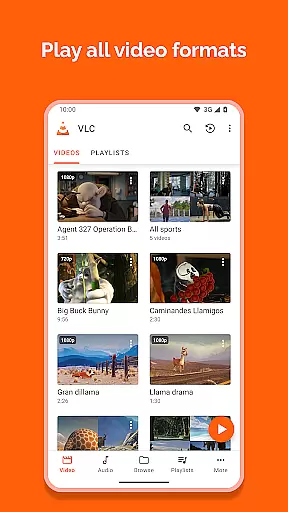
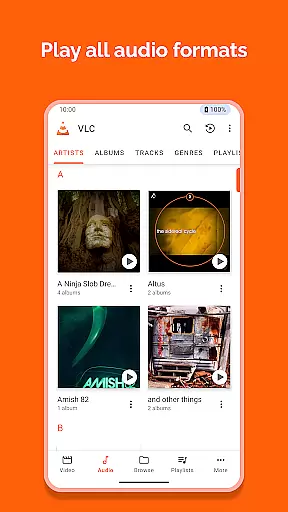
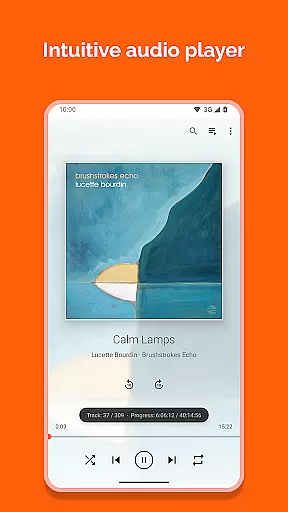
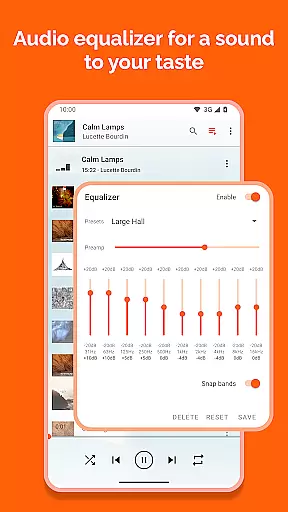
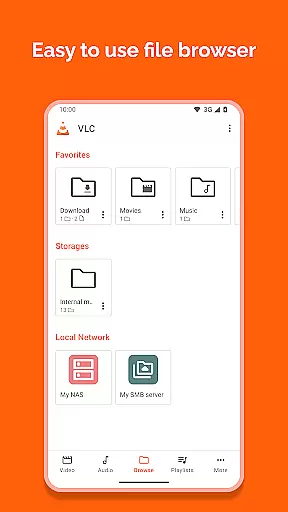
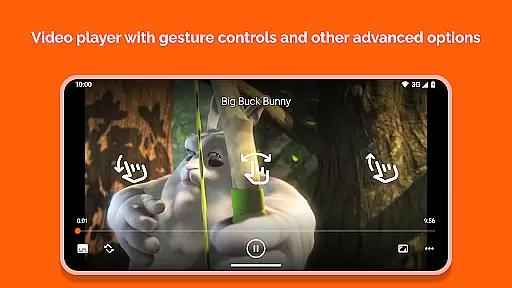
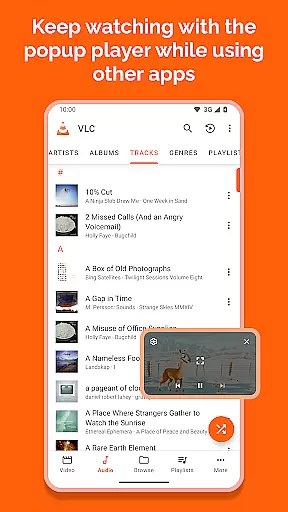
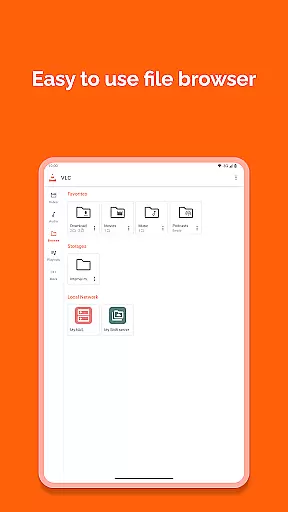
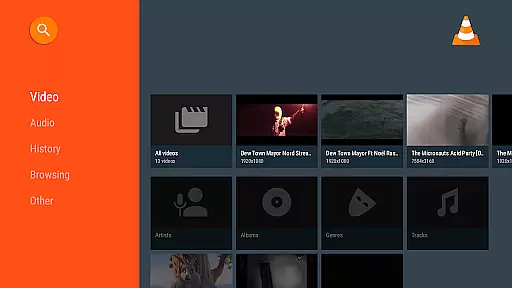
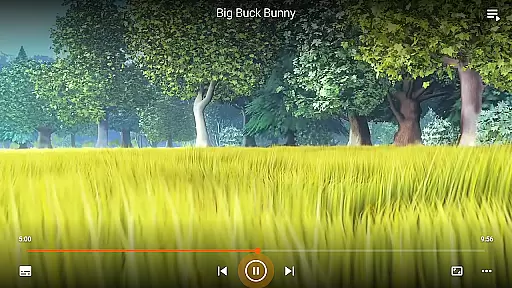
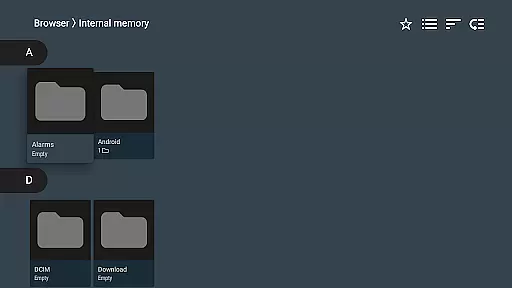
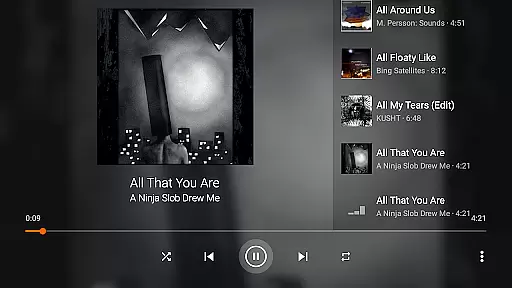
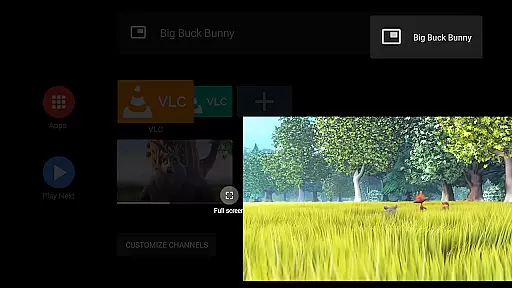
VLC for Android is a versatile, free, and open-source media player that supports an extensive range of video and audio formats. It mirrors the capabilities of its desktop counterpart, allowing users to play files from local storage, network streams, and even DVD ISOs.
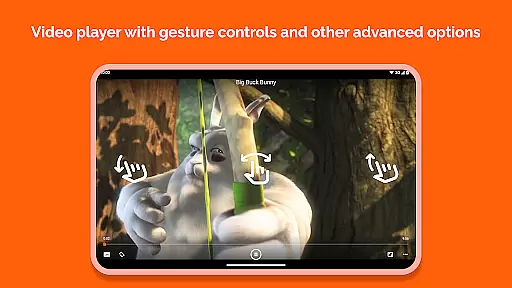
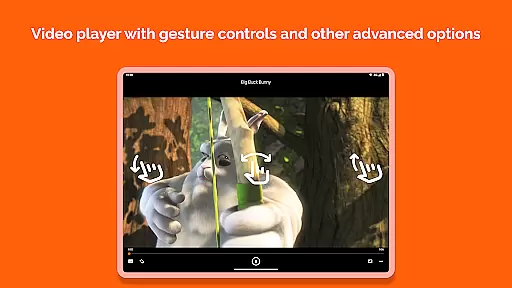
Designed with user-friendliness in mind, this app offers advanced functionalities such as auto-rotation, multi-track audio support, and gesture controls for volume and brightness adjustments. Its commitment to privacy and freedom is evident through its ad-free, no-in-app-purchase model, making it ideal for those seeking a robust media player without compromise.
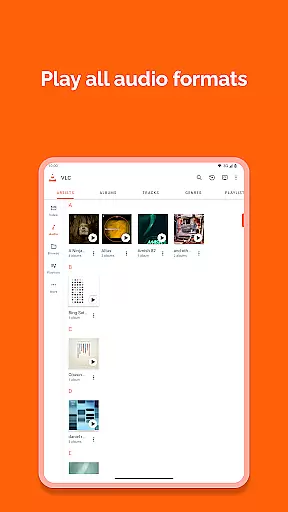
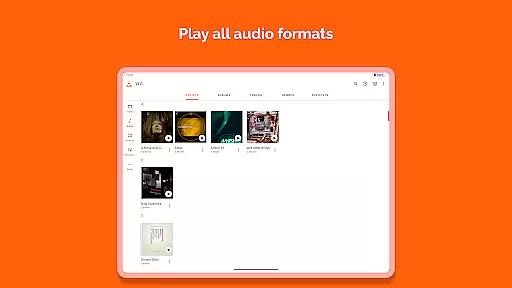
VLC for Android stands out with its comprehensive format compatibility, including but not limited to MKV, MP4, AVI, and FLAC. The inclusion of all necessary codecs ensures seamless playback without the need for additional downloads.
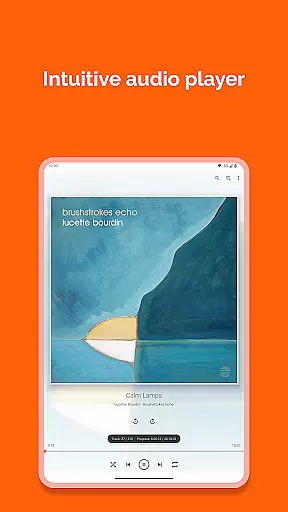
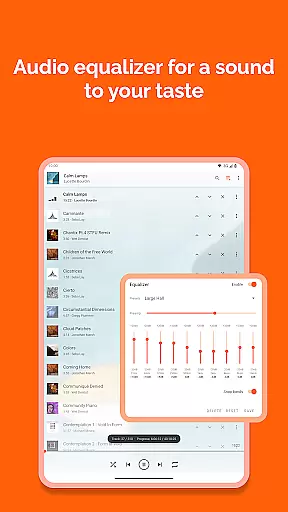
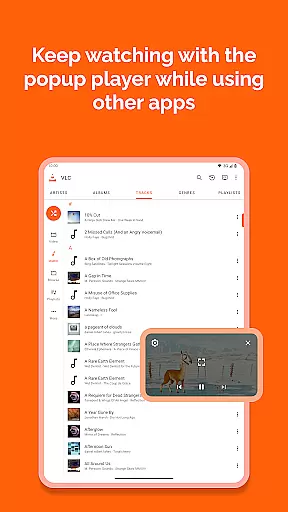
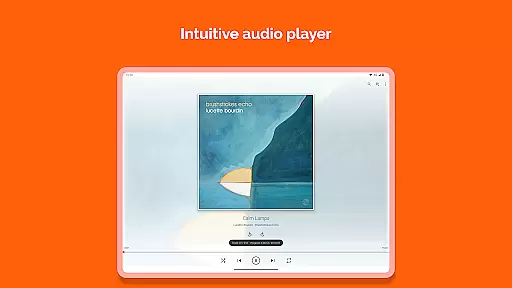
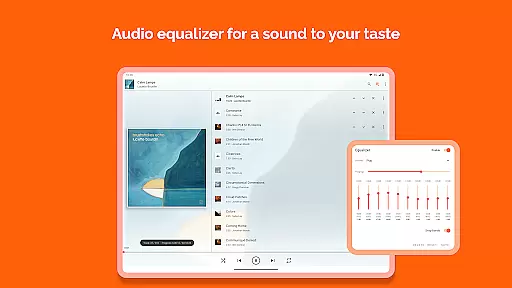
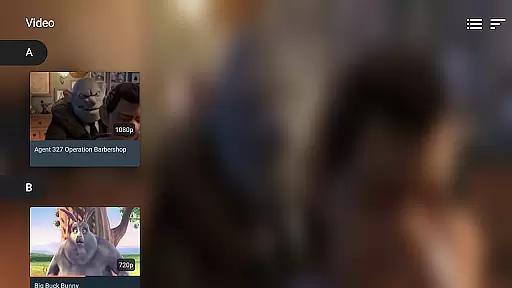
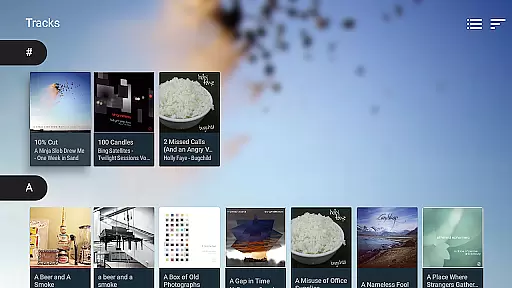
Beyond basic playback, VLC provides a rich feature set: a fully-fledged audio library with equalizer settings, support for subtitles and closed captions, and intuitive media organization. Users can enjoy enhanced control via gestures, widgets for audio management, and integration with audio headsets, ensuring a customizable and accessible media experience.
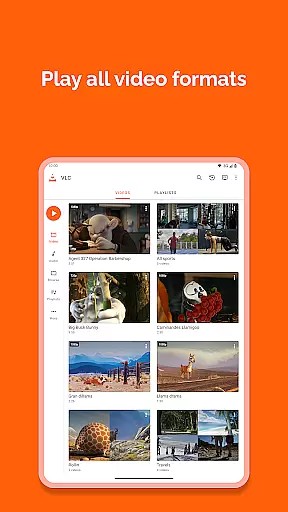
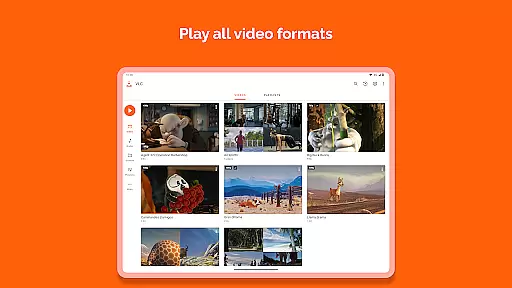
VLC for Android stands out as a versatile video player due to its extensive video format compatibility. This application supports virtually all video formats, including but not limited to MKV, MP4, AVI, MOV, Ogg, FLAC, TS, M2TS, Wv, and AAC. The inclusion of all necessary codecs within the app eliminates the need for any additional downloads or plugins.
The importance of this feature cannot be overstated, as it ensures that users can play any local video file without worrying about format support. Whether you're trying to open a high-definition movie or an old home video in a rare format, VLC for Android handles it effortlessly.
Moreover, the app's ability to play network streams, DVD ISOs, and disk shares adds another layer of convenience. Users can stream content from their network-attached storage or play files directly from shared drives, making it an indispensable tool for multimedia enthusiasts.
This universal compatibility significantly enhances user experience by removing technical barriers, allowing individuals to focus on enjoying their content rather than troubleshooting playback issues.
While VLC for Android primarily focuses on media playback, it incorporates several intelligent features that enhance the viewing experience through AI-powered functionalities. Although it doesn't offer traditional video editing capabilities, the app implements smart technologies that optimize media consumption.
The application automatically adjusts various playback parameters based on content analysis. For instance, it intelligently handles aspect ratio adjustments and rotation, ensuring optimal viewing regardless of device orientation or original file specifications.
VLC for Android also includes advanced subtitle processing capabilities. The app can automatically download and synchronize subtitles, using sophisticated algorithms to match them with the corresponding video content. This feature demonstrates how AI implementation can streamline media consumption without requiring manual intervention.
Furthermore, the app's media library organization employs intelligent categorization and indexing methods. While not traditional editing features, these AI-driven enhancements contribute to a more efficient and enjoyable media management experience, demonstrating how artificial intelligence can be effectively integrated into media player applications.
User-friendly interface
Extensive format support
No ads or in-app purchases
Advanced playback options
Regular updates and improvements
Occasional playback issues
Interface may feel dated
Limited aesthetic customization
Can be resource-intensive
Advanced features may overwhelm new users

Video Trimmer, Video to MP3 Converter. Extract music from video, Easy & Fast.
 4.80
4.80
Search & download videos from net with all video downloader, auto-detect & safe.
4.60
Fast video downloader & private browser. Save HD clips to watch offline.
4.40
Seamlessly connect and control your smart devices, anytime, anywhere with ease.
4.60
Fast & Private Video Downloader App. Save all videos easily from the Internet.
4.40
Cast to Smart TV, Fire TV. Cast video, photo - Fast & Stable!
3.90
Watch IPTV on your Android device
4.60
Powerful video player with advanced hardware acceleration and subtitle supports
4.20
Video player with 4K & 1080P support, popup play, background play and subtitle.
4.20
High-Quality USB Camera Viewer & HDMI Display
4.70
GENRAL PRO - General Pro is the best video player that fully supports all formats.
4.70
A Simple app to download Video & Music from the Internet.
4.70
?100% FREE! Download & save videos? safely in this app. All formats supported.
4.60
Browser for Fire TV to stream webvideos, online movies, livestreams in HD
4.40
LumaFusion: The Ultimate Storytelling Experience for Video Editing
4.10
Powerful, professional, versatile teleprompter. Developed by an active film crew
4.00
Stream Web Videos to Chromecast, Samsung, LG, Sony, Roku, Fire TV, DLNA + more
4.00
Capture images & record videos for USB Camera, Webcam, Microscopes, Endoscopes
3.80
Mix with Virtual DJ directly from your phone or tablet !
3.10


User Reviews