
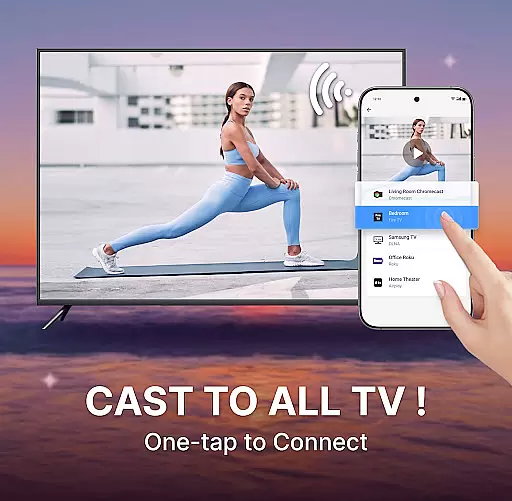
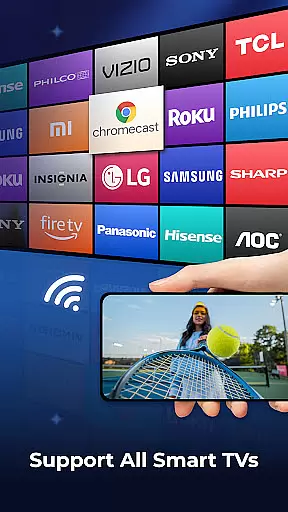
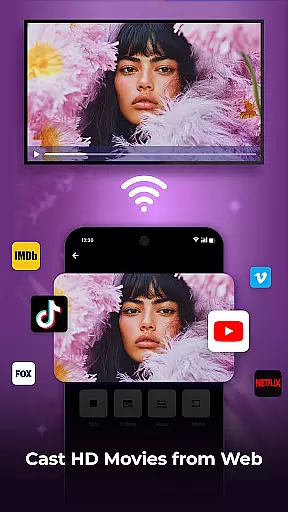
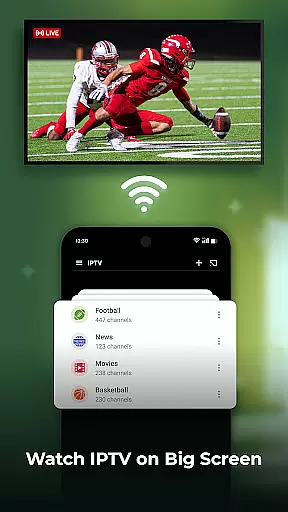
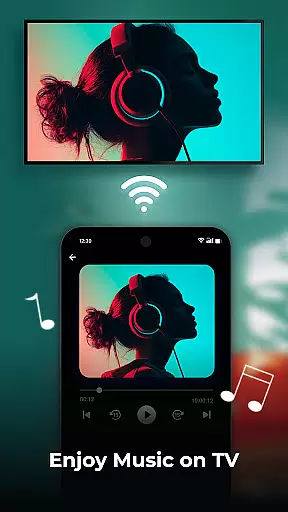
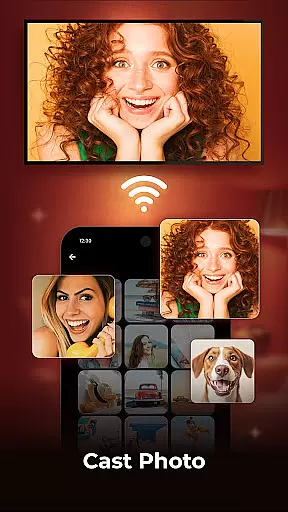
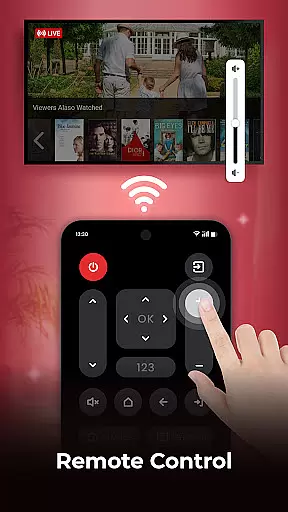
Cast to TV is a versatile application that allows users to cast their phone screen to smart TVs with ease. With this app, you can quickly cast videos, photos, and music to the big screen with just a few taps. It supports the most popular streaming devices, enabling real-time high-quality streaming of your favorite content.
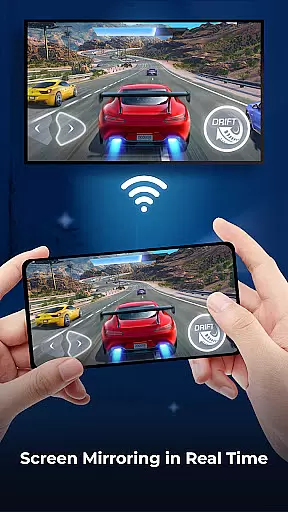
The app features Screen Mirroring, which mirrors your phone screen in real time to a larger display, enhancing your viewing experience. Additionally, it offers a built-in browser for web video casting, playlists for media playback in various modes, and a remote control function for easy TV management. Whether you want to watch TV shows, enjoy live streams, or showcase holiday photos, Cast to TV makes it effortless and enjoyable.
Cast to TV boasts an array of features designed to enhance user experience. One standout feature is Screen Mirroring, allowing real-time mirroring of your mobile device's screen on your TV. This is perfect for sharing photos and videos with friends and family or enjoying games on a bigger screen for a more immersive experience.
Another key feature is the built-in web browser, which facilitates casting web videos to your TV. The browser includes functionalities like bookmarks, playback history, and resolution adjustments. Moreover, users can block pop-ups and ads to avoid distractions. The app also provides easy control over basic video functions such as play, pause, volume adjustment, and channel switching, making it a comprehensive tool for managing your entertainment needs.
One of the key strengths of Cast to TV lies in its exceptional video format compatibility. This feature ensures that users can cast a wide range of video formats from their mobile devices to their smart TVs without any hitches. Whether you're dealing with MP4, AVI, or MKV files, this app handles them all, making it versatile for different user needs.
The app supports popular streaming devices like Sony, Samsung, LG TVs, Apple TV, Fire TV, Xbox, and even Web Browsers and PCs. This extensive device support means that no matter what kind of setup you have at home, Cast to TV is designed to work seamlessly across various platforms, ensuring a smooth casting experience every time.
For users, this means more convenience and less frustration. You won't need to convert files or worry about whether your content will play on your TV. The ability to cast effortlessly enhances the overall user experience, allowing you to enjoy high-quality streaming of your favorite movies, videos, and photos directly on the big screen.
Cast to TV also offers AI-powered editing features that significantly enhance the user's ability to manage and edit their media before casting. These features include playlist creation where users can shuffle, loop, or repeat media, providing a personalized viewing experience tailored to individual preferences.
In addition to playlists, the app includes a built-in browser for web video casting, which comes with useful functionalities such as bookmarks, playback history, and resolution options. This allows users to block pop-ups and ads, ensuring an uninterrupted viewing session. Such capabilities make it easier for users to curate their content and enjoy a streamlined casting process.
These AI-driven tools not only simplify media management but also improve engagement by letting users control their viewing experience more effectively. With these advanced editing features, Cast to TV stands out by offering both convenience and customization, catering to tech-savvy individuals who demand more from their video player and editor apps.
User-friendly interface
High-quality streaming
Wide device compatibility
Real-time screen mirroring
Built-in web browser
Limited advanced features
Occasional connectivity issues
Ads in free version
Requires stable network
Subscription fees

A full editing room to accompany your Insta360 cameras and handheld gimbals.
 3.30
3.30
Kodi media center, a free and open source cross-platform entertainment hub
3.60
Watch full episodes of your favorite Cartoon Network and Cartoonito shows!
3.50
HD video maker with no watermark, no ads & vlog maker with music, PIP, text
4.50
All format media Player, no need video converter any more!
4.00
Capture images & record videos for USB Camera, Webcam, Microscopes, Endoscopes
3.80
Video Downloader, Multiple Resolution Options, Video Player
4.50
IPTV Loader, loads your own Playlist. DOES NOT CONTAIN ANY LIST OR CHANNELS
4.60
Photo editor & video maker with music and slideshows.
4.10
Video Trimmer, Video to MP3 Converter. Extract music from video, Easy & Fast.
4.80
Photo and Music Video Creator into Stunning Videos—Effortlessly
4.40
Turn your phone into a wireless camera!
4.20
VLC for Android is the best open source video and music player, fast and easy!
4.10
Stream Web Videos to Chromecast, Samsung, LG, Sony, Roku, Fire TV, DLNA + more
4.00
Explore the largest library of free GIFs, Stickers & Memes - or create your own!
3.90
Live TV, anywhere in your home
3.80
Manage your IPTV live channels and VOD playlists (no playlist included)
3.80
Download videos easily & play them all in one smart, powerful video manager.
3.40
Stream high quality video from your camera over NDI protocol
4.2


User Reviews