

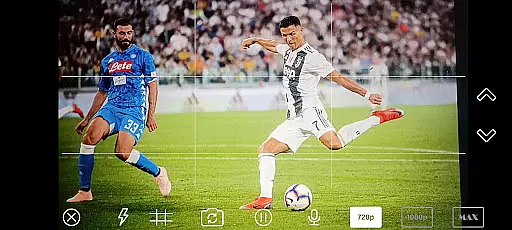
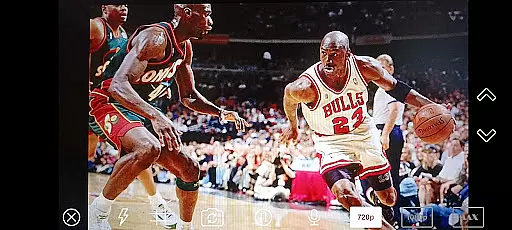
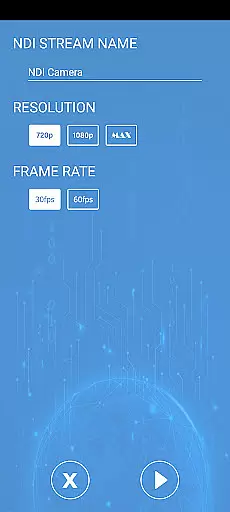

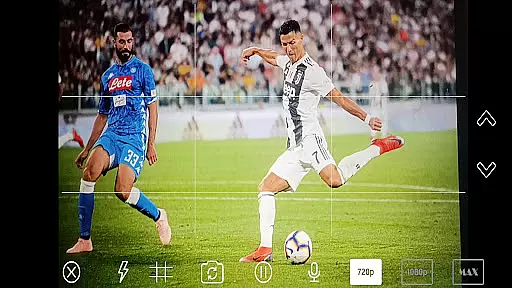
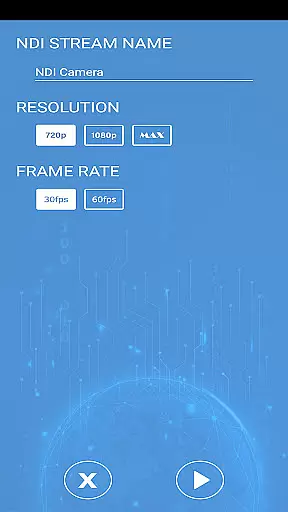

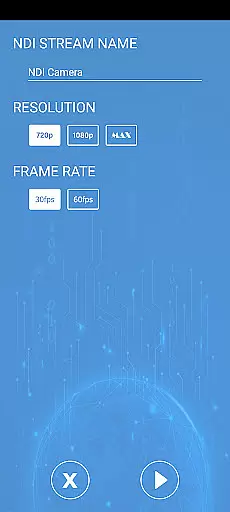
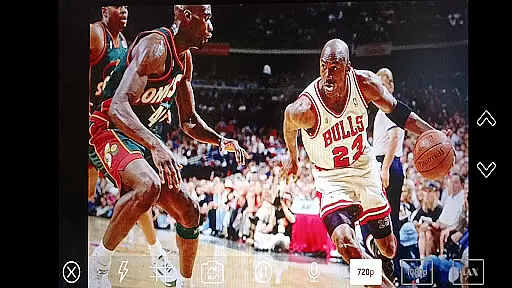
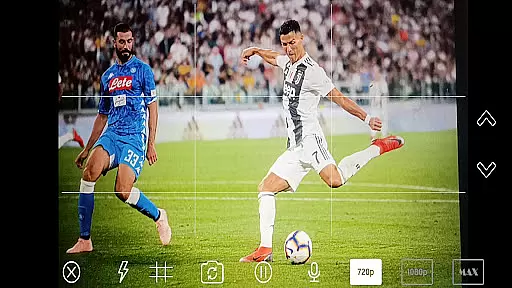

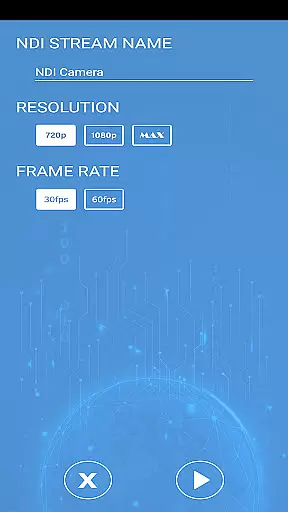
NDI Camera PRO is a powerful video streaming application designed for professional broadcasting needs. The app allows users to send high-quality NDI video streams directly from their device's camera over the NDI protocol. This makes it an ideal tool for live video production, especially when integrated with broadcasting software like OBS Studio.
One of the standout features of NDI Camera PRO is its ability to deliver low-latency video transmission. By leveraging the NDI® protocol, which is specifically optimized for live video production, the app ensures minimal delay while maintaining exceptional video quality. Whether you're working on live events, studio broadcasts, or any other professional video project, this app provides a reliable and efficient solution.
The app is particularly useful in environments where multiple video sources need to be managed seamlessly. With support from an extensive list of transmission systems, NDI Camera PRO integrates effortlessly into existing setups, making it a versatile choice for video professionals.
NDI Camera PRO offers a range of advanced features tailored for professional video production. One key feature is its compatibility with the NDI protocol, enabling users to stream video over IP networks with minimal latency. This ensures that video feeds are transmitted quickly and efficiently, which is crucial for live broadcasts.
In addition to its core streaming capabilities, the app supports integration with popular broadcasting tools such as OBS Studio. This allows users to incorporate their mobile device's camera feed into more complex video production workflows easily. The app also includes customizable settings, giving users control over video quality and transmission parameters to suit specific project requirements.
Another notable feature is the app's broad compatibility with various transmission systems. This flexibility ensures that NDI Camera PRO can be used in diverse professional environments, from small-scale productions to large-scale broadcast operations. Overall, these features make the app an indispensable tool for anyone involved in professional video production.
Video format compatibility is a crucial feature for any video player or editor, ensuring that users can work with a wide range of video file types without the need for conversion. NDI Camera PRO excels in this area by supporting the NDI protocol, which allows for low-latency video streaming over IP networks.
This application enables users to send NDI video streams directly from their camera, making it an ideal tool for broadcasting applications such as OBS Studio. The support for NDI means that the app can handle high-quality video formats used in professional live video production seamlessly.
By leveraging NDI technology, NDI Camera PRO ensures that content creators and broadcasters can integrate their mobile camera feeds into complex production workflows effortlessly. This compatibility significantly enhances the flexibility and efficiency of video production, allowing for real-time collaboration and streaming across different devices and platforms.
AI-powered editing features are transforming the landscape of video editing by automating complex tasks and providing intelligent suggestions to enhance video content. While NDI Camera PRO focuses primarily on streaming capabilities, its integration with advanced broadcasting applications like OBS Studio indirectly benefits from AI-powered tools available in these platforms.
The app's primary function is to stream video using the NDI protocol, which itself is a sophisticated technology developed for professional live video production. Although NDI Camera PRO may not have built-in AI features, its compatibility with powerful editing software means that users can take advantage of AI-driven enhancements such as scene detection, automatic color correction, and smart transitions.
For content creators looking to elevate their productions, the combination of NDI Camera PRO's reliable streaming and AI-powered editing tools in complementary software results in a comprehensive solution for modern video production needs. This synergy allows for both efficient capture and enhanced post-production quality, meeting the demands of today's dynamic media environment.
Low-latency streaming
High-quality video output
Seamless OBS Studio integration
Extensive device compatibility
User-friendly interface
Requires stable network
Premium pricing
Limited free features
Advanced setup needed
Steep learning curve

Photo and Music Video Creator into Stunning Videos—Effortlessly
 4.40
4.40
Video Trimmer, Video to MP3 Converter. Extract music from video, Easy & Fast.
4.80
AirMirror is Receiver for Screen Mirroring and Casting from Apple Devices.
3.60
Download videos easily & play them all in one smart, powerful video manager.
3.40
AI Video Editor:AI Music, Text to Video,Text to Speech,Auto Caption,Video Effect
4.00
IPTV Loader, loads your own Playlist. DOES NOT CONTAIN ANY LIST OR CHANNELS
4.60
Flud is a simple and beautiful BitTorrent client for Android.
4.80
Web Browser for LG TV to stream webvideos, online movies and livestreams in HD
4.20
Powerful video player with advanced hardware acceleration and subtitle supports
4.20
Find, download, and play torrents with the official BitTorrent® Pro app
4.70
Watch IPTV on your Android device
4.60
Add date and time watermark to photos and videos
4.50
KineMaster, Your Ultimate Video Editor!
4.40
Browser for Fire TV to stream webvideos, online movies, livestreams in HD
4.40
Connect 2 UVC devices for recording and broadcast video/audio stream
3.90
HD video & music player - All format support with floating & PIP mode!
3.80
Save photos and videos from social apps in one tap.
3.60
IPTV Player - Watch live TV from m3m & m3u8 playlist, stream IPTV on mobile
3.30
You can play SWF format file!
2.50


User Reviews