
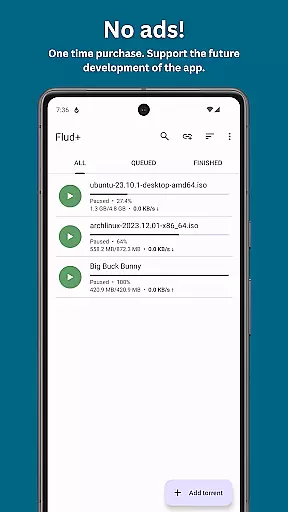
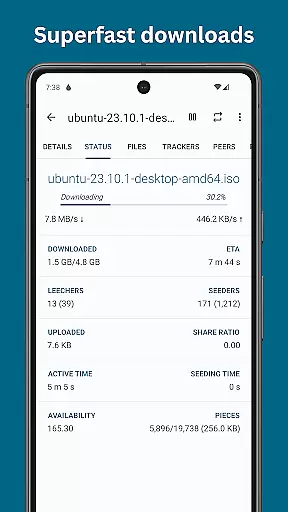
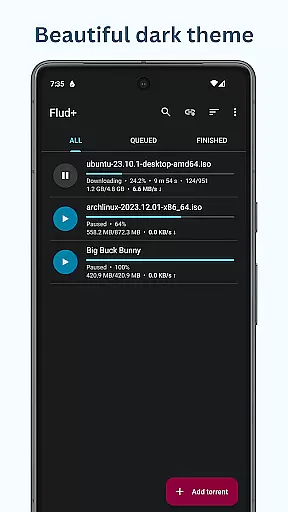
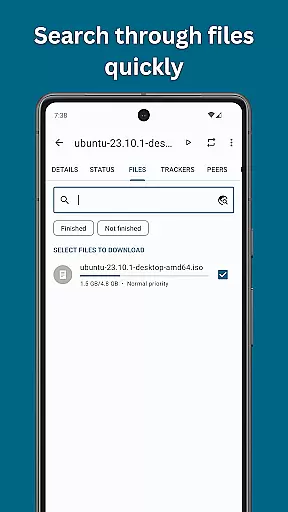
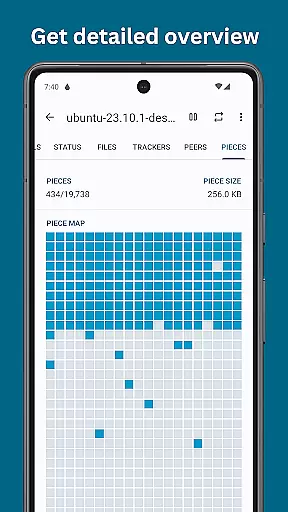
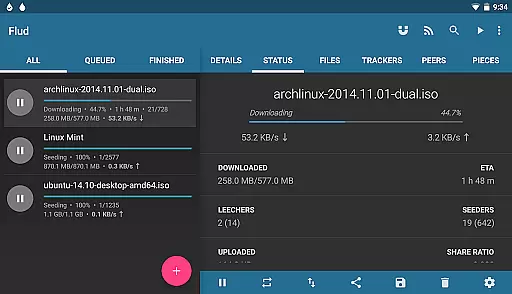
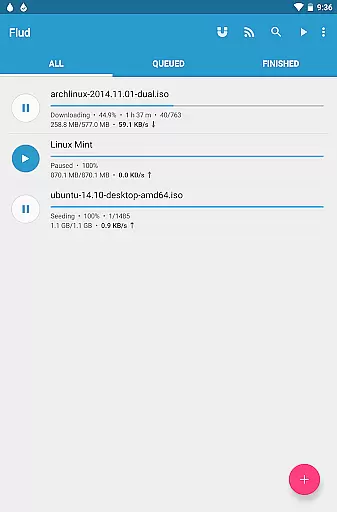
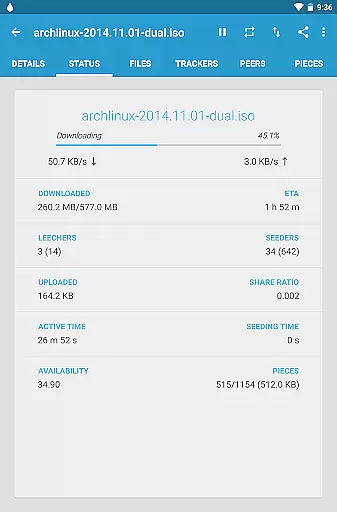
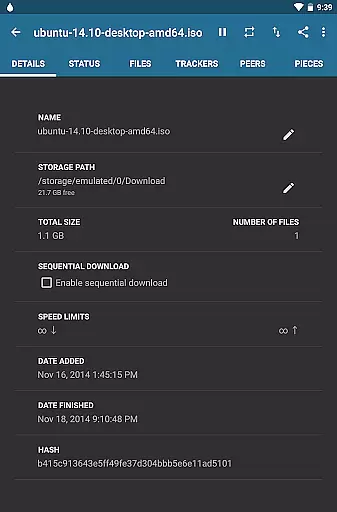
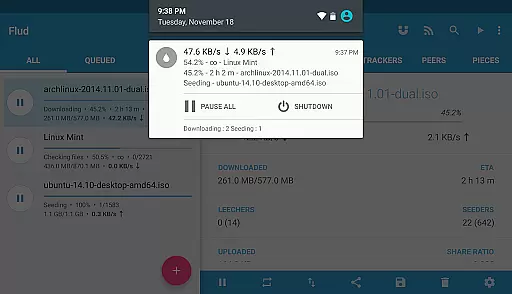
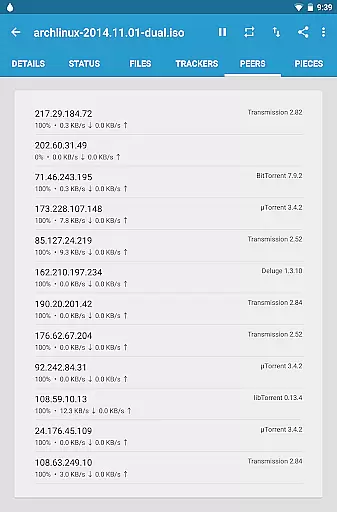
Flud+ is a premium BitTorrent client designed for Android users who require an ad-free experience with advanced theming options. This app allows you to harness the full power of the BitTorrent protocol directly from your mobile device, making it easy to share and download files on the go.
The application supports a wide array of features including no speed limits, RSS feed support with automatic downloading, magnet link support, and various network protocols like NAT-PMP and DHT. Additionally, Flud+ offers unique capabilities such as sequential downloading and the ability to move files during the download process, which are particularly useful for managing large files or torrents with numerous files.
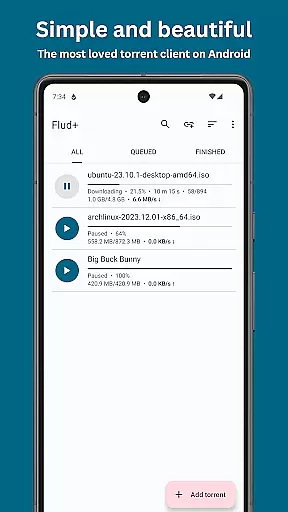
With its sleek Material Design interface, Flud+ provides a visually appealing and user-friendly experience. The app is optimized for both smartphones and tablets, ensuring a seamless experience across all Android devices. Whether you're downloading media files or sharing documents, Flud+ is a versatile tool that enhances your torrenting activities while maintaining privacy through encryption and proxy support.
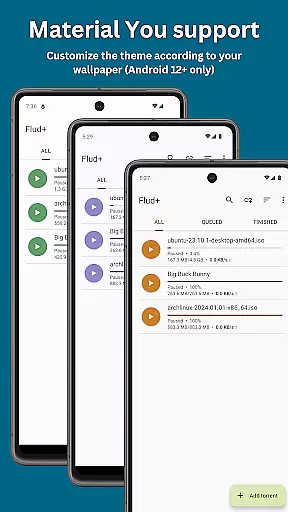
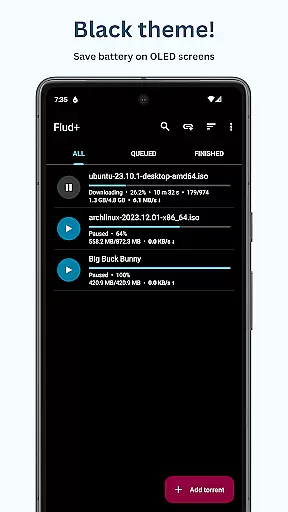
Flud+ stands out with its comprehensive feature set tailored for avid torrent users. One of the key highlights is the absence of ads, providing an uninterrupted user experience. Exclusive to Flud+, users can enjoy Material You support and a black theme, enhancing visual comfort and personalization.
The app includes advanced functionalities such as the ability to select specific files for download, set file and folder priorities, and supports RSS feeds with automatic downloading. It also boasts compatibility with magnet links and integrates seamlessly with browser actions. Network-wise, Flud+ supports protocols like NAT-PMP, DHT, UPnP, µTP, and PeX, ensuring efficient and fast torrenting.
Additional features include options for sequential downloading, moving files during downloads, and handling torrents with a large number of files or very big files. With built-in encryption, IP filtering, and proxy support, Flud+ ensures your privacy and security. The app also offers flexible theming options, WiFi-only downloads, and an intuitive UI optimized for tablets, making it a robust choice for managing your torrent needs on Android.
Flud+ stands out in video format compatibility, ensuring users can download and manage torrent files with a wide array of video formats without hassle.
This application supports torrents containing a large number of files and very big files, making it an ideal choice for users dealing with extensive media libraries. It is important to note that for devices with FAT32 formatted SD cards, the file size limit is 4GB.
The ability to select which files to download and specify file/folder priorities enhances user control over their downloads. This feature ensures efficient management of storage space and download speeds.
With support for sequential downloading and the ability to move files during the download process, Flud+ offers flexibility and convenience for managing video content on Android devices.
While Flud+ does not focus on AI-powered editing features like some dedicated video editors, it provides essential functionalities that indirectly assist in video management.
One notable feature is its RSS feed support with automatic downloading, allowing users to subscribe to their favorite video feeds and automatically download new content as it becomes available.
Additionally, the app's encryption support and IP filtering enhance privacy and security during downloads, ensuring that users' video content remains protected from unauthorized access.
Although Flud+ may not offer advanced AI-driven editing tools, its robust set of features makes it a powerful tool for acquiring and managing video content efficiently on mobile devices.
Ad-free experience
Advanced theming options
Comprehensive network protocol support
Sequential downloading capability
User-friendly Material Design UI
Paid version only
Limited to 4GB file size on FAT32
No iOS version available
Requires technical knowledge
Occasional bugs reported

HD video maker with no watermark, no ads & vlog maker with music, PIP, text
 4.50
4.50
Powerful HD video player with support for all formats & subtitles.
4.2
Stream Web Videos to Chromecast, Samsung, LG, Sony, Roku, Fire TV, DLNA + more
4.00
Download videos easily & play them all in one smart, powerful video manager.
3.40
IPTV Loader, loads your own Playlist. DOES NOT CONTAIN ANY LIST OR CHANNELS
4.60
Manage your IPTV live channels and VOD playlists (no playlist included)
3.80
The essential companion to your Blue Iris PC software
2.50
Browser for Samsung TV to stream webvideos, online movies and livestreams in HD
4.10
Make videos you’re proud to share with Edits, a video editor for creators.
4.70
Play ALL formats in 4K & HD. Video downloader, MP3 player, Chromecast & more.
4.80
GENRAL PRO - General Pro is the best video player that fully supports all formats.
4.70
Find, download, and play torrents with the official BitTorrent® Pro app
4.70
Fast, private downloading, video saving, social media
4.50
Download website videos fast&privacy
4.40
Viddo: Generate Action Figure, AI Anime, AI kiss, AI hug Video from image & text
4.40
This app was created to edit the metadata of music files.
4.20
VLC for Android is the best open source video and music player, fast and easy!
4.10
All format media Player, no need video converter any more!
4.00
AI Video Editor:AI Music, Text to Video,Text to Speech,Auto Caption,Video Effect
4.00


User Reviews