
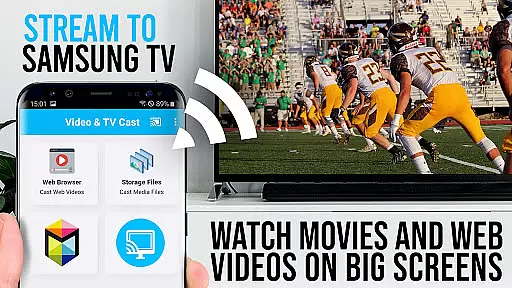
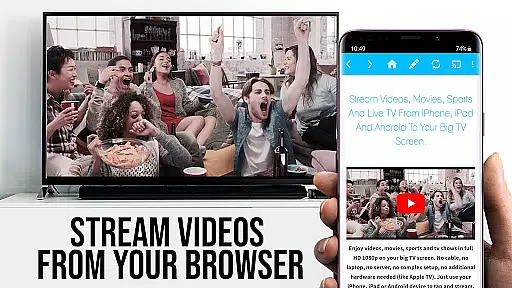
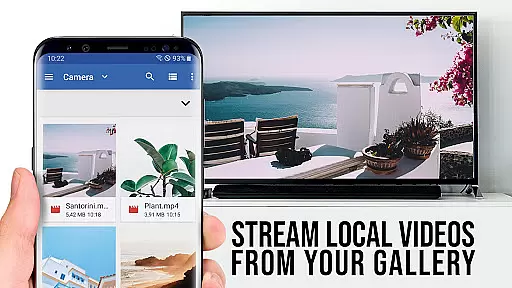
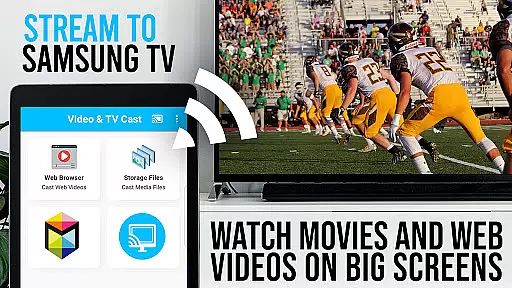
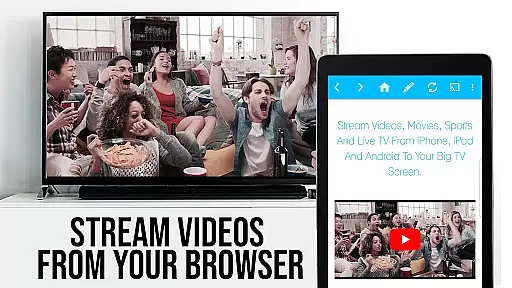
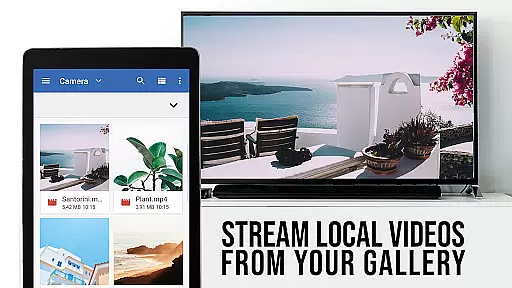
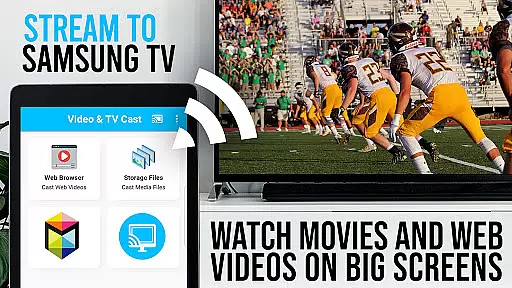
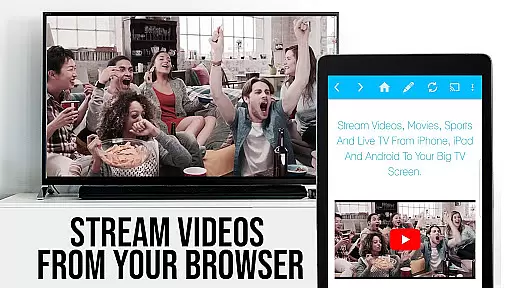
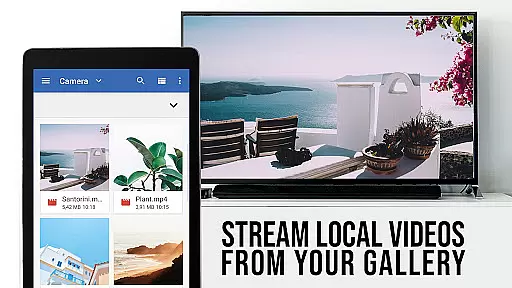
TV Cast Pro for Samsung TV is a premier application designed to enhance your home entertainment experience by streaming web videos, online movies, livestreams, and live TV shows directly to your Samsung Smart TV or Blu-ray Player. This app eliminates the need for additional streaming hardware, supporting formats like mp4, m3u8, hls livestreams, and video over https, with Full HD quality.
The PRO edition offers all premium features unlocked, catering to Samsung TV models from 2010 (C series) to 2017 (new M/MU/Q series) and select Blu-ray Players. With Video & TV Cast, users can browse the web and cast any video content to their TV with ease, provided the free 'TV Cast' companion app is installed via the Samsung App Store.
TV Cast Pro stands out with its comprehensive feature set tailored for seamless media streaming. The app allows users to browse websites and cast embedded videos to their Samsung TV or Blu-ray Player effortlessly. A unique aspect is the necessity to enter the Android device's IP address using the Samsung Remote, ensuring a secure and direct connection.
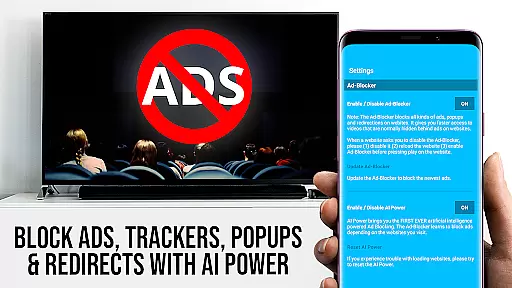
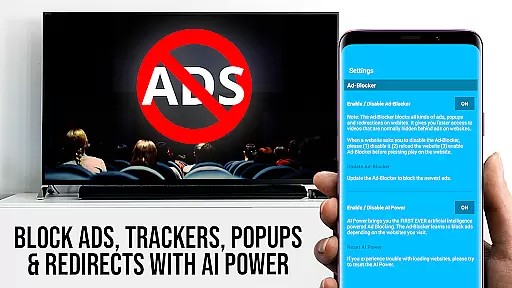
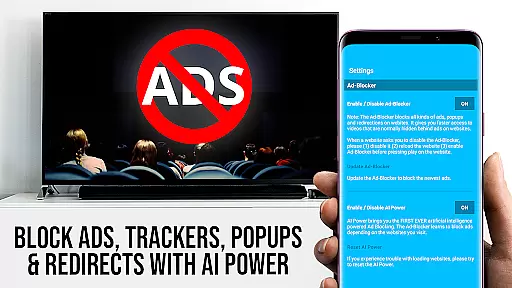
Premium features include the Remote Playbar for advanced video control, an Ad-Blocker for an uninterrupted viewing experience, Bookmarks for easy access to favorite sites, Desktop Mode to view desktop versions of websites, and customizable Homepage settings. These features collectively ensure a user-centric experience that prioritizes convenience, quality, and personalization in media streaming.
TV Cast Pro for Samsung TV offers extensive video format compatibility, ensuring users can stream a wide range of web videos, online movies, and live streams directly to their Samsung Smart TVs and Blu-ray Players.
The app supports popular formats such as MP4, M3U8, HLS livestreams, and even videos delivered over HTTPS, making it versatile for various streaming needs. This eliminates the need for an additional streaming box, simplifying the user experience while maintaining high-quality playback.
By covering Full HD content and integrating seamlessly with Samsung's ecosystem from 2010 (C series) to 2017 (new M/MU/Q series), this app ensures that users can enjoy their favorite content on the biggest screen in their home without worrying about format restrictions.
For unsupported formats like Flash video or DRM-protected content from platforms such as Netflix, the app provides clear guidance and encourages users to test websites in the free edition before upgrading, ensuring transparency and customer satisfaction.
While TV Cast Pro for Samsung TV focuses primarily on streaming and casting capabilities, its advanced features bring a level of intelligence akin to AI-powered editing tools, enhancing the overall user experience.
The Remote Playbar feature allows users to control video playback with precision, offering options for scrubbing, forwarding, rewinding, playing, pausing, and stopping. This gives users a sense of control similar to advanced video editing software, but tailored for seamless media consumption on Samsung TVs.
In addition, the Ad-Blocker feature works intelligently to remove ads and popups from most websites, creating a cleaner viewing environment. This not only improves the visual experience but also reduces interruptions, mimicking the polished feel of professionally edited content.
With added functionalities like Desktop Mode and customizable bookmarks, users can tailor their browsing and streaming experience to match their preferences, bringing a personalized and smart approach to how they interact with online video content.
Seamless casting
No ads
Desktop mode
Customizable homepage
Remote playbar
No DRM support
Limited device compatibility
Requires companion app
Manual IP entry
Device restarts needed

Tik & Story Saver-Download ALL social media videos, photos & reels no watermark.
 4.80
4.80
Full HD Video mp3 Player, MP4 player play 1080p, File manager, Video Downloader
4.40
Live TV, anywhere in your home
3.80
AirMirror is Receiver for Screen Mirroring and Casting from Apple Devices.
3.60
IPTV Player - Watch live TV from m3m & m3u8 playlist, stream IPTV on mobile
3.30
Cast to Smart TV, Fire TV. Cast video, photo - Fast & Stable!
3.90
Watch IPTV on your Android device
4.60
Cast movies, tv shows and live streams to Chromecast, Roku, DLNA, Fire TV & more
4.60
Screen recorder with audio to take live videos & Screenshot in high quality!
4.70
Watch a large amount of high-definition short drama content
4.60
Search & download videos from net with all video downloader, auto-detect & safe.
4.60
Seamlessly connect and control your smart devices, anytime, anywhere with ease.
4.60
Fast & Private HD Video Downloader with Built-in Proxy Browser and Video Player.
4.50
Photo and Music Video Creator into Stunning Videos—Effortlessly
4.40
LumaFusion: The Ultimate Storytelling Experience for Video Editing
4.10
All format media Player, no need video converter any more!
4.00
Fast private browser with secure, seamless access & supported video downloads!
4.00
Connect 2 UVC devices for recording and broadcast video/audio stream
3.90
The essential companion to your Blue Iris PC software
2.50


User Reviews