
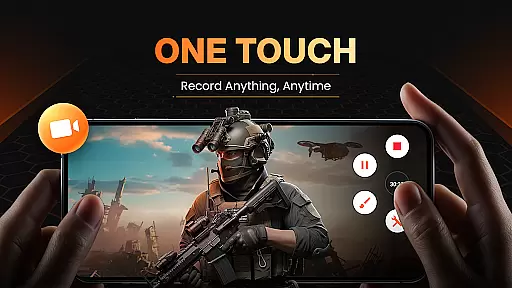
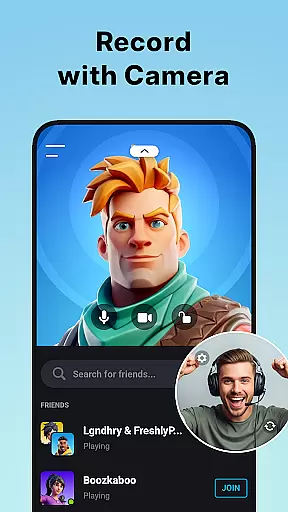
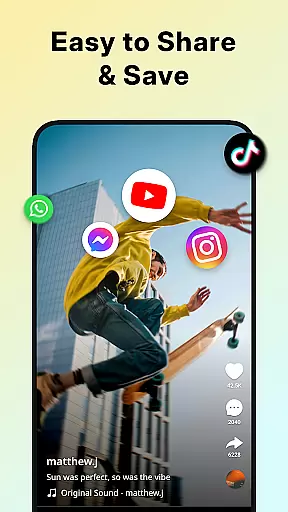
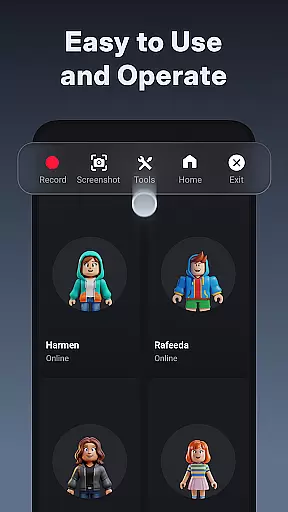
XRecorder is a versatile screen recording app designed for capturing smooth and clear videos, screenshots, and live game shows without any watermarks. It offers advanced features such as internal audio recording, facecam, and video editing tools.
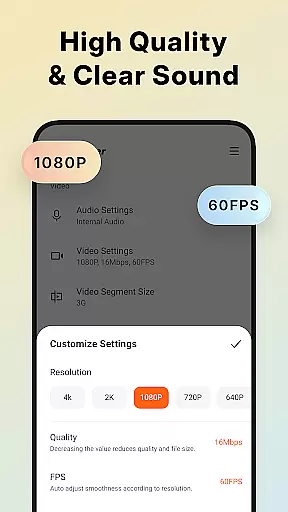
With support for high-quality 1080p recording at 60FPS, XRecorder ensures professional-grade screen captures. The app's customizable floating ball and intuitive interface make it easy to use for creating tutorials, recording gameplay, or capturing undownloadable videos.
Ideal for content creators and gamers, XRecorder provides unlimited recording time and the ability to add music, stickers, and stylish filters to personalize your videos.
XRecorder stands out with its comprehensive feature set tailored for both casual users and professionals. The app supports HD video recording up to 120 FPS, providing an immersive visual experience.
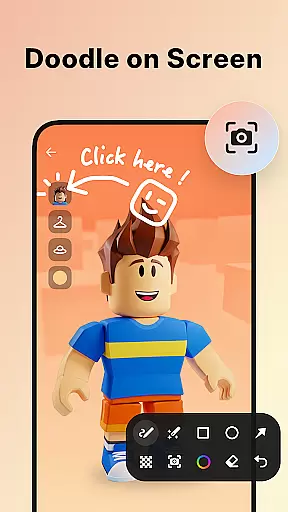
Unique capabilities include YouTube & RTMP live streaming, making it possible to become a gaming streamer. The facecam feature allows users to record reactions, while brush tools enable drawing on the screen during captures.
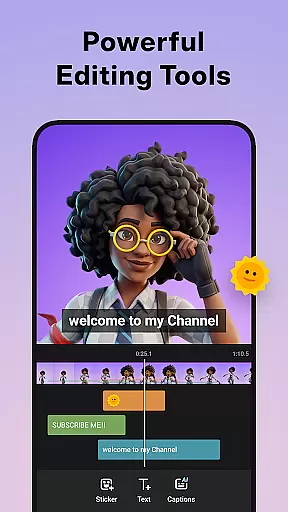
Video editing functions are robust, allowing trimming, cropping, rotating, and adding effects. Users can also customize floating window settings, choose storage locations, and benefit from a trash bin feature that retains deleted files for three days.
Video format compatibility is a crucial feature for any video player and editor, ensuring that users can work with a wide range of video files without the need for conversion. Screen Recorder - XRecorder supports an extensive array of formats, from common ones like MP4 and AVI to less frequently used types such as MKV and MOV. This versatility allows creators to focus on their content rather than technical limitations.
The application's ability to export Full HD videos with custom settings, ranging from 240p to 1080p, 60FPS, and up to 12Mbps, showcases its dedication to quality and user choice. Whether you're looking to upload your video to social media or store it for future editing, XRecorder provides the flexibility needed to meet various requirements.
Moreover, the maximum 120 FPS recording support offers an enhanced visual experience, particularly beneficial for fast-paced gaming sessions or action-packed footage. Users can enjoy smoother playback and capture every detail in high definition, making their content stand out among others.
AI-powered editing features are revolutionizing how we approach video post-production by automating complex tasks and offering intelligent suggestions. Screen Recorder - XRecorder incorporates advanced AI tools that allow users to trim, cut, and split videos effortlessly, transforming raw footage into polished masterpieces. These capabilities not only save time but also open up creative possibilities for both novice and experienced editors alike.
In addition to basic edits, the app includes options for cropping and rotating videos at any angle, adjusting aspect ratios for different platforms, and adding popular music tracks to personalize captures further. With stylish filters such as Story, Vintage, and Lomo, creators can apply unique aesthetics to their projects, enhancing storytelling through visuals.
XRecorder stands out with its speed control function, enabling users to accelerate or decelerate video pacing according to their narrative needs. Combined with facecam functionality, which records reactions in a customizable overlay window, these AI-driven enhancements empower storytellers to craft engaging and dynamic content that resonates with audiences across various channels.
User-friendly interface
High-quality recording
No watermark
Live streaming support
Comprehensive editing tools
Advanced features require Android 10+
Some options may overwhelm beginners
Occasional bugs reported
Editing tools need improvement
Limited customer support

Video player, file manager for all formats, 4K/HD media player supports subtitle
 4.30
4.30
HD video & music player - All format support with floating & PIP mode!
3.80
Video Downloader is an utility that can save videos and music from web sites
4.20
Tik & Story Saver-Download ALL social media videos, photos & reels no watermark.
4.80
Snaptubè Video Downloader app allows to download videos and music in Snaptube. .
4.60
Live TV, anywhere in your home
3.80
Stream Web Videos to Chromecast, Samsung, LG, Sony, Roku, Fire TV, DLNA + more
4.00
Explore the largest library of free GIFs, Stickers & Memes - or create your own!
3.90
IPTV Loader, loads your own Playlist. DOES NOT CONTAIN ANY LIST OR CHANNELS
4.60
High-Quality USB Camera Viewer & HDMI Display
4.70
Find, download, and play torrents with the official BitTorrent® Pro app
4.70
KineMaster, Your Ultimate Video Editor!
4.40
Turn your phone into a wireless camera!
4.20
Powerful video player with advanced hardware acceleration and subtitle supports
4.20
Browser for Samsung TV to stream webvideos, online movies and livestreams in HD
4.10
LumaFusion: The Ultimate Storytelling Experience for Video Editing
4.10
IPTV-Smarters Player Pro M3U - Watch Live Stream TV Channels with Chromecast
4.00
Manage your IPTV live channels and VOD playlists (no playlist included)
3.80
Livestream, news, & gaming content. Watch, chat, and upload. Join Rumble today!
3.80


User Reviews