
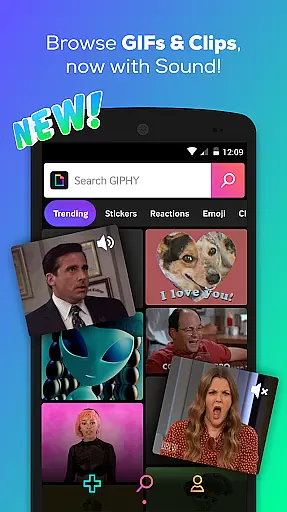

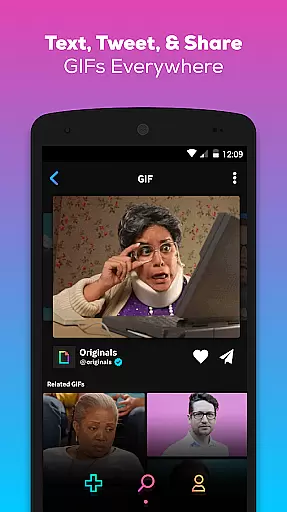
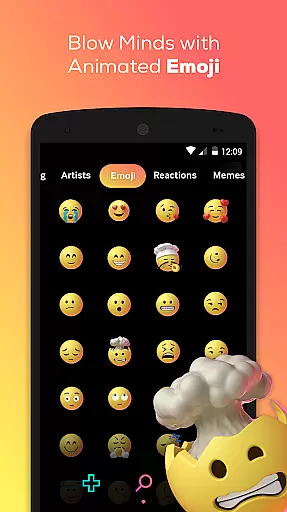
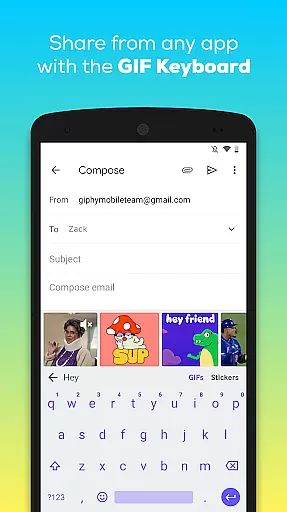
GIPHY is the ultimate destination for all your animated content needs, offering the largest library of free GIFs, Clips, and Stickers. Available on Android, this app allows you to search and share short-form content and animated reactions seamlessly across various social platforms like Facebook Messenger, Instagram, and Snapchat.
With GIPHY's powerful search feature, users can find the perfect animated content from an extensive collection. The app also provides creative tools to make your own GIFs and stickers, ensuring that your conversations are lively and expressive. Whether you're looking to react with a GIF or create custom animations, GIPHY has got you covered.
GIPHY stands out with its vast library of animated GIFs, Clips, and Stickers, sourced from pop culture, sports, TV shows, and more. This diversity ensures that users can find content that resonates with their interests and current trends.
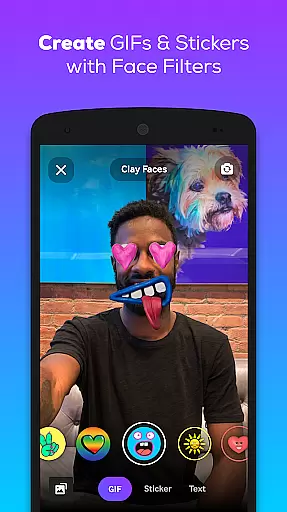
The app includes creation tools that let users produce their own GIFs and stickers by uploading personal content or using the app's camera. With features like face filters and animated text, customization is limitless. Additionally, GIPHY's keyboard integration allows users to search and share content without leaving their messaging apps, making communication more dynamic and engaging.
Video format compatibility is a crucial feature for any video player or editor, ensuring that users can access and work with a wide range of video files without technical barriers. GIPHY supports an extensive array of formats, allowing users to seamlessly search, create, and share GIFs, Clips, and Stickers across multiple platforms.
The app leverages advanced conversion technologies to provide support for popular formats such as MP4, GIF, and more, while also introducing GIPHY Clips, which adds sound to animated content. This flexibility empowers users to express themselves in diverse ways, whether through silent looping GIFs or Clips with audio.
For the user, this means freedom and convenience. Regardless of the source or original format of their video content, they can easily transform it into shareable animations. Whether it's for social media, messaging apps, or personal storage, GIPHY ensures that every video retains its quality and playability across different devices and platforms.
AI-powered editing features represent the cutting-edge evolution of content creation tools, enabling users to produce professional-quality videos with minimal effort. GIPHY incorporates intelligent algorithms that simplify the creation of GIFs and Stickers, making advanced editing accessible to everyone.
With AI-driven functionalities, users can apply custom face filters, add animated text, and even create personalized stickers using the app's built-in camera or by uploading their own images. These smart tools automatically adjust elements like lighting, contrast, and alignment, ensuring that every piece of content looks polished and engaging.
This technological advantage translates into significant benefits for the user. Not only does it save time and enhance creativity, but it also opens up new possibilities for self-expression. By democratizing access to sophisticated editing techniques, GIPHY empowers users to craft unique visual stories that stand out on any social channel.
User-friendly interface
Extensive GIF library
Creative customization tools
Seamless social sharing
Integrated keyboard feature
Limited video editing
No offline mode
Occasional ads
Heavy on data
Requires constant updates

Connect 2 UVC devices for recording and broadcast video/audio stream
 3.90
3.90
You can play SWF format file!
2.50
Tik & Story Saver-Download ALL social media videos, photos & reels no watermark.
4.80
Create & edit videos with AI
4.30
Video player with powerful streaming playback and various convenient features.
2.10
Seamlessly connect and control your smart devices, anytime, anywhere with ease.
4.60
Powerful Video Editor & Photo Editing App —— Quick Edits & Stunning Effects!
4.30
Add date and time watermark to photos and videos
4.50
Screen recorder with audio to take live videos & Screenshot in high quality!
4.70
An easy-to-use and all-round screen recorder with audio
4.80
Support 1000+ Video Format, Subtitle Download, mp3 & Background Play, Cast On TV
4.60
Browser + Remote for Roku to stream webvideos, online movies and livestreams
4.60
KineMaster, Your Ultimate Video Editor!
4.40
Fast video downloader & private browser. Save HD clips to watch offline.
4.40
Video Downloader is an utility that can save videos and music from web sites
4.20
Web Browser for LG TV to stream webvideos, online movies and livestreams in HD
4.20
HD video & music player - All format support with floating & PIP mode!
3.80
Live TV, anywhere in your home
3.80
Mix with Virtual DJ directly from your phone or tablet !
3.10


User Reviews