
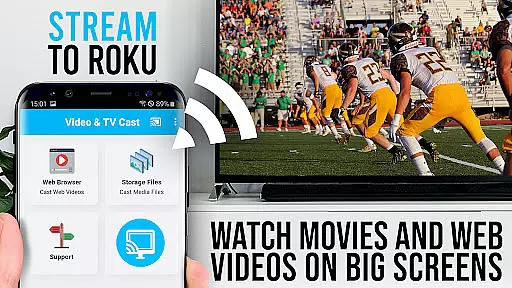
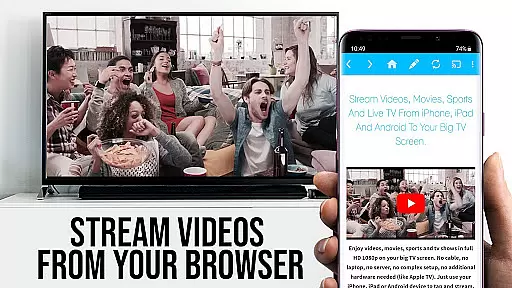
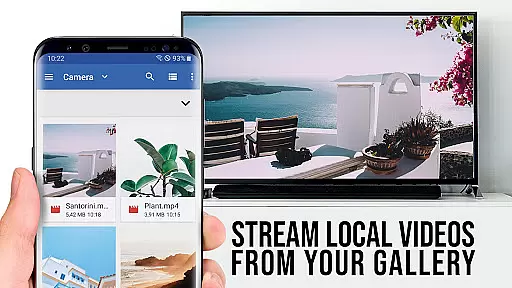
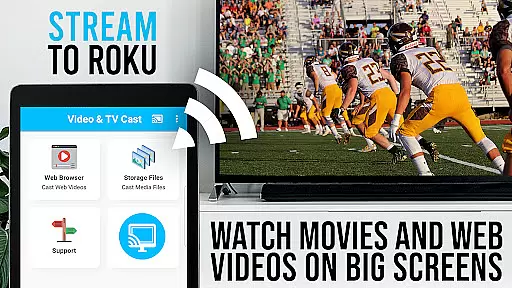
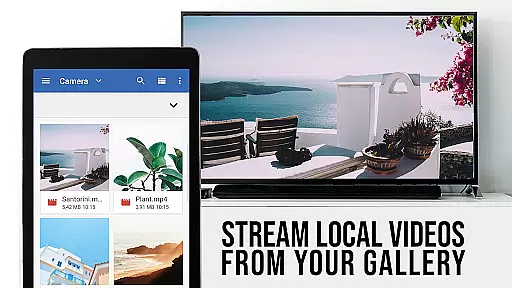
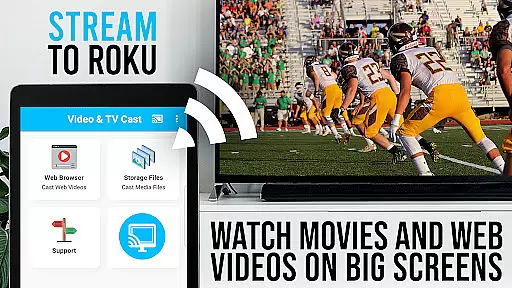
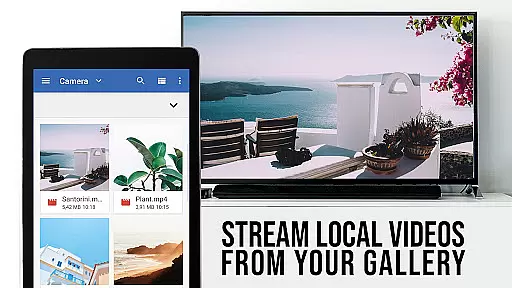
TV Cast Pro for Roku is the ultimate solution for streaming web videos, online movies, livestreams, and live TV shows directly to your Roku device. This application supports a wide range of video formats including mp4, m3u8, hls livestreams, and Full HD content delivered over https.
With an integrated Roku Remote, users can effortlessly control their Roku devices. The app allows you to browse the web and cast any video with a single tap, making it easy to enjoy content on the big screen. It's important to note that this app only works with specific Roku streaming devices and does not support DRM-protected videos from platforms like Netflix or Amazon.
Whether you're looking to stream personal media or online content, TV Cast Pro for Roku offers a seamless experience for enjoying videos on your television.
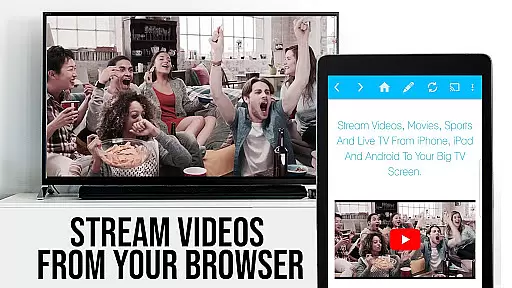
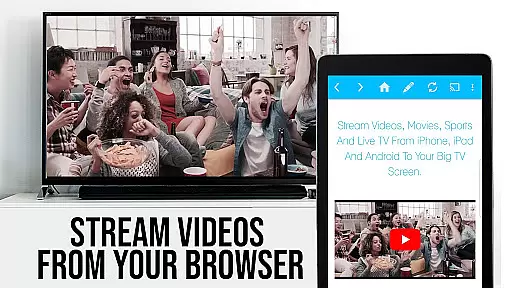
TV Cast Pro for Roku stands out with its comprehensive feature set tailored for seamless media streaming. One of its key features is the ability to browse the web and cast videos directly to your Roku device. By navigating to your favorite websites, you can send embedded videos to your TV with just a tap, thanks to the app's intuitive interface.
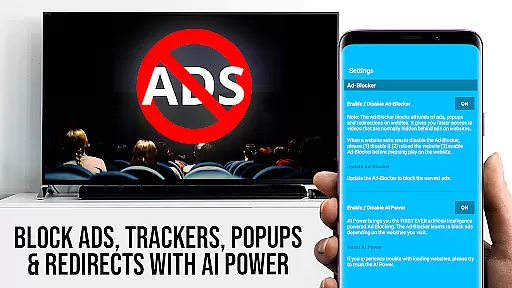
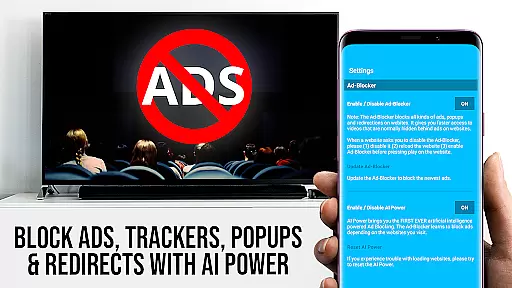
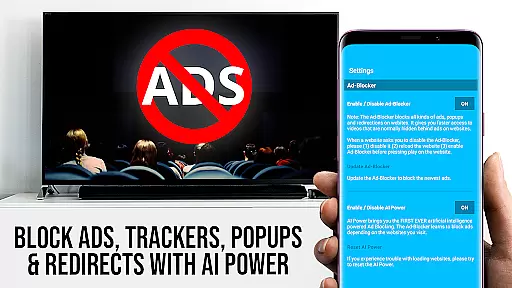
This PRO edition includes all premium features unlocked, such as an Ad-Blocker to enhance your browsing experience by blocking ads and popups on most websites. Additionally, the Remote functionality lets you control video playback, allowing you to forward, rewind, pause, or switch between Roku channels without needing another device.
Other notable features include Desktop Mode, which cloaks your Android device as a desktop PC to load desktop versions of websites, and customizable settings like Bookmarks and Homepage changes. These features collectively ensure a personalized and uninterrupted streaming experience.
TV Cast Pro for Roku stands out with its extensive video format compatibility, ensuring users can enjoy a wide range of content without limitations. The app supports popular formats such as Mp4, m3u8, and HLS livestreams, making it versatile for various streaming needs.
One of the key strengths of this application is its ability to handle videos over HTTPS, providing secure streaming options for users who prioritize safety alongside quality. This feature ensures that your data remains protected while enjoying high-quality streams.
Moreover, TV Cast Pro for Roku fully supports Full HD content, delivering crisp and clear visuals directly to your biggest screen. Whether you're watching web videos, online movies, or live TV shows, the app guarantees an immersive viewing experience with stunning clarity.
By supporting advanced video formats and resolutions, TV Cast Pro for Roku empowers users to explore diverse content sources confidently. Its comprehensive format compatibility makes it an ideal choice for anyone looking to enhance their streaming capabilities on supported Roku devices.
While TV Cast Pro for Roku focuses primarily on streaming capabilities, it also incorporates AI-powered editing features that enhance user interaction with multimedia content. These intelligent tools allow users to manage and optimize their video streaming experience efficiently.
The integrated Roku Remote is a standout feature, offering control over video playback directly within the app. Users can effortlessly forward, rewind, pause, or play videos, and even switch between different Roku channels. This seamless integration simplifies navigation and enhances overall usability.
Additionally, the app includes an Ad-Blocker that works on most websites, removing ads and popups that could disrupt your viewing pleasure. This feature can be toggled on or off in the settings, giving users complete control over their browsing environment.
TV Cast Pro for Roku combines essential streaming functions with smart editing capabilities, creating a comprehensive platform for managing digital content. While not traditionally categorized as an editor, its AI-driven features significantly improve how users interact with and consume media on their Roku devices.
User-friendly interface
Wide format compatibility
Integrated Roku remote
Ad-free experience
Customizable settings
No DRM video support
Limited Roku compatibility
Requires stable Wi-Fi
Occasional connectivity issues
Premium version costly

Auto video maker with music & exclusive filters. Video editing made simple.
 4.50
4.50
Powerful, professional, versatile teleprompter. Developed by an active film crew
4.00
Create & edit videos with AI
4.30
HD video maker with no watermark, no ads & vlog maker with music, PIP, text
4.50
Support 1000+ Video Format, Subtitle Download, mp3 & Background Play, Cast On TV
4.60
Flud is a simple and beautiful BitTorrent client for Android.
4.80
Browser for Fire TV to stream webvideos, online movies, livestreams in HD
4.40
Fast private browser with secure, seamless access & supported video downloads!
4.00
VLC for Android is the best open source video and music player, fast and easy!
4.10
Play ALL formats in 4K & HD. Video downloader, MP3 player, Chromecast & more.
4.80
Download Hub, easy and private way to download and enjoy your videos offline
4.80
High-Quality USB Camera Viewer & HDMI Display
4.70
A Simple app to download Video & Music from the Internet.
4.70
VLC Remote lets you control your VLC Media Player on Mac, PC or Linux.
4.60
Fast video downloader & private browser. Save HD clips to watch offline.
4.40
AirMirror is Receiver for Screen Mirroring and Casting from Apple Devices.
3.60
Watch full episodes of your favorite Cartoon Network and Cartoonito shows!
3.50
IPTV Player - Watch live TV from m3m & m3u8 playlist, stream IPTV on mobile
3.30
Powerful HD video player with support for all formats & subtitles.
4.5


User Reviews