
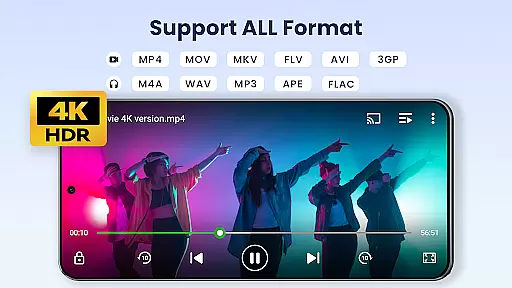

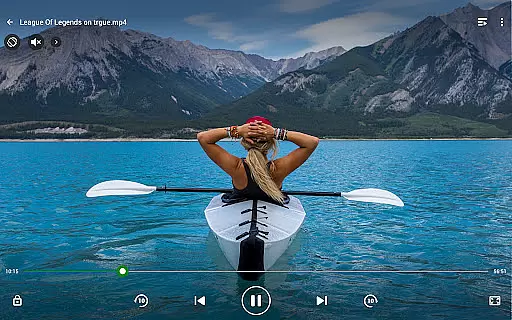
Video Player All Format is a versatile and professional video playback tool designed for Android users. It supports all video formats including MKV, MP4, AVI, and more, with Ultra HD capabilities up to 4K resolution. The app ensures high-definition playback while offering advanced features like hardware acceleration and Chromecast support.
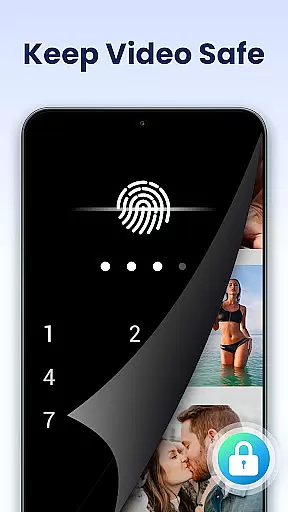
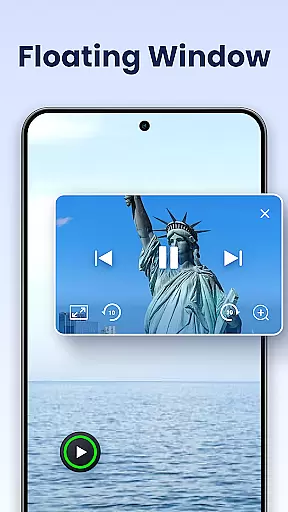
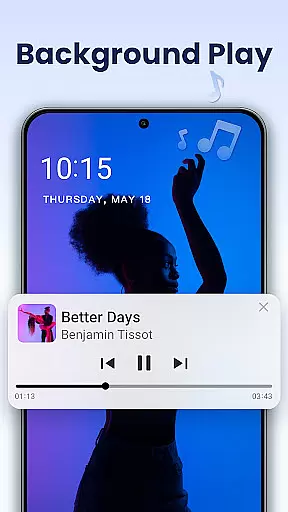
One of the standout features is its private folder option, allowing users to password-protect their private videos. This ensures that sensitive content remains secure from unauthorized access or accidental deletion. Additionally, the app provides innovative viewing options such as pop-up windows, split-screen mode, and background playback, making multitasking seamless.
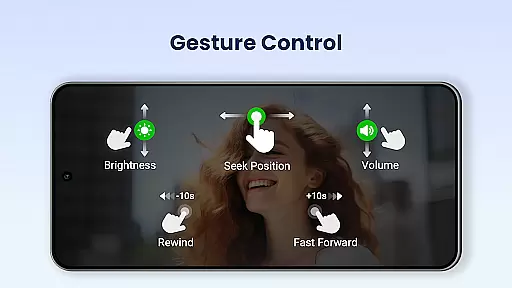
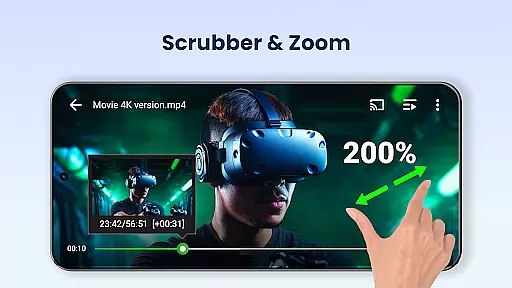
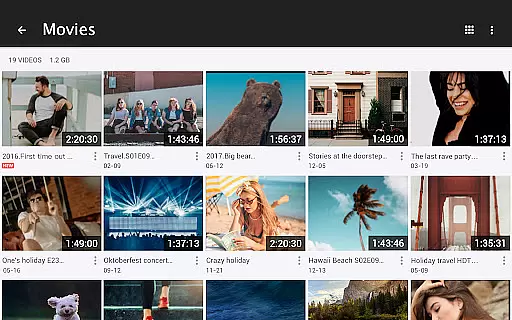
The app is suitable for both Android phones and tablets, automatically identifying all video files on your device and SD card. With easy-to-use controls for volume, brightness, and playback progress, it enhances user experience by providing multiple playback options like auto-rotation and aspect ratio adjustments.
Video Player All Format stands out due to its comprehensive feature set tailored for diverse user needs. One of its key features is the support for all video formats, including but not limited to MKV, MP4, AVI, MOV, and WMV. This ensures that no matter the file type, users can enjoy uninterrupted, high-quality playback.
In addition to format compatibility, the app offers advanced functionalities such as hardware acceleration and 4K Ultra HD video support. These features ensure smooth and crisp video playback, even for high-resolution files. Users can also cast their videos to a TV using Chromecast, providing a bigger screen experience without any hassle.
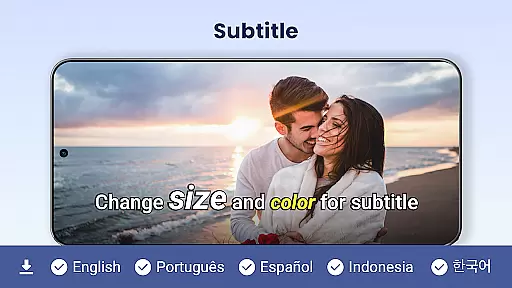
Other notable features include a pop-up video player for multitasking, background playback for audio-focused sessions, and night mode for comfortable viewing in low-light conditions. Subtitle downloader, quick mute, and playback speed controls further enhance the overall media consumption experience, making it one of the most robust video players available.
Video Player All Format stands out as a versatile video playback tool that supports an extensive range of video formats, making it adaptable to various user needs. The application is designed to handle ALL video formats including MKV, MP4, AVI, and more, ensuring that users are not limited by file type.
The comprehensive format support extends to high-definition content, with the app's ability to play 4K and ultra HD video files smoothly. This feature provides an immersive viewing experience on both Android phones and tablets, positioning it as one of the best choices for HD video playback.
With hardware acceleration enhancing performance, users can enjoy their videos without worrying about compatibility issues or reduced quality. This makes Video Player All Format not just a video player but a complete media solution for those who demand flexibility and high-quality playback from their video applications.
While Video Player All Format focuses primarily on video playback, it also integrates AI-powered features that enhance the viewing experience. One such feature is the automatic identification of all video files on a user's device and SD Card, streamlining the management and sharing of video content.
The inclusion of advanced playback options like speed control, night mode, and subtitle downloader demonstrates the app's dedication to providing a customizable experience. Users can adjust playback speed from 0.5 to 2.0, optimizing their viewing preferences with ease.
Additionally, innovative functionalities such as pop-up video, split-screen viewing, and background play leverage smart technology to offer convenience and multitasking capabilities. These AI-driven enhancements ensure that viewers have control over their playback environment, making Video Player All Format a cutting-edge choice for modern video consumption.
Supports all video formats
Private folder for security
4K Ultra HD support
Chromecast integration
Pop-up and background play
Interface may feel cluttered
Advanced features need learning
Limited customer support
Ads in free version
Occasional bugs reported

Client application for NextPVR software
 3.00
3.00
?100% FREE! Download & save videos? safely in this app. All formats supported.
4.60
Snaptubè Video Downloader app allows to download videos and music in Snaptube. .
4.60
KineMaster, Your Ultimate Video Editor!
4.40
HD video maker with no watermark, no ads & vlog maker with music, PIP, text
4.50
KMPlayer Plus (Divx Codec) officially support Divx codec.
4.30
Fast & Private Video Downloader App. Save all videos easily from the Internet.
4.40
LumaFusion: The Ultimate Storytelling Experience for Video Editing
4.10
Screen recorder with audio to take live videos & Screenshot in high quality!
4.70
Video Trimmer, Video to MP3 Converter. Extract music from video, Easy & Fast.
4.80
Download videos and play them offline
4.70
Cast Videos from Web Browser, IPTV to Roku, Chromecast, DLNA, Smart TV +more
4.60
Create photo video with music & template. AI video maker for stunning slideshow.
4.60
Fast, private downloading, video saving, social media
4.50
Video Downloader, Multiple Resolution Options, Video Player
4.50
Photo and Music Video Creator into Stunning Videos—Effortlessly
4.40
AirMirror Receiver - Screen mirroring/cast web videos to Android TV by AirPlay.
4.40
Video player, file manager for all formats, 4K/HD media player supports subtitle
4.30
Powerful Video Editor & Photo Editing App —— Quick Edits & Stunning Effects!
4.30


User Reviews