


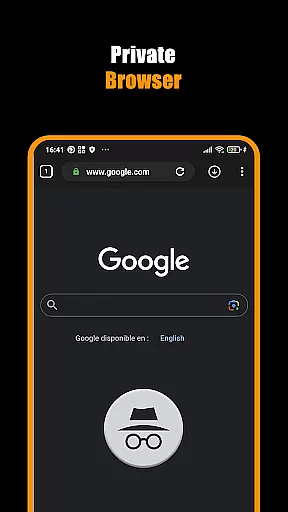

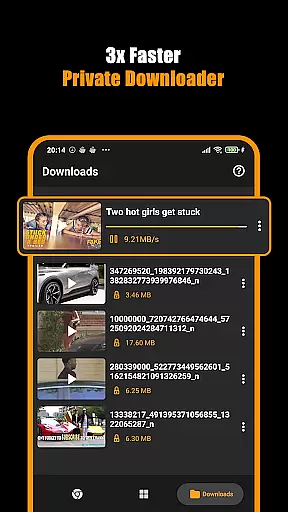


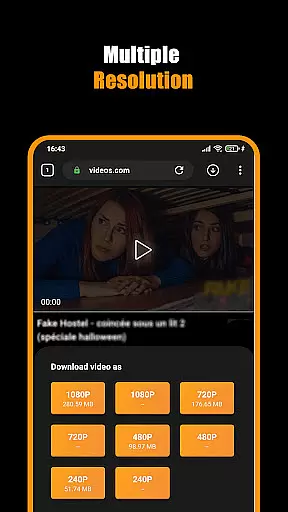
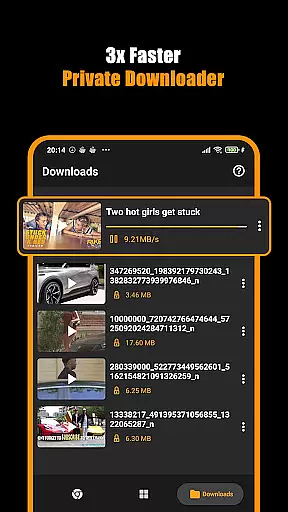


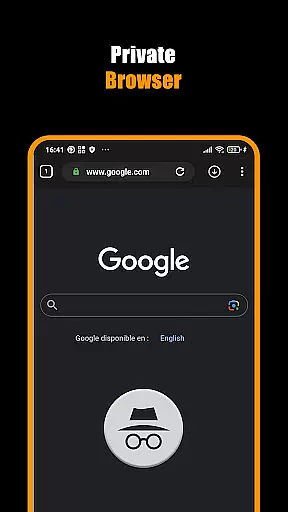




Hub Video Downloader is a versatile tool designed for users who want to download videos from websites quickly and privately. The app features a built-in browser that allows you to browse the web securely while automatically detecting downloadable video content. With support for HD, 2K, and 4K video downloads, it ensures high-quality media saving directly to your device's gallery.
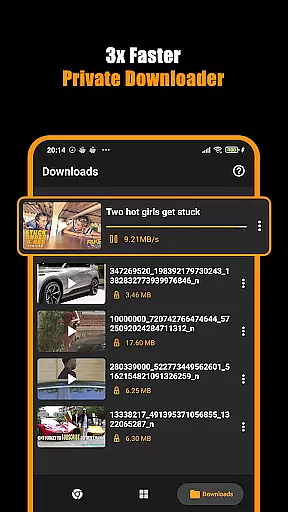
The application provides seamless multitasking capabilities, enabling background downloads with options to pause, resume, or cancel. Its intuitive interface makes downloading straightforward, whether you're grabbing short clips or full-length movies. Hub Video Downloader prioritizes user privacy by ensuring all activities within the private browser remain confidential, making it an ideal choice for those concerned about data security.
For individuals seeking an efficient way to manage their video collections offline, this app offers both convenience and peace of mind. By combining speed, quality, and discretion, Hub Video Downloader caters to various needs, from casual viewing to more extensive media archiving.
Hub Video Downloader stands out due to its comprehensive feature set tailored for efficient video management. One notable aspect is its automatic video detection technology, which identifies downloadable content as soon as you visit a webpage. This eliminates manual searching and streamlines the download process significantly.
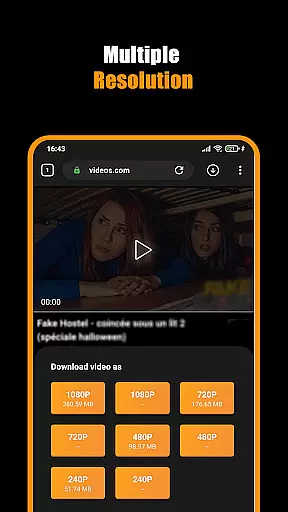
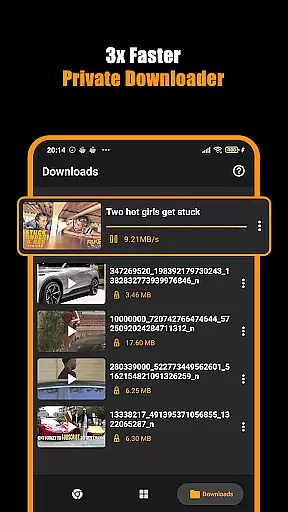
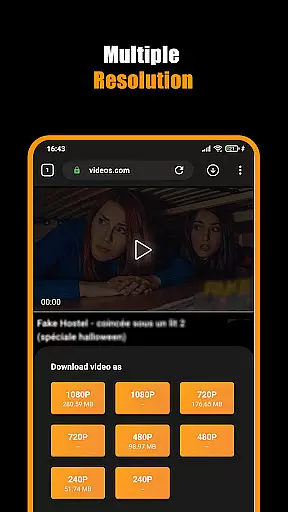
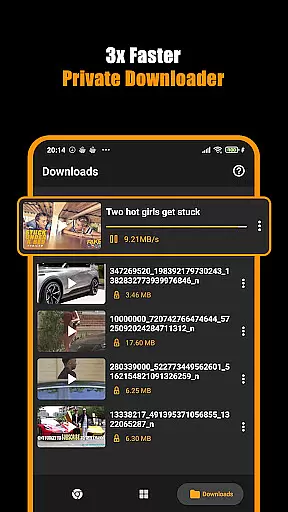
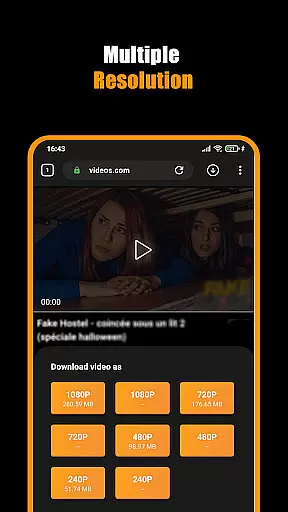
Another key feature is the robust download management system. Users can handle multiple downloads simultaneously, with full control over each file's progress. Whether pausing mid-download or resuming after interruptions, these capabilities ensure flexibility and reliability. Additionally, the app supports various resolutions up to 4K, allowing users to select the best quality suited for their devices.
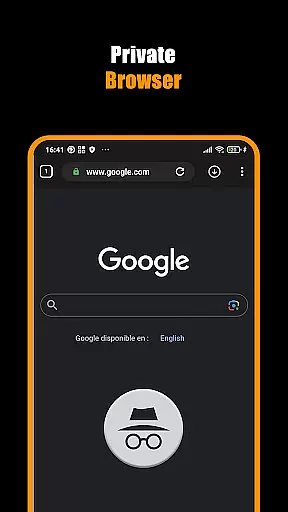
Beyond downloading, Hub Video Downloader emphasizes privacy through its secure browsing environment. It blocks intrusive elements during sessions and clears all traces upon exit, safeguarding personal information effectively. Such features make it not just a downloader but also a protective shield against unwanted surveillance.
Video format compatibility is a crucial feature for any video player and editor, ensuring that users can access and manage their media files without restrictions. Hub Video Downloader supports an extensive range of video formats, including popular ones like MP4, AVI, and MKV, as well as high-definition formats such as 2K and 4K resolutions.
The app's built-in browser automatically detects videos on websites, allowing users to download them in their original quality or choose from various available formats. This flexibility ensures that no matter the source, users can save their desired content directly to their device.
With this level of compatibility, users benefit from a seamless experience when transferring videos between different devices or platforms. Whether it's for personal entertainment or professional use, having a versatile library of video formats at your disposal enhances both convenience and creative possibilities.
Moreover, the ability to store videos straight to the gallery in universally recognized formats means easy sharing and playback across multiple devices. This makes Hub Video Downloader not just a tool for acquiring content but also an essential utility for managing digital media libraries efficiently.
AI-powered editing features represent the cutting edge of video player and editor technology, offering users advanced tools that simplify complex tasks. Hub Video Downloader incorporates intelligent algorithms to enhance user experience through automated video detection and optimized downloading processes.
When browsing with the appu2019s private downloader, AI works behind the scenes to identify playable content on web pages instantly. It then provides options for downloading these videos in preferred qualities, streamlining what could otherwise be a tedious manual process.
This smart functionality extends into practical benefits such as lightning-fast downloads and background operation capabilities. Users can pause, resume, or cancel downloads at will, thanks to the intuitive interface powered by AI insights that prioritize efficiency and ease-of-use.
Ultimately, these AI-driven enhancements make Hub Video Downloader more than just a basic tool; they transform it into a comprehensive solution for modern digital consumers who demand speed, privacy, and reliability in managing their multimedia content.
User-friendly interface
High-definition video support
Private browsing mode
Background download capability
Automatic video detection
No YouTube support
Limited to non-copyrighted materials
Requires stable internet
Storage space intensive
Occasional ads in free version

A full editing room to accompany your Insta360 cameras and handheld gimbals.
 3.30
3.30
Your media, on your terms.
4.10
?100% FREE! Download & save videos? safely in this app. All formats supported.
4.60
Capture images & record videos for USB Camera, Webcam, Microscopes, Endoscopes
3.80
Live TV, anywhere in your home
3.80
Pro video editor app for Instagram, edit video with song, AI, effect & slowmo.
4.80
Video Downloader, Multiple Resolution Options, Video Player
4.50
Browser for Sony TV to stream web videos, online movies and live tv
3.20
Fast & Private HD Video Downloader with Built-in Proxy Browser and Video Player.
4.50
Video player, file manager for all formats, 4K/HD media player supports subtitle
4.30
Video Downloader is an utility that can save videos and music from web sites
4.20
1)AirPlay/DLNA Mirroring/Streaming, up to 4 connections; 2)Samba/NAS/DMS Player.
4.00
Fast private browser with secure, seamless access & supported video downloads!
4.00
Livestream, news, & gaming content. Watch, chat, and upload. Join Rumble today!
3.80
Connect EasyCap or UVC devices for recording and broadcast video/audio stream
3.60
IPTV Player - Watch live TV from m3m & m3u8 playlist, stream IPTV on mobile
3.30
Client application for NextPVR software
3.00
The essential companion to your Blue Iris PC software
2.50
Video player with powerful streaming playback and various convenient features.
2.10


User Reviews