
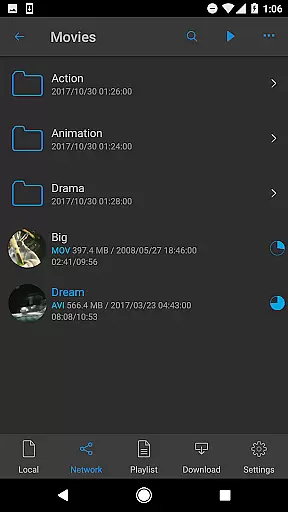
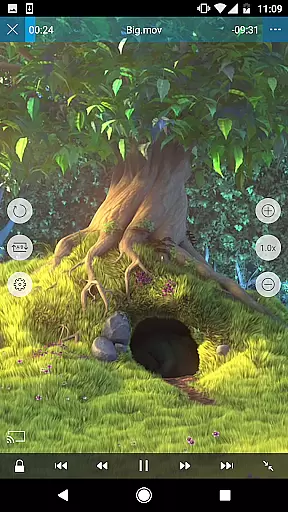
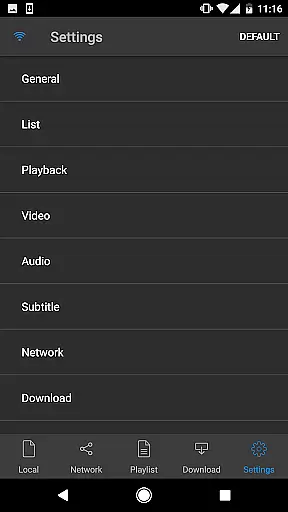
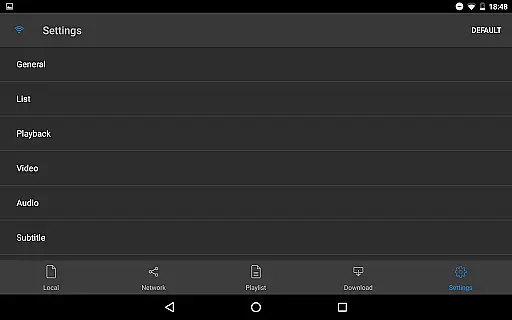
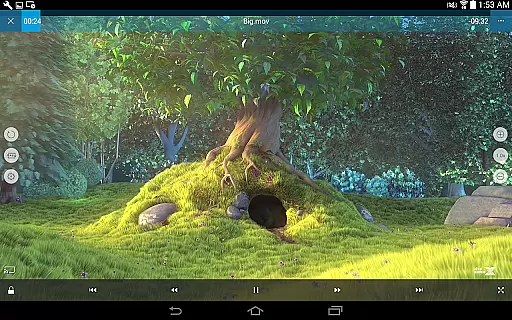
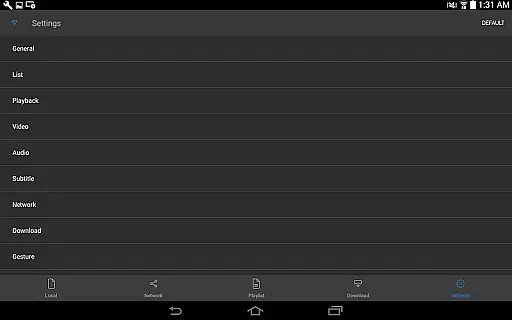
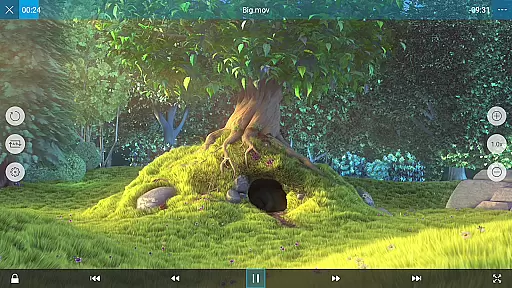
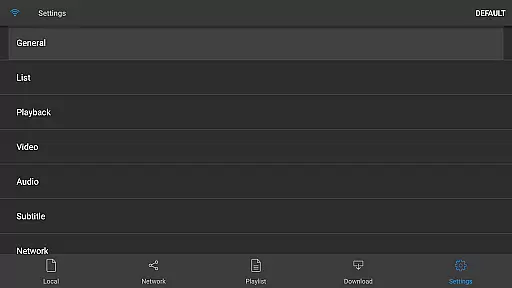
nPlayer is a versatile video player designed for mobile devices, enabling users to play almost all video formats and codecs without the need for file conversion. With an intuitive touch interface, users can easily adjust playback settings, manage subtitles, and control volume and brightness.
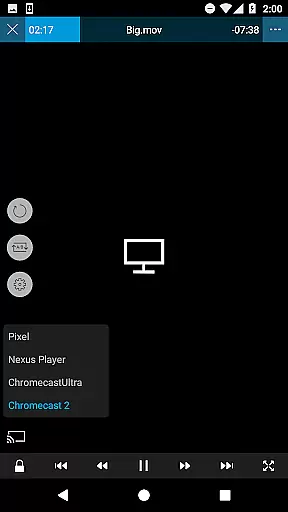
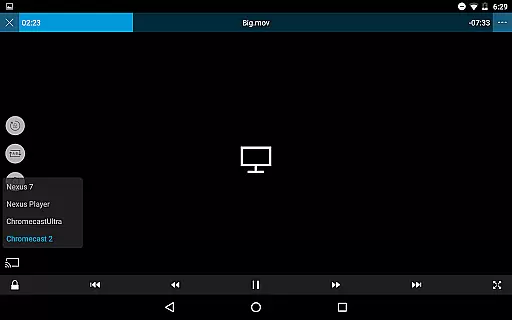
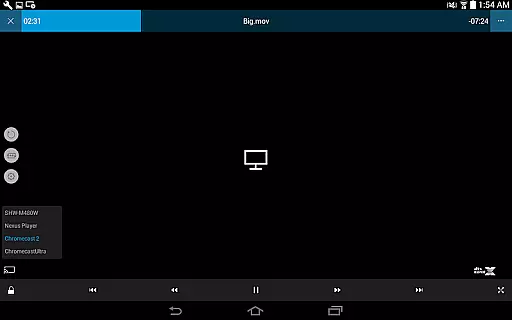
The app supports a wide range of media files including videos, audio, subtitles, images, and playlists. It also offers advanced features such as device file management, download support, DTS audio codec, pop-up play, video casting for Smart TVs, and HDMI output. Additionally, nPlayer integrates with various cloud services, making it a comprehensive solution for media playback and management on mobile platforms.
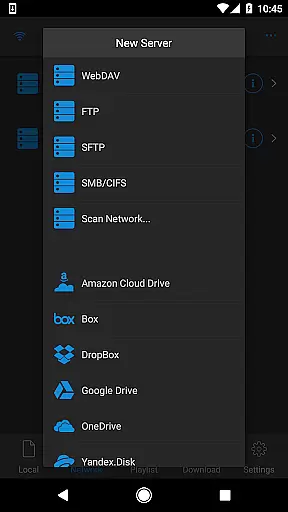
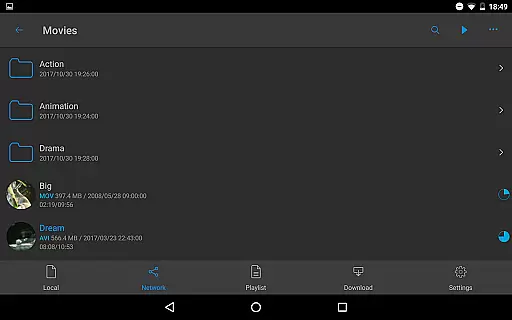
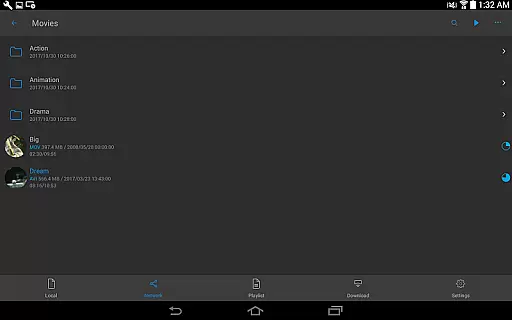
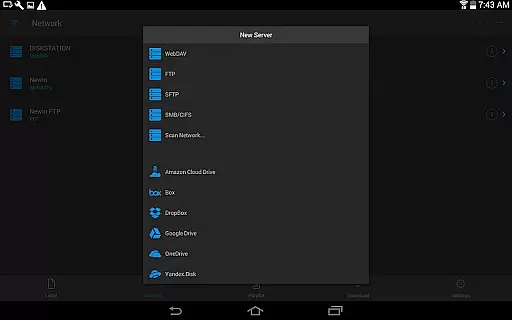
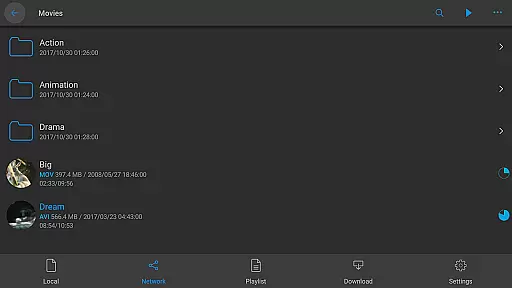
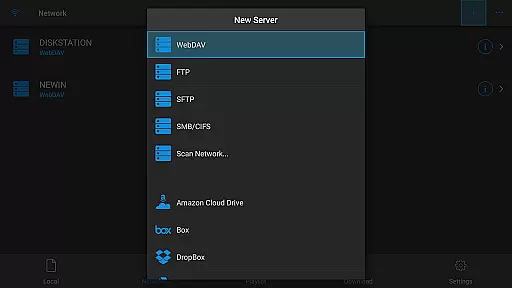
nPlayer stands out with its extensive format support, covering most video, audio, subtitle, image, and playlist files. The app allows seamless playback and management of media stored locally or in the cloud through services like Amazon Cloud Drive, Box, Dropbox, Google Drive, OneDrive, and Yandex.Disk.
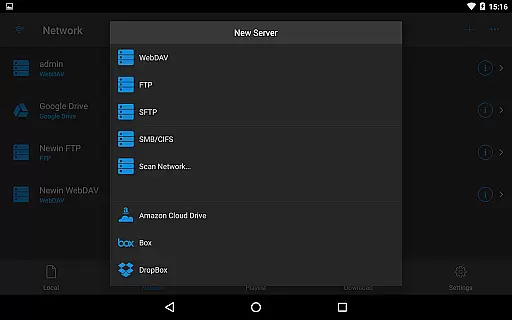
One of the key highlights is its advanced subtitle handling capabilities, supporting embedded, multi-track, and external subtitles with customizable fonts. Users can also enjoy enhanced audio experiences with multi-track audio support and audio boost features. The inclusion of network protocols like WebDAV, FTP, SFTP, HTTP, SMB/CIFS, and UPnP/DLNA further extends its functionality, providing flexible access to media content across different platforms and devices.
One of the standout features of nPlayer is its extensive video format compatibility, eliminating the need for users to convert files to MP4 for playback on mobile devices. This Video Players & Editors app supports a wide array of formats including MP4, MOV, MKV, AVI, WMV, and many more, ensuring that users can enjoy their videos without the hassle of file conversion.
The application's support extends beyond just basic video playback; it also includes advanced codecs such as DTS audio codec (DTS HD), making it a versatile tool for both casual viewers and audiophiles alike. With nPlayer, you can be confident that your media files will play smoothly regardless of their original format or source.
This level of compatibility not only saves time but also enhances user experience by providing seamless access to content. Whether you're watching locally stored videos or streaming from cloud services like Google Drive and Dropbox, nPlayer ensures consistent performance across all supported formats.
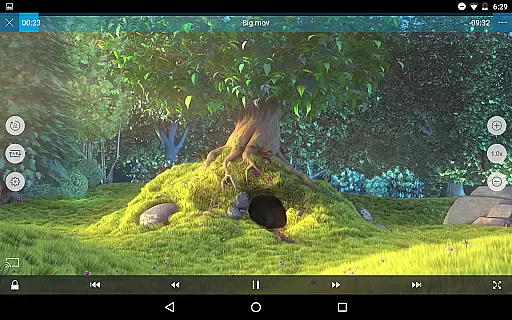
nPlayer goes beyond simple video playback with its AI-powered editing features designed to enhance user interaction and control over multimedia content. Users can effortlessly adjust playback positions, navigate between subtitles, modify subtitle locations and font sizes, and even manage volume and brightness levels directly through intuitive touch controls.
In addition to these interactive capabilities, the app offers robust support for various types of media files including audio tracks, subtitles, images, playlists, and network protocols such as WebDAV, FTP, SFTP, HTTP, SMB/CIFS, UPnP/DLNA. This comprehensive functionality allows users to fully customize their viewing experience according to personal preferences.
By integrating advanced technologies into its framework, nPlayer sets itself apart in the realm of Video Players & Editors. Its ability to handle complex tasks while maintaining ease-of-use makes it an ideal choice for individuals seeking both convenience and sophistication in managing digital media libraries.
User-friendly interface
Wide format compatibility
Advanced subtitle options
Cloud service integration
Multi-track audio support
No free version available
High system requirements
Limited customer support
Occasional bugs reported
Premium pricing

Video player, file manager for all formats, 4K/HD media player supports subtitle
 4.30
4.30
Auto video maker with music & exclusive filters. Video editing made simple.
4.50
Your media, on your terms.
4.10
Create photo video with music & template. AI video maker for stunning slideshow.
4.60
VLC Remote lets you control your VLC Media Player on Mac, PC or Linux.
4.60
Capture images & record videos for USB Camera, Webcam, Microscopes, Endoscopes
3.80
AI Video Editor:AI Music, Text to Video,Text to Speech,Auto Caption,Video Effect
4.00
Photo editor & video maker with music and slideshows.
4.10
Manage your YouTube channel on the go
4.40
Video Player - Unlimited features, 30 days money back guarantee.
4.60
Watch a large amount of high-definition short drama content
4.60
Snaptubè Video Downloader app allows to download videos and music in Snaptube. .
4.60
Cast movies, tv shows and live streams to Chromecast, Roku, DLNA, Fire TV & more
4.60
KineMaster, Your Ultimate Video Editor!
4.40
Create & edit videos with AI
4.30
Powerful video player with advanced hardware acceleration and subtitle supports
4.20
1)AirPlay/DLNA Mirroring/Streaming, up to 4 connections; 2)Samba/NAS/DMS Player.
4.00
Kodi media center, a free and open source cross-platform entertainment hub
3.60
Watch full episodes of your favorite Cartoon Network and Cartoonito shows!
3.50


User Reviews