
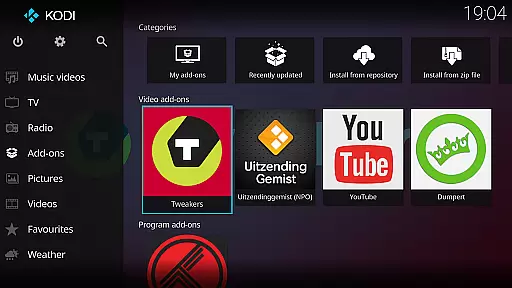
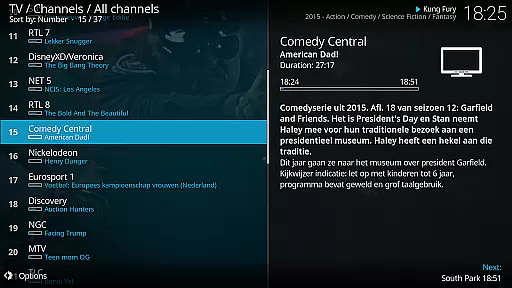
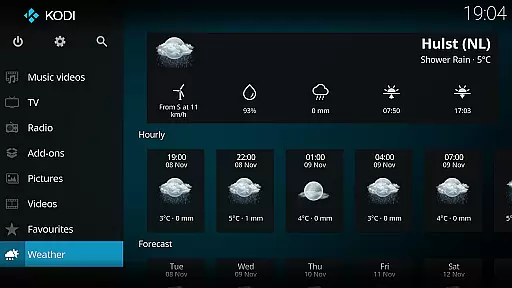
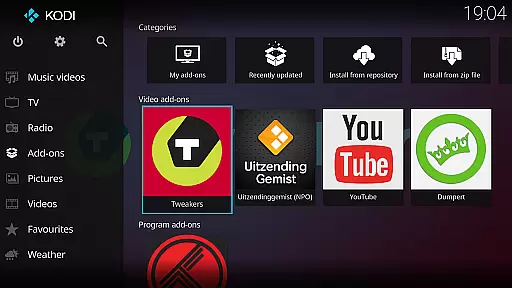
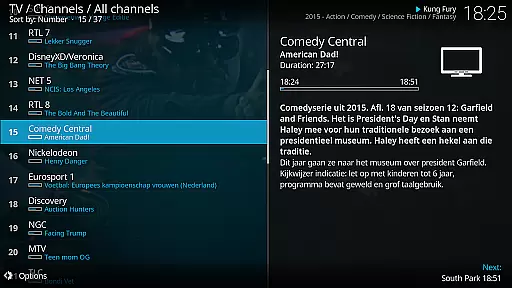
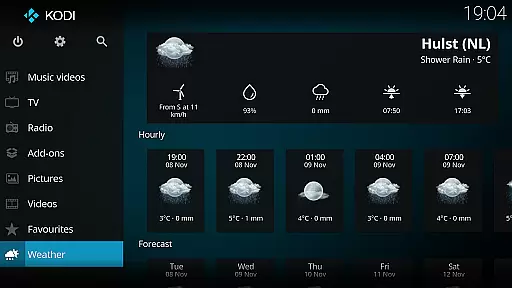
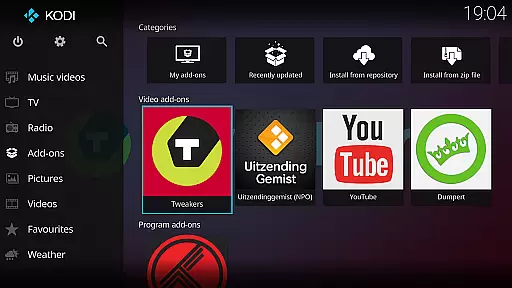
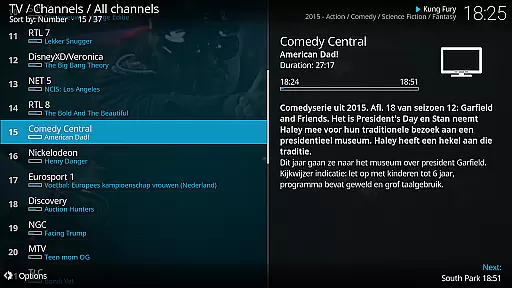
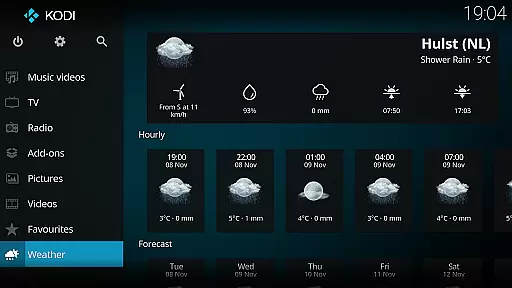
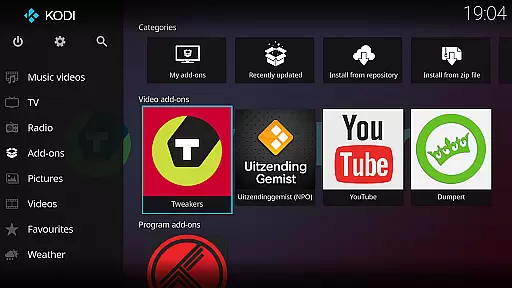
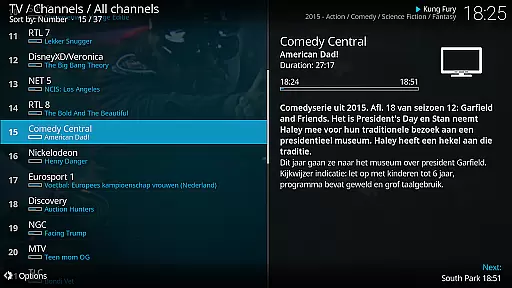
Kodi is an award-winning media player designed for home theater setups. It offers a 10-foot user interface, making it perfect for living-room entertainment with support for remote controls. Kodi allows users to access and manage their digital media library from various sources including hard drives, optical discs, local networks, and the internet.
With its powerful features, Kodi supports videos, photos, podcasts, and music playback. The platform-independent software also enables third-party plugin installation, enhancing its capabilities further. Its graphical interface simplifies navigation using minimal button presses, ensuring a seamless experience for users.
Kodi stands out with its versatile media management capabilities. It supports a wide range of media formats and provides easy browsing through extensive libraries. Users can customize their experience with skins like Estuary and Estouchy, optimized for different devices including large-screen phones and tablets.
The application's open-source nature encourages community contributions, leading to regular updates and improvements. Kodi's plugin architecture allows for expanded functionalities, such as accessing online content legally available. Despite not supplying media directly, Kodi's ecosystem thrives on user-provided content and third-party integrations, offering endless entertainment possibilities.
One of the core strengths of Kodi is its extensive video format compatibility. This media player supports a wide range of video formats including but not limited to MP4, AVI, MKV, MOV, and WMV. Such broad compatibility ensures that users can play virtually any video file stored on their devices or network without worrying about format issues.
The software achieves this through an advanced decoding engine that utilizes both built-in codecs and system-installed codecs. This dual approach allows Kodi to handle even the most obscure formats while maintaining optimal performance. Additionally, the player automatically selects the appropriate codec based on the file type, providing a seamless playback experience.
For users, this means they can enjoy all their digital media content without the hassle of converting files or installing additional software. Whether it's high-definition movies, home videos, or online streams, Kodi delivers smooth playback across different formats. The platform also supports subtitle integration, further enhancing the viewing experience.
Kodi's commitment to format compatibility extends to its active developer community. Regular updates ensure that new formats are supported as they emerge, keeping the platform at the forefront of media playback technology. This dedication to comprehensive format support makes Kodi an ideal choice for home theater enthusiasts.
While primarily known as a media player, Kodi also offers basic AI-powered editing features that enhance the user experience. These features utilize machine learning algorithms to optimize video playback settings based on content type and viewing conditions. For instance, the software can automatically adjust brightness, contrast, and color saturation to provide the best possible picture quality.
The AI components in Kodi work behind the scenes to analyze video content in real-time. This analysis helps in determining the optimal display settings for different types of media, whether it's a fast-paced action movie or a slow-moving documentary. The system learns from user preferences and viewing habits, gradually customizing the playback experience to individual tastes.
Another significant advantage of these AI-powered features is their ability to upscale lower resolution content. Using sophisticated algorithms, Kodi can enhance the quality of standard definition videos to better suit modern high-definition displays. This upscaling capability ensures that older media collections maintain their relevance and visual appeal on contemporary equipment.
Although not as advanced as dedicated video editing software, Kodi's AI-powered features provide valuable enhancements that improve overall usability. These capabilities demonstrate the platform's commitment to delivering a comprehensive entertainment solution that adapts to users' evolving needs while maintaining its primary focus on media playback.
User-friendly interface
Wide format compatibility
Customizable skins
Active community support
Regular updates
No built-in content
Requires technical knowledge
Large app size
Third-party plugins needed
Not ideal for small screens

Client application for NextPVR software
 3.00
3.00
HD video maker with no watermark, no ads & vlog maker with music, PIP, text
4.50
Explore the largest library of free GIFs, Stickers & Memes - or create your own!
3.90
Movie maker & video editing app with AI effects and green screen
4.30
Download videos and play them offline
4.70
Powerful video player with advanced hardware acceleration and subtitle supports
4.20
Enjoy your favorite videos and channels with the official YouTube app.
3.90
Create, Publish & Maximize
4.70
Capture the moment and Cut
3.40
Video Trimmer, Video to MP3 Converter. Extract music from video, Easy & Fast.
4.80
Video Downloader, Multiple Resolution Options, Video Player
4.50
Add date and time watermark to photos and videos
4.50
Fast & Private HD Video Downloader with Built-in Proxy Browser and Video Player.
4.50
Video player, file manager for all formats, 4K/HD media player supports subtitle
4.30
Web Browser for LG TV to stream webvideos, online movies and livestreams in HD
4.20
Browser for Samsung TV to stream webvideos, online movies and livestreams in HD
4.10
LumaFusion: The Ultimate Storytelling Experience for Video Editing
4.10
Powerful, professional, versatile teleprompter. Developed by an active film crew
4.00
Manage your IPTV live channels and VOD playlists (no playlist included)
3.80


User Reviews