
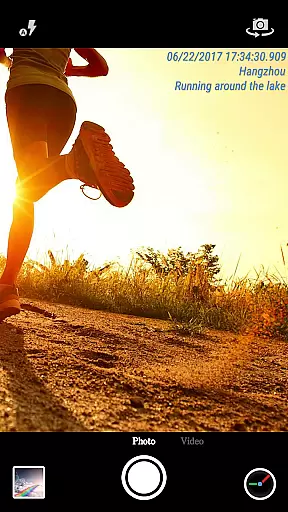
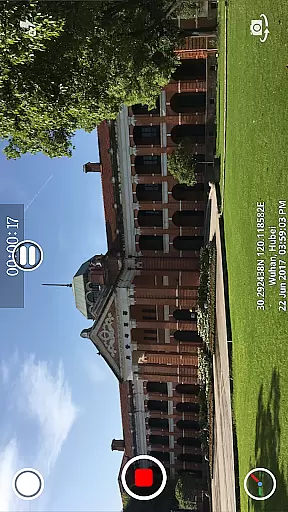
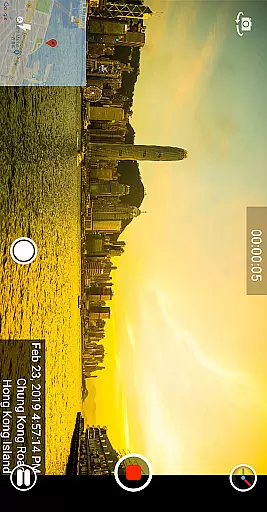
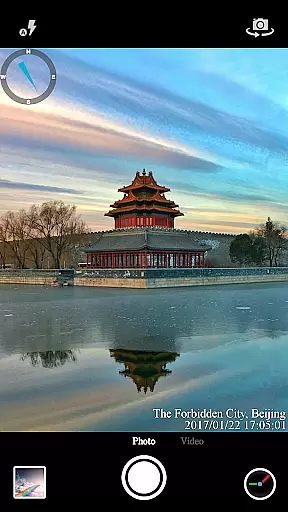
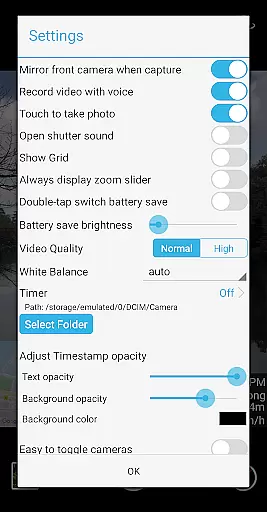
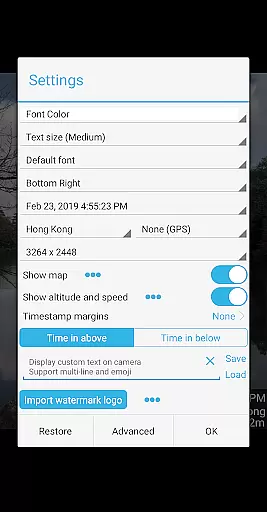

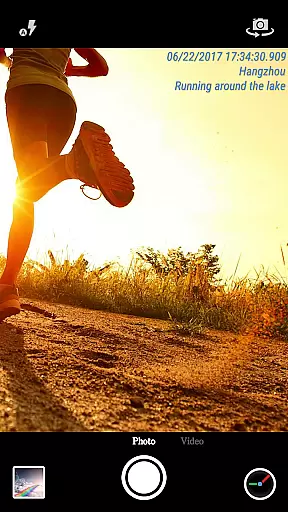
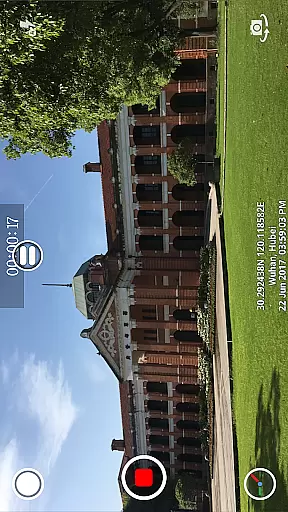
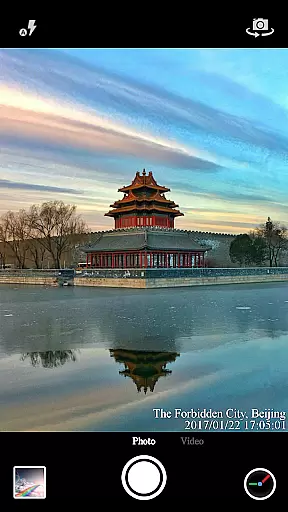
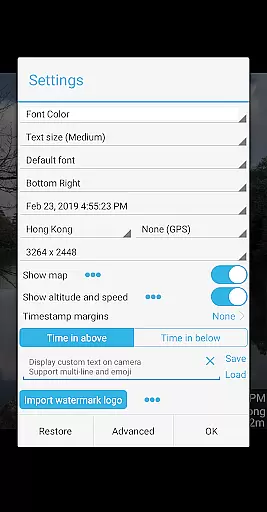

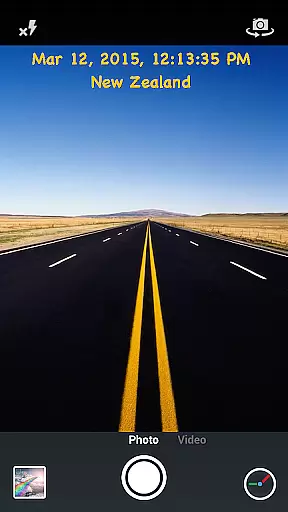
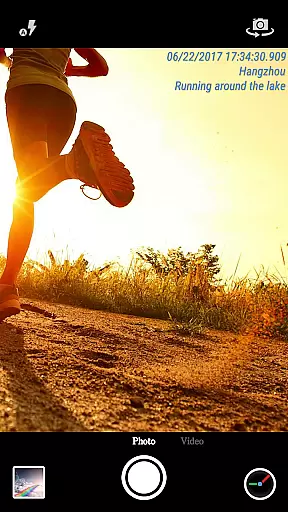
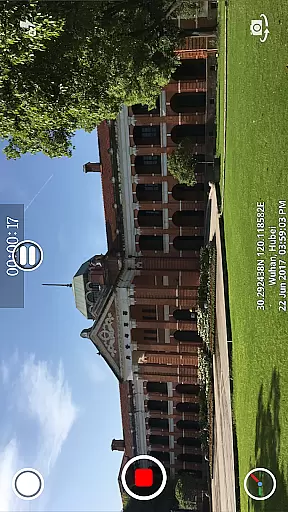
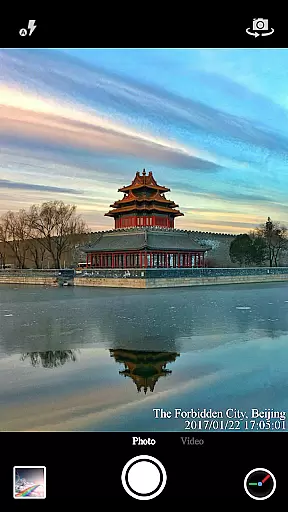
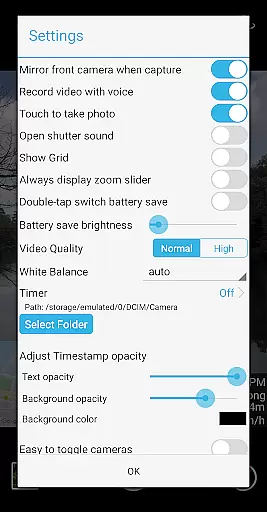
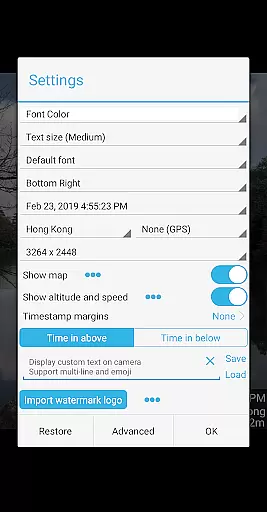

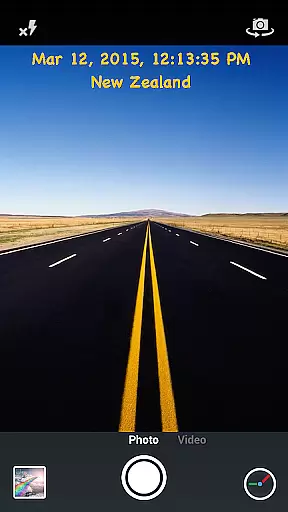
Timestamp Camera Pro is a powerful video and photo editing application that allows users to add real-time timestamp watermarks while capturing media. The app supports 61 timestamp formats, customizable font styles, sizes, colors, and positions, making it highly versatile for various use cases. Whether you're documenting events, tracking time-sensitive activities, or simply adding creative touches to your photos and videos, Timestamp Camera Pro offers the tools needed to enhance your media with precision.
In addition to timestamps, the app provides advanced features such as location tagging, altitude and speed display, custom text overlays, emoji integration, and even map displays with adjustable transparency and scale. With support for both portrait and landscape modes, video resolutions adjustment, and battery-saving options, this app caters to both casual users and professionals who require detailed and accurate media documentation.
Timestamp Camera Pro stands out with its comprehensive feature set tailored for users who need detailed control over their media's appearance. One of its key highlights is the ability to record videos with millisecond-accurate timestamp watermarks, a feature unique to this app. Users can choose from 61 timestamp formats and customize the font type, size, color, and position across seven different screen locations, ensuring the watermark fits seamlessly into any composition.
Beyond timestamps, the app offers creative and practical functionalities like custom text overlays, emoji integration, and map displays that can be resized, repositioned, and adjusted for transparency. It also supports GPS-based location tagging, altitude, and speed display, which are invaluable for outdoor activities or professional projects. Additional features include audio toggle for videos, battery saver mode, resolution adjustments, and direct saving to an SD card, all designed to provide a smooth and flexible user experience.
Timestamp Camera Pro stands out with its extensive video format compatibility, ensuring that users can work with a wide array of file types without any hitches. The app supports popular formats such as MP4, AVI, and MOV, making it versatile for various devices and platforms.
Beyond just basic playback, the application allows real-time effects to be applied to videos regardless of their format. This includes adding timestamps with millisecond accuracy, custom text, emoji overlays, and even map displays with adjustable transparency and size.
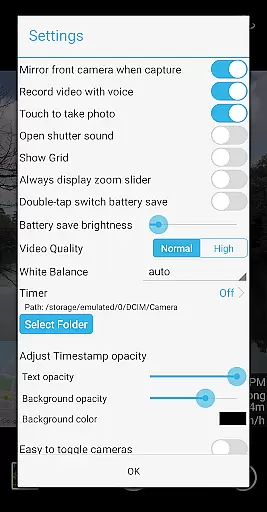
For professionals who require specific resolutions or need to save files directly to an SD card, Timestamp Camera Pro offers customizable settings. Users can adjust video resolution and choose to record either with or without audio, catering to different project requirements.
The ability to seamlessly handle multiple formats while providing advanced editing features like timestamp watermarking makes this app indispensable for anyone needing reliable video processing on the go.
One of the standout features of Timestamp Camera Pro is its AI-powered editing capabilities, which elevate the user experience by automating complex tasks. With support for 61 timestamp formats, the app uses AI to ensure precision in adding time and location data onto photos and videos.
The intelligent system also enables users to customize font styles, colors, sizes, and positions effortlessly. Whether you want your timestamp at the top left or center bottom, the AI-driven interface simplifies these adjustments while maintaining high accuracy.
Moreover, the app's AI extends to optimizing battery usage through a 'Battery saver mode.' By intelligently adjusting screen brightness, it ensures prolonged device operation during extended recording sessions without compromising functionality.
By integrating sophisticated AI tools that enhance both usability and efficiency, Timestamp Camera Pro delivers a powerful yet user-friendly solution for all your video editing needs.
Real-time timestamping
Highly customizable settings
Millisecond accuracy
Supports location tagging
User-friendly interface
No free version available
Advanced features may overwhelm beginners
Limited design templates
Occasional bugs reported
Premium price point

Video player, file manager for all formats, 4K/HD media player supports subtitle
 4.30
4.30
Video Player - Unlimited features, 30 days money back guarantee.
4.60
?100% FREE! Download & save videos? safely in this app. All formats supported.
4.60
Create & edit videos with AI
4.30
VLC Remote lets you control your VLC Media Player on Mac, PC or Linux.
4.60
Pro video editor app for Instagram, edit video with song, AI, effect & slowmo.
4.80
Cast to Smart TV, Fire TV. Cast video, photo - Fast & Stable!
3.90
Video player with 4K & 1080P support, popup play, background play and subtitle.
4.20
Photo editor & video maker with music and slideshows.
4.10
Download Hub, easy and private way to download and enjoy your videos offline
4.80
A Quick and Pro Video Editor
4.70
High-Quality USB Camera Viewer & HDMI Display
4.70
GENRAL PRO - General Pro is the best video player that fully supports all formats.
4.70
Browser + Remote for Roku to stream webvideos, online movies and livestreams
4.60
Cast to Chromecast, Xbox, Fire Stick, Roku, DLNA, Smart TV & No Feature Limited!
4.50
Connect EasyCap or UVC devices for recording and broadcast video/audio stream
3.60
Watch full episodes of your favorite Cartoon Network and Cartoonito shows!
3.50
Download videos easily & play them all in one smart, powerful video manager.
3.40
Video player with powerful streaming playback and various convenient features.
2.10


User Reviews