
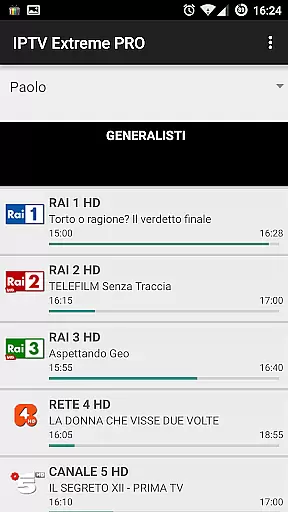
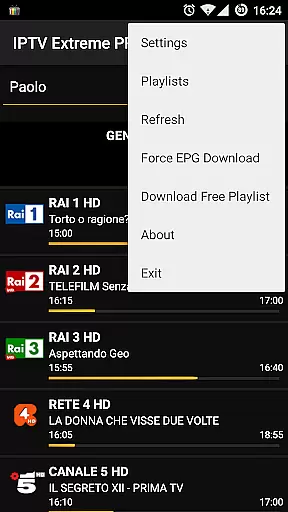

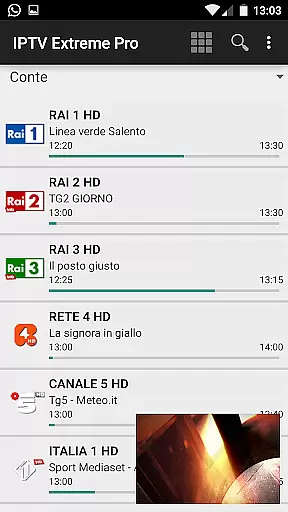


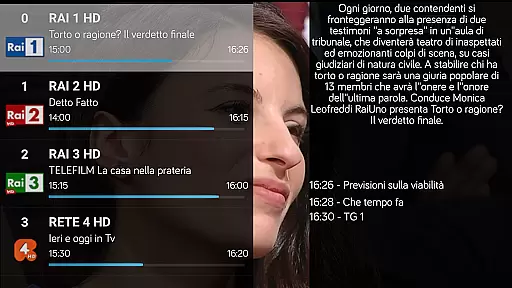
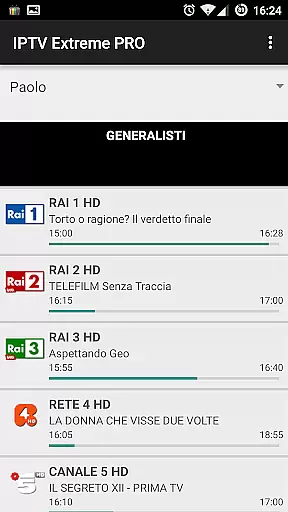
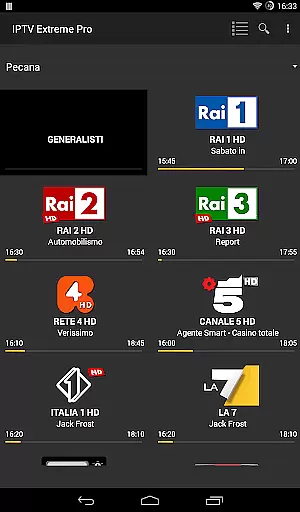
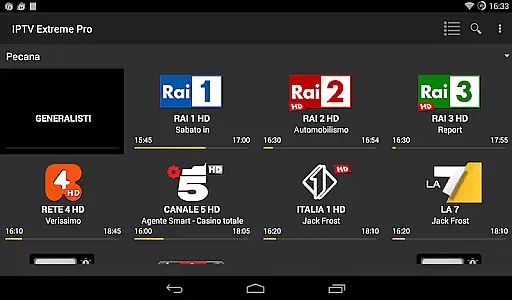


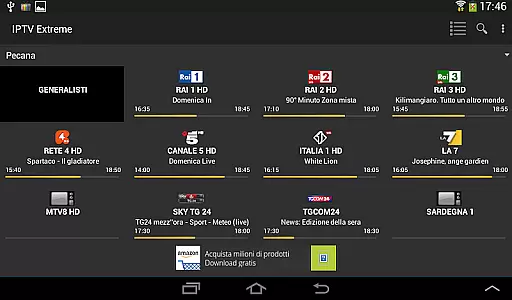

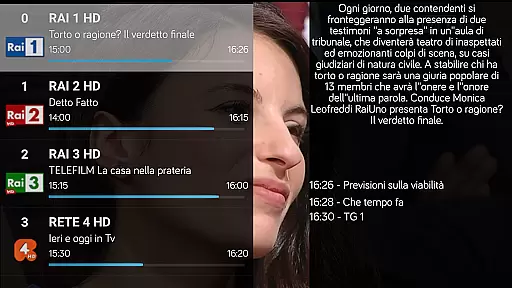
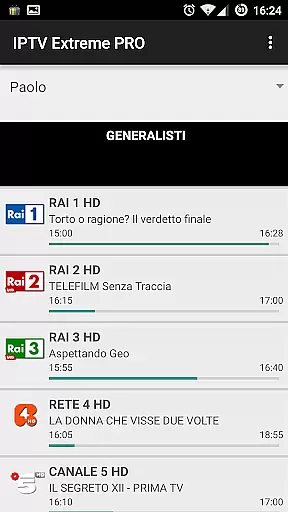
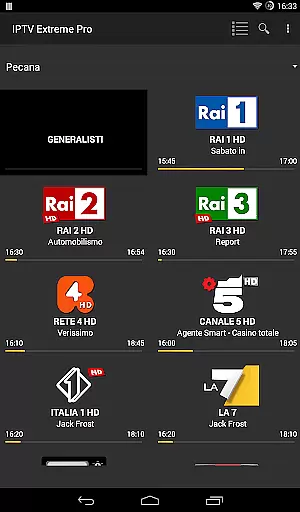
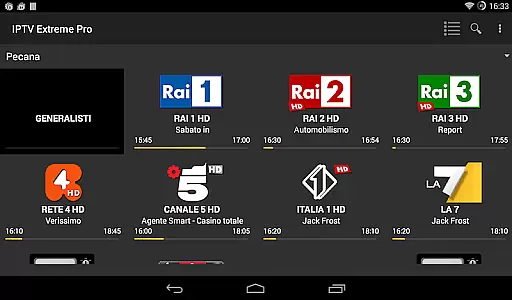

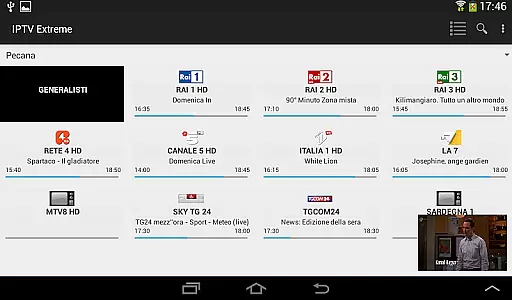


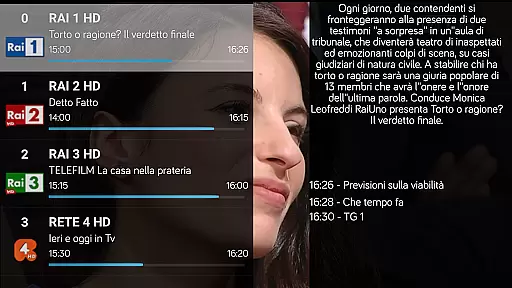
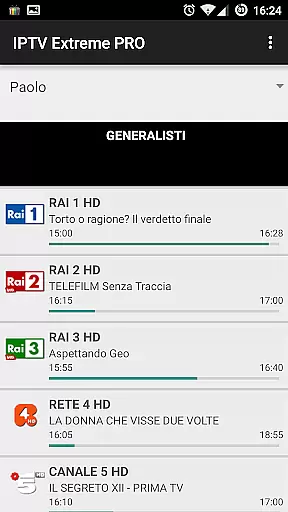
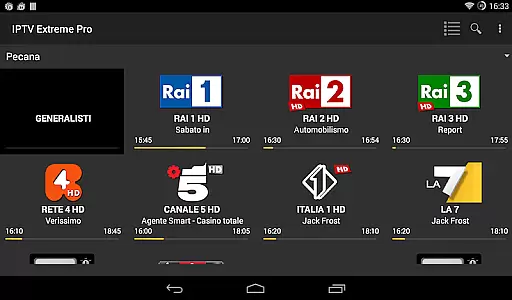

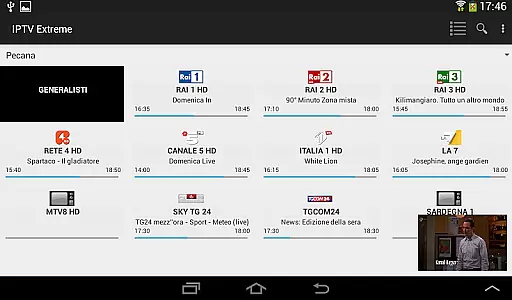


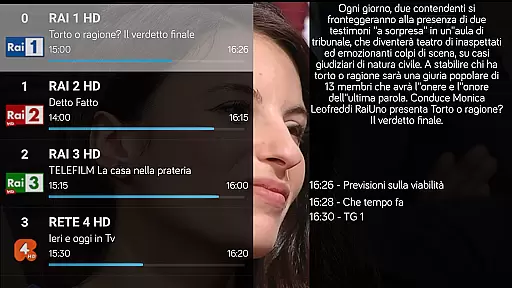
IPTV Extreme Pro is a feature-rich playlist manager designed for users who want to manage their IPTV content efficiently. The app does not include any channels or playlists by default, allowing users to add their own legal and compliant content. It supports M3U playlists, MAG devices, and offers advanced EPG (TV Guide) functionalities.
Key features include Chromecast support, parental controls, and remote controller compatibility. Users can also enjoy additional capabilities such as recording live streams, managing timers, and setting memo functions for events in the TV guide. With over 10 themes available and picons support in different sizes, customization options are extensive.
The Pro version offers an ad-free experience and is perfect for users seeking uninterrupted entertainment. Designed strictly for legal use, this application ensures compliance with current laws while providing powerful tools for managing IPTV content effectively.
IPTV Extreme Pro stands out with its comprehensive set of features tailored for efficient IPTV management. The integrated player comes in both advanced and light versions, catering to different user preferences. With Chromecast support, users can stream content directly to their TVs, while parental controls ensure safe viewing experiences for families.
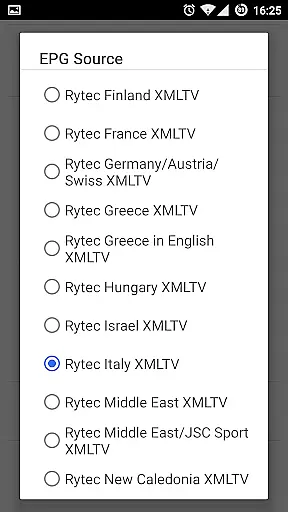
Advanced EPG functionalities include multi-EPG support, auto EPG updates, and alias management. Users can search for similar events on the TV guide and utilize sliding EPG time for better scheduling. The ability to record live streaming with time limits adds flexibility, allowing users to capture important moments without hassle.
Additional features in the Pro version enhance usability further by offering an ad-free interface and more than 10 customizable themes. Backup and restore settings ensure data safety, while autostart on boot functionality keeps the app ready for immediate use. These robust features make IPTV Extreme Pro a versatile tool for managing IPTV content legally and efficiently.
Video format compatibility is a crucial feature for any video player application, ensuring that users can enjoy content in various formats without technical hindrances. IPTV Extreme Pro supports M3U playlists and provides an integrated advanced and light player, making it versatile for different user needs.
The application's ability to handle multiple EPG (Electronic Program Guide) sources and support MAG devices showcases its extensive format compatibility. This ensures that no matter the source of your playlist or EPG data, the app can seamlessly integrate and display the content, offering a smooth viewing experience.
For users, this means they can access their favorite channels and programs without worrying about format issues. The app's wide-ranging support allows for uninterrupted streaming and playback, enhancing user satisfaction and broadening the scope of content that can be enjoyed.
Moreover, features like Picons support in different sizes and the ability to download on-demand programs underline the app's commitment to providing a comprehensive and flexible viewing experience. With IPTV Extreme Pro, you're guaranteed a high level of video format compatibility that caters to diverse entertainment preferences.
While IPTV Extreme Pro focuses primarily on streaming and managing IPTV content, it incorporates AI-powered editing features that enhance user interaction with the electronic program guide (EPG). These features include auto EPG updates and EPG alias management, which simplify the process of keeping your channel listings current and personalized.
The application's AI capabilities extend to timers management and setting memo functions for events on the TV guide. Users can search for similar events, making it easier to find and record desired content. Such functionalities not only save time but also improve the accuracy and relevance of recorded programs.
Additionally, the sliding EPG time feature benefits from AI enhancements, allowing users to navigate through TV schedules effortlessly. This intuitive interaction with the program guide ensures that users never miss out on important broadcasts, as they can swiftly locate and set reminders for upcoming shows.
Although IPTV Extreme Pro doesn't transform into a full-fledged video editor, its intelligent features streamline content management and optimize the viewing experience. By integrating these AI-powered tools, the app offers a smarter way to manage and enjoy IPTV services, setting a new standard for video players and editors in the realm of digital television.
User-friendly interface
Extensive customization options
Advanced EPG functionalities
Parental control features
Ad-free experience in Pro version
No preloaded channels or playlists
Requires manual setup
Limited to legal use only
Some features exclusive to Pro version
Dependent on external content sources

The smartest M3U IPTV Player your playlists have ever seen.
 4.1
4.1
Watch full episodes of your favorite Cartoon Network and Cartoonito shows!
3.50
KineMaster, Your Ultimate Video Editor!
4.40
Create photo video with music & template. AI video maker for stunning slideshow.
4.60
Powerful HD video player with support for all formats & subtitles.
4.2
VLC Remote lets you control your VLC Media Player on Mac, PC or Linux.
4.60
Watch IPTV on your Android device
4.60
Flud is a simple and beautiful BitTorrent client for Android.
4.80
Download Hub, easy and private way to download and enjoy your videos offline
4.80
Play ALL formats in 4K & HD. Video downloader, MP3 player, Chromecast & more.
4.80
A Quick and Pro Video Editor
4.70
GENRAL PRO - General Pro is the best video player that fully supports all formats.
4.70
Video Player - Unlimited features, 30 days money back guarantee.
4.60
Support 1000+ Video Format, Subtitle Download, mp3 & Background Play, Cast On TV
4.60
This app was created to edit the metadata of music files.
4.20
Your media, on your terms.
4.10
VLC for Android is the best open source video and music player, fast and easy!
4.10
IPTV-Smarters Player Pro M3U - Watch Live Stream TV Channels with Chromecast
4.00
Download videos easily & play them all in one smart, powerful video manager.
3.40


User Reviews