

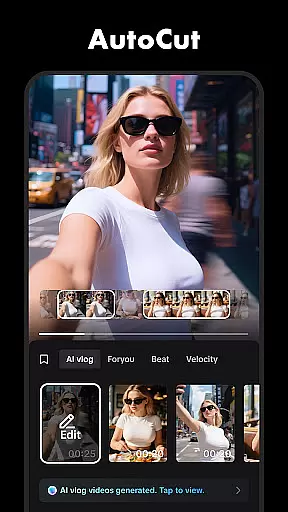
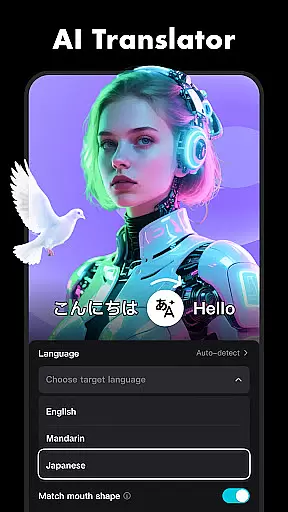

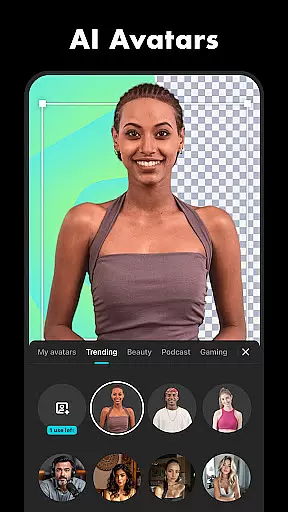


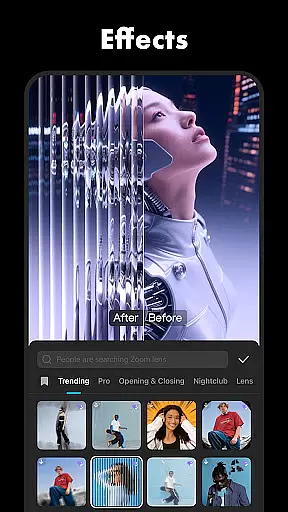
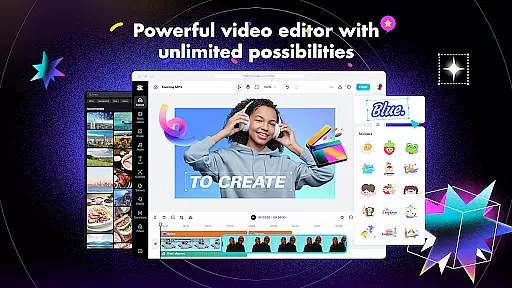
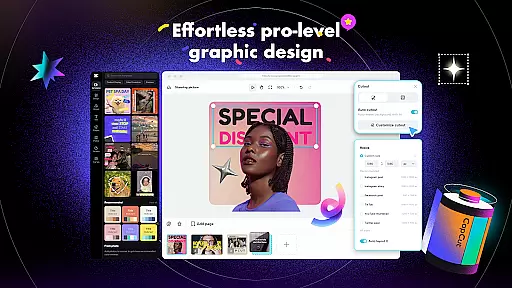
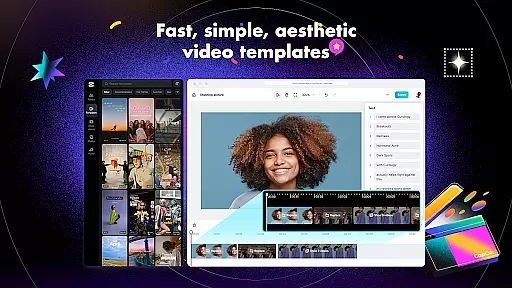
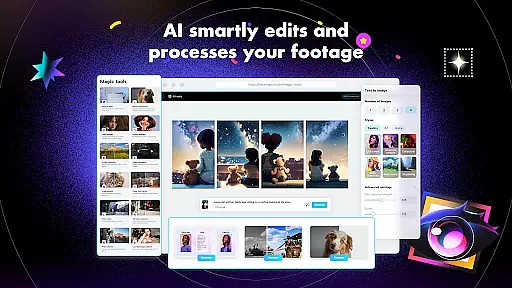
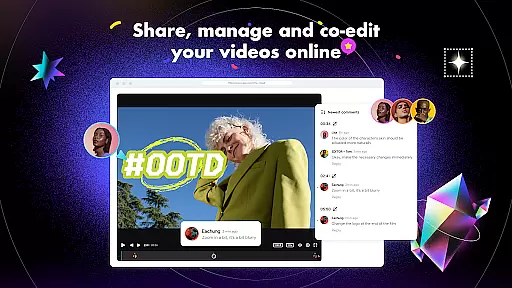
CapCut is a versatile video editing application that provides users with an extensive range of features to create high-quality videos. It includes basic and advanced editing tools such as trimming, speed adjustment, keyframe animation, chroma key, and stabilization. The app also offers intelligent features like auto captions and text-to-speech in multiple languages.
With CapCut, users can add unique text templates, subtitles, and imported fonts to their videos. The app is updated weekly with trending effects and filters, allowing creators to produce content that resonates with current styles. Additionally, CapCut supports the addition of music and sound effects, making it a comprehensive tool for video creation.
CapCut is suitable for both beginners and advanced users, providing an intuitive interface for quick edits and sophisticated options for detailed work. Whether you're looking to make engaging TikTok videos or professional YouTube content, CapCut equips you with everything needed to capture moments creatively and share them on social media platforms.
CapCut stands out with its robust set of features tailored for diverse video editing needs. The app covers fundamental functions like trimming and splitting clips, adjusting video speed, and applying zoom effects. These capabilities ensure that even basic edits are smooth and visually appealing.
For more intricate projects, CapCut offers advanced functionalities such as keyframe animations, optical flow slow-motion, and chroma key effects. Users can stabilize shaky footage and arrange clips on a multi-track timeline efficiently. Moreover, intelligent features like auto captions, text-to-speech, and background removal enhance accessibility and creativity.
The app's design emphasizes user experience by integrating trending effects, filters, and customizable text options. With support for 4K 60fps exports and smart HDR, CapCut ensures top-notch quality for every project. Its compatibility with various social media platforms makes sharing your creations seamless, whether you aim to captivate audiences on TikTok, Instagram, or YouTube.
Video format compatibility is a crucial feature for any video editing application, ensuring that users can work with a wide range of video files without conversion hassles. CapCut excels in this area by supporting various popular formats, allowing creators to import and export videos seamlessly.
The app's advanced format support extends to its export options, where users can customize resolutions up to 4K at 60fps, maintaining exceptional quality while providing flexibility for different platforms and devices. This versatility ensures that your final edited videos will look stunning regardless of where they're viewed.
CapCut also understands the importance of professional standards in video production. Therefore, it offers smart HDR support during video exports, giving content creators the tools they need to produce visually impressive videos that stand out on social media platforms like TikTok, YouTube, and Instagram.
By removing technical barriers related to video formats, CapCut empowers both beginners and advanced users to focus on their creative process. The app's comprehensive format handling makes it an ideal choice for anyone looking to create high-quality video content efficiently.
AI-powered editing features are revolutionizing how we approach video creation, and CapCut stands at the forefront of this innovation. The app incorporates intelligent tools such as auto captions and text-to-speech functionality, which significantly streamline the editing process while maintaining professional-quality results.
One of CapCut's standout AI features is its automatic speech recognition technology, which generates precise subtitles for videos. This function not only saves time but also enhances accessibility for diverse audiences across different platforms. Additionally, the text-to-speech capability supports multiple languages and voice options, making content creation more inclusive and versatile.
The app also utilizes advanced algorithms for background removal, enabling creators to produce studio-quality visuals without expensive equipment. This feature, combined with motion tracking capabilities, allows for sophisticated visual effects that were previously only achievable through complex professional software.
By integrating these intelligent features, CapCut demonstrates its commitment to simplifying video editing while maintaining high production values. These tools help both novice and experienced editors create engaging content that can effectively compete in today's digital landscape.
User-friendly interface
Advanced editing tools
Regular feature updates
Multi-language support
High-quality export options
Limited offline functionality
Occasional bugs reported
Ads within the free version
Subscription required for premium
Learning curve for new users

Your media, on your terms.
 4.10
4.10
Powerful HD video player with support for all formats & subtitles.
4.0
All format media Player, no need video converter any more!
4.00
1)AirPlay/DLNA Mirroring/Streaming, up to 4 connections; 2)Samba/NAS/DMS Player.
4.00
An easy-to-use and all-round screen recorder with audio
4.80
Video Downloader, Multiple Resolution Options, Video Player
4.50
Browser for Sony TV to stream web videos, online movies and live tv
3.20
Web Browser for LG TV to stream webvideos, online movies and livestreams in HD
4.20
VLC for Android is the best open source video and music player, fast and easy!
4.10
All in one HD video downloader & player for multiple formats with full privacy
4.70
Find, download, and play torrents with the official BitTorrent® Pro app
4.70
Snaptubè Video Downloader app allows to download videos and music in Snaptube. .
4.60
Auto video maker with music & exclusive filters. Video editing made simple.
4.50
Turn your phone into a wireless camera!
4.20
IPTV-Smarters Player Pro M3U - Watch Live Stream TV Channels with Chromecast
4.00
Fast private browser with secure, seamless access & supported video downloads!
4.00
Online Videos Player
3.90
This app is an emulator of some specific IPTV boxes
3.50
Client application for NextPVR software
3.00


User Reviews