
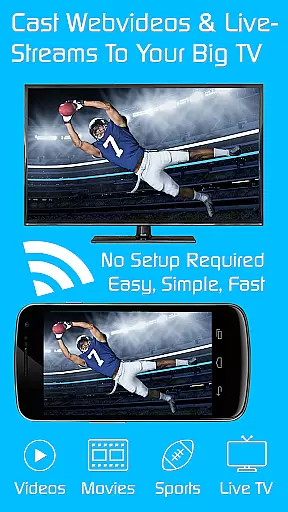
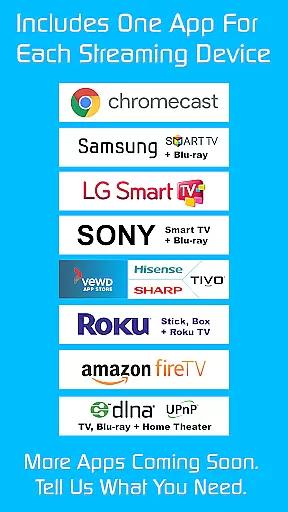
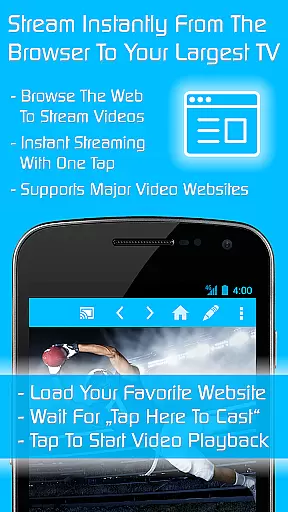
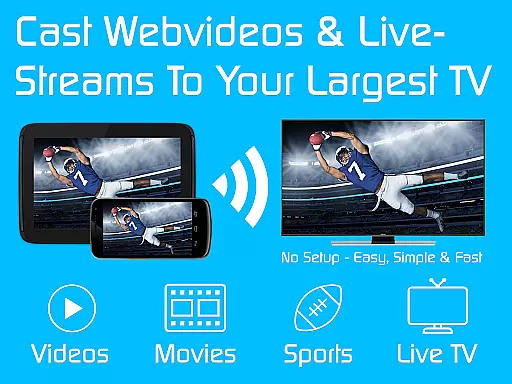
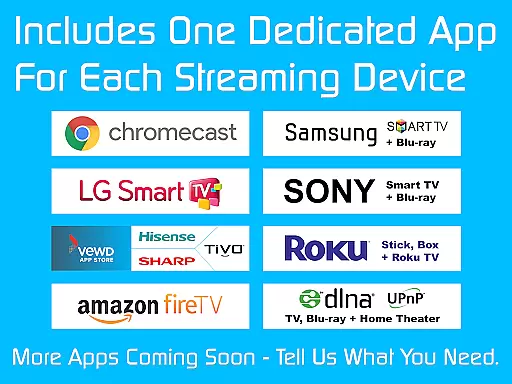
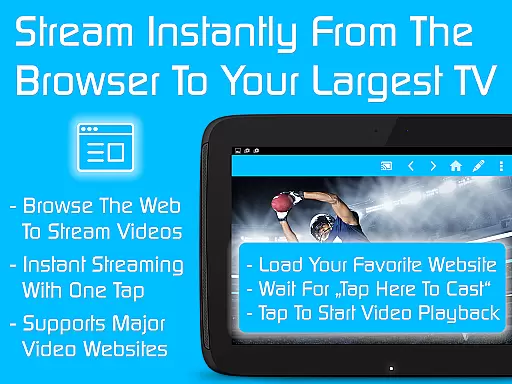
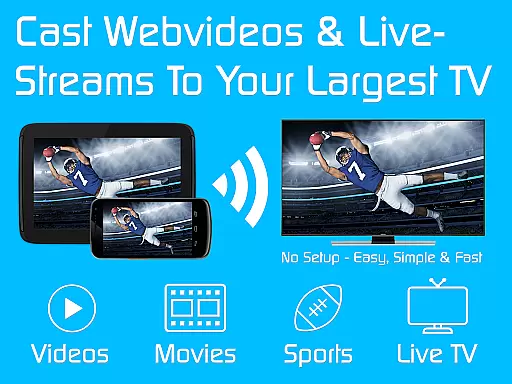
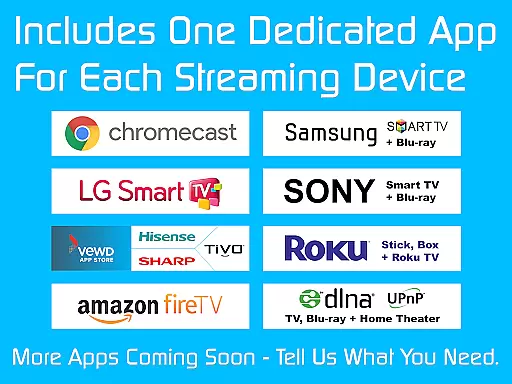
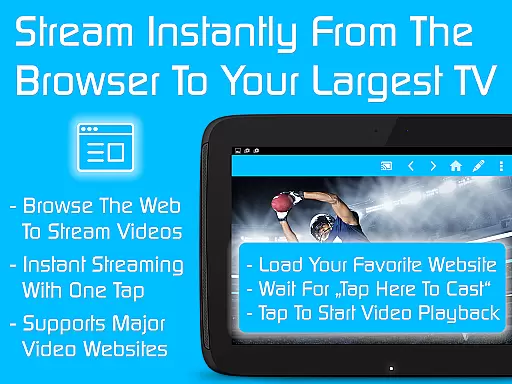
TV Cast is a comprehensive streaming browser application designed to stream and watch web videos, online movies, livestreams, and live TV shows on a multitude of devices. These include Chromecast, Samsung TV, LG TV, Sony TV, Hisense TV, Sharp TV, TiVo, Roku, Fire TV, DLNA, and Google Cast or Android TV-powered devices. The Ultimate app acts as a LICENSE KEY unlocking premium features in all free editions of Video & TV Cast apps on your Android device.
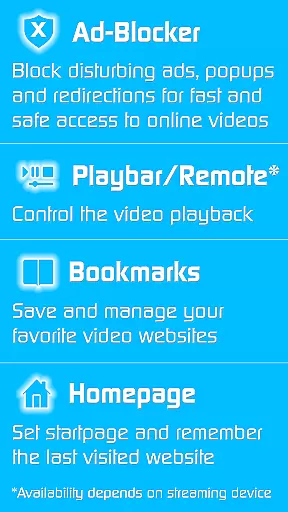
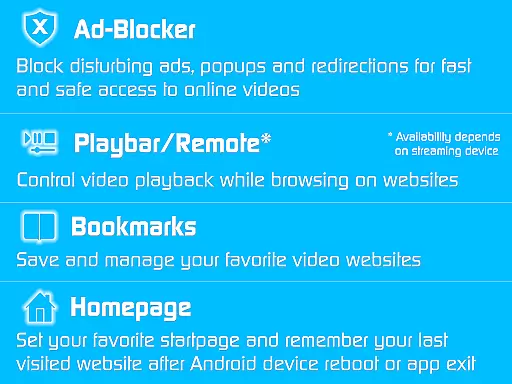
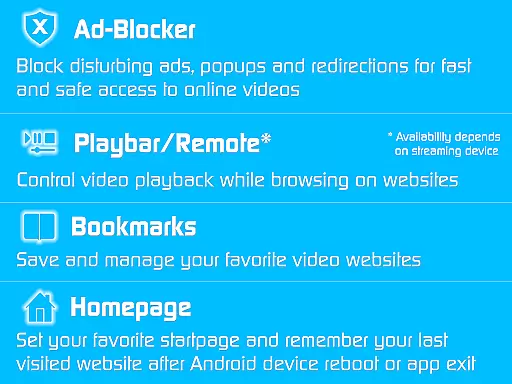
The app offers an ad-blocker for websites, a playbar for fast forward, rewind, and video scrubbing, the ability to change the homepage, desktop mode for better video link detection, unlimited bookmarks, and no sponsoring advertisements. It's important to note that uninstalling the Ultimate app will revert all apps to non-premium status.
TV Cast stands out with its wide compatibility across various smart TV brands and streaming devices, offering users flexibility in choosing their preferred platform. Its unique selling point is the Ultimate app which serves as a master key to unlock premium functionalities across different editions of Video & TV Cast apps.
Premium features such as an ad-blocker, playbar/remote control, customizable homepage, desktop mode, and unlimited bookmarks enhance user experience by providing convenience, personalization, and uninterrupted streaming. The developers have also ensured that troubleshooting steps are available to maintain premium access, although some features may depend on the specific capabilities of the streaming device.
Video format compatibility is a crucial feature for any video player or editor, ensuring that users can access and stream content across various devices without technical hindrances. TV Cast excels in this area by supporting a wide range of streaming devices including Chromecast, Samsung TV, LG TV, Sony TV, Hisense TV, Sharp TV, TiVo, Roku, Fire TV, DLNA, and Google Cast-powered devices.
The app's ability to work seamlessly with Android TV and other platforms ensures that users are not limited by device-specific restrictions. Whether you're looking to stream web videos, online movies, live streams, or TV shows, TV Cast provides the flexibility needed to enjoy content on virtually any modern smart TV or media center.
By unlocking premium features through its Ultimate app, users gain access to an ad-blocker, remote control functionalities, personalized homepages, desktop mode, unlimited bookmarks, and more. This comprehensive compatibility empowers users to fully utilize their home entertainment systems without worrying about format restrictions.
AI-powered editing features represent the cutting edge of video player and editor technology, offering users advanced tools to enhance their viewing experience. While TV Cast focuses primarily on streaming capabilities, it incorporates several intelligent features that simplify and enrich user interaction with digital content.
One standout feature is the automatic Premium unlock across all free Video & TV Cast editions when the Ultimate app is installed. This process demonstrates a level of sophistication where the app intelligently manages user preferences and settings across different platforms without requiring manual input.
Additionally, functions like fast forward, rewind, and video scrubbing while browsing showcase how AI enhances navigation and control during playback. These intuitive controls adapt to individual user behaviors, providing a smoother and more responsive interface that caters to diverse viewing habits.
User-friendly interface
Wide device compatibility
Comprehensive ad-blocking
Customizable settings
Unlimited bookmarking
Premium requires constant app installation
Limited support for older devices
Occasional connectivity issues
Dependent on device capabilities
No immediate refunds

A full editing room to accompany your Insta360 cameras and handheld gimbals.
 3.30
3.30
HD Video player all format, HD Videos, Cast & Subtitle. No annoying ads.
4.60
A Quick and Pro Video Editor
4.70
Live TV, anywhere in your home
3.80
AirMirror is Receiver for Screen Mirroring and Casting from Apple Devices.
3.60
1)AirPlay/DLNA Mirroring/Streaming, up to 4 connections; 2)Samba/NAS/DMS Player.
4.00
Add date and time watermark to photos and videos
4.50
Fast & Private HD Video Downloader with Built-in Proxy Browser and Video Player.
4.50
VLC for Android is the best open source video and music player, fast and easy!
4.10
Flud is a simple and beautiful BitTorrent client for Android.
4.80
GENRAL PRO - General Pro is the best video player that fully supports all formats.
4.70
Fast & easy HD video downloader for all formats, support 4K playback & download.
4.60
KMPlayer Plus (Divx Codec) officially support Divx codec.
4.30
Powerful Video Editor & Photo Editing App —— Quick Edits & Stunning Effects!
4.30
This app was created to edit the metadata of music files.
4.20
Fast private browser with secure, seamless access & supported video downloads!
4.00
Download videos easily & play them all in one smart, powerful video manager.
3.40
IPTV Player - Watch live TV from m3m & m3u8 playlist, stream IPTV on mobile
3.30
Stream high quality video from your camera over NDI protocol
4.5


User Reviews