
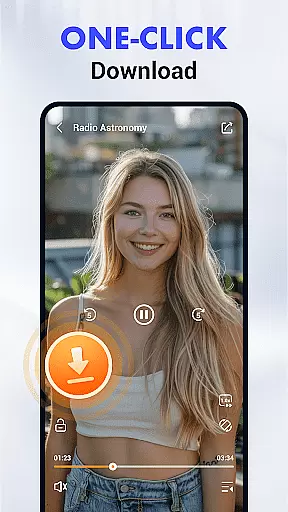
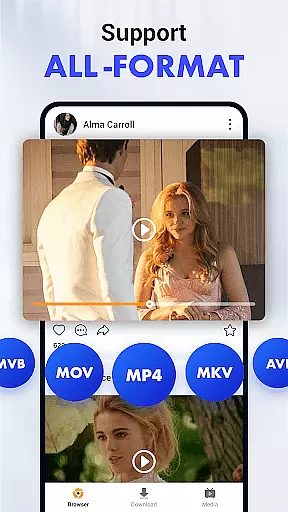
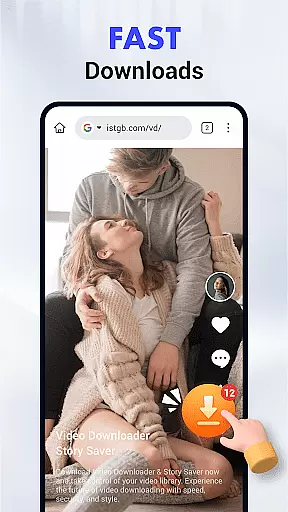
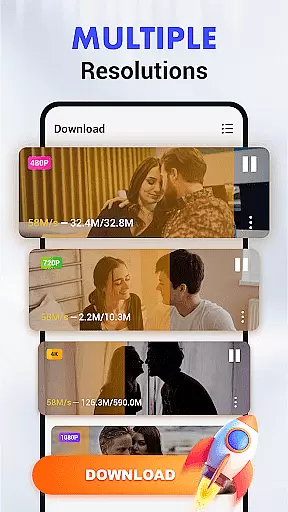
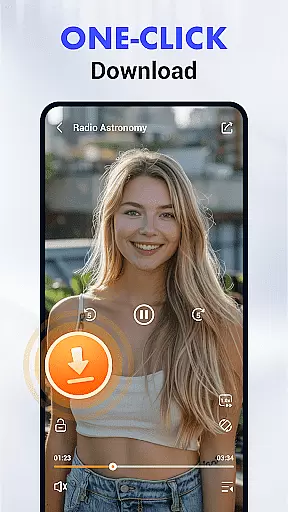
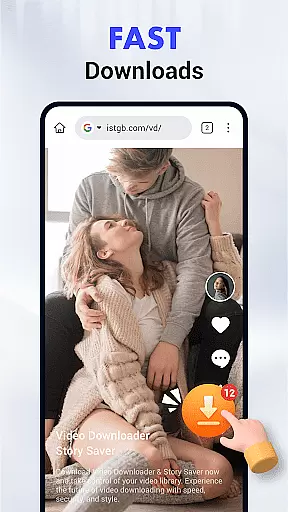
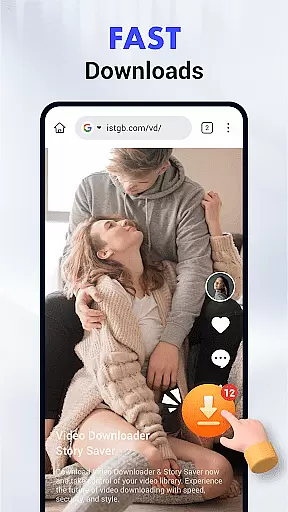
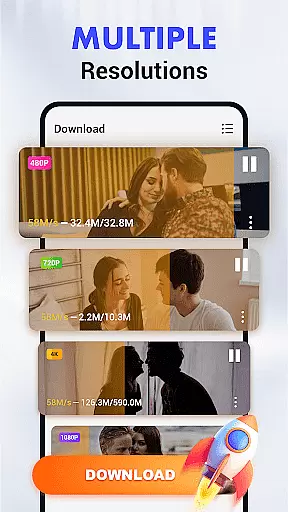
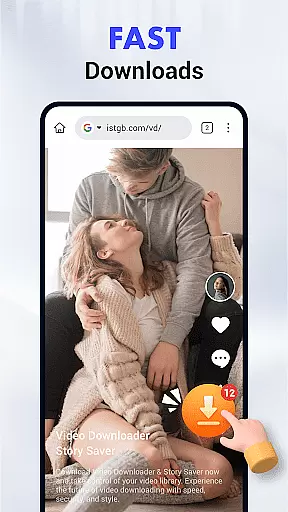
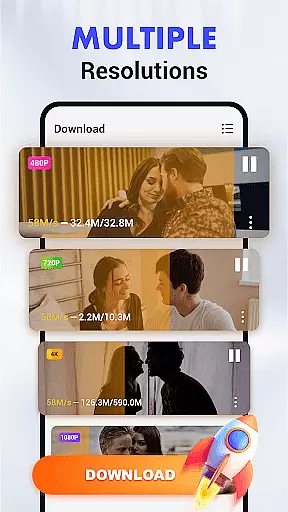
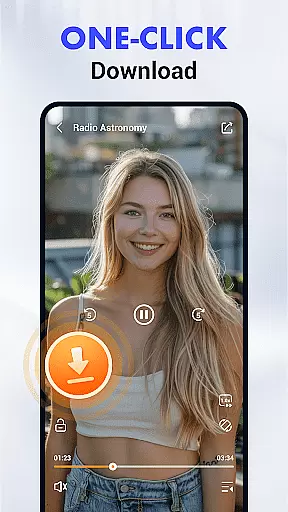
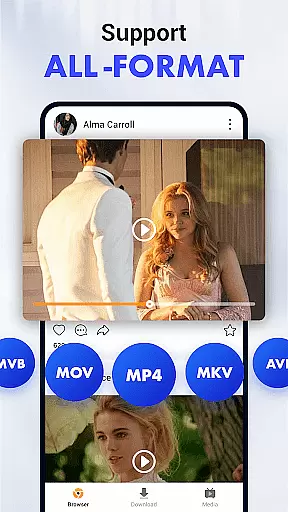
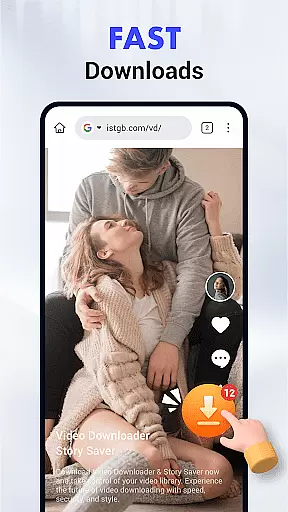
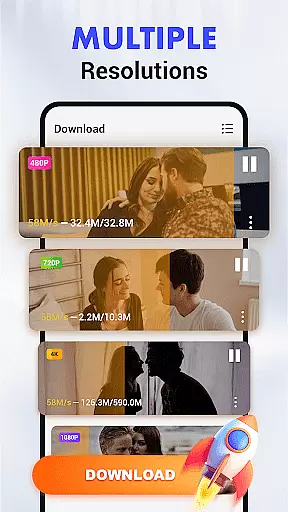
Video Downloader & Player is a feature-rich Android application designed to revolutionize the way users download and manage video content. This app supports seamless integration with major social media and video platforms, enabling effortless downloading of videos in multiple formats including MP3, MP4, HD, and 4K resolutions.
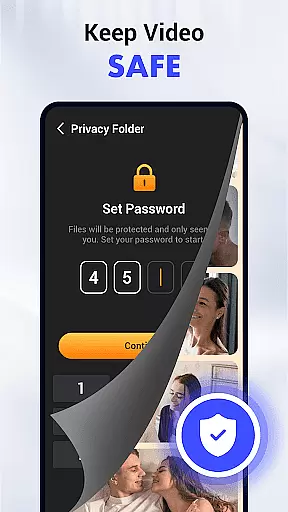
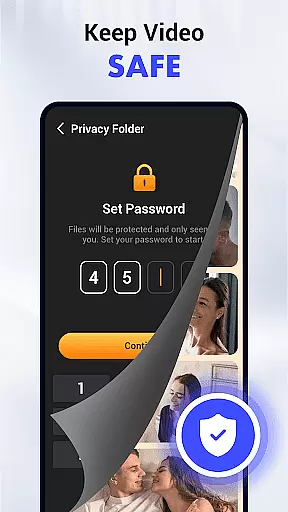
The app's intuitive download manager allows users to schedule, pause, and resume downloads, while its private folder encryption ensures enhanced security for downloaded files. With background downloading capabilities, SD card support, and a pop-up player for multitasking, Video Downloader & Player offers a comprehensive solution for managing your video library on the go.
Whether you're commuting or traveling, this app lets you access high-quality video content anytime, anywhere. The user-centric design, combined with advanced features like gesture controls and auto-detection technology, makes it an essential tool for anyone looking to take full control of their video downloading experience.
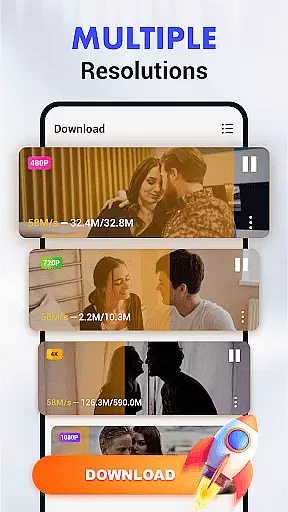
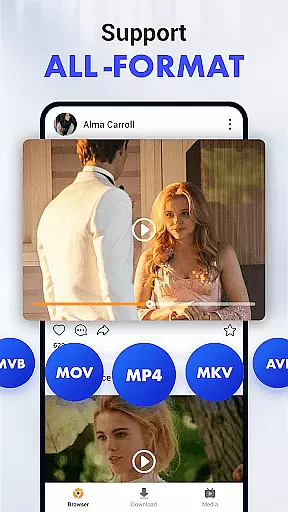
Video Downloader & Player stands out with its extensive suite of innovative features tailored for both casual users and tech-savvy individuals. One of the key highlights is its multi-format support, allowing users to download videos in various resolutions and audio formats, ensuring compatibility across different devices.
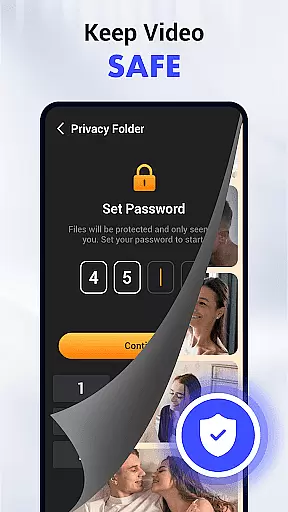
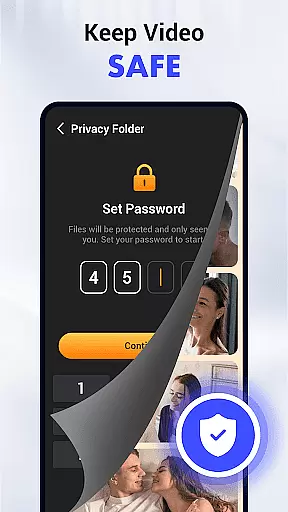
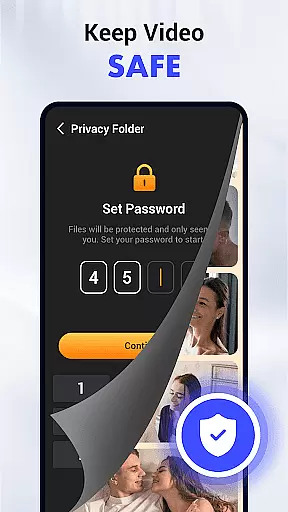
The app's smart download manager provides complete control over the downloading process. Users can schedule downloads for optimal times, pause ongoing downloads, and resume them without losing progress. Additionally, the private folder encryption feature adds an extra layer of security, protecting sensitive content with password protection.
Other notable features include background downloading that works seamlessly while using other apps, SD card support for expanded storage, and a pop-up player for multitasking. Gesture controls and auto-detection technology further enhance the user experience, making video downloading faster, easier, and more efficient than ever before.
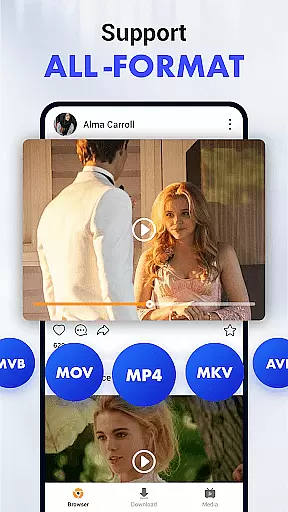
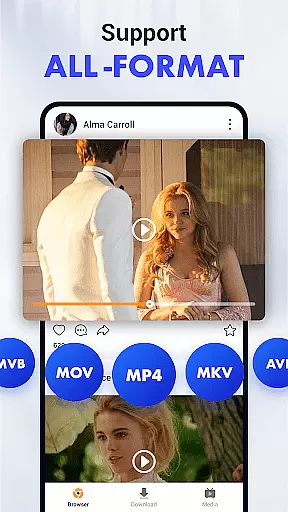
Video format compatibility is a crucial feature for any video player and editor, ensuring that users can enjoy content in various formats without technical barriers. Video Downloader & Player excels in this area by supporting an extensive range of video and audio formats including MP3, MP4, and more. This versatility guarantees that no matter the source or original format of the video, users can download and play it on their Android devices without compatibility issues.
The app's multi-format support not only enhances user convenience but also preserves the quality of the original content. Whether you're downloading high-definition videos or standard clips, the app maintains the integrity of each file format. This means users can experience their favorite videos in stunning clarity, whether they are in HD or 4K resolution.
Moreover, the ability to store files on an SD card adds another layer of flexibility. By freeing up internal storage space, users can keep their device running smoothly while building an extensive library of videos. This feature is particularly beneficial for those who frequently download large video files or prefer to save content for offline viewing.
In summary, Video Downloader & Player's comprehensive video format compatibility empowers users to manage their multimedia content with ease. The combination of wide-ranging format support, high-quality playback options, and flexible storage solutions makes this app a standout choice for anyone looking to revolutionize their video downloading experience.
AI-powered editing features represent the cutting edge of video player and editor technology, offering users unprecedented control and creativity over their content. Video Downloader & Player incorporates advanced AI algorithms to streamline the editing process, making it accessible even to those without professional training. From auto-detection of videos on web pages to intuitive gesture controls for playback, the app leverages artificial intelligence to enhance every aspect of the user experience.
One of the standout AI-driven features is the smart download manager, which allows users to schedule, pause, and resume downloads effortlessly. This ensures that even if you're interrupted during a download, you won't lose progress. Additionally, the pop-up player exemplifies how AI can improve multitasking; it lets users watch videos while using other apps, providing a seamless and efficient viewing experience.
Privacy and security are also bolstered by AI technology within the app. The private folder encryption feature uses sophisticated algorithms to protect your downloads with password-protected folders. This provides peace of mind, knowing that your content is secure from unauthorized access. Furthermore, background downloading powered by AI ensures that the app operates smoothly without interrupting other tasks on your device.
Overall, Video Downloader & Player sets itself apart through its innovative use of AI-powered editing features. These tools not only simplify complex processes but also elevate the standard for what users should expect from a modern video player and editor. With these capabilities at your fingertips, managing and enjoying digital content has never been easier or more enjoyable.
User-friendly interface
Multi-format video support
HD and 4K quality downloads
Private folder encryption
Background downloading
Limited to Android devices
No automatic updates
Requires manual link input
Storage permissions needed
Internet access required

Video player, file manager for all formats, 4K/HD media player supports subtitle
 4.30
4.30
You can play SWF format file!
2.50
Your media, on your terms.
4.10
Watch full episodes of your favorite Cartoon Network and Cartoonito shows!
3.50
Watch a large amount of high-definition short drama content
4.60
Live TV, anywhere in your home
3.80
Download website videos fast&privacy
4.40
AI Video Editor:AI Music, Text to Video,Text to Speech,Auto Caption,Video Effect
4.00
The essential companion to your Blue Iris PC software
2.50
Video Trimmer, Video to MP3 Converter. Extract music from video, Easy & Fast.
4.80
An easy-to-use and all-round screen recorder with audio
4.80
Flud is a simple and beautiful BitTorrent client for Android.
4.80
Cast to Chromecast, Xbox, Fire Stick, Roku, DLNA, Smart TV & No Feature Limited!
4.50
Movie maker & video editing app with AI effects and green screen
4.30
Powerful Video Editor & Photo Editing App —— Quick Edits & Stunning Effects!
4.30
This app was created to edit the metadata of music files.
4.20
Web Browser for LG TV to stream webvideos, online movies and livestreams in HD
4.20
Capture images & record videos for USB Camera, Webcam, Microscopes, Endoscopes
3.80
Browser for Sony TV to stream web videos, online movies and live tv
3.20


User Reviews