
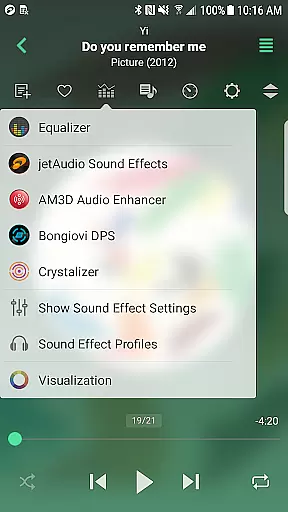

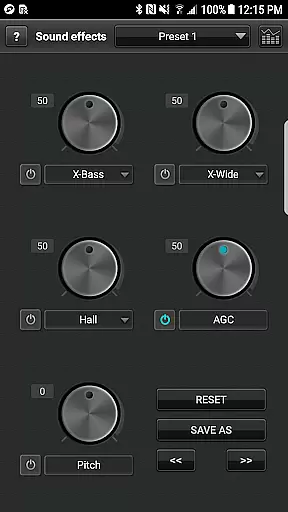
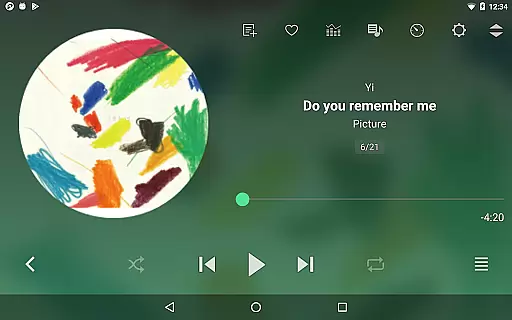
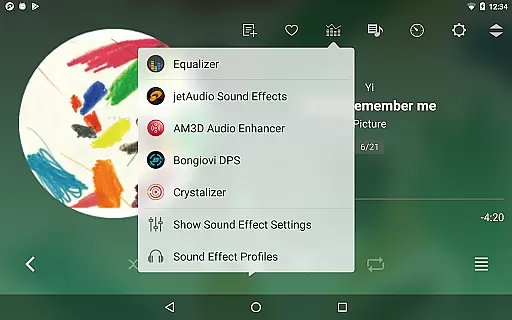
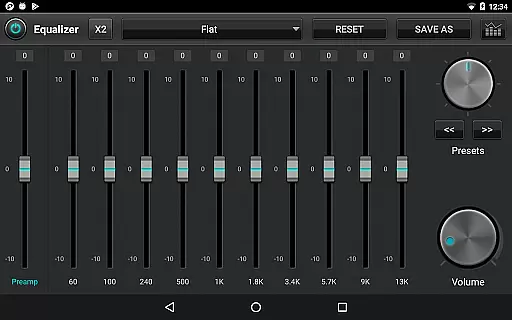
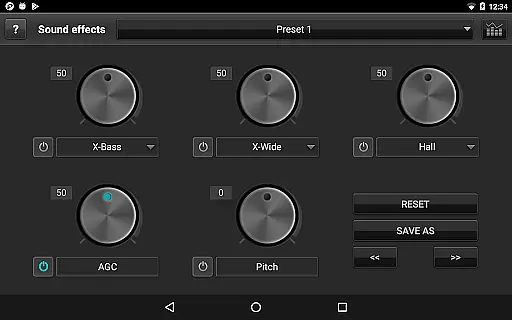
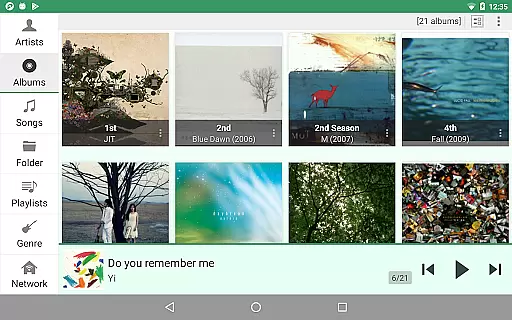
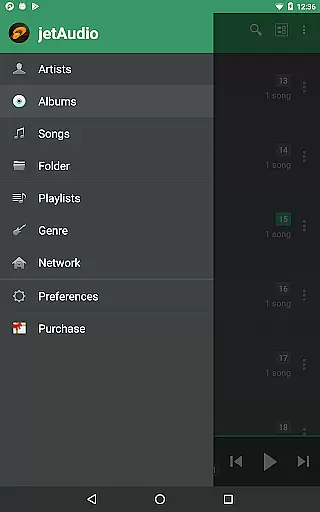
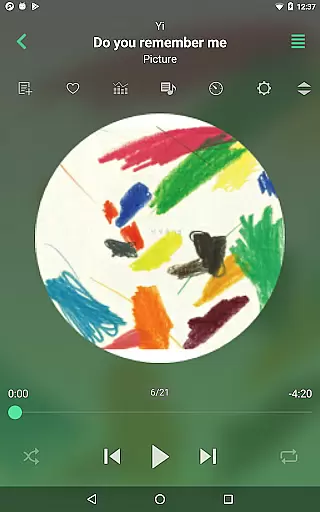
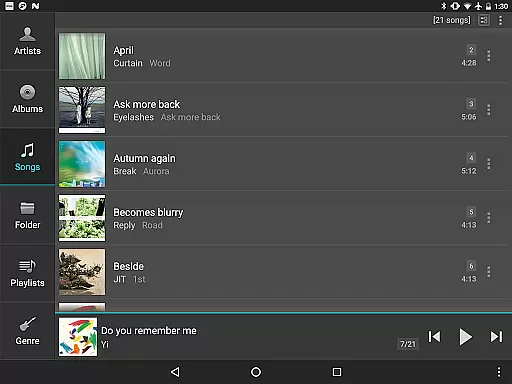
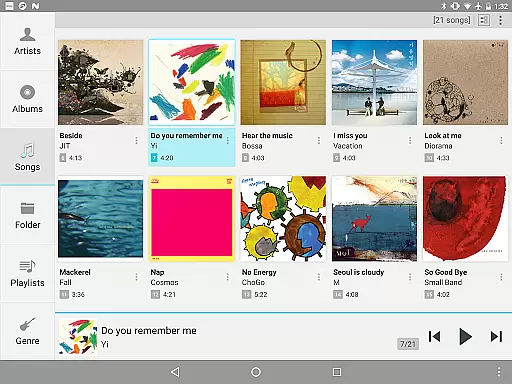
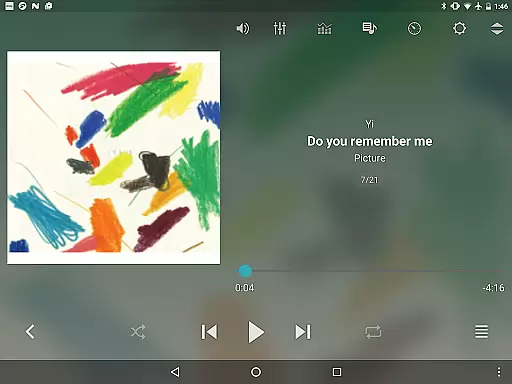
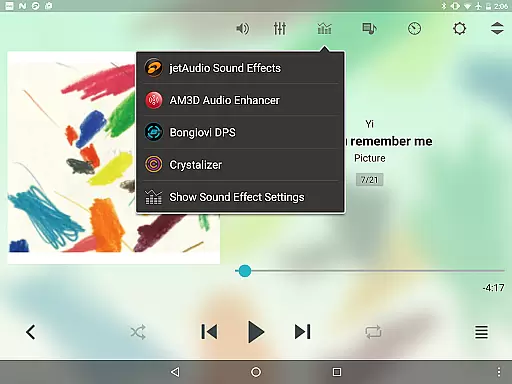
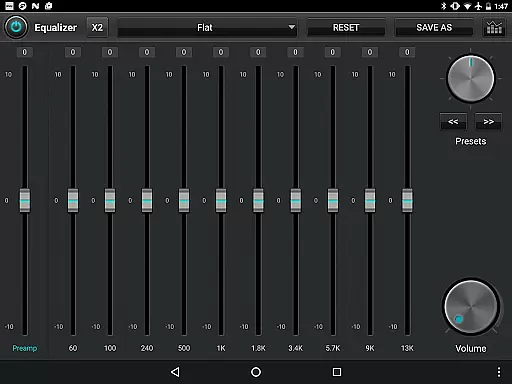
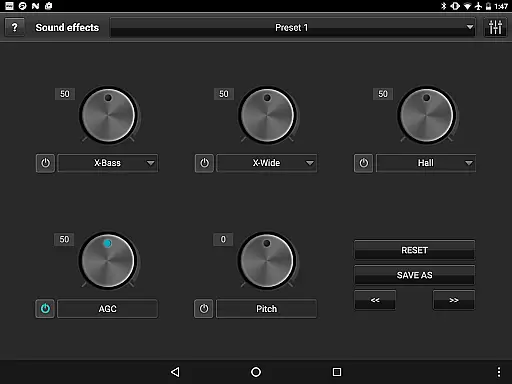
jetAudio+ Hi-Res Music Player is a premier audio solution for Android users, offering an extensive range of features for high-quality music playback. This app supports virtually all digital music file formats and provides superior sound quality with effects like Wide, Reverb, and X-Bass. Its 32 equalizer presets cater to diverse listening preferences.
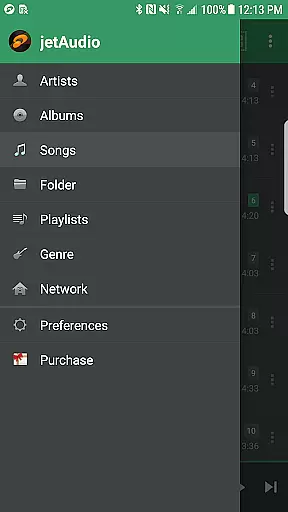
Beyond basic playback, jetAudio+ allows advanced customization through its graphic equalizer and other functions such as playback speed control and crossfading. It also supports streaming from local network shared folders and cloud services like Google Drive, making it versatile for various listening scenarios.
Whether you're an audiophile or casual listener, jetAudio+ enhances your experience by delivering clear, customizable audio that adapts to your unique tastes and needs.
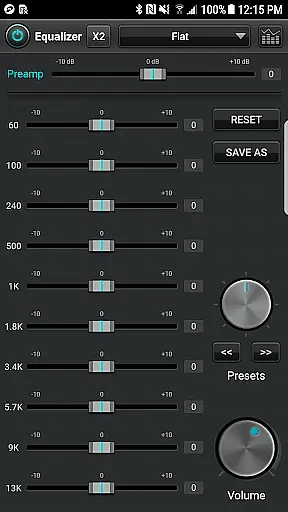
One of the standout aspects of jetAudio+ Hi-Res Music Player is its comprehensive feature set tailored for audio enthusiasts. The Plus version offers exclusive functionalities including a 20-band graphic equalizer and Tag Editor for multiple file types, allowing detailed personalization of your music library.
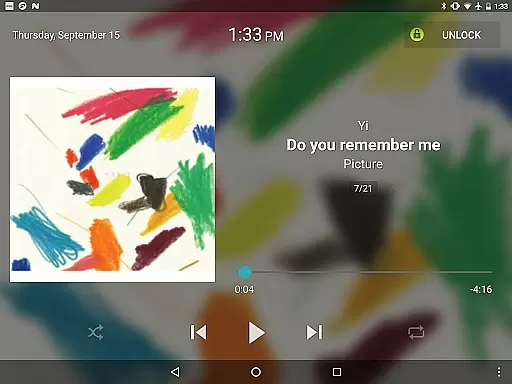
The app includes specialized tools like pitch shifter and precise playback speed control, which are essential for users who demand exactness in their listening experience. Additionally, the availability of different lock screens and themes ensures a personalized interface that suits individual preferences.
For those who value convenience, jetAudio+ supports Wi-Fi music streaming from home networks and cloud services. With options like Last.fm integration and social media sharing, this app not only plays music but also connects users to broader musical communities and experiences.
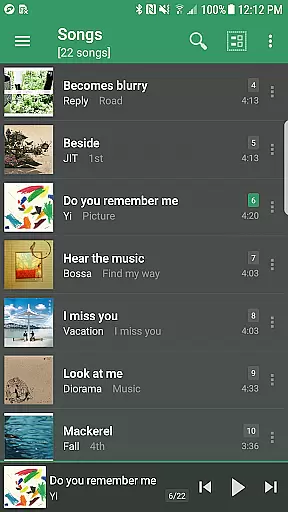
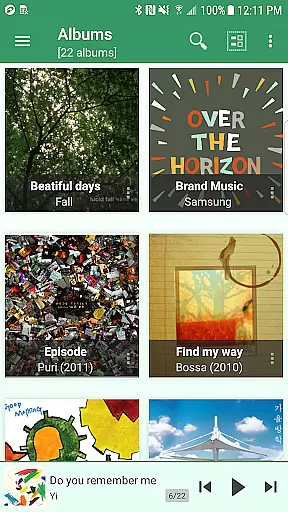
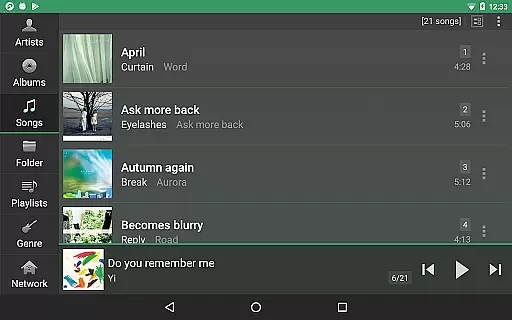
jetAudio+ Hi-Res Music Player offers an extensive music library that supports a wide range of audio formats including MP3, WAV, FLAC, and OGG. This ensures users have access to high-quality sound across various file types.
The application emphasizes copyright authenticity by enabling playback of legally purchased and downloaded music files. Users can manage their digital rights management (DRM) free tracks with confidence knowing they are engaging with authentic content.
With the ability to stream from cloud services like Google Drive and Dropbox, jetAudio+ extends its music library beyond the device, providing seamless integration with personal collections while maintaining legal integrity.
Additionally, the inclusion of a Tag Editor for multiple formats allows users to maintain accurate metadata, enhancing the authenticity and organization of their music library.
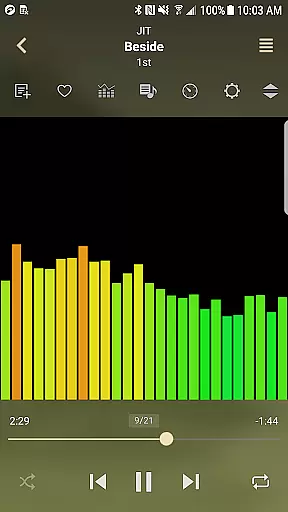
One of the standout features of jetAudio+ is its superior audio quality options. The app provides a 20-band graphic equalizer in the Plus version, allowing users to fine-tune their listening experience with precision.
Enhancements such as Wide, Reverb, and X-Bass effects contribute to a richer sound profile, catering to audiophiles who demand the best from their music playback. These effects create an immersive auditory environment on par with professional audio equipment.
Playback speed control and pitch shifter functionalities offer additional customization, ensuring that audio output matches individual preferences without compromising quality. This flexibility is crucial for users who require specific settings for different genres or listening scenarios.
Furthermore, support for high-resolution audio formats guarantees that listeners enjoy studio-quality sound, making jetAudio+ a top choice for discerning users focused on achieving the highest fidelity in mobile music playback.
High-quality sound output
Wide format compatibility
Customizable equalizer settings
Advanced playback controls
Cloud streaming support
Paid version required for full features
Some codecs may not work on all devices
Advertisements in free version
Complex interface for beginners
Limited customer support options

 4.70
4.70
Pay Once, no monthly payment
4.60
The Cubase remote control app
3.60
Time Trainer: accurate metronome w tools to help you develop your internal time!
4.20
Walkout Song DJ is the most intuitive app to manage your sports music.
4.70
A High-Precision Audio Spectrum Analysis App
4.20
The ultimate media player for Android devices
3.90
Guzheng Master supports many playing techniques as an acoustic Guzheng
4.50
One-tap booster for max volume - enjoy powerful sound with this audio booster
4.50
24,000 free audio books and no ads!
4.90
The best music and audio player, with beautiful UI, music search and equalizer.
4.60
Save hundreds of dollars for a physical strobe tuner and instead use this app.
4.50
DJ Music Mixer Pro is a real DJ controllers and DJ Music Studio to remix DJ.
4.40
Manage your Sonos system directly from your home-screen!
4.40
The alternative folder based music player.
4.20
Turn your phone into a musical instrument from the future!
3.90
The only true audiophile music player with Hi-Fi audio rendering and DSP engine
3.90
The Minimalistic Premium Music Player. Handmade with passion for music
2.20
Simply convert wav to mp3. Clear. Reliable. Safe.
4.1


User Reviews