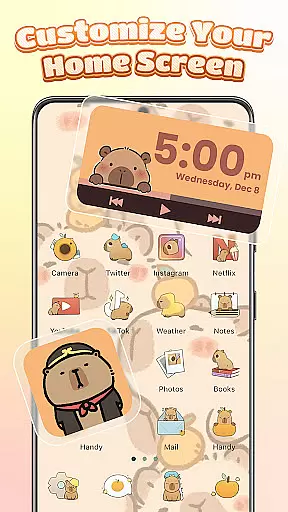
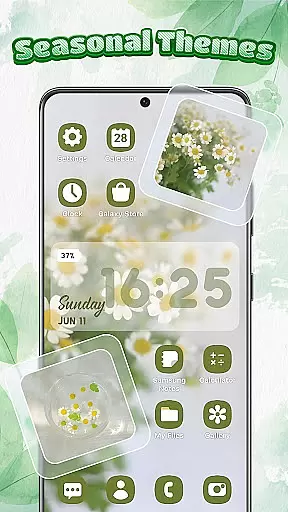
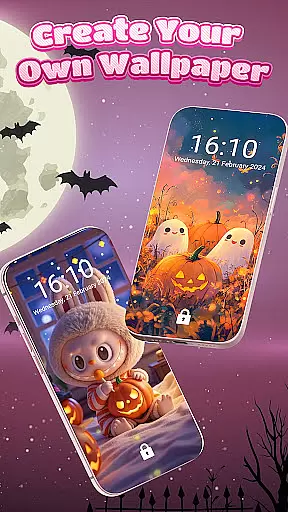
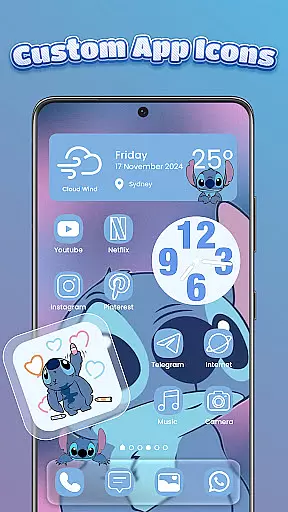
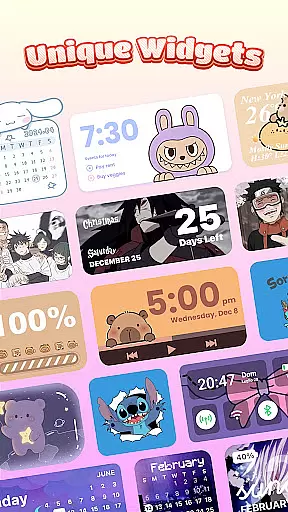
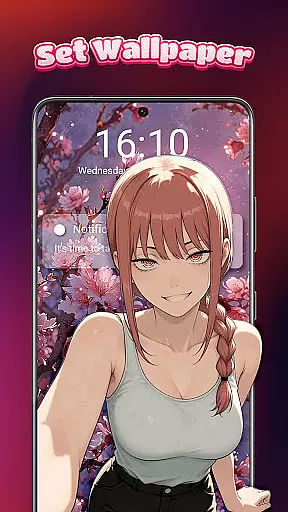
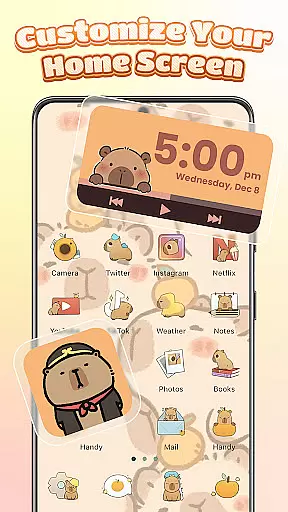
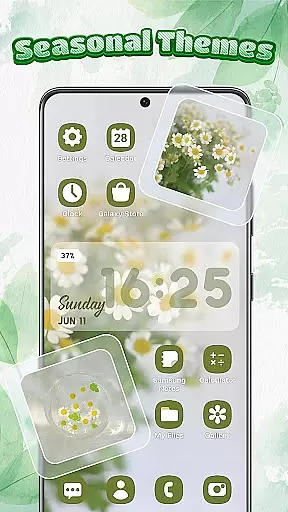
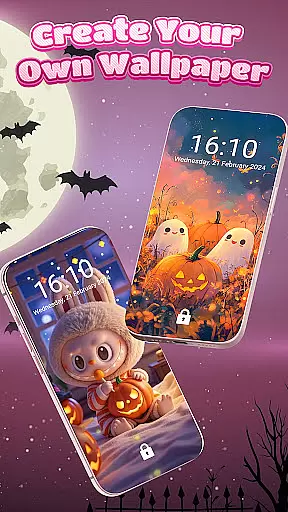
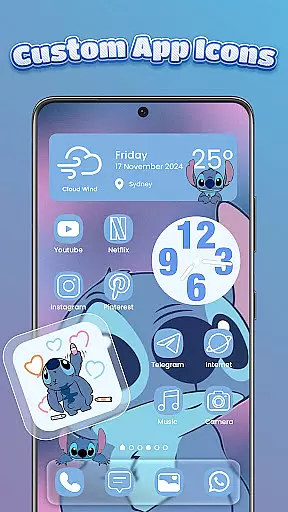
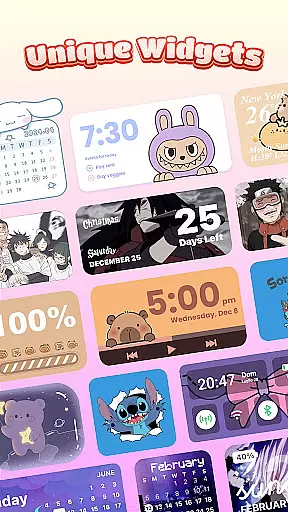
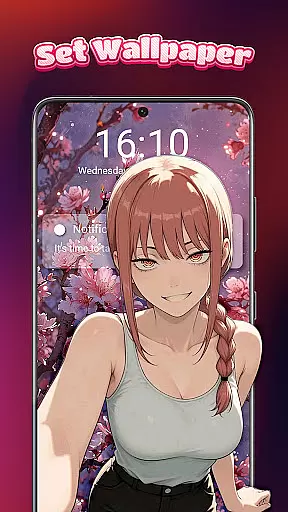
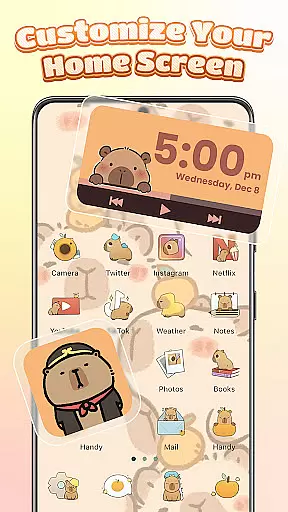
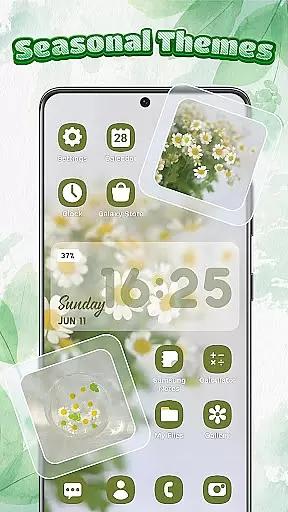
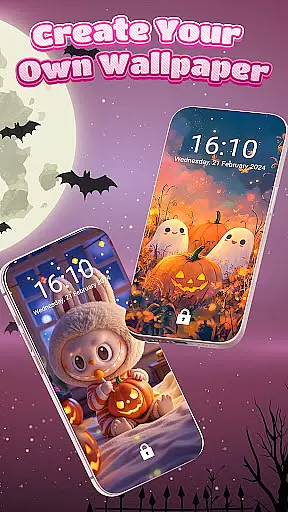
Themebox is a comprehensive personalization app that empowers Android users to fully customize their smartphone experience. This powerful tool serves as both an icon changer and home screen designer, offering over 1000 beautifully crafted themes, color widgets, wallpapers, and control center options.
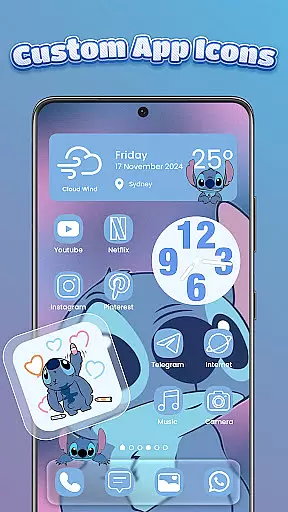
The application's standout feature is its extensive icon customization capabilities. Users can transform their app icons with various styles, fonts, transparency levels, and backgrounds through simple tap-and-apply functionality. The inclusion of smart control center and diverse widget options makes it more than just a visual enhancement tool - it's a complete home screen solution.
Ideal for creative individuals who value aesthetic design, Themebox caters to multiple style preferences including pastel, dark mode, neon, minimal, and anime themes. Its user-friendly interface enables even beginners to achieve professional-looking customization results.
Themebox distinguishes itself through its comprehensive suite of customization tools. The app icon changer stands out with its DIY capabilities, allowing users to modify not just the visual appearance but also font styles, colors, and transparency levels. This level of granular control ensures truly unique icon designs.
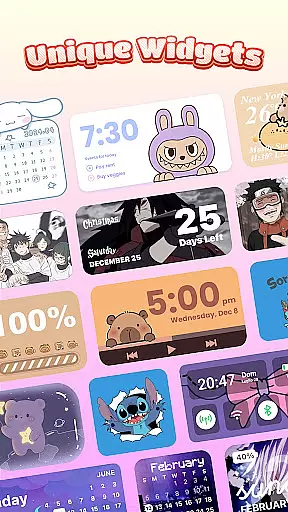
The application's widget collection includes essential functional elements such as battery status indicators, calendar displays, weather information, and image widgets that can incorporate personal gallery photos. These widgets aren't just static elements - they're interactive components that enhance both form and function.
What sets Themebox apart is its smart control center integration. This floating panel provides quick access to system settings while maintaining a stylish interface. Combined with daily theme updates, exclusive releases, and various aesthetic categories, the app offers continuous fresh content for users seeking dynamic personalization options.
Themebox stands out in the personalisation category by offering an extensive range of customization options that cater to every user's unique style and preference. With over 1000 beautifully designed themes, users can choose from a plethora of styles including anime, vintage, minimalist, pastel, or neon themes.
The app icon changer feature allows for creative freedom, enabling users to alter app icons with different styles, fonts, transparency, and backgrounds. This level of personalization ensures that each user's home screen is not only functional but also a true reflection of their personality.
Additionally, Themebox provides color widgets and wallpapers which are integral to achieving a cohesive home screen aesthetic. Users can customize battery status, calendar, weather, and even image widgets, ensuring that all elements of their interface work harmoniously together.
This vast array of customization options empowers users to design a home screen that is truly one-of-a-kind, enhancing both the appearance and usability of their devices.
Themebox excels in theme compatibility, ensuring that all customizations work seamlessly across various devices and screen sizes. The app offers daily theme updates and exclusive releases, guaranteeing that users always have access to fresh and innovative designs.
Compatibility extends beyond just visual aesthetics; it includes functional aspects such as smart control center integration. This floating panel is compatible with essential system settings, providing quick access without disrupting the visual harmony of the home screen.
Moreover, the app supports DIY creations, allowing users to craft personalized themes that fit perfectly with their device's capabilities. Whether you're looking for sports themes or something more artistic, Themebox ensures that your choices will be displayed accurately and beautifully.
By focusing on both form and function, Themebox guarantees that its themes enhance the overall user experience without compromising on quality or performance.
User-friendly interface
Extensive customization options
Regular theme updates
Lightweight performance
Versatile widget collection
Premium themes cost extra
Some features need permissions
Occasional compatibility issues
Limited iOS support
Advanced options complex for beginners

Customizable Glass widgets. Over 360+ stunning widgets and more!
 4.70
4.70
A Colorful and Minimal icon pack in an Outline Style - Over 13,600 icons!
4.70
Ultra realistic gold analog watch face with lots of customization options.
4.50
Adult video chat, dating, making friends, random matching
4.20
Customizable screen pets that play, climb, and keep you company.
4.50 4.50
4.50
Launcher OS™ Pro without ads help make your phone simple and pretty
4.30
Handcrafted pixel art icons, widgets & wallpapers
4.60
Fast SMS & group chat - use GIFs and emojis from your home screen launcher.
4.50
A minimalist productivity launcher. One-hand-friendly. Zero ads.
4.70
Glass style colourful icons with a One UI look and feel
4.60
Choose your keyboard with RGB colors effect, themes, fonts, emojis.
4.60
200+ Material Inspired Widgets
4.50
Yandex Browser — stylish and secure, with voice search and data compression
4.40
Romantic Kiss Stickers App. Start romantic messaging now!
4.30
More than 3000+ themes and 9000+ wallpapers for everybody!
4.10
Create unique, fun emojis with Funny Emoji Maker! Unlimited creativity!
4.00
Customize glowing edges, wallpapers, and caller screen with EdgeAura.
3.50
Prank your friends with realistic broken screen and cracked HD effects!
4.2


User Reviews