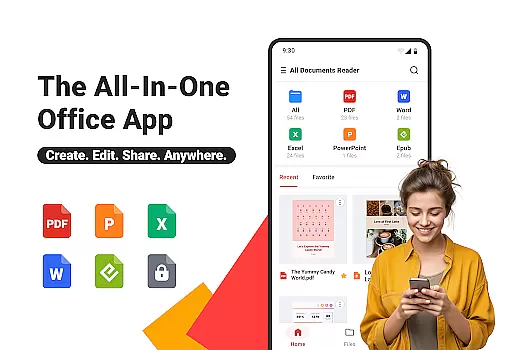
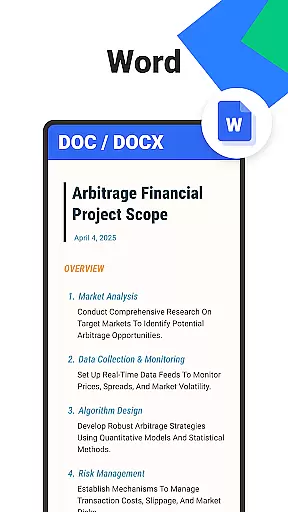
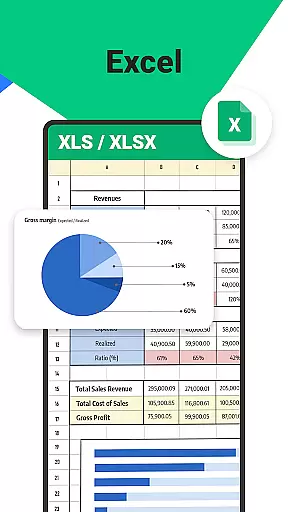

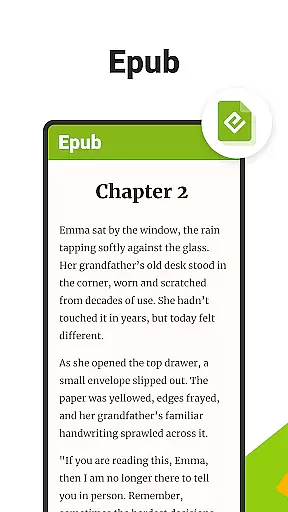
All Documents Reader is a versatile document management tool designed to streamline how you view, edit, and organize digital files. Supporting formats like PDF, Word, Excel, PowerPoint, and EPUB, it serves as an all-in-one solution for both professional and personal use.
With features such as smart search, automatic categorization, and AI-powered summarization, this app ensures maximum productivity. Whether you're managing office documents or reading eBooks, All Documents Reader provides a seamless experience across work, study, and everyday tasks.
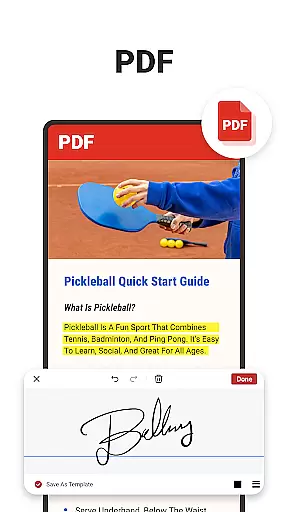
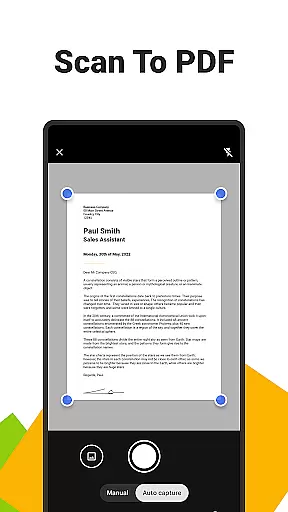
All Documents Reader stands out with its comprehensive PDF tools, including merging, splitting, form-filling, and encryption capabilities. Its built-in scanner allows users to convert images into high-quality PDFs effortlessly.
The app also offers an intuitive navigation system that supports quick searches by file name or type. Automatic organization by format and customizable viewing options enhance user convenience, making it ideal for detailed reports or leisure reading.
Offline functionality and robust privacy measures ensure your data remains secure while providing uninterrupted access anytime, anywhere.
At the heart of Ora All Documents Reader lies its commitment to precision and efficiency in managing digital files. This tool supports an extensive range of formats including PDF, Word, Excel, PowerPoint, and EPUB, ensuring that users can open and work with their documents seamlessly. The app's ability to handle complex tasks such as merging, splitting, and encrypting PDFs adds a layer of reliability for users who require more than just viewing capabilities.
The inclusion of AI-powered features like summarization and smart search elevates the user experience by simplifying navigation and information extraction. These functions are not only accurate but also save valuable time, which is crucial for both professional and personal use. Whether you're scanning documents into PDFs or converting between file types, Ora ensures that every action is performed with utmost fidelity.
For those who value productivity, the automatic categorization and intuitive navigation features provide a streamlined approach to document organization. Users can swiftly locate any file and benefit from recently viewed lists, making their workflow smoother and faster. With all these core functions working in harmony, Ora All Documents Reader delivers an effective solution for comprehensive document management.
Ora All Documents Reader excels in providing an interface that is both simple and intuitive, catering to users of all technical backgrounds. Upon opening the app, one is greeted with a clean layout where tools and options are neatly organized, allowing for easy access without overwhelming the user. This straightforward design ensures that even first-time users can navigate through their files effortlessly.
The reading experience itself has been optimized for ease of use, offering customizable viewing modes such as horizontal and vertical orientations. Such flexibility allows readers to tailor their experience according to personal preference or specific document requirements. Moreover, whether it's a detailed report or an engaging novel, adjusting settings to suit individual needs enhances overall satisfaction.
Beyond just viewing, editing features have been thoughtfully integrated into the interface without compromising on simplicity. Annotating, highlighting, filling forms, and signing documents are accomplished with minimal steps, thanks to the well-considered placement of controls. By prioritizing clarity and ease-of-use, Ora guarantees that every interaction with your digital files will be smooth, efficient, and enjoyable.
User-friendly interface
Multi-format support
AI-powered summarization
Offline functionality
Privacy-focused design
Limited advanced editing
No cloud sync
Occasional bugs
Heavy on storage
Premium features locked

Complete kernel toolbox with features to manage and tweak your rooted device
 4.30
4.30
Safely recover deleted photos, videos, and files with a single easy tap.
3.70
An easy-to-use calculator designed to save time calculating and bending conduit
4.30
Create your own live wallpaper or check out thousands already made presets
3.90
Smart and comfortable browsing experience.
3.80
Unleash gamepad precision for ultimate mobile gaming dominance.
3.90
View detailed information about your Nissan Leaf the dealer never shows you.
4.10
Planner and Tracker for Stardew Valley
4.60
Screen Mirroring for Roku Sticks, Roku TCL TV and Roku Hisense TV
4.50
Change your GPS location instantly. Simulate routes anywhere in the world.
4.90
WiFi Signal Strength Meter help you detect WiFi Signal Strength in real time.
4.80
Remote Play with FSR upscaling, low latency & full controller support
4.80
Mirror your screen to Chromecast and Android TV - Super fast and simple
4.60 4.50
4.50
Button mapper, mouse toggle, sleep timer and a lot of another features
4.50
PC precision for mobile gaming: dominate with keyboard and mouse!
4.30
VESC Tool can monitor and configure VESC-compatible devices over BLE and Wifi
4.20
This app unlocks the Pro features of the Central for DayZ app
3.60
Undelete and recover your lost or deleted files with DiskDigger!
3.40


User Reviews