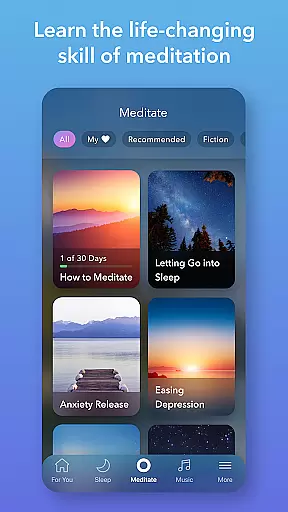
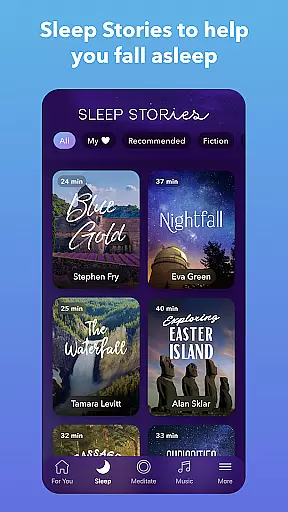
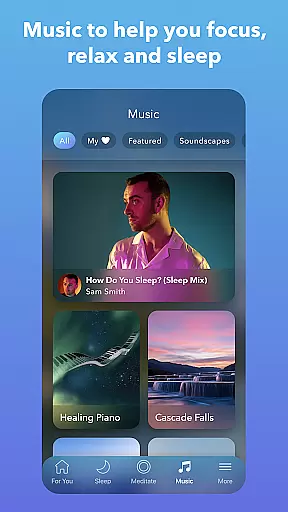
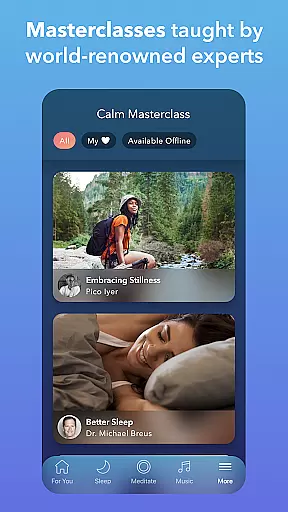
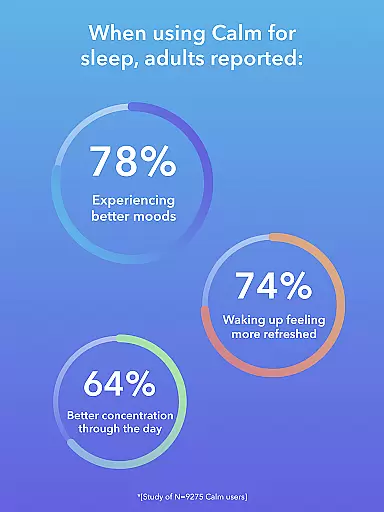
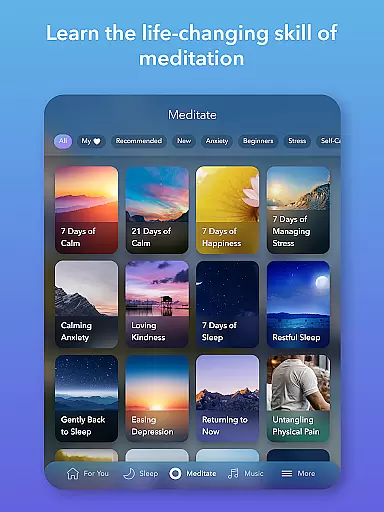
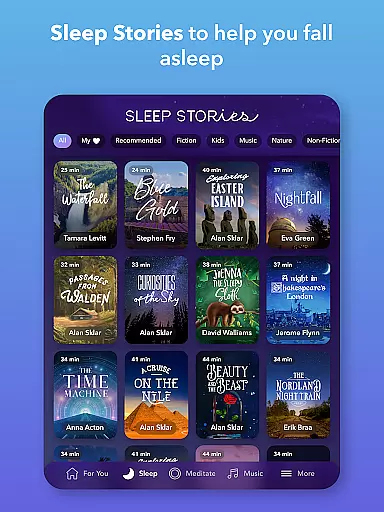
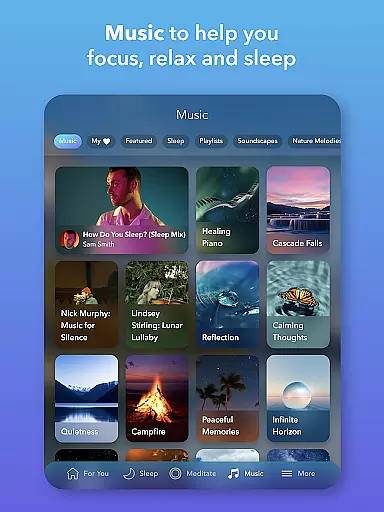
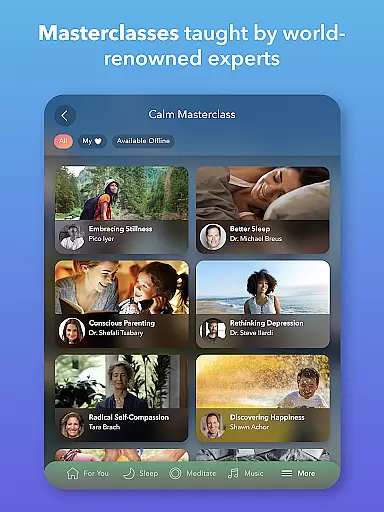
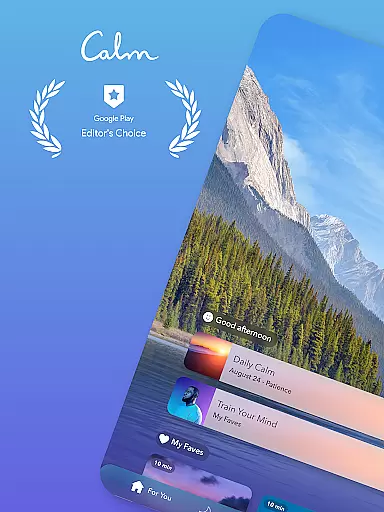
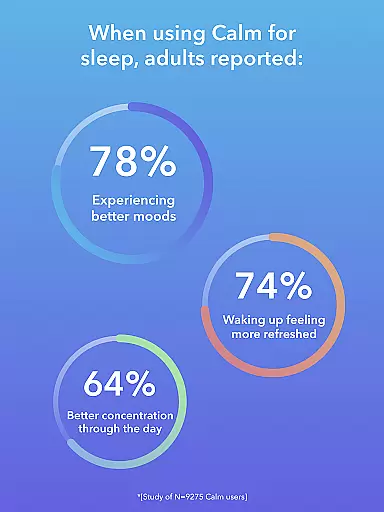
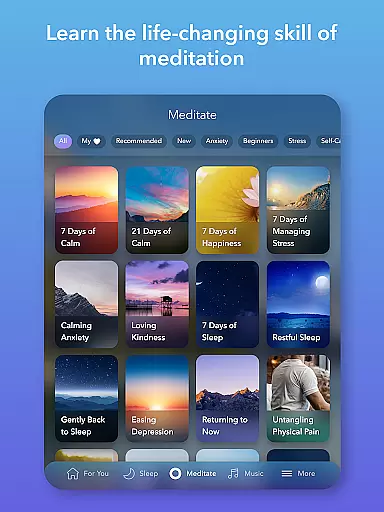
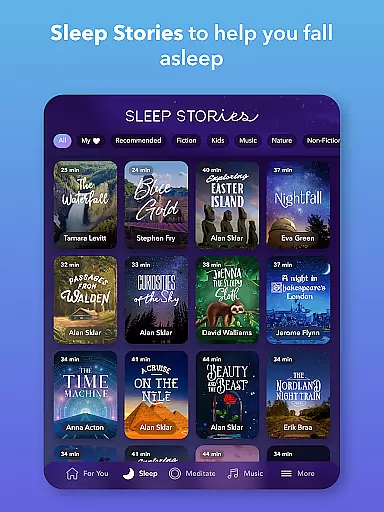
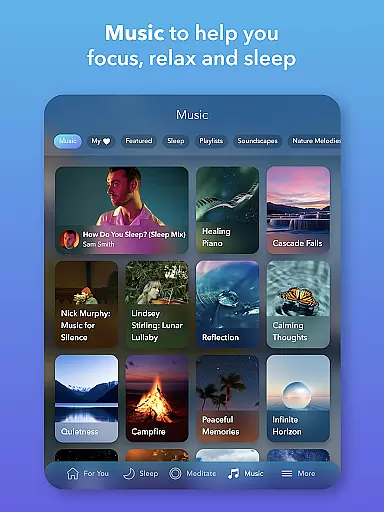
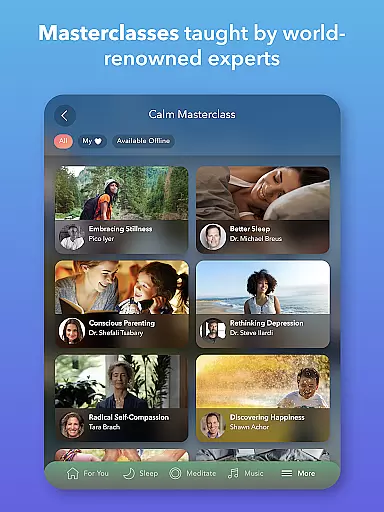
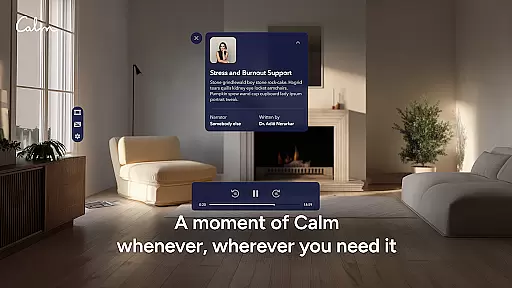
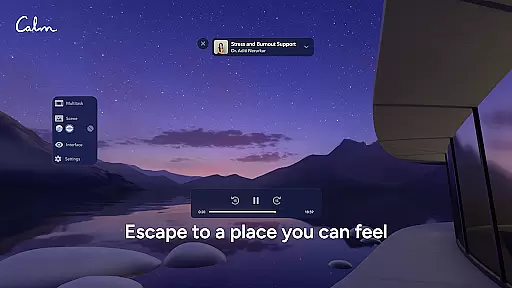
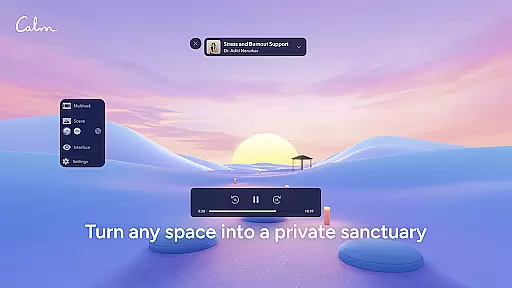
Calm is the leading application for sleep enhancement, meditation, and relaxation, designed to help users manage stress, stabilize moods, improve sleep quality, and refocus attention. The app offers an extensive suite of features including guided meditations, Sleep Stories, soundscapes, breathwork exercises, and stretching routines.
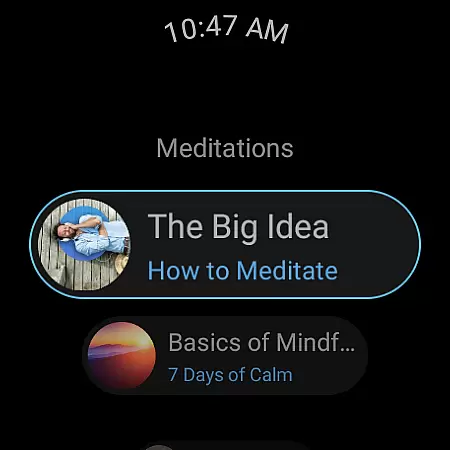
Available on Android Wear, Calm provides users with convenient access to its library of resources that support mental well-being and self-care. Whether you're new to meditation or an experienced practitioner, Calm caters to all levels, promoting better sleep and reduced anxiety through daily mindfulness practices.
Calm stands out with its diverse content offerings tailored to enhance mental wellness. The app includes expert-led meditation sessions suitable for any experience level, alongside a rich selection of Sleep Stories narrated by renowned voices such as Cillian Murphy and Rosé, which aid in achieving restful slumber.
In addition to stories, Calm also features calming music and soundscapes engineered to induce relaxation and focus. With specialized programs addressing deep sleep, anxiety reduction, and concentration improvement, users can integrate mindfulness into their daily routines effectively. Furthermore, the app's emotion and mental health tracking tools empower users to monitor their progress over time.
Companion app integration is a crucial feature for Android Wear applications like Calm. This functionality ensures seamless synchronization between the main mobile application and its wearable counterpart. For users, this means that their meditation sessions, sleep stories, and relaxation content can be easily accessed and controlled from their smartwatch.
Calm's Android Wear app offers tiles that allow users to quick-start breathing exercises directly from their watch interface. This level of integration provides immediate access to essential features without needing to reach for a phone. The ability to control such functions on-the-go enhances the overall user experience by offering greater flexibility and accessibility.
The companion app also includes complications that help track meditation sessions and other mindfulness activities. These small but informative widgets provide at-a-glance information about user progress and session durations right from the watch face. Such tracking encourages consistent usage and helps users maintain their mental wellness routines more effectively.
By ensuring robust companion app integration, Calm delivers a cohesive ecosystem where users can enjoy uninterrupted access to its extensive library of meditative and relaxing content across devices. This interconnected approach not only simplifies daily mindfulness practices but also reinforces the importance of maintaining mental health through convenient technological solutions.
Wear OS and device compatibility are vital aspects of any Android Wear application, including Calm. Ensuring broad compatibility allows the app to function optimally across various smartwatch models and operating system versions. For users, this means they can enjoy Calm's features regardless of their specific Wear OS device.
Calm has been designed to support a wide range of Wear OS devices, providing consistent performance and reliability. Whether you own a newer model or an older version, the app adapts to deliver a smooth user experience. This adaptability is crucial as it maximizes accessibility, allowing more users to benefit from guided meditations and sleep stories directly on their wrists.
In addition to supporting multiple devices, Calm's compatibility extends to different screen sizes and resolutions. This ensures that visual elements such as tiles and complications display correctly, maintaining usability and aesthetic appeal. Proper formatting enhances interaction, making it easier for users to navigate and utilize the appu2019s features without frustration.
By prioritizing Wear OS and device compatibility, Calm guarantees that its comprehensive suite of relaxation tools is available to a diverse audience. This commitment to inclusivity not only broadens the app's reach but also reinforces its mission to make mental wellness accessible to everyone through innovative technology solutions.
User-friendly interface
Extensive library of content
High-quality narration
Daily motivational programs
Compatibility with wearables
Premium content requires subscription
Limited free features
Occasional app stability issues
Higher cost for annual plan
Some users may find content repetitive

Diet tracker for weight loss - track calories, food and macros. Simple and easy!
 4.70
4.70
A customizable Christmas watch face for Wear OS with a countdown.
4.20
Wear Os Watch Face - Animated Snow Effect & Magic Spark - 6 Scenes
4.10
To-Do List: daily schedule planner, task organizer, to do reminder app, calendar
4.60
Stay in touch with your friends and family using LINE!
3.40
A modern hybrid informative watch face for Wear OS designed by BALLOZI
4.80
A digital watch face that celebrates Christmas.
4.00
Start and succeed with PAP
4.10
Track airplanes and follow flights with our real-time flight tracker
4.50
Beautiful, colorful and practical watch face. For Wear OS devices.
5.00
Rose gold watch face with festive lights & customizable features.
4.60
Your music, your playlists, and more—offline and unlimited.
4.20
"PER27 Galaxy Digital" is a digital Wear OS watch face designed by PERSONA
4.10
Authentic military-tactical design with ZULU time! Realistic and functional!
3.80
A full-featured Amazon Alexa voice assistant that can show you things.
3.70
Wear Os Watch Face - Animated Snow Effect & Christmas Lights
4.2
an Analog Watch Face for winter season with freeze winter background for Wear OS
4.0
A heartwarming Christmas scene featuring a cute image of Santa and Rudolf
4.4
Funny animated watch face for Thanksgiving
4.4


User Reviews