
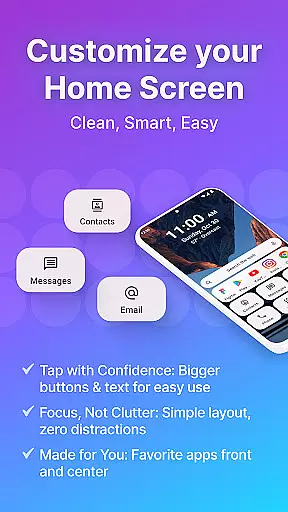
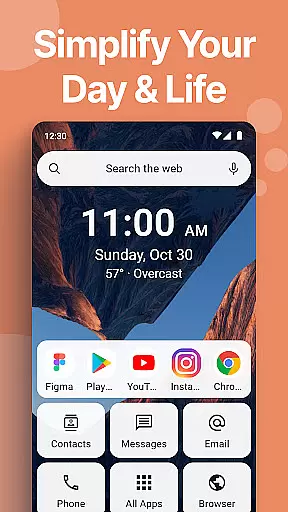
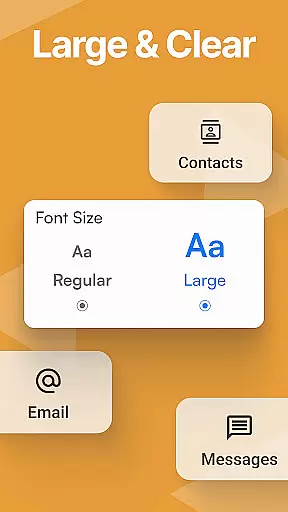
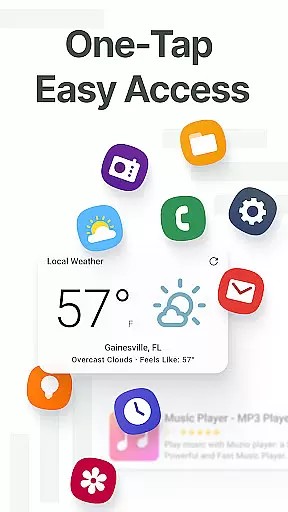
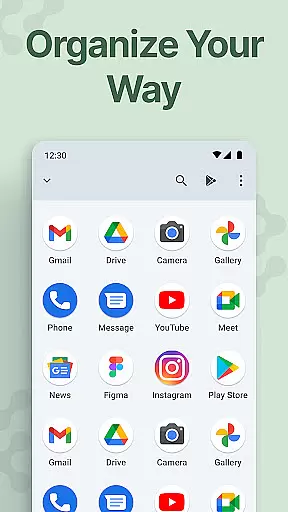
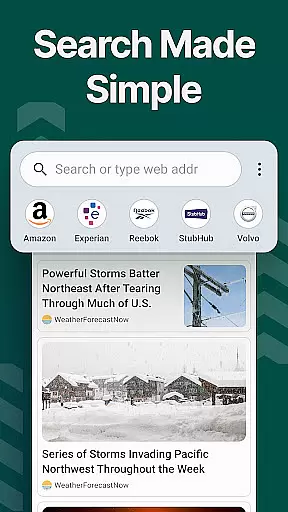
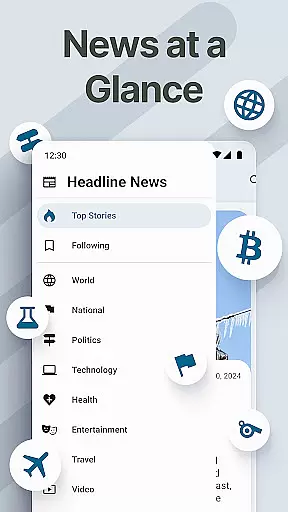
Easy Homescreen is a personalized home screen launcher designed to simplify and declutter your Android device. With its user-friendly interface, the app transforms chaotic screens into organized spaces by prioritizing frequently used apps and tools while hiding unnecessary ones. Its accessibility-first design features oversized buttons, clear text, and customizable themes, making it ideal for users of all ages who seek both functionality and ease of use.
This launcher also offers advanced customization options such as widget support, unique fonts, and app icon changes, enabling users to tailor their experience to match personal preferences. Whether you're managing daily tasks or seeking a calming digital environment, Easy Homescreen provides a seamless blend of utility and aesthetics that enhances productivity without overwhelming the senses.
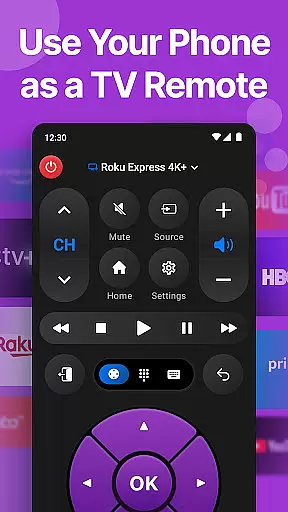
Easy Homescreen stands out with its innovative features tailored to improve accessibility and personalization. The app includes an easy-to-use keyboard with larger keys, catering to users who prioritize typing comfort. Additionally, its minimalist UI reduces digital noise, offering lockscreen widgets, weather updates, and universal remote functionalities that keep essential tools within reach.
One of the key highlights is its adaptive design, which intelligently displays only the most relevant apps and tools based on individual usage patterns. Users can further customize their experience with unique themes, fonts, and app organization settings. These features collectively ensure that Easy Homescreen not only meets diverse user needs but also creates a more intuitive and enjoyable Android experience.
Customization is at the heart of Easy Homescreen, offering users a wide array of options to tailor their smartphone experience. With features ranging from custom fonts and themes to personalized app icons, this launcher allows for an unprecedented level of personal expression. Whether you prefer a bold, playful look or a more professional appearance, Easy Homescreen adapts seamlessly to match your style.
The application simplifies the process of organizing apps and tools by allowing users to display only their most frequently used applications while hiding the rest. This decluttering not only enhances visual appeal but also streamlines navigation, making it easier than ever to access essential functions quickly.
Moreover, Easy Homescreen includes advanced customization capabilities such as widget support and lockscreen widgets that keep important information always visible without being intrusive. These elements combine to create a home screen environment that feels truly personalized and intuitive, ensuring every interaction with your device is both meaningful and enjoyable.
Theme compatibility in Easy Homescreen ensures that users can enjoy a cohesive and visually pleasing interface across all aspects of their device's UI. By supporting various themes, the launcher enables individuals to maintain consistency in design language throughout their smartphone experience. This attention to aesthetic detail transforms the way people interact with their devices, promoting a sense of familiarity and comfort.
Easy Homescreen goes beyond basic theming by integrating large fonts, oversized buttons, and accessible controls into its theme system. Such accessibility-first design principles make it possible for everyone, regardless of technical skill level, to have an optimized mobile experience tailored specifically for ease of use.
Furthermore, the inclusion of built-in essentials like a universal remote and weather app within themed environments demonstrates how functionality meets form in Easy Homescreenu2019s approach to personalization. Users benefit from having key utilities readily available in a format that aligns perfectly with their chosen visual theme, enhancing both usability and overall satisfaction with their digital space.
User-friendly interface
Customizable themes
Accessibility features
Adaptive app display
Minimalist design
Limited widget variety
No iOS support
Occasional bugs
Yahoo search dependency
Advanced options hidden

Only for Wear OS devices!
 4.90
4.90
Glass style colourful icons with a One UI look and feel
4.60
Themes - Widget & Wallpaper: Customize home screen, icon changer w unique themes
4.30
Turn text & photos into stunning AI videos, art, and creative visual stories.
4.50
Nothing Icon pack with more than 3750+ highly crafted icons.
4.70
Choose your keyboard with RGB colors effect, themes, fonts, emojis.
4.60
Unleash Your Creativity and Connect with Loved Ones with Lockscreen Drawing!
4.20
200+ Material Inspired Widgets
4.50
Fast SMS & group chat - use GIFs and emojis from your home screen launcher.
4.50
Enjoy a variety of amazing live wallpapers and colorful EDGE lighting borders!
4.80
Customize your home screen with stunning themes, blur, widgets & icons.
4.60
Aesthetic Widgets, HD Wallpapers, Themes in Mico Widget for Home and Lock Screen
4.50
Launcher OS™ Pro without ads help make your phone simple and pretty
4.30
Your home screen, just the way you like it.
4.30
Customizable flower power digital watch face for Wear OS watches.
4.00
Realistic animated snow on your wrist, with 10 images landscapes to choose from
4.00
Transfer your live wallpapers from Windows to Android using Wallpaper Engine!
4.00
Transform your phone with stunning video wallpapers and a unique, personal touch
3.80
Customize glowing edges, wallpapers, and caller screen with EdgeAura.
3.50


User Reviews