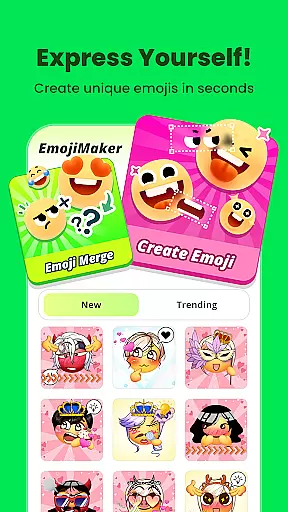
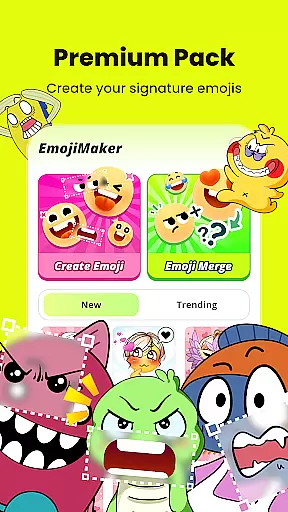
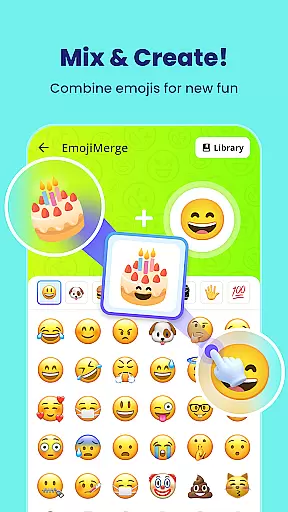
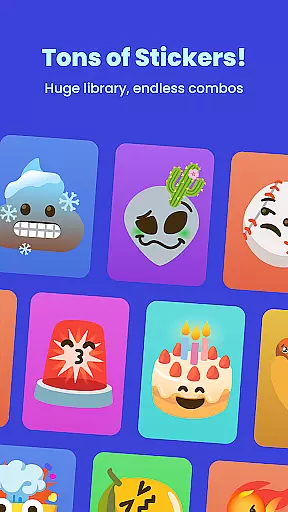
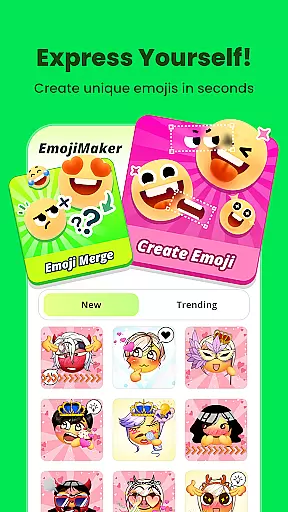
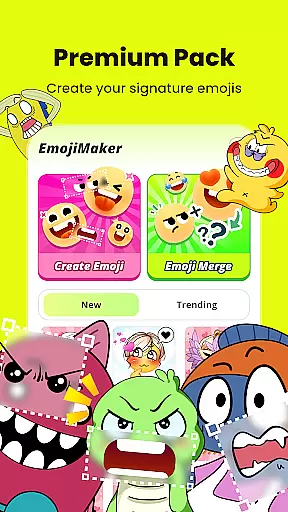
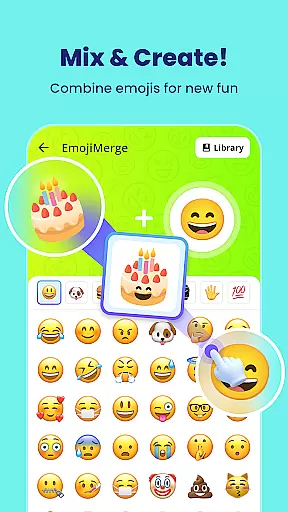
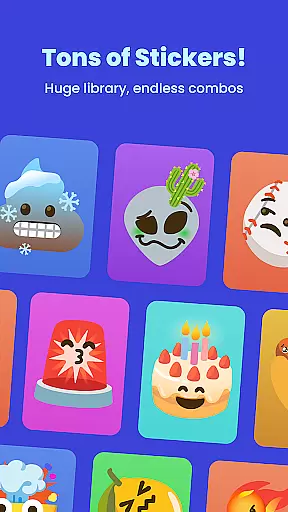
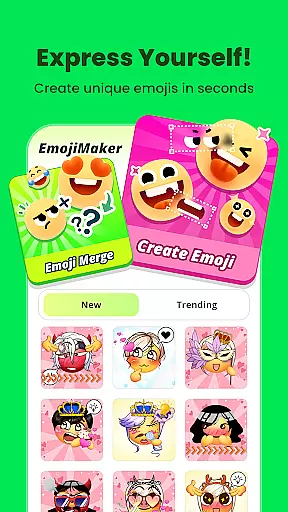
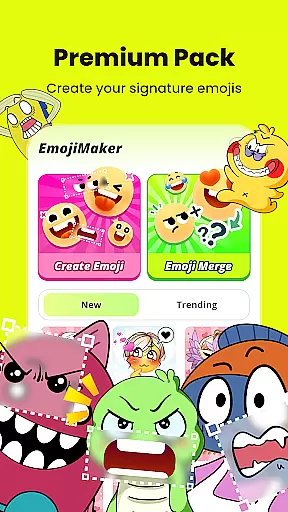
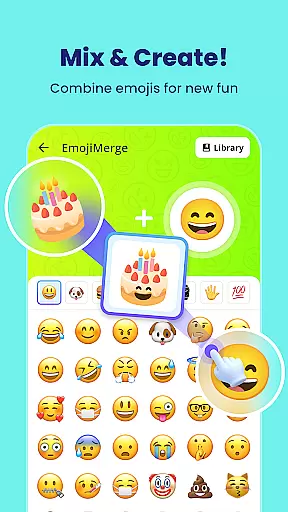
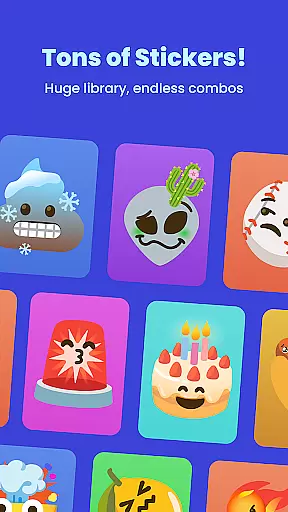
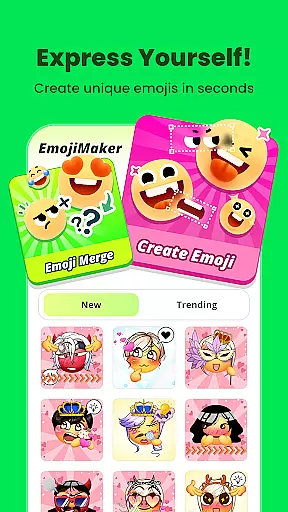
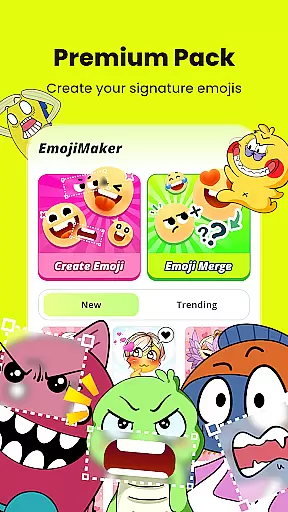
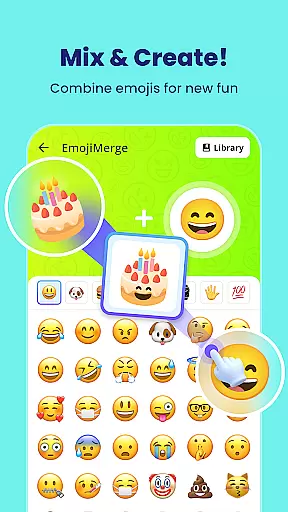
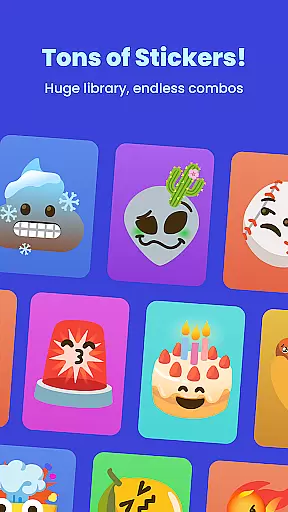
Gemoji is an innovative emoji creation platform that empowers users to design personalized emojis and stickers. With a rich library of customizable components, the app allows for endless combinations of facial features, accessories, and colors.
The intuitive interface makes it easy to create unique emojis for any mood or occasion. Whether you're crafting custom reactions for messaging apps or designing playful stickers for social media, Gemoji provides all the tools needed to express yourself creatively through digital communication.
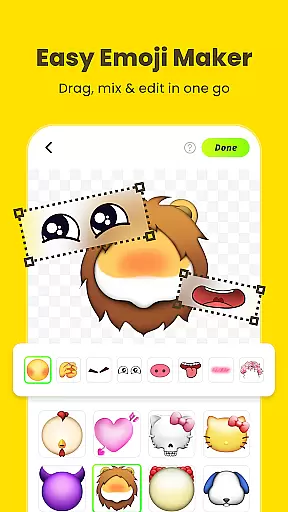
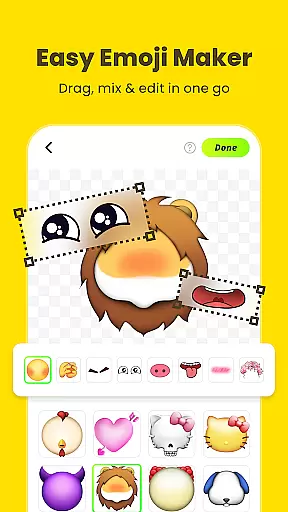
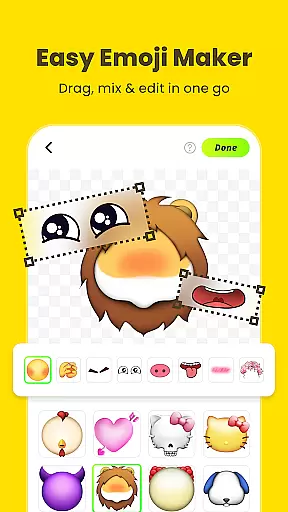
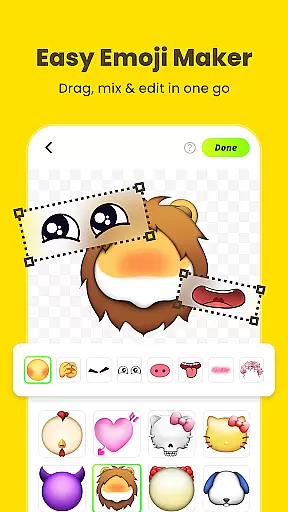
Gemoji stands out with its extensive customization options. Users can mix and match various elements including eyes, mouths, and accessories from a vast collection of professionally designed components.
The app's real-time editing feature lets creators instantly preview their designs while making adjustments. The ability to transform custom emojis into downloadable stickers adds practical value, making it perfect for enhancing personal conversations or creating branded content across different platforms.
Customization is at the heart of Gemoji, allowing users to express their unique style through emojis. With a vast array of components including eyes, mouths, accessories, and more, users can mix and match elements to create truly personalized emojis.
The app offers an extensive selection of colors and design elements, ensuring that every creation can be tailored to fit any mood, season, or special occasion. This level of customization empowers users to craft emojis that are not just stickers but personal statements.
Gemoji's real-time layering feature lets users see their changes instantly, making the customization process both intuitive and enjoyable. Whether you're designing cute characters or quirky faces, the ability to visualize your creation as you build it enhances creativity and satisfaction.
Gemoji ensures seamless theme compatibility, enabling users to integrate their custom emojis into various messaging platforms effortlessly. The app supports a wide range of themes, from playful and vibrant to subtle and sophisticated, catering to diverse user preferences.
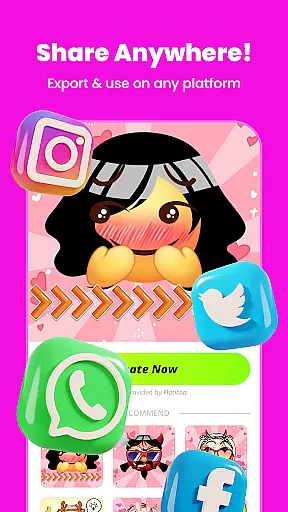
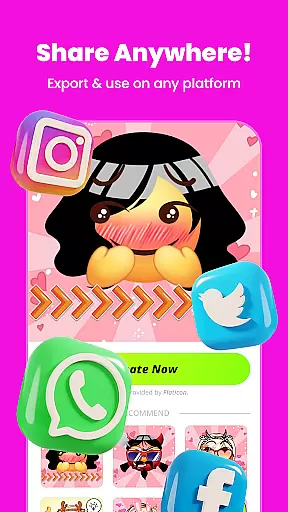
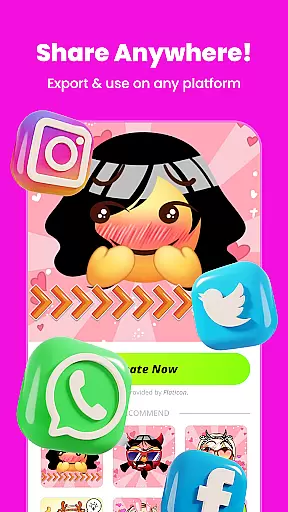
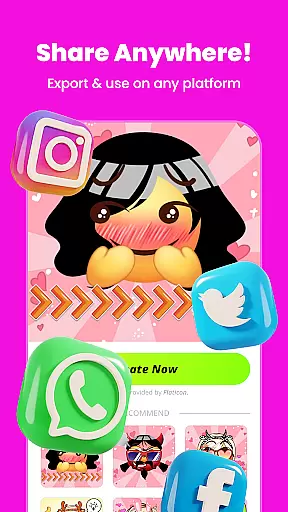
By transforming DIY emojis into fun stickers for messaging apps, Gemoji bridges the gap between personal expression and digital communication. Users can download their creations and share them across different platforms, maintaining visual consistency and thematic coherence.
This compatibility extends to frequent updates with new components and seasonal themes, keeping the content fresh and engaging. As trends evolve, Gemoji adapts, ensuring that users always have access to current and relevant design options that align with popular themes.
User-friendly interface
Versatile customization
Real-time previews
Downloadable stickers
Frequent updates
Limited free options
Occasional bugs
Ads between uses
Premium costs
Learning curve

Classic analogue watch face. For wear os devices.
 4.60
4.60
Sparkle your screen with Glitter Wallpapers For Girls and Cute Backgrounds!
4.80
Customizable screen pets that play, climb, and keep you company.
4.50
The definitive Icon pack maker and editor
4.30
Ultimate Gallery Lock App - Hide Pictures, Videos and Lock Apps Instantly!
4.60
Transfer your live wallpapers from Windows to Android using Wallpaper Engine!
4.00
Choose your keyboard with RGB colors effect, themes, fonts, emojis.
4.60
One 8 icons glass color version
4.80
Struggling to find apps? Use this app to locate and open any app on your phone!
2.20
300+ Stunning and well-designed widgets inspired by NOTHING.
4.70
350+ widgets with a premium glass-style finish, perfect for home & lock screens.
4.70
Stunningly Different look with Line Icons and Neon Colors
4.60
Ultra realistic high quality analog watch face for Wear OS.
4.60
Customize your home screen with stunning themes, blur, widgets & icons.
4.60
Icons made of colorful linear lines
4.60
200+ Material Inspired Widgets
4.50
Art & Emoji Keyboard with Cool Fonts, Cute Themes and Custom Designs.
4.40
Launcher OS™ Pro without ads help make your phone simple and pretty
4.30
Capture moments that pass like a storm, second by second.
4.5


User Reviews