
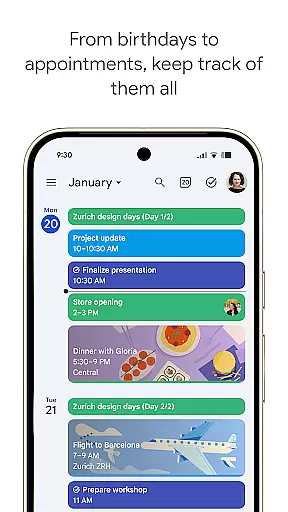
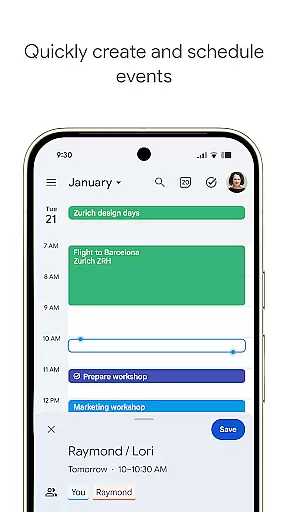
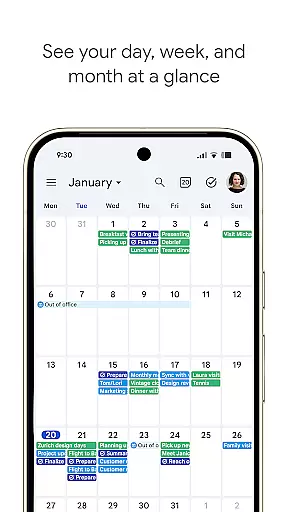
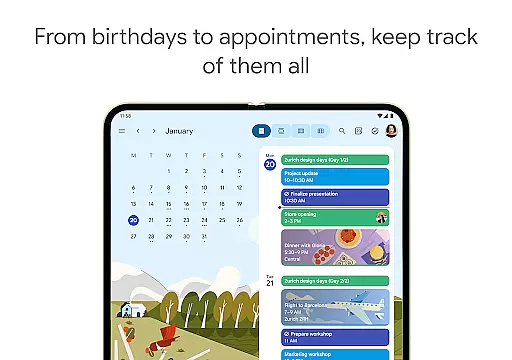
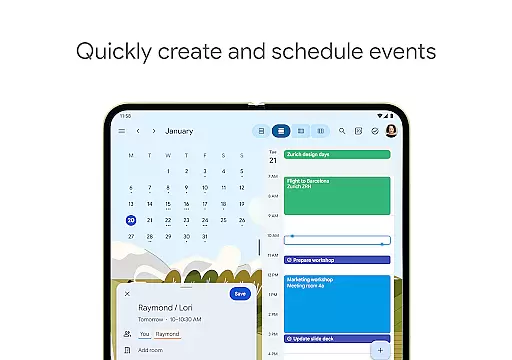
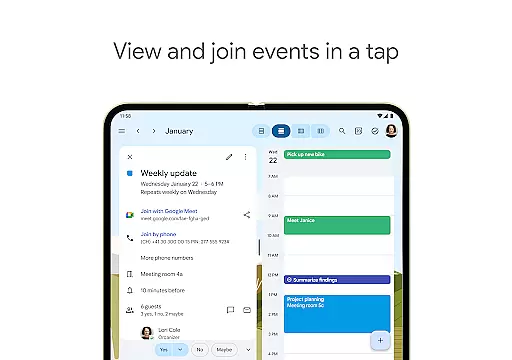
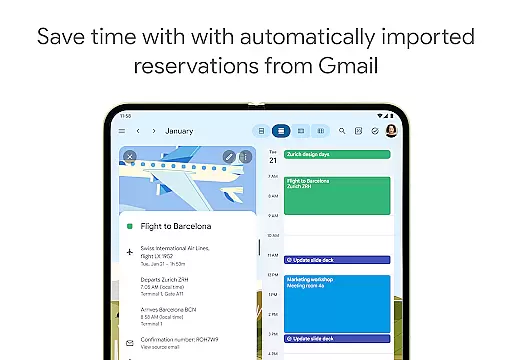
Google Calendar is the official calendar app designed for Android phones, tablets, and Wear OS devices, helping users stay organized and make the most of their day. With features like automatic event addition from Gmail, multiple calendar views, task management, and seamless synchronization across devices, it ensures you never miss an important event or meeting.
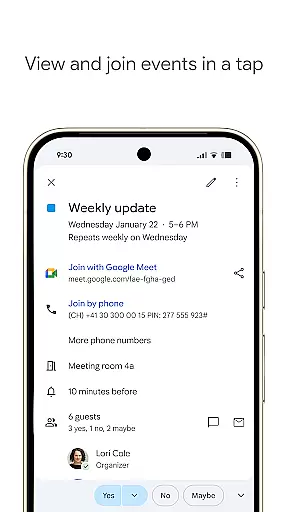
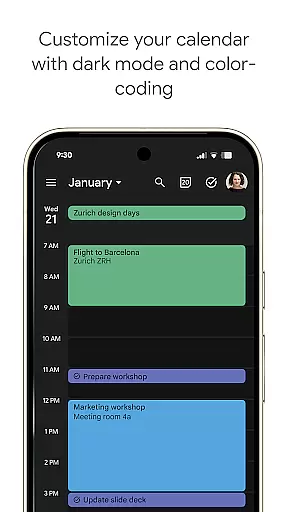
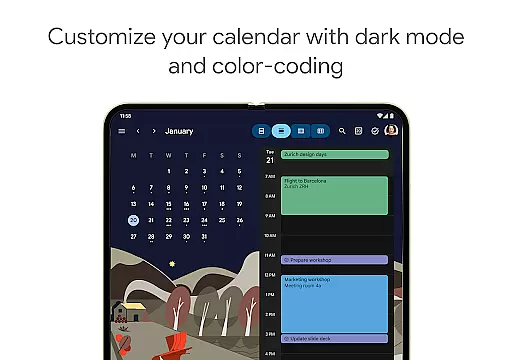
The app supports hybrid work environments by integrating Google Meet video calls into calendar events and offers professional booking pages for client scheduling. Its customizable interface allows personalization through light or dark modes and color-coded events, while its enterprise-level security ensures data privacy and protection. Whether for personal use or team collaboration, Google Calendar provides a comprehensive solution for time management and productivity.
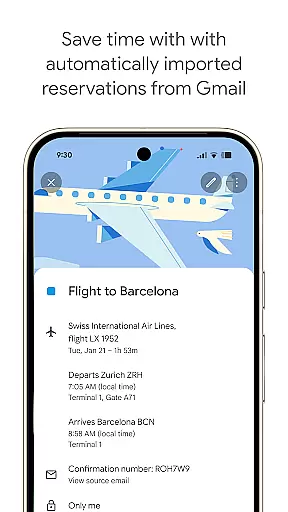
Google Calendar stands out with its robust feature set tailored for both individual and team productivity. The app automatically imports events from Gmail, such as flight details, hotel bookings, and restaurant reservations, saving users time on manual entry. It also supports shared calendars, enabling family, friends, or colleagues to view, add, or modify events collaboratively.
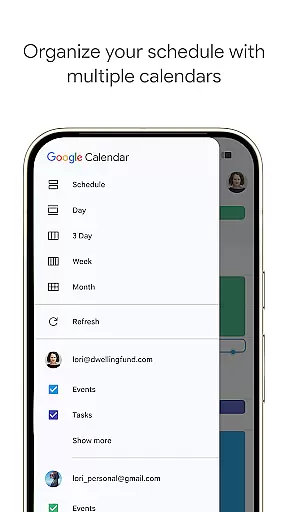
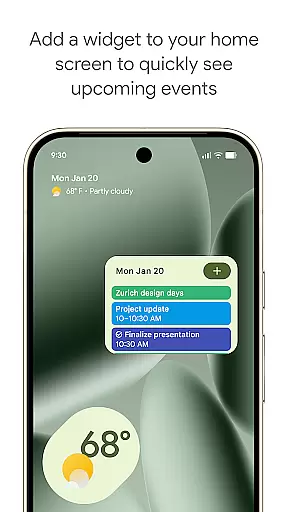
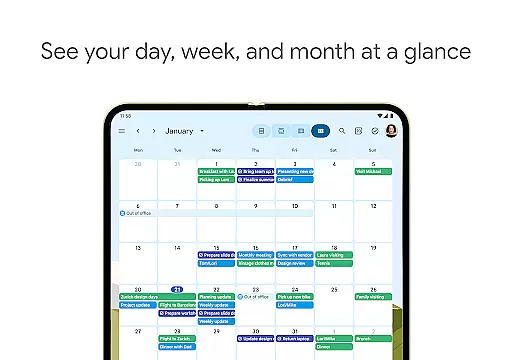
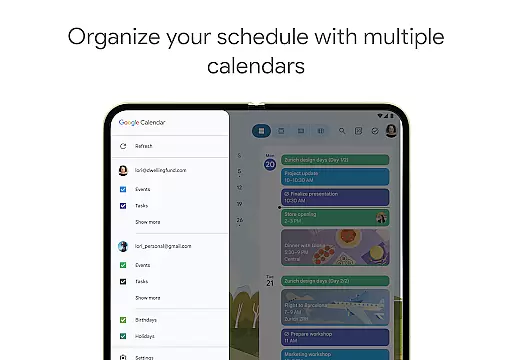
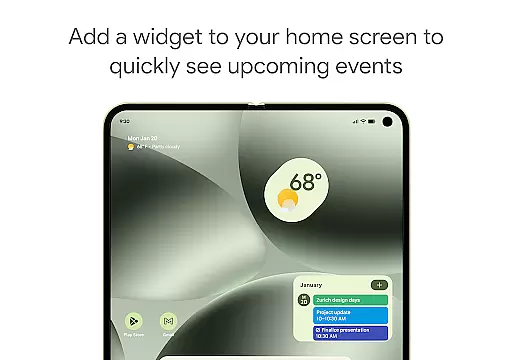
For professionals, Google Calendar integrates seamlessly with Google Workspace tools. Users can schedule meetings by checking teammate availability, layer multiple calendars for easy viewing, and attach documents directly to events for better meeting preparation. The app's Wear OS compatibility ensures users stay updated on the go, with support for tiles and complications. Additionally, customizable views, widgets, and task management enhance usability, making it a versatile tool for managing both personal and professional schedules.
Companion app integration is essential for users who want a seamless experience across multiple devices. Google Calendar excels in this area by ensuring that your events and tasks are synchronized effortlessly between your Android phone, tablet, and Wear OS device.
When you log into the same Google account on any of your devices, Google Calendar automatically updates and syncs your information. This means you can start planning your day on your phone during the commute and continue right where you left off when you get to your computer at work.
This synchronization ensures that all your important details, such as meetings, appointments, and reminders, are always up-to-date and accessible no matter which device you choose to use. The ability to switch between devices without missing a beat significantly enhances productivity and keeps you organized throughout your busy schedule.
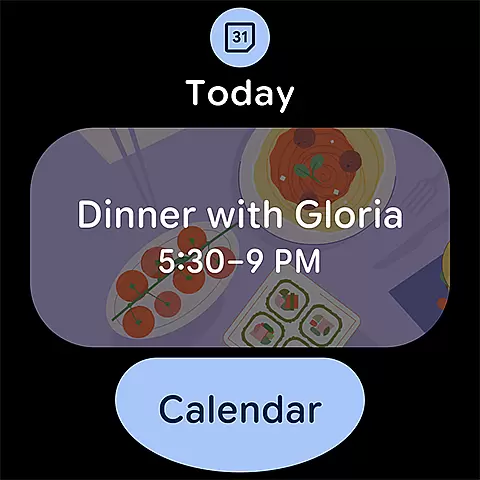
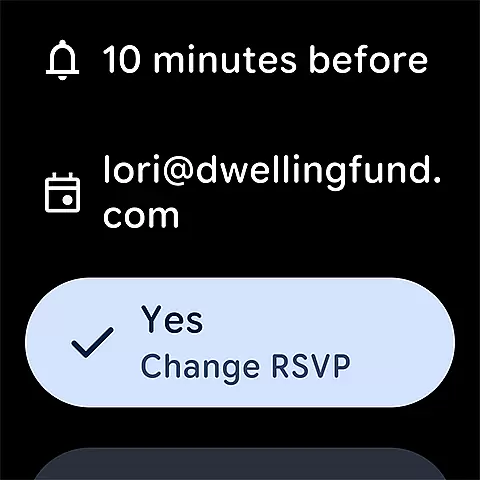
Google Calendar offers robust compatibility with Wear OS devices, making it an ideal choice for users who rely on smartwatches to manage their daily activities. With its intuitive interface and support for tiles and complications, Google Calendar allows you to keep track of your events and tasks directly from your wrist.
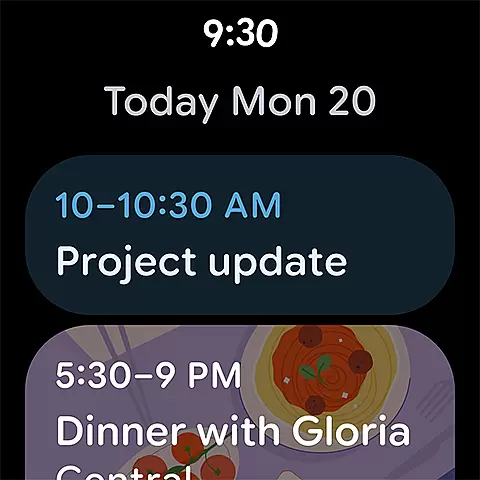
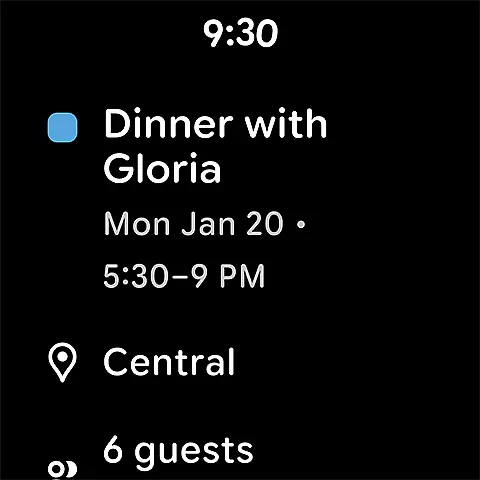
The Wear OS version of Google Calendar provides quick access to your schedule, enabling you to view upcoming events or add new ones without needing to take out your phone. This feature is particularly useful when you're on the go and need to check your agenda quickly.
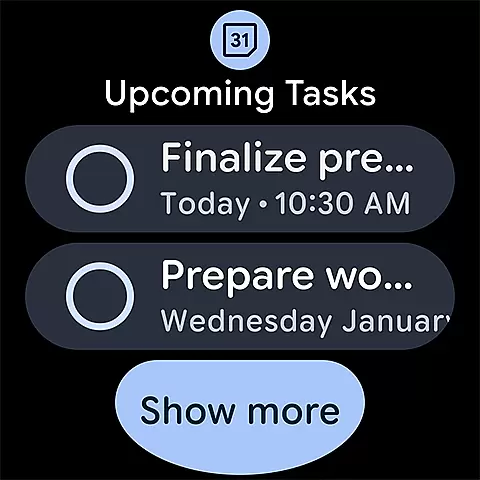
In addition to viewing and creating events, Google Calendar on Wear OS also supports task management. You can easily manage your to-do lists and stay on top of deadlines, ensuring that nothing falls through the cracks. This level of integration and functionality makes Google Calendar a powerful tool for staying organized, whether you're using a smartphone, tablet, or smartwatch.
User-friendly interface
Seamless cross-device sync
Robust integration options
Customizable event views
Enterprise-level security
Limited offline functionality
Occasional sync delays
Basic free version limitations
Requires Google account
Ads in free tier

Calming & relaxing sounds for sleeping and stress relief. Stay focused all day!
 4.20
4.20
A customizable Christmas watch face for Wear OS with a countdown.
4.20
Christmas watch face. For Wear OS devices.
4.30
Elegant animated Christmas tree with multiple customization options
4.20
Beautiful, colorful and practical watch face. For Wear OS devices.
5.00
Ideal for surviving in the wasteland left after nuclear fallout
4.50
Hyper-Realistic Airplane Dashboard Watch Face With 10 Skins and Custom AOD
4.00
Hybrid Vibrant Health Watch Face for Wear OS
4.4
Daily Weather forecast with 15 weather images for Day & Night plus Big Bold time
4.10
Digital, flexibly customizable watch face. For Wear OS 5.0, API 34+ and later.
5.00
Hyperlocal rain alerts by MyRadar using patent-pending technology, radar & more
4.80
A realistic hybrid watch face with many customization options.
4.60
Connect, create, and collaborate with Gmail, part of Google Workspace.
4.10
A digital watch face that celebrates Christmas.
4.00
Watch the sharpness of the sky on your wrist..
3.70
Your local weather forecast, storm tracker, radar maps & live weather news
3.40
an Analog Watch Face for winter season with freeze winter background for Wear OS
4.2
A heartwarming Christmas scene featuring a cute image of Santa and Rudolf
4.1
Stylish digital watch face for Wear OS devices with customizable features
4.2


User Reviews