
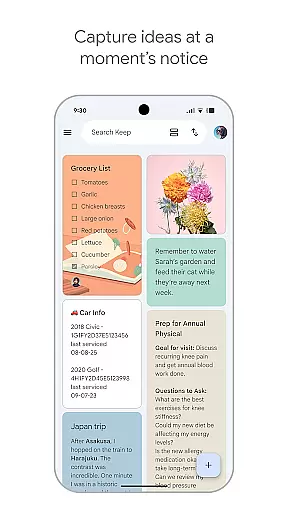
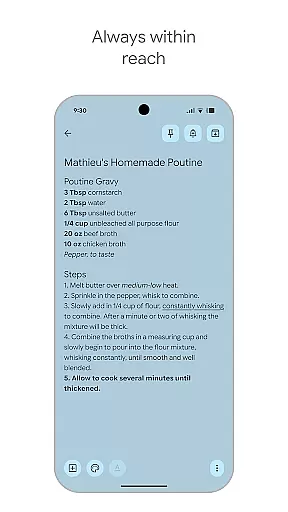
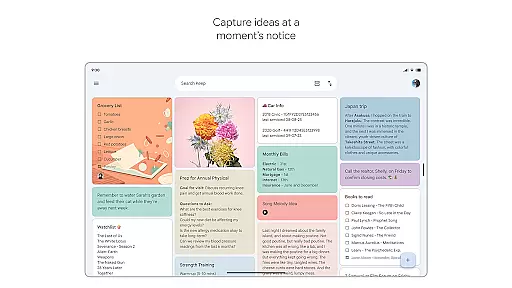
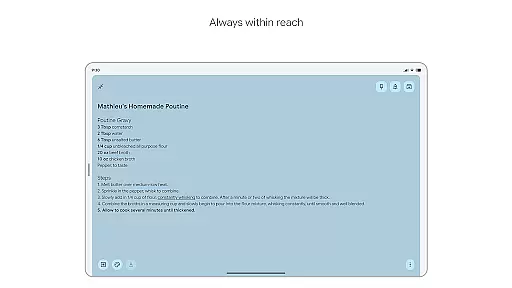
Google Keep is a versatile note-taking application designed specifically for Android Wear and other Android devices. It allows users to quickly capture thoughts, manage to-do lists, and stay organized through various methods such as text notes, voice memos, and photos. The app offers advanced security features to ensure user data remains protected while providing seamless synchronization across all devices including smartphones, tablets, computers, and Wear OS devices.
One of the standout features of Google Keep is its ability to integrate with widgets and tiles on both mobile and Wear OS platforms, making it incredibly convenient to jot down notes or reminders on the go. Whether you need to remember a grocery list or organize your thoughts with color-coded labels, Google Keep ensures that the right information is available at the right time, enhancing productivity and efficiency in daily tasks.
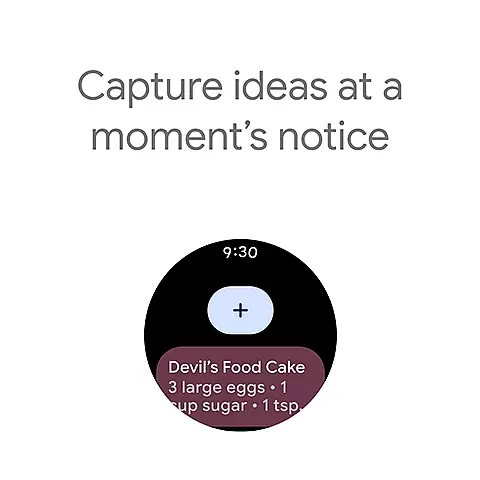
Google Keep stands out with its comprehensive feature set tailored for both Android and Wear OS users. The app supports multiple note-taking formats including text, voice memos, and images, allowing users to capture ideas in whichever way suits them best. Its widget functionality on phones and tablets, along with customizable tiles on Wear OS devices, enables quick access and effortless capturing of thoughts without having to open the full application.
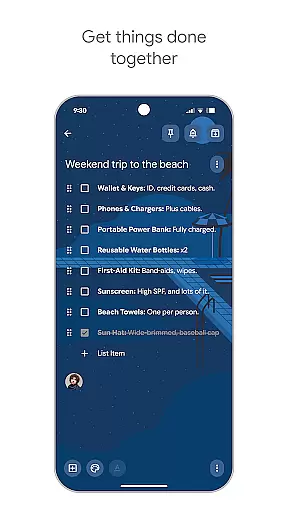
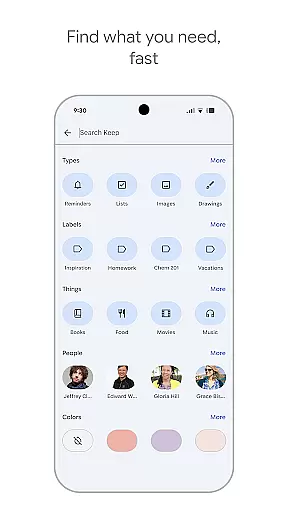
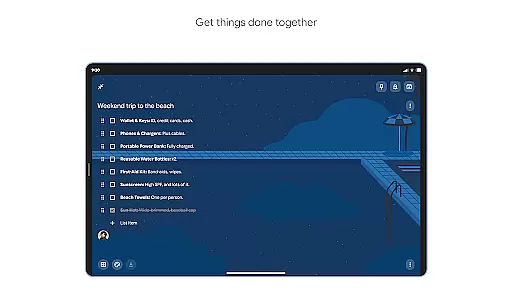
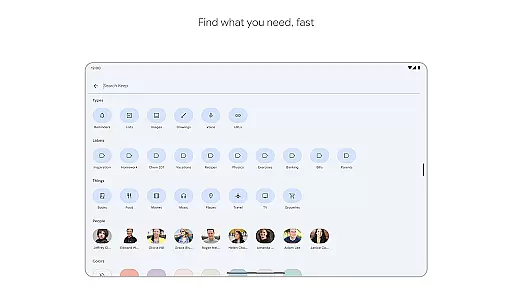
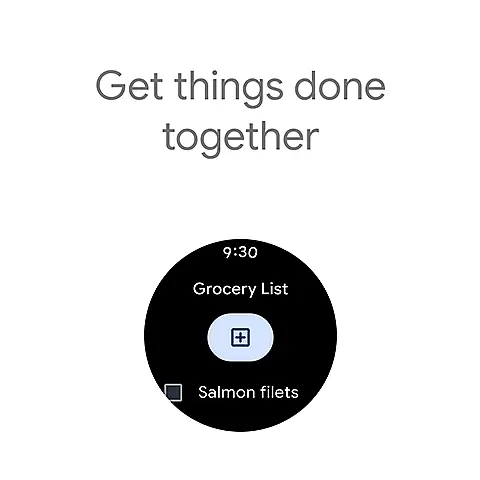
Collaboration is made easy with Google Keep's sharing capabilities. Users can share their notes with friends and family, making it ideal for group projects or family errands like grocery shopping. The app also provides powerful organizational tools such as color-coding, labels, and the ability to pin important notes to the home screen for easy access. Additionally, reminder settings help users never miss an important task or event, ensuring timely notifications based on time or location.
All these features are backed by robust security measures that safeguard user data, offering peace of mind while using the app across multiple devices. With automatic syncing between devices, users can start a note on their Wear OS watch and finish it on their computer, maintaining continuity and convenience in their workflow.
Companion app integration is essential for users who want a seamless experience across multiple devices. Google Keep offers robust companion app integration, ensuring that your notes and reminders are always in sync no matter which device you use.
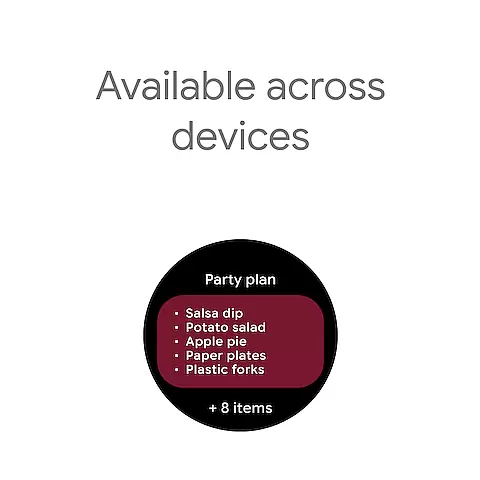
The application supports real-time synchronization between your phone, tablet, computer, and Wear OS devices. This means that any note or reminder you create on one device will instantly appear on all others, providing a unified and consistent user experience.
Google Keep's companion app integration extends to its widgets and tiles, allowing you to quickly capture thoughts and access notes directly from your Wear OS device. This ensures that your most important information is always just a tap away, enhancing productivity and convenience.
By leveraging the power of companion app integration, Google Keep ensures that your data is not only accessible but also secure. Advanced security measures are in place to protect your information, giving you peace of mind while you stay organized across all your devices.
For users invested in the Wear OS ecosystem, compatibility with your devices is crucial. Google Keep excels in Wear OS and device compatibility, offering a feature-rich experience tailored for smartwatches and other Wear OS devices.
With dedicated tiles and complications, Google Keep allows you to add quick shortcuts to your notes and reminders directly from your Wear OS home screen. This makes it incredibly easy to access important information without needing to navigate through multiple menus.
In addition to shortcuts, Google Keep provides voice memo capabilities optimized for Wear OS. You can speak your thoughts on the go, and they will be transcribed and synced across all your devices. This hands-free approach is perfect for when you're busy or on the move.
Google Keep's commitment to Wear OS and device compatibility ensures that you have a smooth and efficient experience, whether you're using your phone, tablet, or smartwatch. The app's thoughtful design and attention to detail make it an indispensable tool for staying organized in the Wear OS environment.
User-friendly interface
Voice memo support
Seamless cross-device sync
Advanced security features
Customizable organization tools
Limited offline functionality
No end-to-end encryption
Basic drawing tools
Occasional sync delays
Restricted formatting options

Wear Os Watch Face - Animated Snow Effect & Christmas Lights
 4.3
4.3
Wear Os Watch Face - Animated Snow - Sesonal for Christmas & Winter
4.2
Rose gold watch face with festive lights & customizable features.
4.60
A heartwarming Christmas scene featuring a cute image of Santa and Rudolf
4.3
Easy Voice Recorder is your everyday companion to record important moments.
4.70
Kia Access makes getting your vehicle information easier than ever
4.60
Animated video-game inspired “secret agent” simulation, right on your wrist!
4.20
A realistic hybrid watch face with many customization options.
4.60
Fitbit is dedicated to helping people lead healthier, more active lives.
4.10
Gym Log & Workout Tracker | Fitness Journal, Training & Weight Lifting Planner
4.90
The most customizable hybrid watch face. For Wear OS 5.0, API 34+ and later
4.70
Monitor health with the stress test and pulse checker in the heart rate app.
4.60
To-Do List: daily schedule planner, task organizer, to do reminder app, calendar
4.60
Simple, helpful messaging by Google
4.60
Embrace the festive spirit with our Christmas Countdown watchface for Wear OS
4.10
an Analog Watch Face for winter season with freeze winter background for Wear OS
4.5
Contemporary digital watch face with five complications
4.2
Stunning modern digital watch face with 7 complications and strong contrast
4.4
Hybrid Vibrant Health Watch Face for Wear OS
4.5


User Reviews