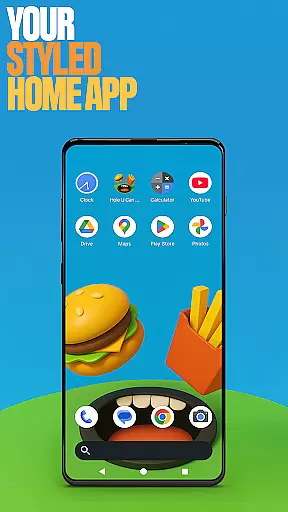
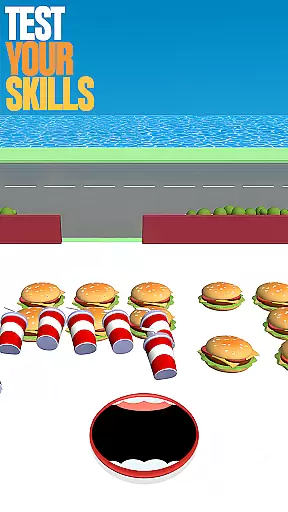
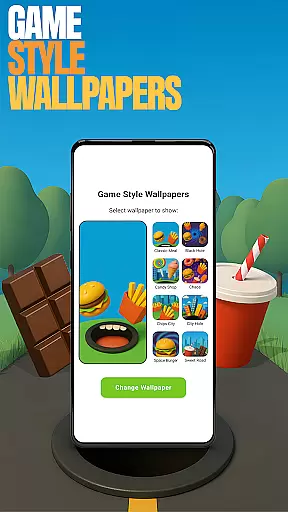
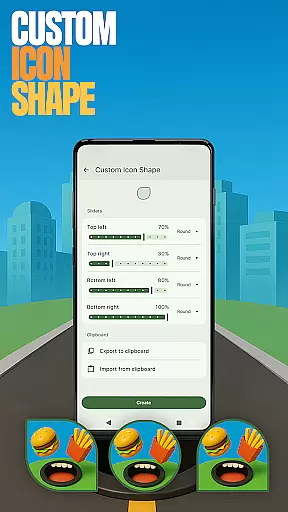
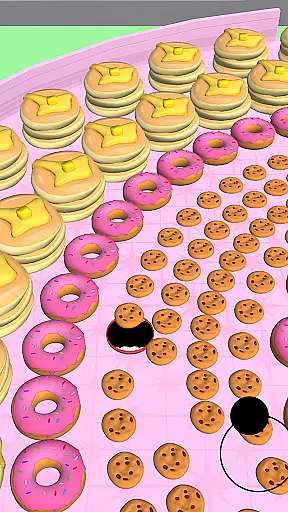
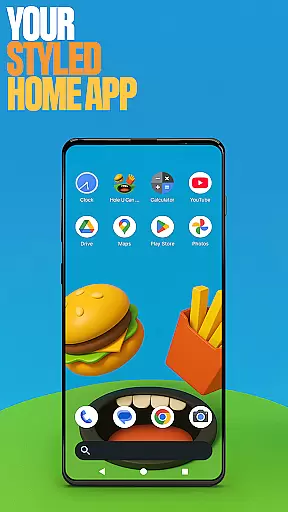
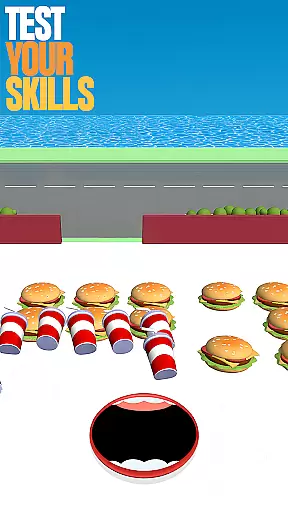
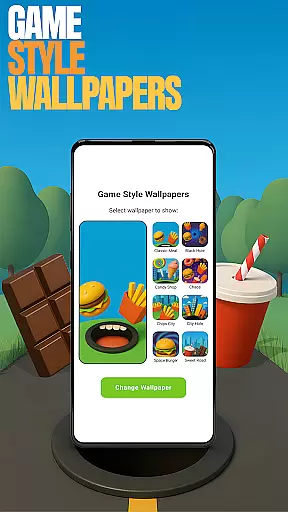
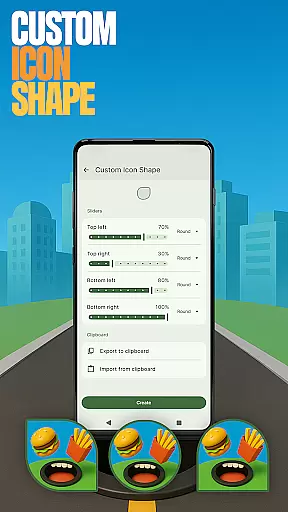
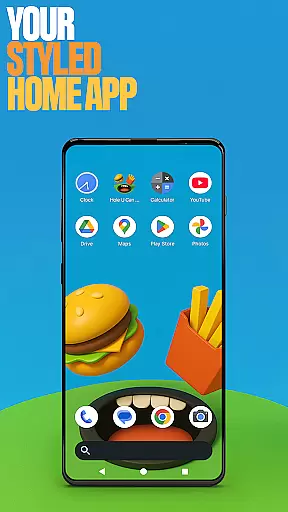
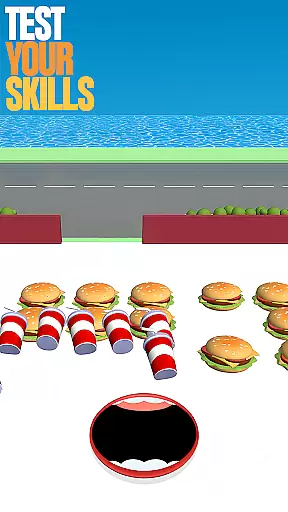
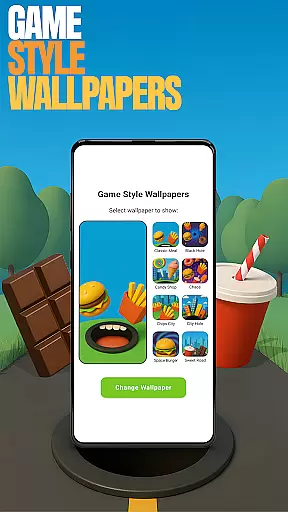
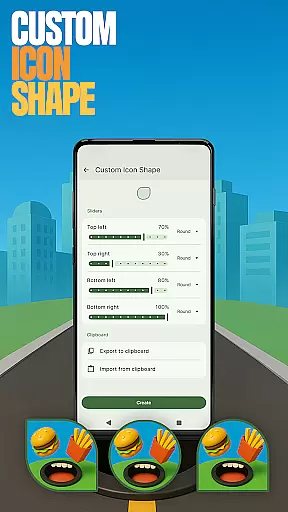
Hole U Can Eat Home App is a dynamic launcher designed to enhance your device's interface with customizable features. It offers flexible layouts, custom icon shapes, and game-style wallpapers inspired by the Hole U Can Eat game. This app allows users to personalize their home screens while maintaining full control over their settings and layout preferences.
With intuitive navigation and various customization options, this app caters to users who desire both functionality and style in their daily mobile experience. Whether you're looking to optimize productivity or simply enjoy a fresh design, Hole U Can Eat Home App delivers an engaging user experience that keeps things exciting every day.
This personalization app stands out with its diverse feature set tailored for creative expression. Users can choose from unique game-style wallpapers that bring a playful touch to their devices. Additionally, the ability to customize icon shapes provides a personalized look and feel, making each home screen truly distinctive.
The app also includes practical functionalities such as custom gestures for quick access to apps or settings, hidden apps for privacy management, and accent color customization for a cohesive device theme. These features collectively empower users to tailor their digital environment according to their preferences while ensuring ease of use and seamless integration into their daily routines.
Customization is at the heart of Hole U Can Eat Home App, offering users a wide array of personalization choices. The app provides features such as Game Style Wallpapers, Custom Icon Shapes, and Accent Color settings, allowing for a tailored device appearance.
Through simple navigation - achieved by long-pressing on the home screen - users can access these customization options effortlessly. This ensures that personalizing your device not only enhances its aesthetic appeal but also remains an intuitive process.
The true value lies in the freedom to express individuality; whether it's through unique wallpapers or personalized icon shapes, users can craft a digital environment that resonates with their personal style. Such extensive customization fosters a deeper connection between the user and their device.
Ultimately, this plethora of customization options empowers users to maintain a fresh and exciting home screen. By regularly updating styles and layouts, Hole U Can Eat Home App keeps the user experience dynamic and engaging, setting a new standard for personalization in mobile applications.
Hole U Can Eat Home App excels in theme compatibility, ensuring that all customizations are visually coherent and functionally seamless. Users can switch themes without losing their personalized settings, thanks to the appu2019s robust design architecture.
This compatibility extends across various features including icon shapes, accent colors, and wallpapers. Regardless of the chosen theme, each element adapts harmoniously, preserving both functionality and aesthetics.
For users, this means a consistent and professional look for their device. Whether opting for vibrant colors or sleek monochrome designs, the transition is smooth and retains all personal preferences previously set within the app.
By prioritizing theme compatibility, Hole U Can Eat Home App delivers an unmatched level of flexibility and reliability. Users enjoy peace of mind knowing their customized settings will remain intact, providing a dependable and stylish user interface every time they interact with their device.
Highly customizable
Unique game-style wallpapers
Intuitive gesture controls
Privacy-focused hidden apps
Vibrant accent color options
May overwhelm new users
Limited default layout options
Potential performance issues
Not compatible with all devices
Occasional UI inconsistencies

Customizable Glass widgets. Over 360+ stunning widgets and more!
 4.70
4.70
Capture moments that pass like a storm, second by second.
4.1
Realistic animated snow on your wrist, with 10 images landscapes to choose from
4.00
Nothing Icon pack with more than 3750+ highly crafted icons.
4.70
Adorable pets roam and play right on your phone screen!
3.30
300+ widgets inspired by Material You and Material 3 expressive design.
4.60
Modern Glass Icon Pack with glossy icons, clean minimal theme & aesthetic style
4.0
Customize phone with anime themes, 3D icons, aesthetic widgets & wallpapers
4.80
Your home screen, just the way you like it.
3.80
Dark icon pack based on One 8
4.80
A minimalist productivity launcher. One-hand-friendly. Zero ads.
4.70
Ultimate Gallery Lock App - Hide Pictures, Videos and Lock Apps Instantly!
4.60
Zip lock screen with magic wallpaper to decorate your phone with fun zipper lock
4.60
Aesthetic Widgets, HD Wallpapers, Themes in Mico Widget for Home and Lock Screen
4.50
Color phone with cool effects for call screen, flash alert & ringtones music
4.50
Themes - Widget & Wallpaper: Customize home screen, icon changer w unique themes
4.30
Launcher OS™ Pro without ads help make your phone simple and pretty
4.30
Unleash Your Creativity and Connect with Loved Ones with Lockscreen Drawing!
4.20
More than 3000+ themes and 9000+ wallpapers for everybody!
4.10


User Reviews