
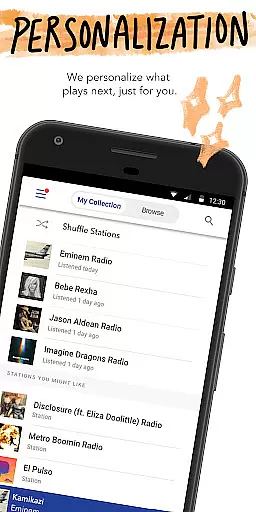
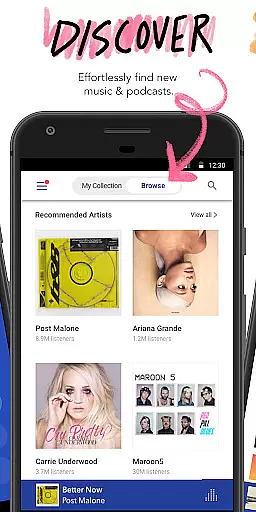
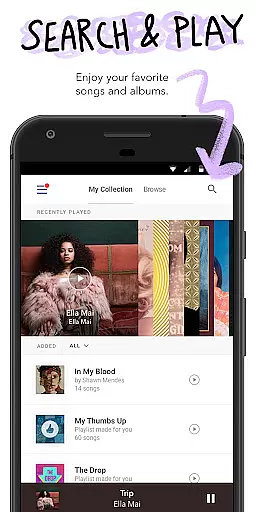

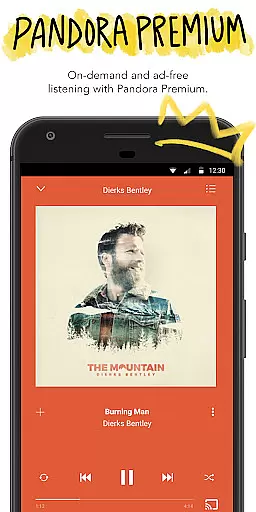
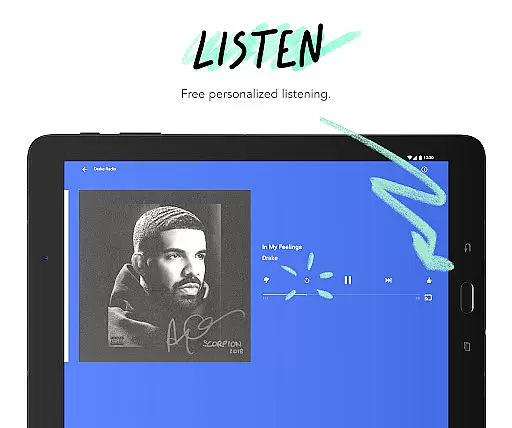
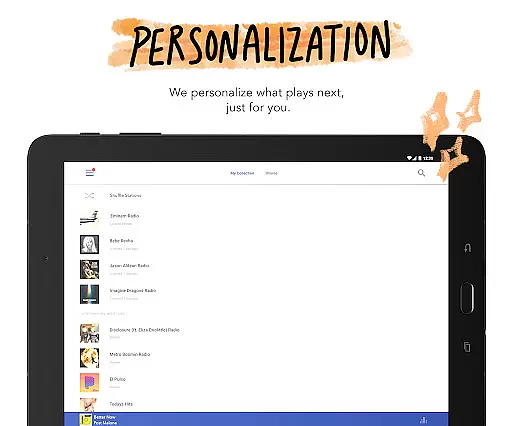
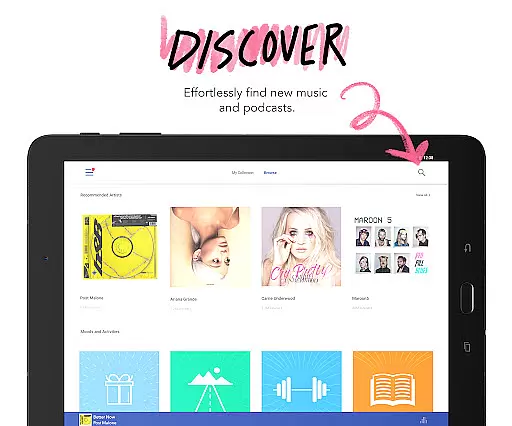
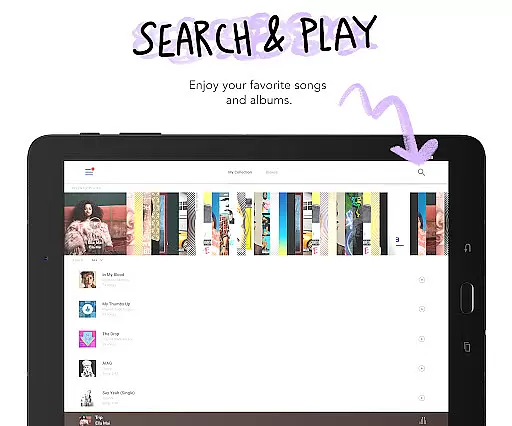

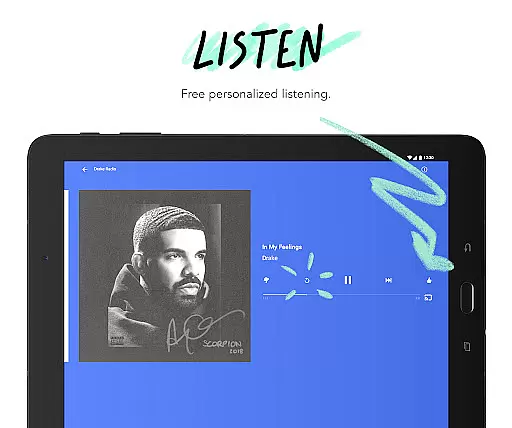
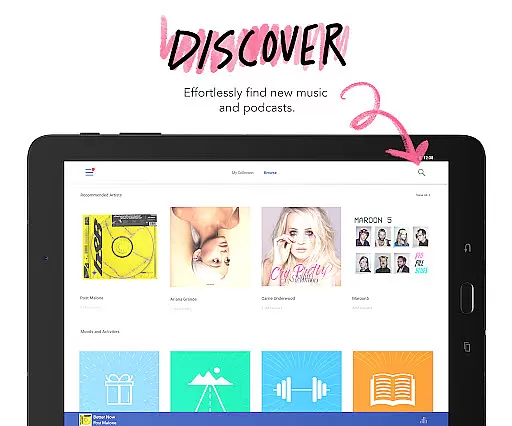
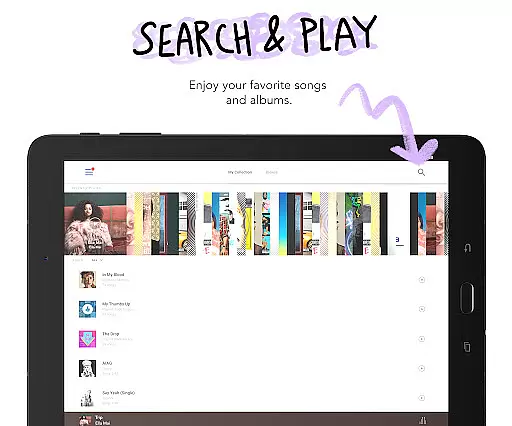


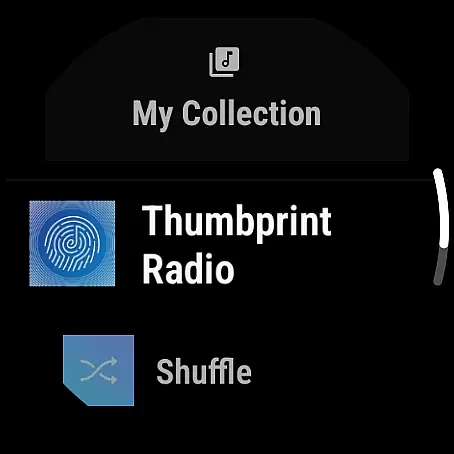
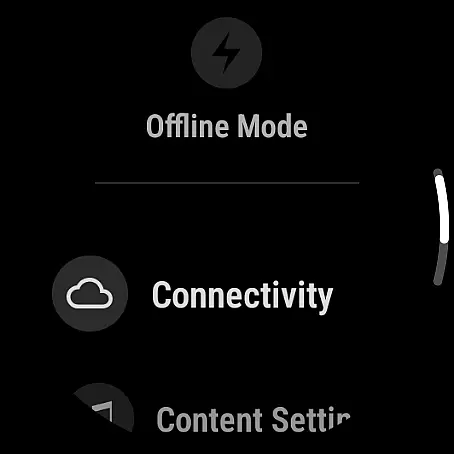


Pandora is a leading music streaming service that offers users a personalized listening experience on Android Wear devices. The app creates custom stations based on your favorite songs, artists, or genres while providing advanced features like Podcasts and Pandora Modes.
With seamless integration across platforms including Android Auto and Wear OS, Pandora allows you to enjoy music and podcasts anywhere. Its voice mode enables hands-free control, making it perfect for commutes, workouts, or multitasking.
The app caters to various preferences with subscription options like Pandora Plus and Premium, offering benefits such as offline listening, ad-free playback, and higher audio quality. Whether discovering new music or enjoying curated content, Pandora enhances your wearable experience.
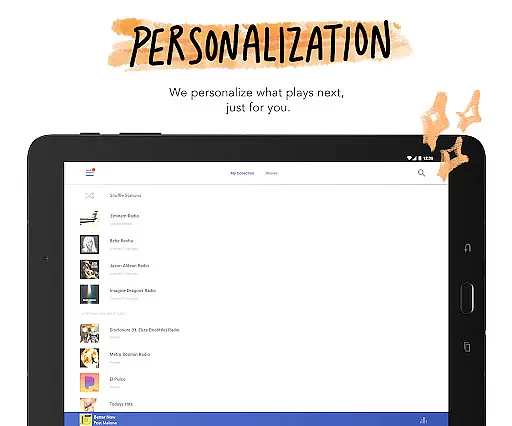
Pandora stands out with its robust customization tools designed for Android Wear users. Key features include the ability to create personalized stations from songs, artists, or genres, ensuring an evolving music experience tailored to individual tastes.
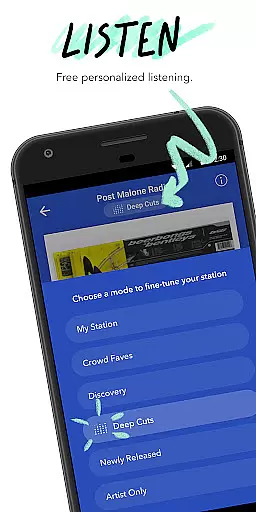
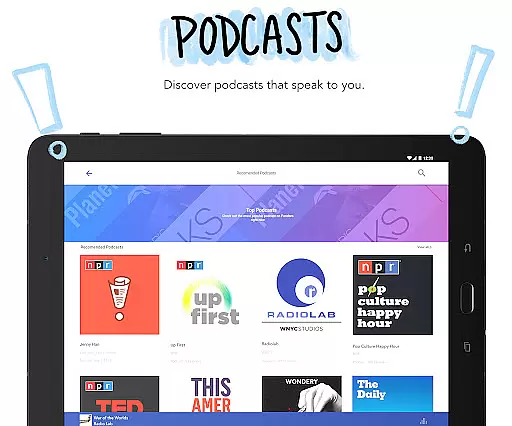
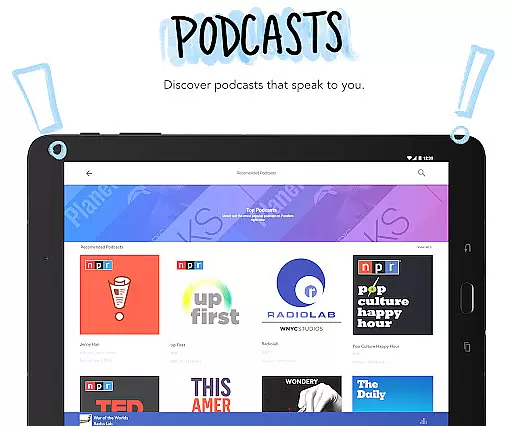
The introduction of Pandora Modes lets users refine their station's sound by selecting specific listening preferences like 'Deep Cuts' or 'Artist Only.' Additionally, the app supports Podcasts with personalized recommendations, allowing users to search, save, and listen to trending shows.
For added convenience, Pandora integrates with voice commands and works seamlessly over Wi-Fi or cellular connections without requiring a phone. These innovations make Pandora a versatile choice for both casual listeners and dedicated audiophiles using wearables.
Companion app integration is essential for users who want a seamless experience between their mobile devices and wearable technology. Pandora excels in this area by ensuring that its Android Wear application works harmoniously with the main mobile app. This allows users to control music playback, view station information, and receive notifications directly on their smartwatches.
The integration provides effortless synchronization of user preferences and station data across devices. Whether you're commuting or working out, you can easily manage your music stations without needing your phone nearby. The ability to start, pause, skip tracks, and even adjust volume through simple voice commands enhances the hands-free experience.
For users, this means uninterrupted access to their favorite music and podcasts, no matter where they are or what they're doing. It ensures that whether you're traveling light or engaged in activities where handling a phone is inconvenient, your music remains accessible. This level of integration significantly improves user convenience and satisfaction.
Pandora's companion app functionality showcases how thoughtful design can bridge the gap between different devices, offering a cohesive and intuitive user experience. By prioritizing cross-device compatibility and ease of use, Pandora makes sure that listeners enjoy their personalized content anytime, anywhere.
Device compatibility is crucial for applications designed to work across various platforms, including Wear OS. Pandora has been optimized to function smoothly on a wide range of Wear OS devices, ensuring that users can enjoy their favorite music and podcasts without worrying about technical limitations. This broad compatibility enhances the accessibility and usability of the app.
The app supports both Wi-Fi and cellular connections, allowing users to stream music directly from their smartwatches even when their phones are not nearby. This flexibility is particularly beneficial during workouts, walks, or travel, where carrying a phone might be cumbersome. Additionally, Pandorau2019s optimization for different screen sizes and resolutions ensures a visually appealing and functional interface on all supported devices.
Users benefit from consistent performance and reliability regardless of the specific Wear OS device they own. This universality simplifies the decision-making process for potential users, as they can trust that Pandora will deliver a high-quality experience irrespective of their hardware choice. Such assurance encourages wider adoption and regular usage of the app.
By focusing on comprehensive device compatibility, Pandora demonstrates its commitment to providing an inclusive and versatile listening experience. This approach not only meets but exceeds user expectations, reinforcing Pandora's position as a leader in personalized music streaming services.
Personalized music stations
Voice command support
Offline listening
Podcast recommendations
Seamless device integration
Limited free version
US-only availability
Data usage concerns
Subscription costs
Ad interruptions in free tier

Walking app for weight loss: walk & step tracker, pedometer, indoor treadmill
 4.60
4.60
Rose gold watch face with festive lights & customizable features.
4.60
A Wintery Snow Globe on Your Wrist; now celebrating Christmas!
4.4
Artistic Digital Watchface
4.4
Let's celebrate Thanksgiving - Wear Os watch face
4.20
3 Complications. All shadow on/off. 30 Themes color palette...
4.4
Stylish, Energizing and Modern Watch Face crafted by Dominus Mathias.
4.50
The most customizable hybrid watch face. For Wear OS 5.0, API 34+ and later
4.70
Hybrid watch face for Wear OS with customizable complications by Matteo Dini MD
4.70
Christmas Theme Watch Face for Wear Os
5.00
Real-time weather radar with temperatures, warnings, hurricanes, and widgets
4.80
To-Do List: daily schedule planner, task organizer, to do reminder app, calendar
4.60
A realistic hybrid watch face with many customization options.
4.60
Embrace the holiday spirit with this magical animated watch face!
4.40
A white realistic classic analog watch face with many customization options.
4.40
A customizable Christmas watch face for Wear OS with a countdown.
4.20
Embrace the festive spirit with our Christmas Countdown watchface for Wear OS
4.10
Animated Watch Face and Customizable with 24 Backgrounds. Perfect for Christmas!
3.90
Wear Os Watch Face - Animated Snow - Sesonal for Christmas & Winter
4.0


User Reviews