
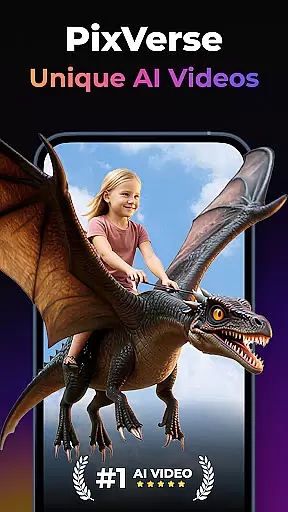
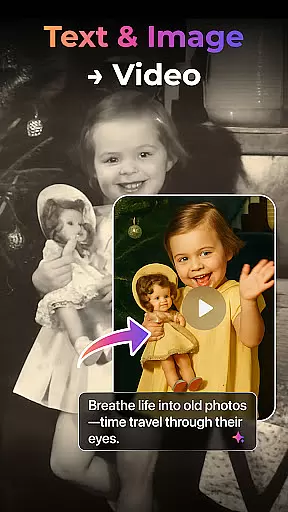

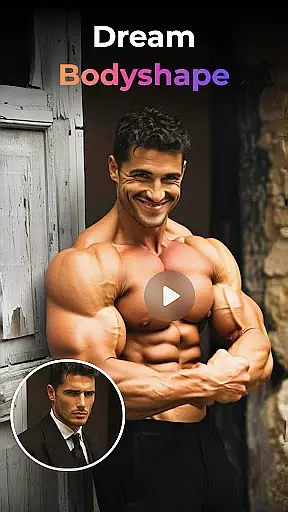
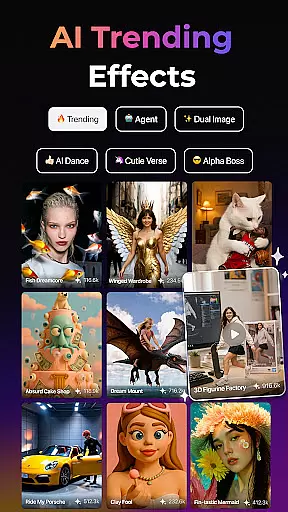
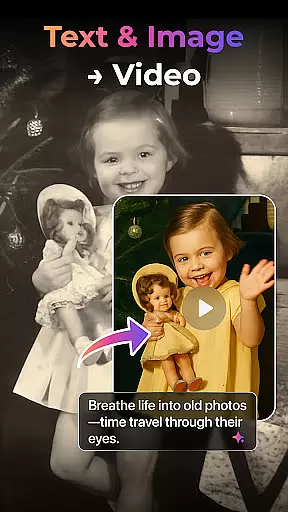

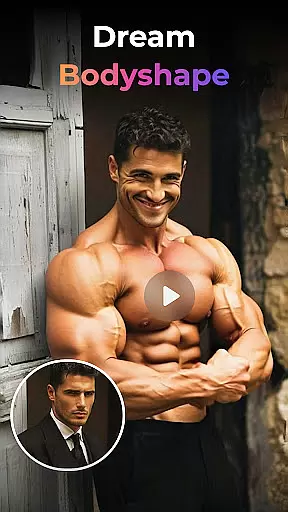
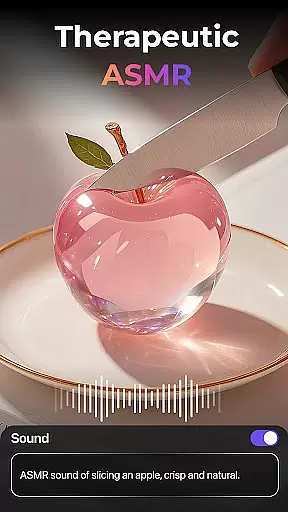
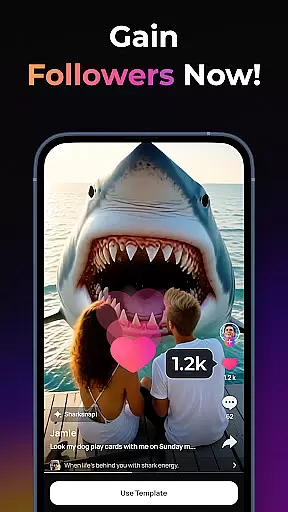
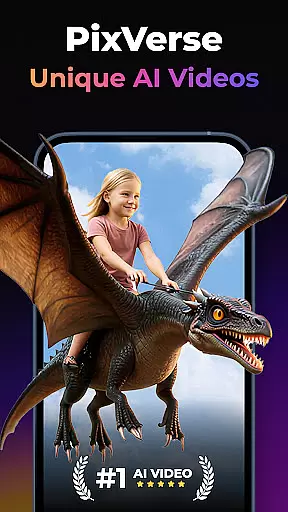

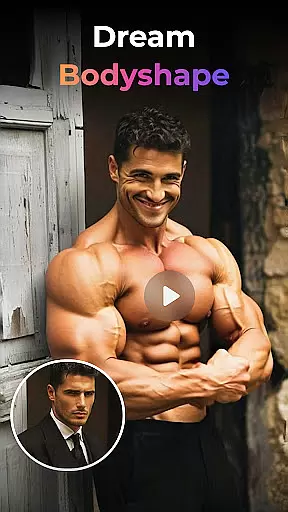
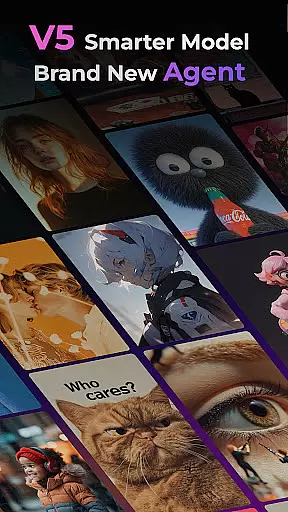
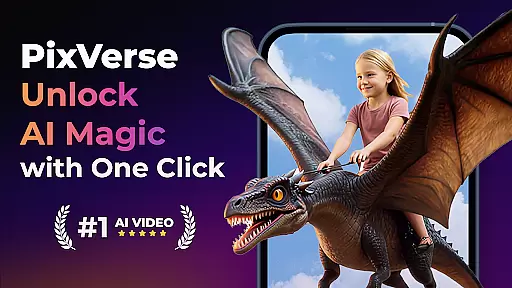
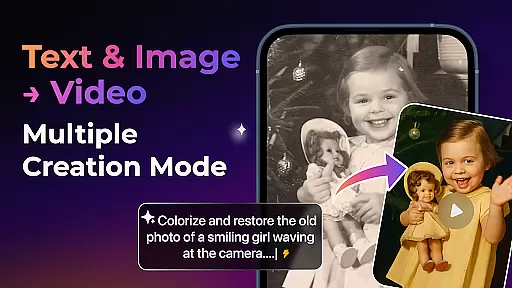

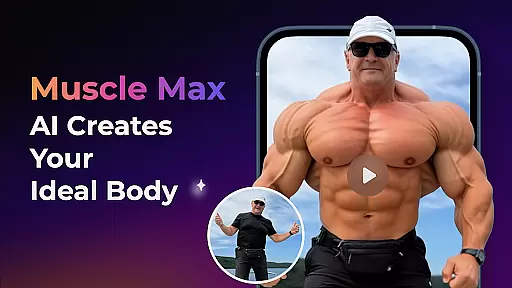
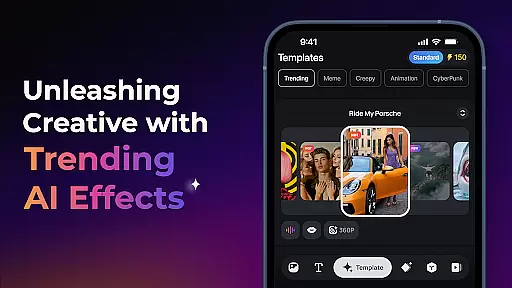
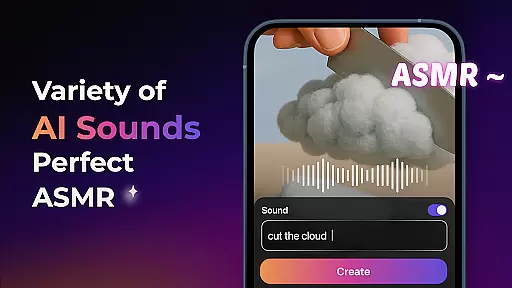
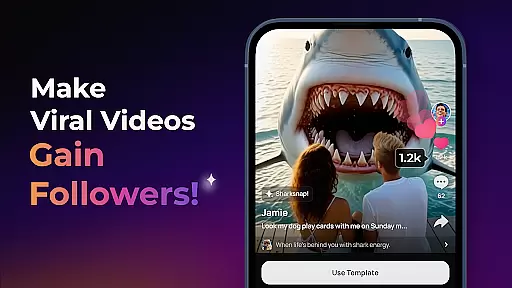
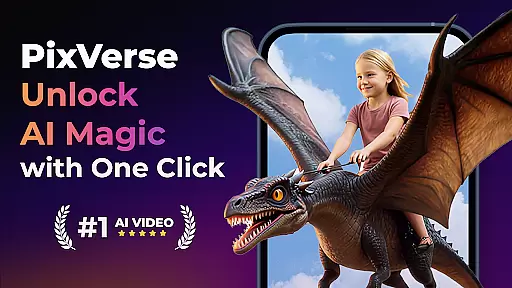
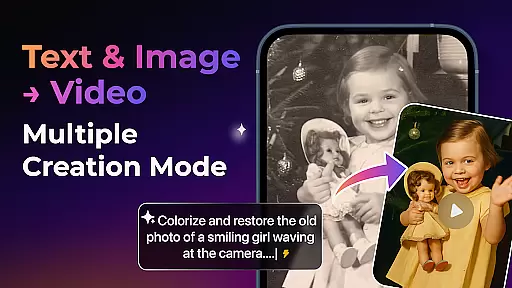

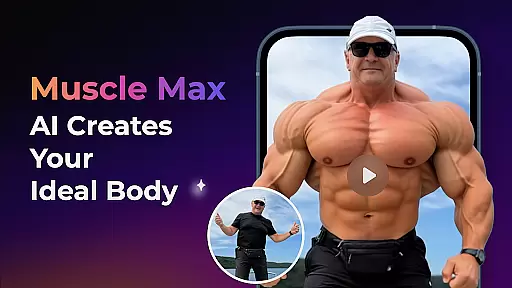
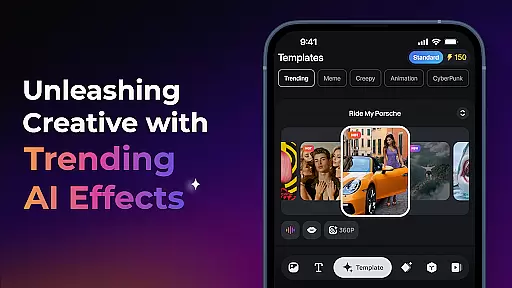
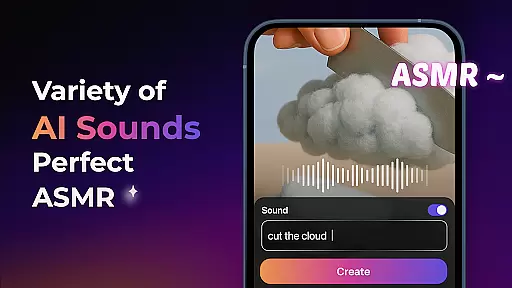
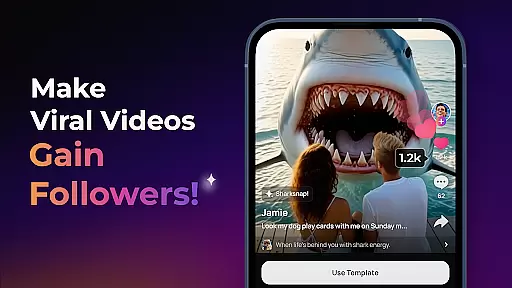
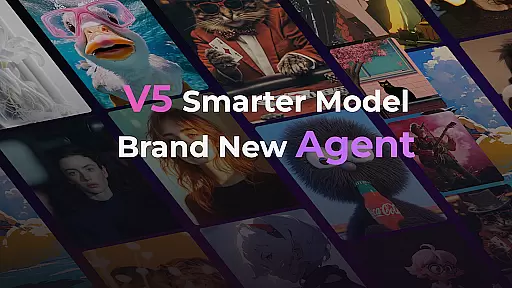
PixVerse is an advanced AI-powered video creation suite designed to transform photos, text, and videos into captivating content within seconds. This innovative tool caters to creators seeking lightning-fast results without compromising on quality.
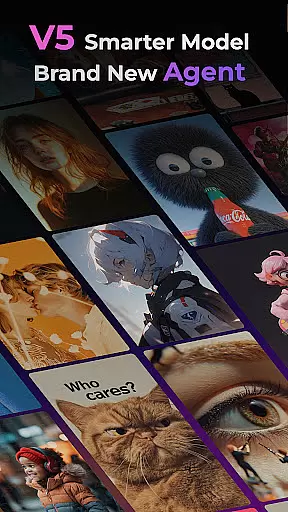
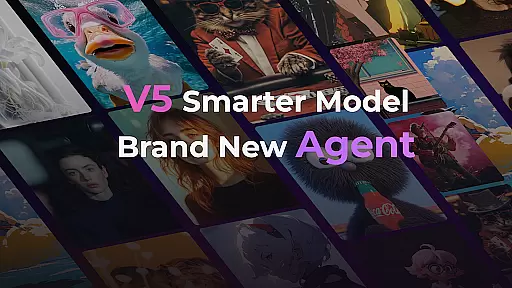
With its cutting-edge features like the Smarter V5 Model and Brand New Agent, PixVerse ensures perfect prompt alignment, lifelike details, and seamless creative assistance. The platform supports multiple creation modes including Image to Video, Text to Video, and Video Extension, making it a versatile choice for diverse content needs.
Whether you're reviving old photos or crafting cinematic masterpieces, PixVerse offers professional-grade tools that empower users to push creative boundaries. Its hyper-real AI and physics simulations deliver stunningly realistic outputs, redefining digital storytelling for photographers and content creators.
PixVerse stands out with its revolutionary feature set tailored for modern creators. The Smarter V5 Model provides unparalleled realism through advanced AI algorithms that ensure smooth, natural movements and precise detail rendering.
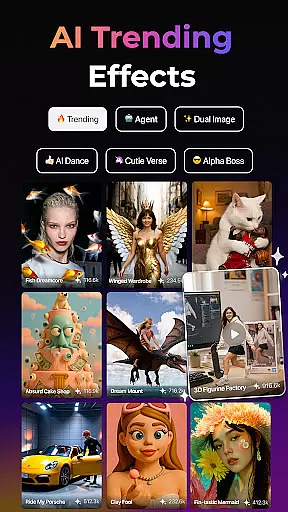
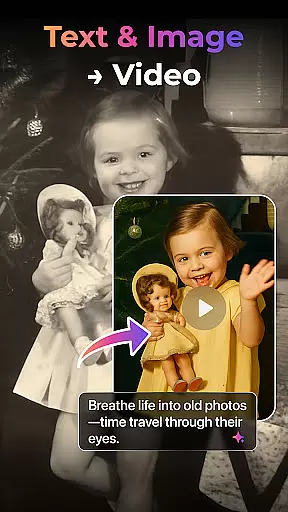
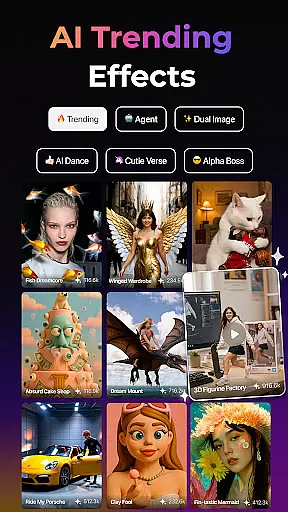
The platform's Multi-Creation Modes allow users to experiment with different formats - from animating static images to generating videos from simple text prompts. Trending AI Effects such as Old Photo Revival and AI Dance Revolution add unique flair to projects while maintaining professional standards.
Additional functionalities like Key Frame Control and Fusion enable unprecedented creative freedom. Users can upload custom frames or combine multiple images into cohesive videos, ensuring their vision comes to life exactly as intended. These robust capabilities make PixVerse an indispensable tool for photographers looking to elevate their craft.
Real-time capture and preview functionality is essential for any photography app as it allows users to see exactly what their final output will look like before taking the shot. This feature ensures that photographers can make necessary adjustments on the fly, saving time and enhancing the quality of their work.
PixVerse offers a sophisticated real-time capture system that leverages AI to provide users with immediate feedback on their compositions. The app processes images instantly, offering suggestions for improvement based on lighting, angle, and subject matter.
Users benefit from this feature by being able to fine-tune their photos without needing extensive post-processing. Whether capturing stills or creating dynamic videos, PixVerse's real-time preview empowers creators to produce high-quality content efficiently.
The value of real-time capture in PixVerse lies in its ability to democratize professional-grade photography tools, making them accessible to everyone regardless of skill level. By providing instant previews, the app helps bridge the gap between amateur and expert photographers.
AI beauty and enhancement features are crucial in modern photography apps, allowing users to refine and perfect their images while maintaining a natural appearance. These tools help enhance portraits by smoothing skin, brightening eyes, and adjusting facial features without creating an artificial look.
In PixVerse, the AI beauty enhancements are powered by advanced algorithms that intelligently analyze each face, applying subtle changes that preserve the subject's unique characteristics. This ensures that edited photos retain authenticity and do not appear overly processed or unrealistic.
Photographers using PixVerse can take advantage of these enhancements to deliver polished yet genuine-looking portraits. The appu2019s intuitive controls allow for precise adjustments, giving users the flexibility to achieve their desired aesthetic while keeping results lifelike.
Ultimately, PixVerse's AI beauty and enhancement capabilities offer a significant advantage by delivering professional-quality edits effortlessly. Users can trust that their enhanced images will maintain a natural look, enhancing their creative projects without compromising on realism.
Lightning-fast processing
Cinematic HD quality
Advanced AI effects
Multi-format support
User-friendly interface
Subscription fees apply
Learning curve present
Internet connection required
Resource-intensive
Limited free features

Cut and paste photo editor & eraser to customize photos easy and swap faces fun
 4.50
4.50
Create AI Photos, Improve and restore quality of blurry, old or damaged pics.
4.20
HD Camera Pro with HD Video shooting, Panorama, Photo editor , Beauty Camera.
4.50
Amazing Photo Effects - The most fun you can have with your photos!
4.70
Movie camera, supports pro recording settings for filming. Try it and be amazed!
4.50
Create amazing frames with up to five photos. Rounded corners, effects and more!
3.60
Collage your moments in one tap: 1000+ layouts, filters, stickers, and texts.
4.90
AI-powered video creator by MiniMax - Where ideas meet cinema
4.20
Discover How to Plan any Sun, Moon and Milky Way Photo You Imagine in Seconds
4.70
Create funny photos and videos with the popular Time Warp Scan filter.
4.90
Your personal guide to the sun and moon. Plan ahead, visualize and predict!
4.70
Enhance, upscale, and transform your images — on your device, without limits
4.70
Add Watermark - Sign your pictures with a text or logo. Effective, quick, easy!
4.50
Fit multiple photos on one post. Create carousels & scroll layouts for Instagram
4.50
[3DSteroid Pro] is a stereoscopic application for Android.
4.30
Create & Edit with AI: AI Remove, Enhance, Retouch, Filter
4.10
Astrophotography with your smartphone, photo live stacking and much more!
3.90
Be your best in every shot! Fix, edit and retouch your face in selfies & photos.
3.70
Superimpose one photo on top of another using the original Superimpose app!
3.20


User Reviews