



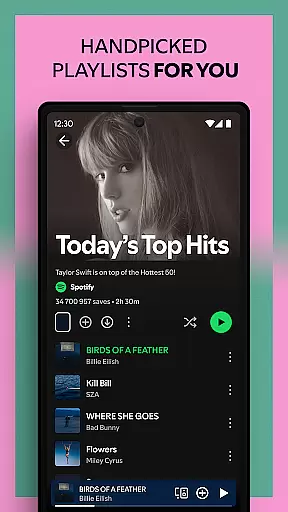
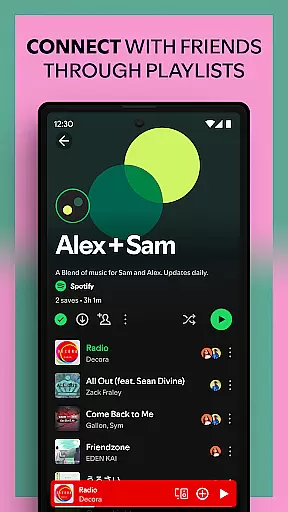

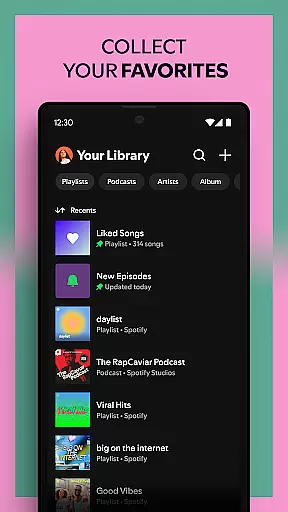
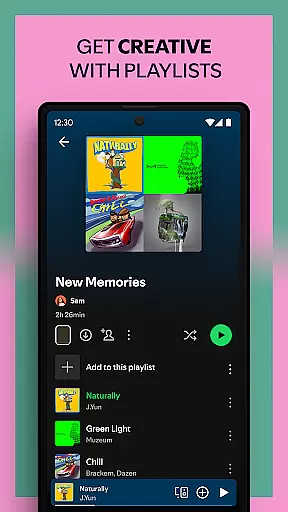


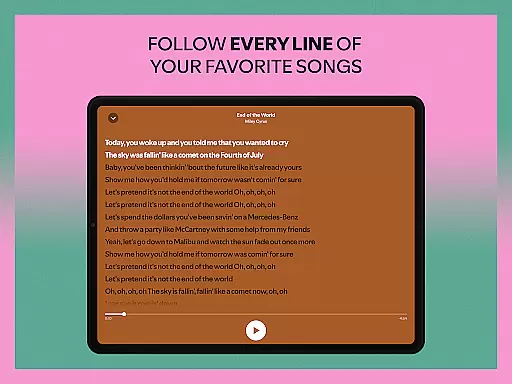

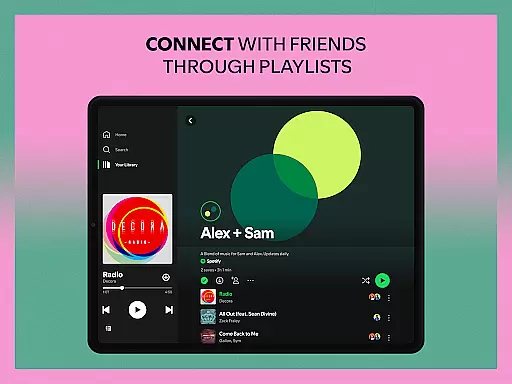
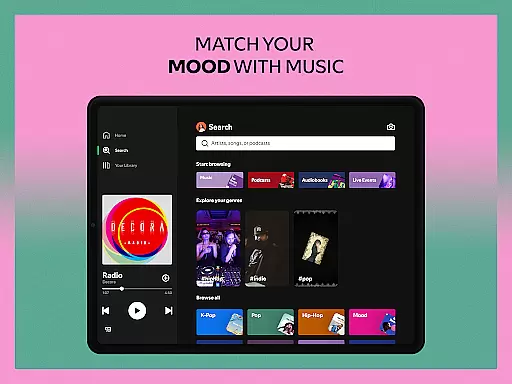
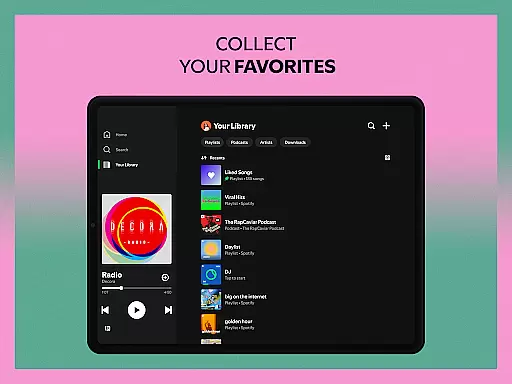


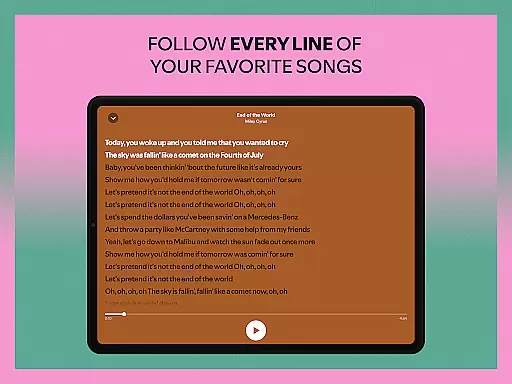

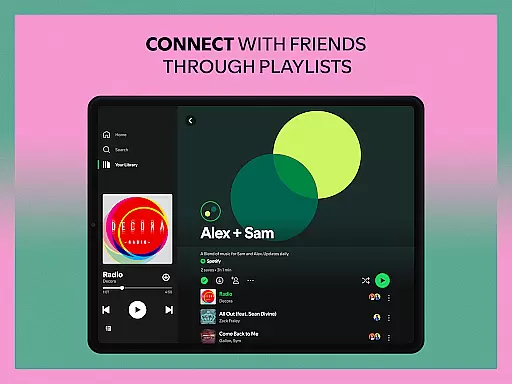
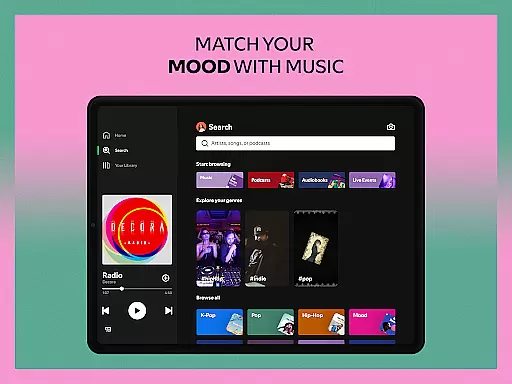
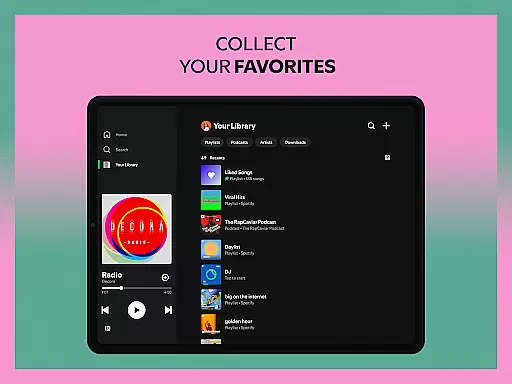
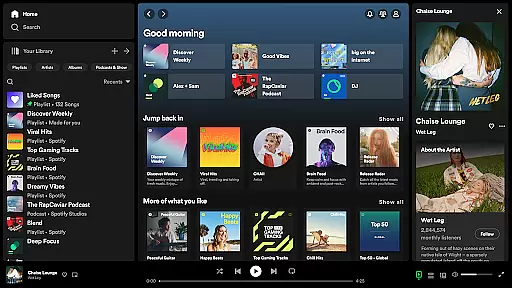

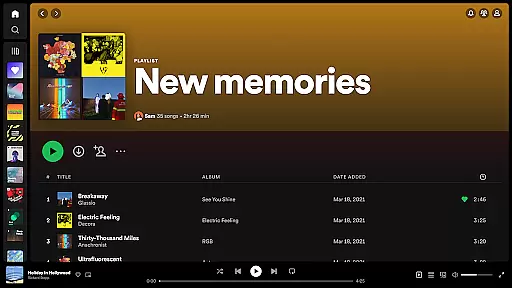


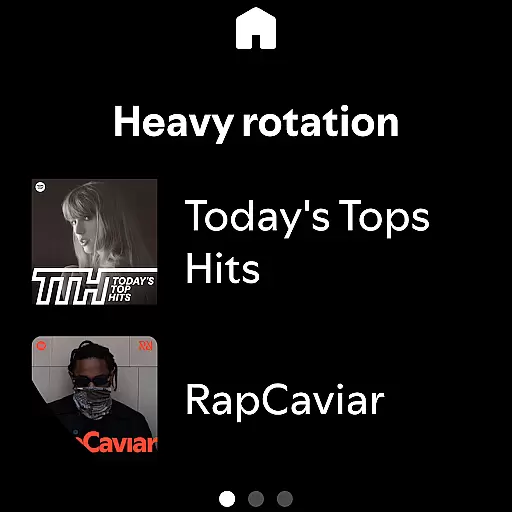
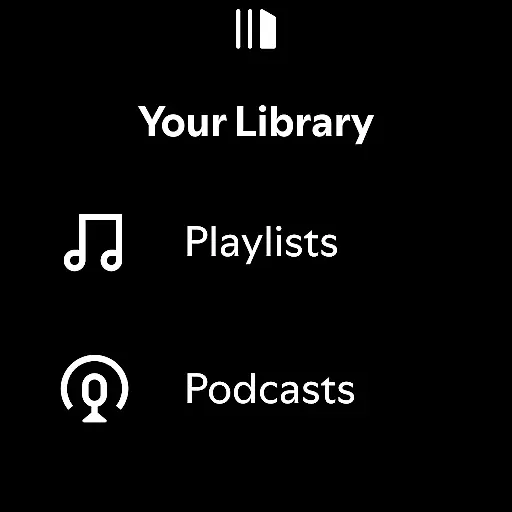
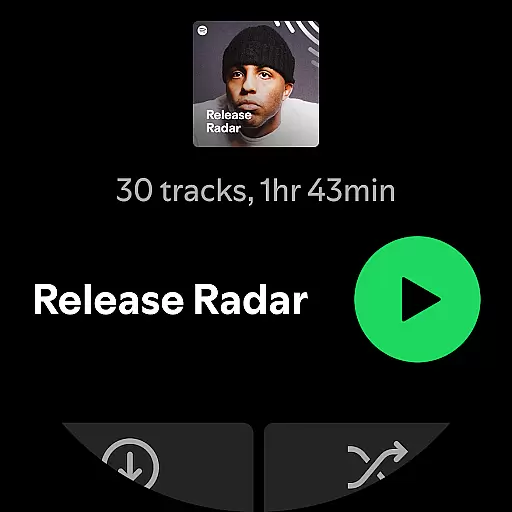
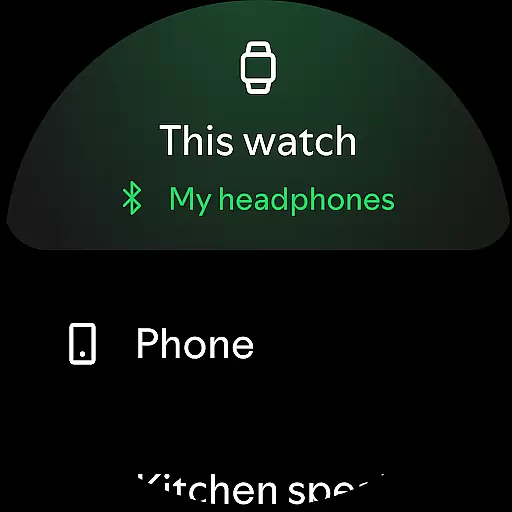
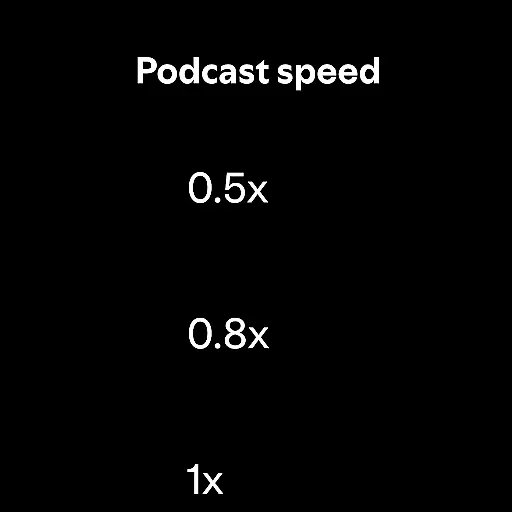
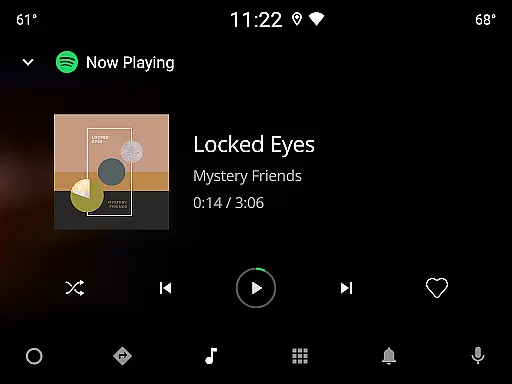

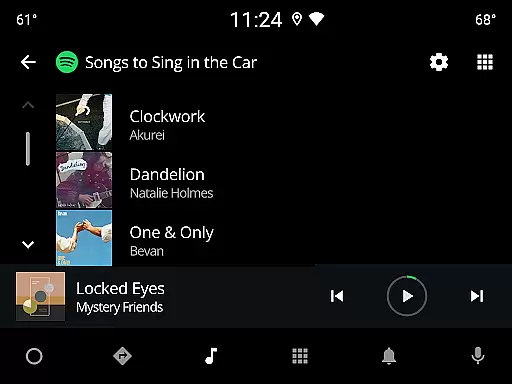
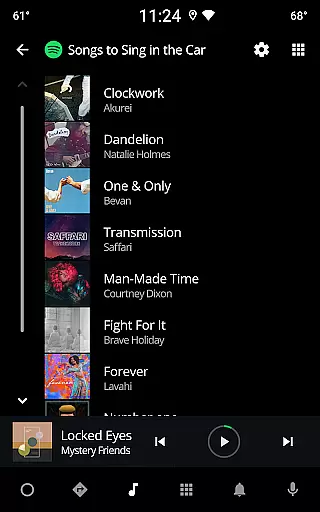
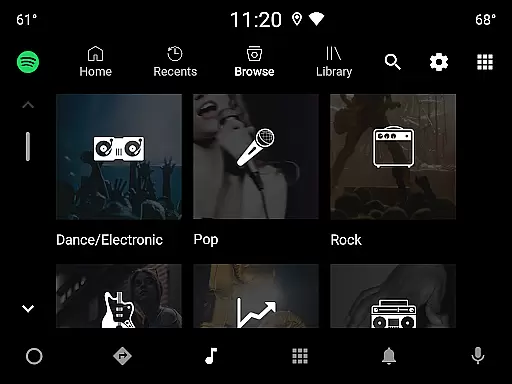

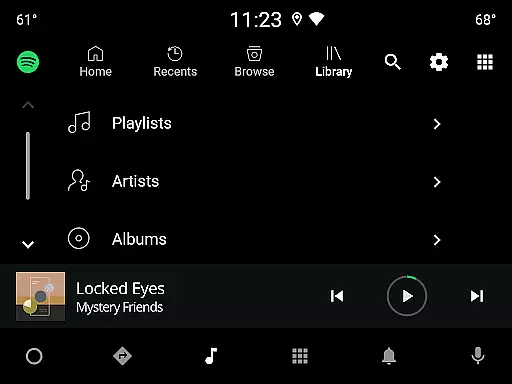
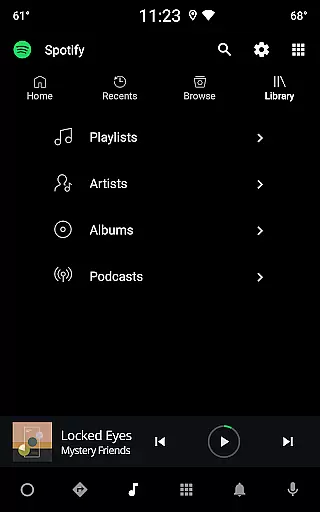
Spotify is a leading music and podcast streaming service that offers users access to millions of songs, albums, playlists, and original podcasts. Available on Android Wear devices, it allows you to enjoy your favorite music and audiobooks seamlessly across multiple platforms.
The app stands out with its personalized recommendations, curated playlists, and exclusive content from top artists worldwide. Whether you're looking for new music discoveries or want to create custom playlists, Spotify provides an immersive audio experience tailored to your preferences.
With both free and premium subscription options, Spotify caters to various user needs, making it ideal for those who want uninterrupted music streaming and offline listening capabilities while on the go.
Spotify boasts an impressive range of features designed to enhance your listening experience. With over 80 million tracks, 4 million podcast episodes, and thousands of audiobook titles, the platform ensures there's something for everyone. Its powerful search functionality lets you find songs by lyrics, artist names, or genres.
One standout feature is the Daily Mix playlists, which are uniquely crafted based on your listening habits. Additionally, Spotify's cross-device compatibility allows you to stream music not only on smartphones but also on tablets, desktops, TVs, and wearable devices like Android Wear.
Premium subscribers benefit from ad-free playback, offline downloads, and superior sound quality. The ability to control playback directly from your smartwatch adds convenience, ensuring you never miss a beat even when away from your phone.
Companion app integration is essential for a seamless user experience across multiple devices. Spotify excels in this area by offering robust synchronization between its mobile app and Wear OS devices. This ensures that your music, podcasts, and audiobooks are always up-to-date, regardless of the device you're using.
The integration allows users to control playback directly from their wearable device. Whether you're going for a run or commuting, you can pause, play, or skip tracks without needing your phone nearby. This level of connectivity enhances user convenience significantly.
Furthermore, Spotify's companion app functionality extends to downloading content for offline listening on Wear OS. Premium subscribers can download their favorite playlists directly to their smartwatch, ensuring uninterrupted access to their content even without an internet connection. This feature highlights the practical benefits of companion app integration.
Overall, Spotify's thoughtful approach to companion app integration demonstrates its commitment to providing a cohesive ecosystem. By prioritizing cross-device functionality, it offers users flexibility and control over their listening experience, making it a standout choice for those invested in the Wear OS ecosystem.
Device compatibility is crucial for ensuring that applications like Spotify perform optimally across various platforms. For Wear OS users, Spotify offers extensive compatibility, supporting a wide range of devices with different specifications. This broad compatibility ensures that most Wear OS users can enjoy Spotify's features without worrying about technical limitations.
Spotify has optimized its app to maintain high performance standards on Wear OS. The application runs smoothly, whether you're using a newer model or an older version of a Wear OS device. This optimization includes efficient battery usage and quick response times, which are vital for maintaining a pleasant user experience.
In addition to basic compatibility, Spotify leverages Wear OS-specific features to enhance usability. For instance, users can access Spotify through Tiles and Complications, providing instant access to controls and information. These integrations showcase how Spotify tailors its service to take full advantage of the Wear OS platform.
By focusing on comprehensive Wear OS/device compatibility, Spotify ensures that its users receive a consistent and reliable experience. This dedication not only expands its reach but also reinforces its reputation as a versatile and user-friendly music streaming service suitable for all types of wearable technology.
User-friendly interface
Extensive music library
Personalized playlists
Offline listening
Cross-device support
Limited free version
Occasional ads
Premium subscription cost
High data usage
Regional restrictions

"PER27 Galaxy Digital" is a digital Wear OS watch face designed by PERSONA
 4.10
4.10
A full-featured Amazon Alexa voice assistant that can show you things.
3.70
Structured watch face with seven complications and modular UI elements
3.90
Locate your family members by GPS phone location tracker everywhere and anytime
4.30
Get helpful reminders, take progress photos and find answers to your questions.
3.90
Simple, helpful messaging by Google
4.60
Want to take charge of your health? Let Google Fit help you reach your goals.
3.50
Track your active life in one place and share the journey with friends.
4.40
Back up your contacts & access them anywhere
4.30
Highly customizable hybrid watch face for Wear OS, perfect for everyday use.
4.60
Monitor health with the stress test and pulse checker in the heart rate app.
4.60
Real-time results, stats, schedules and player profiles for all leagues
4.60
Deck out your Wear OS Watch face with a beautifully decorated pine wreath!
4.50
Fast and smart typing with Emojis, GIFs, and more
4.50
Bold weather Digital watchface with forecast & optional animated background
4.40
Snowflake Rose Gold Watch Face - Digital, modern, & sleek with GYRO effect.
4.10
Your local weather forecast, storm tracker, radar maps & live weather news
3.40
Watch face designed for Thanksgiving Day. 7 Background Styles included.
3.20
Wear Os Watch Face - Animated Snow Effect & Christmas Lights
4.0


User Reviews