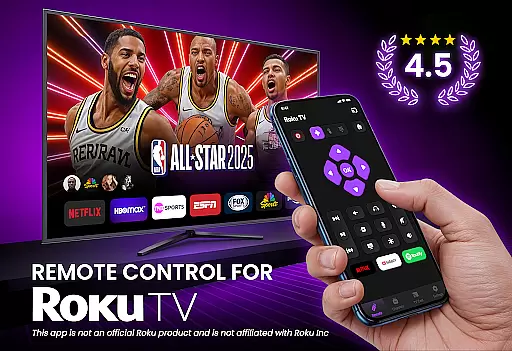
TV Remote Control for RokuTV is a powerful tool that transforms your smartphone into a universal remote control for Roku TVs. This app provides complete functionality, including navigation, media casting, and a smart keyboard for effortless typing. Designed for convenience, it eliminates the need for a physical remote by offering seamless control directly from your phone.
The application supports all Roku TV models, such as TCL and Hisense, and allows users to enjoy features like screen mirroring, quick channel launching, and intuitive swipe-based navigation. Whether you want to stream content, adjust volume, or type with ease, this app delivers an all-in-one solution for managing your Roku TV experience.
Perfect for those who frequently misplace their remotes, TV Remote Control for RokuTV ensures reliable connectivity through Wi-Fi, making it an essential tool for modern smart TV users.
TV Remote Control for RokuTV offers a comprehensive set of features designed to enhance user interaction with their Roku TVs. The app provides instant setup by connecting to the same Wi-Fi network as your TV, automatically detecting the device without complicated pairing processes.
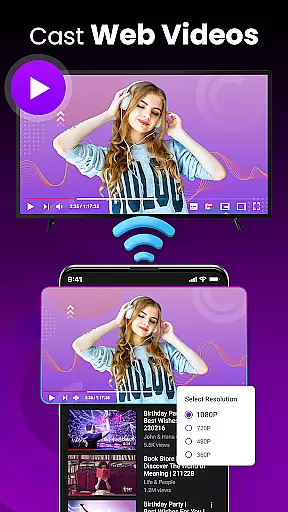
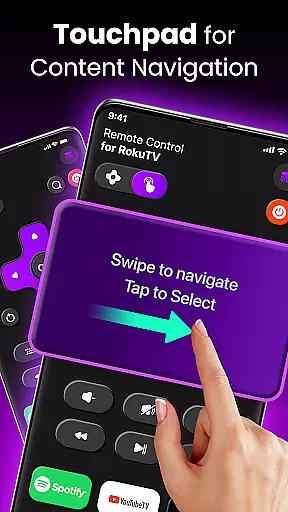
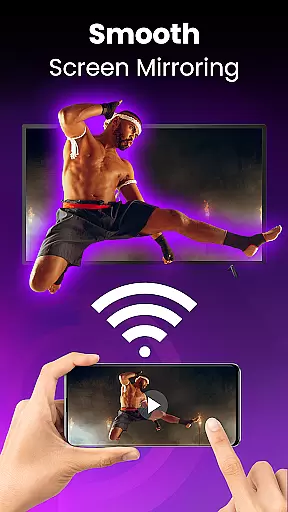
Key functionalities include full remote control with play, pause, volume adjustment, and channel switching. The swipe pad navigation replaces traditional buttons, offering a smooth and responsive interface. Additionally, the app supports screen mirroring and casting, enabling users to share photos, videos, and music directly from their phones to the TV screen.
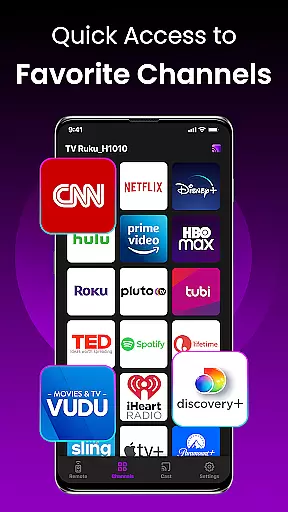
Other notable features include quick-launch shortcuts for favorite apps like Netflix and Hulu, and a smart keyboard for fast text input. With its universal compatibility and user-friendly design, this app stands out as a reliable and versatile tool for Roku TV owners.
TV Remote Control for RokuTV ensures core function accuracy and effectiveness by providing a seamless replacement for your physical Roku remote. The app delivers precise control over all essential TV functions, including navigation, media playback, and volume adjustments.
The application's responsive interface allows users to perform actions such as play, pause, fast forward, and rewind with minimal latency. This responsiveness guarantees that users can manage their entertainment experience without any noticeable delay, making the app reliable for real-time control.
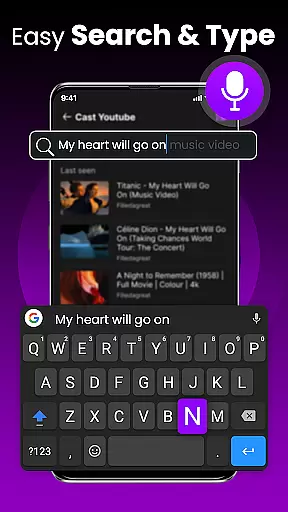
Moreover, the app includes a smart keyboard feature, which significantly enhances the speed and ease of typing on your TV. Whether you're searching for movies or entering passwords, this functionality streamlines the process, offering an efficient alternative to traditional remote controls.
By combining universal compatibility with Roku TV models and integrating advanced features like screen mirroring and casting, the app not only meets but exceeds user expectations in terms of functional performance and convenience.
The interface simplicity and intuitiveness of TV Remote Control for RokuTV make it accessible to users of all technical backgrounds. With a clean design focused on speed and ease of use, the app eliminates the learning curve typically associated with new technology.
A standout feature is the swipe-based touchpad, which replaces cumbersome buttons with a modern, intuitive navigation method. This touchpad allows users to effortlessly browse Roku's interface, ensuring a smooth and frustration-free experience while selecting content or adjusting settings.
In addition, the app provides one-tap shortcuts to frequently used channels like Netflix, Hulu, and YouTube. These shortcuts reduce the steps needed to access favorite apps, enhancing overall usability and saving time during daily operations.
By prioritizing user-friendly design elements and automating routine tasks such as connecting to your Roku TV, the app achieves a balance between powerful functionality and straightforward interaction, making it an indispensable tool for managing your home entertainment system.
Universal Compatibility
Effortless Setup
Smart Keyboard
Screen Mirroring
Swipe Navigation
Wi-Fi Dependent
No Physical Buttons
Limited Roku Support
Occasional Lag
Third-Party App

A convenient photo, video, and file recovery tool.
 4.00
4.00
A recovery soft,it features photo recovery, video recovery, file recovery.
3.40
Canon PRINT is a companion app for your Canon printer.
4.60
ADB support Android 4.X-Android 13(Support wireless pair mode).No root required!
4.70
VESC Tool can monitor and configure VESC-compatible devices over BLE and Wifi
4.20
Support Fossify apps with a warm thank you!
5.00
Download any file easily and quickly with Downloader
4.1
NFC Tools can read and write NFC tags.
4.70
fast and easy mp3 music downloader
4.80
Navigate with Ease and Style
4.90
Monitor car performance in real time and troubleshoot malfunctions.
4.80
The one-and-only remote control for PC, Mac, and Linux
4.70
Universal TV remote control all TVs, Roku, LG, Samsung, Fire, Vizio, Sony, TCL.
4.40
Remote for Roku, Fire TV, Samsung TV, LG TV, Android TV, Chromecast and VIZIO TV
4.20
App that Recover your pictures, videos or files after you delete them.
4.20
Introducing Smart Printer, your ultimate destination for printing solutions!
4.00
1-Click close all background apps on Android TV
3.90
Safely recover deleted photos, videos, and files with a single easy tap.
3.70
PDF Reader - Document Viewer: Read, Manage & Organize Your Documents
3.10


User Reviews