
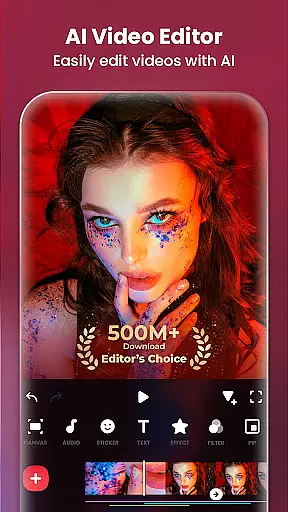
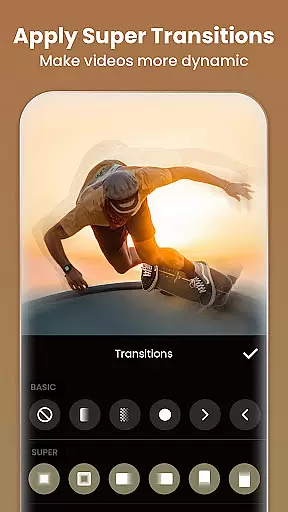
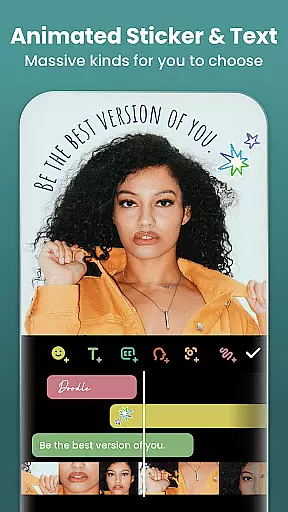
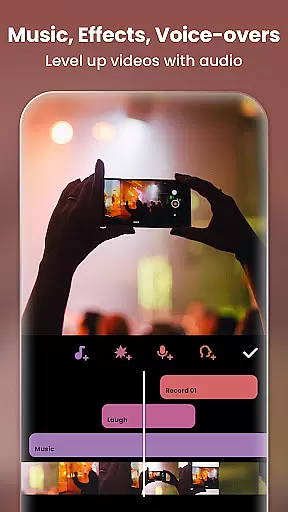
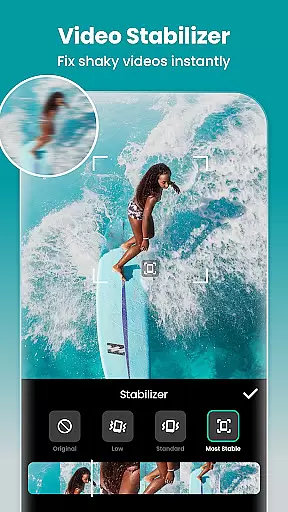
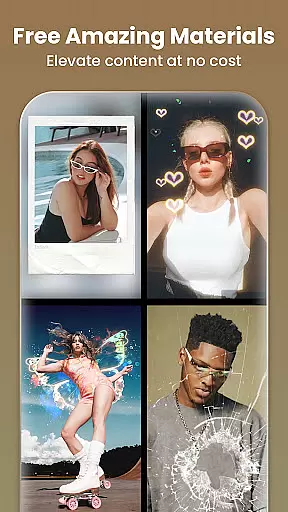
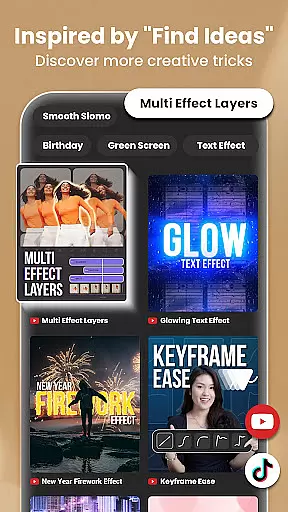
InShot is a versatile video editing and photo enhancement application designed for both casual users and professional content creators. This all-in-one tool allows you to edit videos and images with features such as trimming, merging clips, adding music, text, and transition effects. It also supports advanced functionalities like chromakey editing, speed control, and keyframe animations.
With its intuitive interface, InShot makes it easy to create visually appealing content for various social media platforms including YouTube, Instagram, TikTok, and Facebook. Whether you're looking to produce engaging vlogs or stylish Instagram posts, this app provides the necessary tools to enhance your creativity and streamline your workflow.
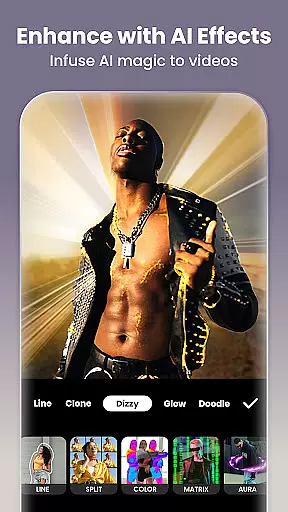
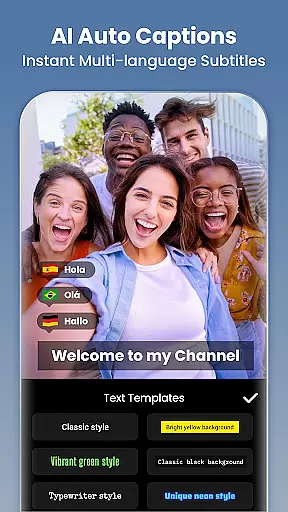
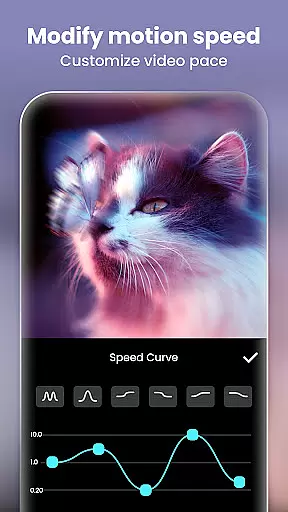
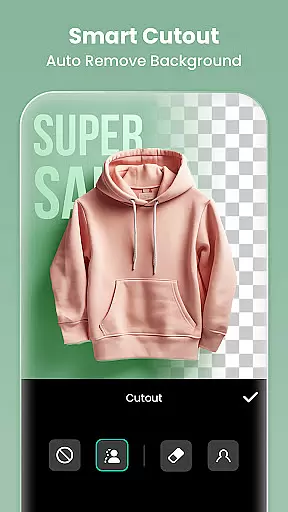
InShot offers an extensive range of features that cater to diverse editing needs. The AI-powered tools include body effects, auto captions, background removal, smart tracking, and smooth slow-motion effects. These innovative features allow users to elevate their content effortlessly.
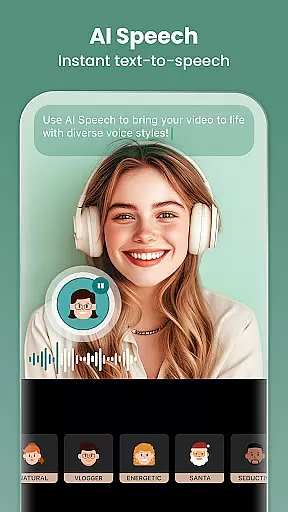
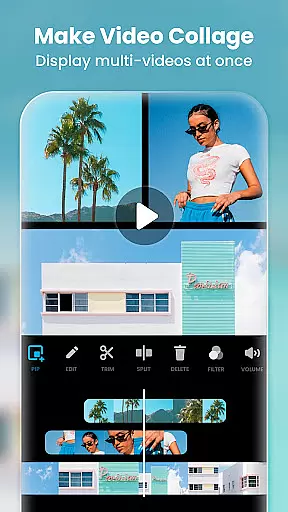
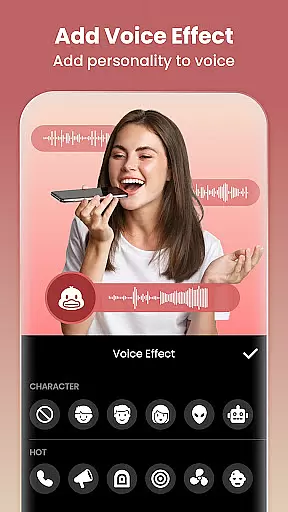
The app also includes comprehensive video editing capabilities such as trimming, merging, reversing, and adjusting video ratios. Users can add music, sound effects, voice-overs, and various styles of voice effects. Advanced options like chromakey editing, picture-in-picture, mixtures, and color picker provide additional creative freedom.
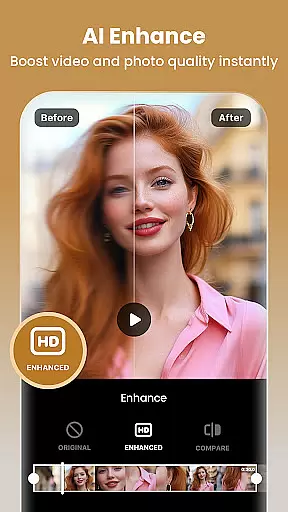
For photo editing, InShot provides filters, stickers, and an AI photo enhancer that turns blurry photos into high-definition images. The easy-to-use collage maker and Pic Stitch feature enable users to create stunning layouts and designs. With support for 4K 60fps export, sharing your creations on social media has never been easier.
Real-time capture and preview functionality is essential for any photography or video editing application. It allows users to see exactly what their camera is capturing, ensuring that the framing, lighting, and composition are perfect before they take a shot or start recording. InShot offers this feature, providing users with an accurate representation of their scenes in real time.
The app ensures that the preview closely matches the final output, which is crucial for professional videographers and photographers who need precision in their work. With real-time filters and effects, creators can visualize how their videos will look after editing, even while they're still shooting. This saves time during post-production and enhances creativity on set.
For content creators using platforms like Instagram Reels or TikTok, having a reliable real-time preview means they can craft visually appealing stories without guesswork. InShot's ability to offer smooth slow-motion previews and instant filter applications empowers users to produce high-quality content directly from their mobile devices, making it easier than ever to share life moments with followers.
In todayu2019s digital age, AI beauty and enhancement features have become a staple in photography apps, allowing users to refine their images naturally. InShot leverages advanced AI technology to provide enhancements that maintain the authenticity of the original photo, ensuring edits look realistic rather than over-processed. This natural approach is vital for influencers and everyday users who wish to enhance their photos without losing genuine appeal.
The AI tools within InShot include body effects, background removal, and smart tracking, all designed to elevate videos and photos seamlessly. For instance, auto captions use speech-to-text capabilities to add accurate subtitles effortlessly, while auto-remove background simplifies complex editing tasks with just one tap. These intuitive features make sophisticated edits accessible to everyone, regardless of skill level.
Moreover, InShotu2019s AI effects such as clone, stroke, and auto-blur contribute to creating dynamic visuals that captivate audiences. By offering these enhancements, the app supports creators in producing engaging content that stands out on social media platforms. Whether itu2019s for YouTube vlogs or Instagram posts, InShot helps users achieve polished yet authentic results, boosting their online presence effectively.
User-friendly interface
Extensive editing tools
Advanced AI features
High-quality export options
Versatile for multiple platforms
Some features require purchase
Ads may interrupt workflow
Occasional bugs reported
Learning curve for beginners
Limited free filter options

Shooting photos and records video easily and efficient with professional Camera
 4.30
4.30
Virtual makeup, hair filters & body tuner—edit from face to full body!
4.20
Perfect body tune & face app - photo retouch, makeup, slim body & beautify face.
4.80
USB Storage Access for Photos, Videos, Music and Documents
3.80
Easily view, share, delete photos with Gallery.
4.70
PhotoSync Bundle Add-On License. Enables all features and services in PhotoSync.
4.60
Enhance, upscale, and transform your images — on your device, without limits
4.70
Effortlessly make high-quality GIFs from images & videos without any watermarks.
4.70
Solocator stamps photos you take with GPS location, Compass Direction, Date/Time
3.80
Collage your moments in one tap: 1000+ layouts, filters, stickers, and texts.
4.90
Create funny photos and videos with the popular Time Warp Scan filter.
4.90
Photo prints, cards, & gifts at Walgreens. Easy ordering & fast local pickup !
4.80
A collection of tools and reference tables for DPs, ACs, DITs and Operators.
4.70
Amazing Photo Effects - The most fun you can have with your photos!
4.70
Automatically backup your photos and videos to computer, NAS and Cloud services
4.60
Photo editor & gallery. Crop pictures & edit photos offline, no wifi!
4.50
How would you look like with a differently shaped nose, chin or lips?
3.90
Hair color changer, AI haircut app, fun hair editor and buzz cut filter for all!
3.80
Remote control of the phone camera from your Wear OS smartwatch
3.70


User Reviews