


VPN - Super Unlimited Proxy is a reliable and easy-to-use Virtual Private Network (VPN) application designed to provide users with secure, private, and unrestricted internet access. The app encrypts your internet connection, hides your IP address, and allows you to browse the web anonymously. With servers in over 55 countries and support for multiple protocols, it ensures fast and secure connections across various networks.
This free VPN solution offers unlimited bandwidth, turbo-fast speeds, and military-grade encryption without requiring registration or login. Whether you're on public Wi-Fi, streaming content, gaming, or simply browsing, this app provides essential privacy protection while maintaining optimal performance.
VPN - Super Unlimited Proxy stands out with its comprehensive feature set tailored for privacy-conscious users. The app provides access to over 5,000 servers in 55+ countries, including city-level servers in the U.S., ensuring users can connect to the best available option for their needs. It supports multiple protocols such as OpenVPN, IKEv2, Super, and V2Ray, with an Auto Mode that selects the fastest protocol automatically.
The app's commitment to user privacy is evident through its strict no-logs policy and military-grade encryption standards. Additional features include smart server selection for optimal performance, compatibility with all major network types (Wi-Fi, 5G, LTE/4G, 3G), and instant connection without the need for account creation. These features collectively deliver a seamless and secure browsing experience.
For a VPN application, core function accuracy and effectiveness are measured by its ability to provide secure and private internet access. The VPN - Super Unlimited Proxy app excels in this area by offering military-grade encryption that safeguards user data and online activities from potential threats. This level of encryption ensures that users' internet connections are not only hidden from prying eyes but also protected against unauthorized access.
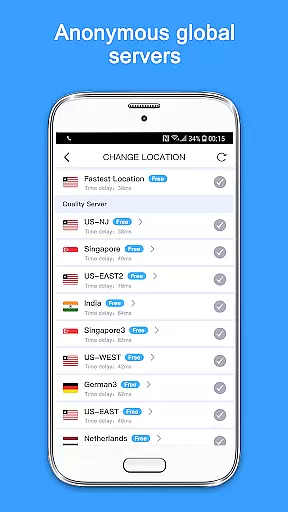
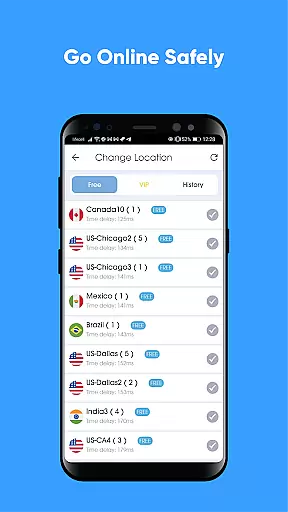
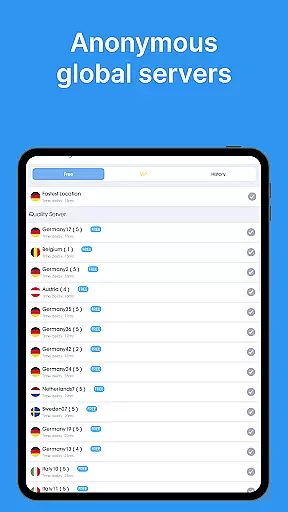
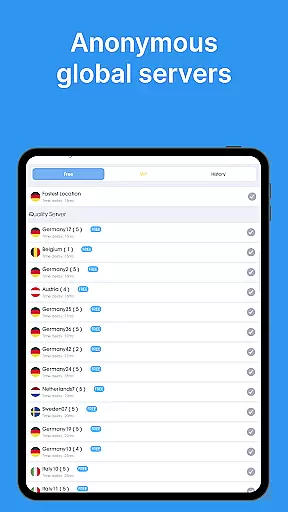
The app provides an extensive network of over 5,000 servers across 55+ countries, enabling users to connect to a server that best suits their needs for speed and accessibility. With smart server selection, the app automatically chooses the optimal server for the best performance, ensuring that users experience minimal latency and maximum bandwidth capabilities. This feature is crucial for maintaining effective internet connectivity, whether users are streaming, gaming, or browsing privately.
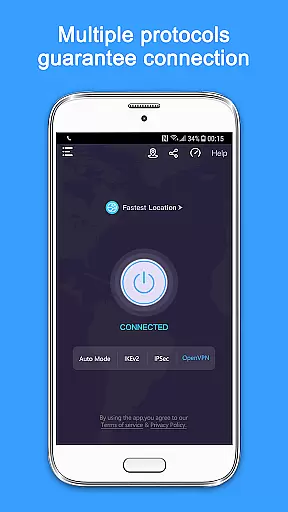
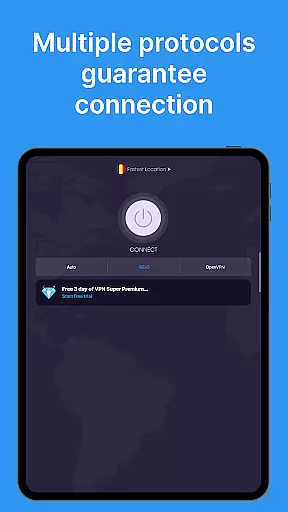
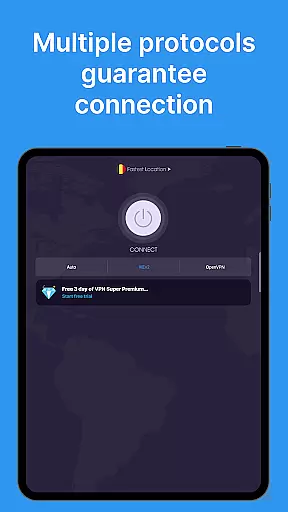
Another aspect of the app's effectiveness is its support for multiple VPN protocols, including OpenVPN, IKEv2, and V2Ray. These protocols offer different benefits, such as enhanced security or better speeds, allowing users to customize their VPN experience according to their specific requirements. The recommended Auto Mode simplifies this process by selecting the fastest available option without compromising on security.
Overall, the core functions of the VPN - Super Unlimited Proxy app deliver on the promise of providing fast, secure, and unrestricted internet access. Users can enjoy peace of mind knowing that their online presence is shielded from trackers and hackers while experiencing seamless connectivity across various devices and networks.
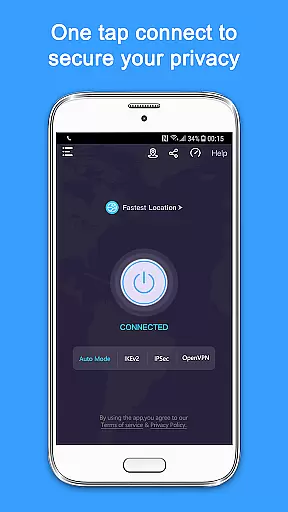
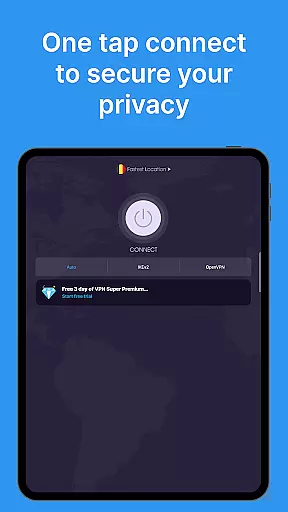
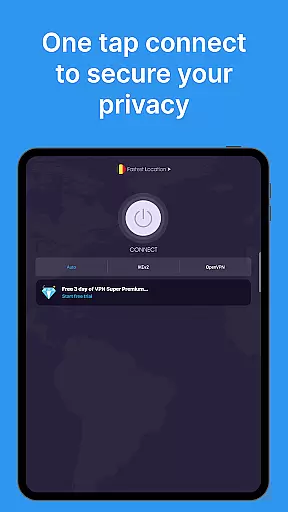
A simple and intuitive interface is vital for any tool-based application, especially for a VPN where ease of use directly impacts user adoption and satisfaction. The VPN - Super Unlimited Proxy app boasts an interface designed with user-friendliness at its forefront. New users can connect to a secure network with just a single tap, eliminating the need for complex configurations or time-consuming tutorials.
The design philosophy behind the app's interface emphasizes clarity and accessibility. Upon launching the app, users are greeted with a clean layout that highlights the most essential featuresu2014connecting to a server, choosing a location, and accessing premium options if desired. This straightforward presentation allows even those unfamiliar with VPN technology to navigate confidently and make informed decisions about their privacy settings.
Moreover, the absence of registration or login requirements further streamlines the user experience. By removing barriers to entry, the app ensures that anyone can begin protecting their online activities immediately without having to remember yet another set of credentials. Such an approach not only enhances usability but also reinforces the app's commitment to user privacy by not collecting personal information during sign-up.
In summary, the interface simplicity and intuitiveness of the VPN - Super Unlimited Proxy app contribute significantly to its overall appeal. By prioritizing ease of access and operation, the app empowers users to take control of their digital security effortlessly, making it an attractive choice for individuals seeking reliable protection without complexity.
Completely free
No speed caps
Military-grade encryption
Strict no-logs policy
Instant connection
Limited free servers
Premium features locked
Occasional connectivity issues
Ads in free version
Basic interface design

 4.50
4.50
Transfer Files, APK from Phone to Watch & Install.
4.0
Extremely fast, secure, and protects your privacy
4.80
eXtended Permission Manager - a small app to manage permissions and AppOps
4.50
Keep track of your Palia friendships, tasks, and inventory with Palia Notebook
4.60
Unleash gamepad precision for ultimate mobile gaming dominance.
3.90
Automate everything from settings to photos, SMS to speech. ADC2 prize winner.
4.10
Introducing Smart Printer, your ultimate destination for printing solutions!
4.00
fast and easy mp3 music downloader
4.80
Navigate with Ease and Style
4.90
Optimize your WiFi network, turn your phone into Wifi Analyzer
4.70
The Ultimate Flex Drivers Utility App - Convenient Tapping & Block Filters
4.70
Connect instantly to a fast, encrypted VPN with one tap
4.60
Play your X-Box games remotely in 1080p with any controller and zero latency
4.60 4.50
4.50
Game Booster, GFX Tool is now compatible with newer game update
4.50
Button mapper, mouse toggle, sleep timer and a lot of another features
4.50
Fluid navigation gestures for all of us!
4.30
App that Recover your pictures, videos or files after you delete them.
4.20


User Reviews