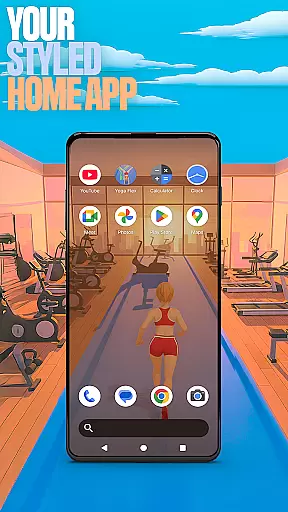

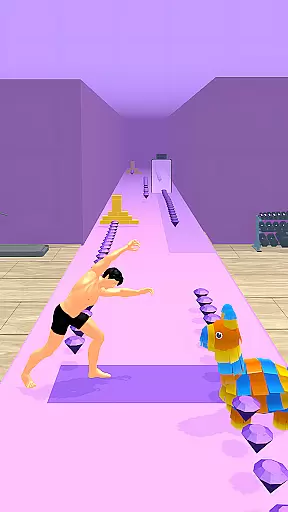
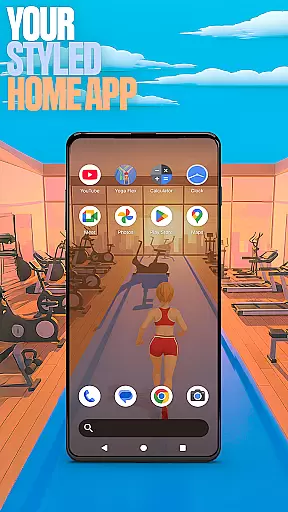

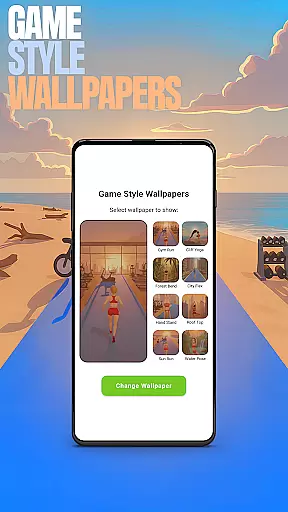
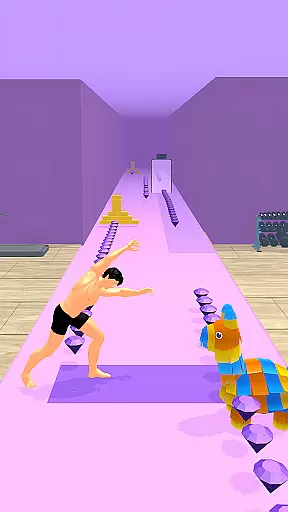
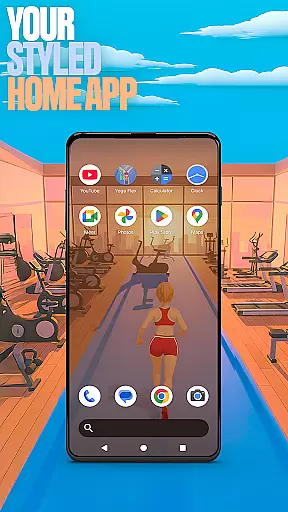

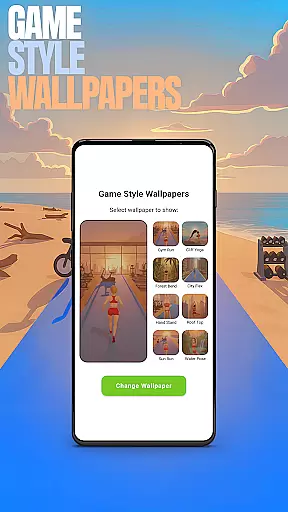
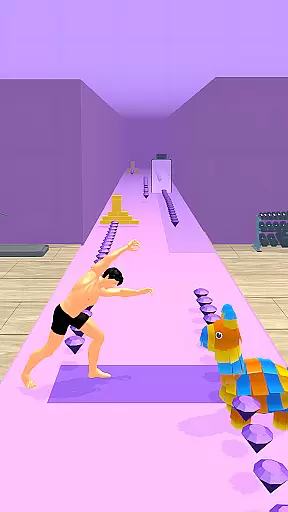
Yoga Flex Home App is a dynamic personalization tool that transforms your device's home screen into a personalized hub. With features like game-style wallpapers inspired by the Yoga Flex game, users can enjoy a unique aesthetic while customizing their layout with intuitive gestures for seamless navigation.
The app allows you to choose from various icon shapes and colors, hide private apps, and set custom gestures for opening apps or settings. By selecting it as your default home app, you can experience a fresh style launcher that keeps your daily digital interactions exciting and tailored to your preferences.
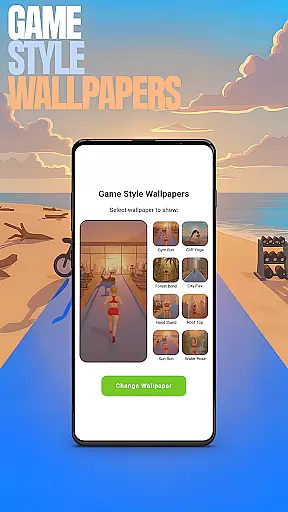
Yoga Flex Home App offers an array of customization features designed to enhance user experience. The Game Style Wallpapers feature provides unique designs that reflect the adventurous spirit of Yoga Flex, easily applied by long-pressing on the home screen.
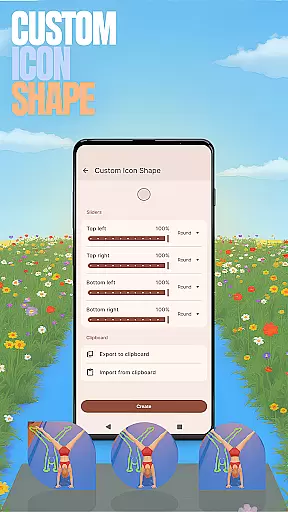
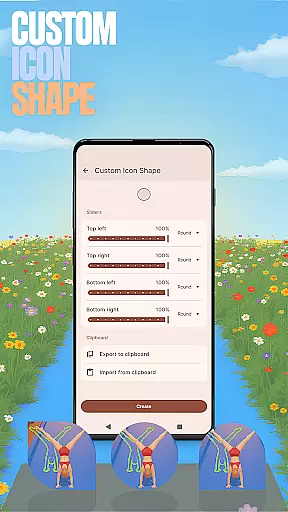
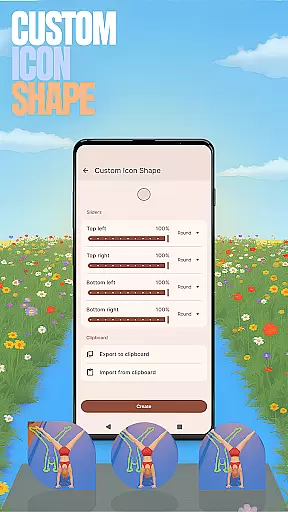
Users can personalize their device further with Custom Icon Shapes and Accent Colors, creating a distinct look and feel. Custom Gestures streamline app access and settings adjustments, while the Hide Apps function ensures privacy. These features collectively offer a versatile platform for users to tailor their home screens precisely to their liking.
Customization is at the heart of the Yoga Flex Home App, offering users a wide array of options to tailor their device's interface. With features like Game Style Wallpapers, Custom Icon Shapes, and Accent Color settings, personalizing your home screen becomes an engaging experience. These elements allow you to infuse personality into your device, making it truly yours.
The app provides intuitive controls for custom gestures, enabling swift access to apps or settings through simple swipes or taps. This functionality not only enhances usability but also streamlines navigation, ensuring that your most-used features are always within reach. Such thoughtful design elevates user interaction from mundane to delightful.
For those who value privacy, the Hide Apps feature offers peace of mind by allowing certain applications to remain unseen on your home screen. By maintaining full control over which apps are visible, users can protect their personal space without sacrificing convenience. This level of customization ensures that each individualu2019s needs and preferences are met with precision.
Theme compatibility in the Yoga Flex Home App ensures a seamless integration of visual styles across your device. Whether you prefer vibrant colors or subtle tones, the app supports various themes that align with your aesthetic preferences. This flexibility allows for a cohesive look and feel, enhancing both functionality and appearance.
By offering presets alongside customizable accent colors, the app caters to diverse tastes while maintaining ease of use. Users can experiment with different combinations until they find the perfect match for their style. This adaptability makes switching between themes effortless, keeping the interface fresh and exciting.
Moreover, when using this home app, any changes made do not affect your previous launcher setup. Once you switch back, your original layout remains intact, providing reassurance that customization is risk-free. This thoughtful approach guarantees that users enjoy unparalleled freedom in expressing their unique digital identity without compromising their existing setup.
Highly customizable
Intuitive gesture controls
Vibrant game-style wallpapers
Unique icon shapes
Privacy-focused app hiding
May overwhelm new users
Limited widget options
Premium features locked
Occasional bugs reported
Drains battery slightly

Capture moments that pass like a storm, second by second.
 4.0
4.0
Winter's Journey: digital watch face for Galaxy Watch & Wear OS
4.80
Over 28,000 high quality icons to bring color & homogeneity to your phone.
4.60
Interactive Miniature Painting Catalogue
3.30
Customizable screen pets that play, climb, and keep you company.
4.50
Wallpaper HD 4K Live - Thousands of high-quality Anime backgrounds for you.
4.80
⭐ OneUI inspired Fluffy Icon Pack – Soft. Stylish. Standout. ⭐
4.0
Struggling to find apps? Use this app to locate and open any app on your phone!
2.20
Transform your phone with stunning video wallpapers and a unique, personal touch
3.80
Enjoy a variety of amazing live wallpapers and colorful EDGE lighting borders!
4.80
A Colorful and Minimal icon pack in an Outline Style - Over 13,600 icons!
4.70
A retro cartoon style watch face and a punch right in the face of the copyright
4.60
Make your phone look simple & luxury, like iDevice
4.60
3D, live, and moving wallpapers & themes in 4K and HD for your device.
4.50
Turn text & photos into stunning AI videos, art, and creative visual stories.
4.50
Your home screen, just the way you like it.
4.30
Magic fluids wallpaper 4D: Relax with stunning fluid simulation wallpaper app
4.20
Customize glowing edges, wallpapers, and caller screen with EdgeAura.
3.50 3.50
3.50


User Reviews