
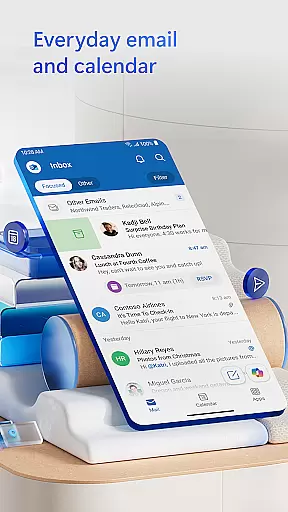
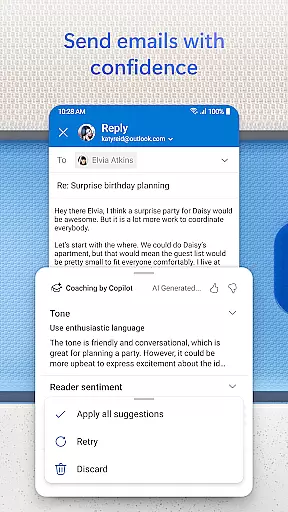
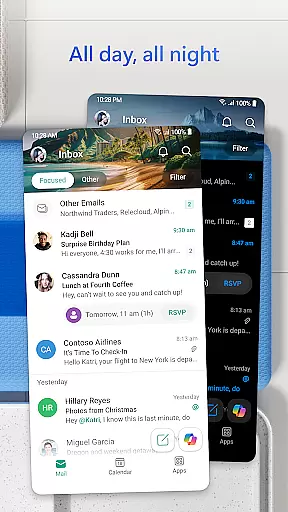
Microsoft Outlook is a comprehensive email and calendar app designed to streamline your busy life. It consolidates your emails, files, and calendar into one secure platform, ensuring you stay productive regardless of the source of your inbox - be it work, school, or personal accounts. The app intelligently organizes your email into Focused and Other categories, allowing you to prioritize important messages effortlessly.
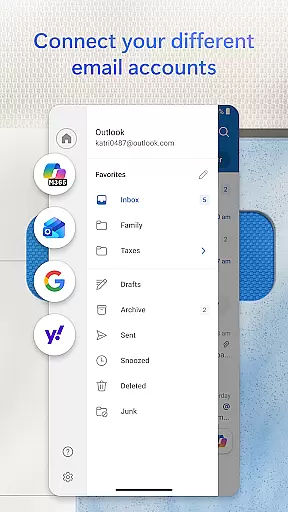
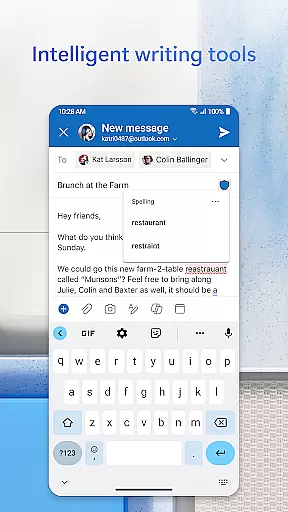
Outlook offers free personal use and supports multiple account integrations including Microsoft Exchange, Gmail, Yahoo Mail, and iCloud. This flexibility enables you to remain connected on the go while enjoying features like intelligent editing tools for polished emails, real-time typing suggestions, and seamless document handling from cloud storage services.
Microsoft Outlook stands out with its robust feature set tailored for productivity and organization. The app provides an all-in-one solution by integrating email, contacts, files, and calendar management. You can access recent attachments directly from your inbox or link them from cloud storage services like OneDrive, enhancing workflow efficiency.
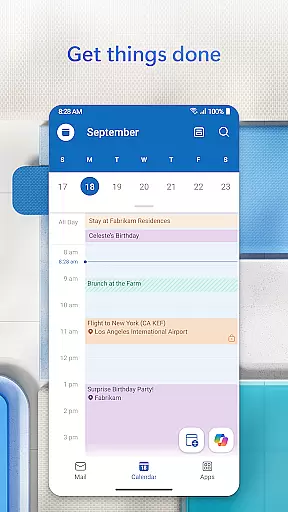
Planning and scheduling are simplified with side-by-side calendar views and easy RSVP options for meeting invites. The task organizer groups similar subject emails and conversations, making tracking simpler. Additionally, Outlook's intelligent search function allows voice-activated searches for people, contacts, emails, events, and attachments. With enterprise-grade security, Outlook ensures your data remains protected against phishing, spam, and viruses.
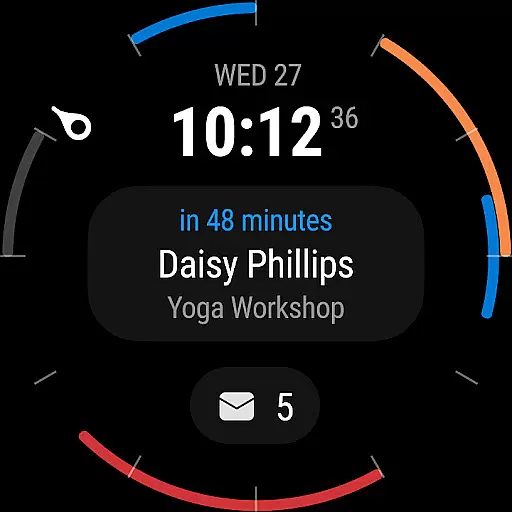
Companion app integration is essential for users who want a seamless experience between their mobile devices and wearable technology. Microsoft Outlook offers a robust solution by ensuring that its Android Wear application works harmoniously with the main mobile app.
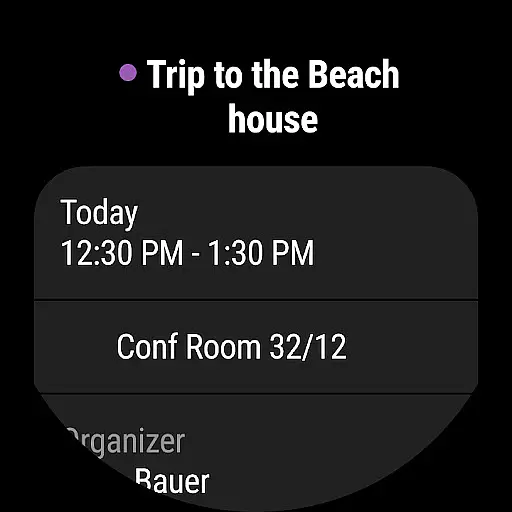
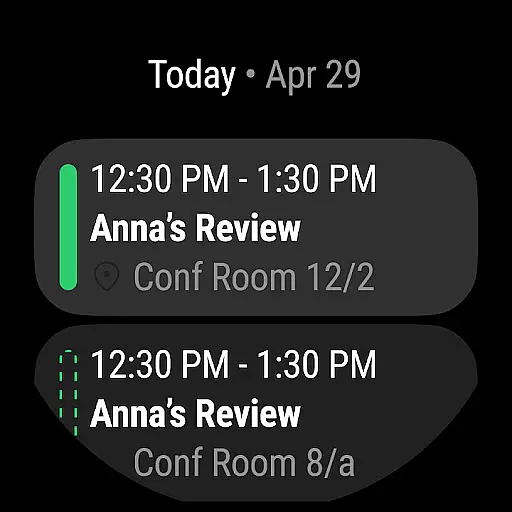
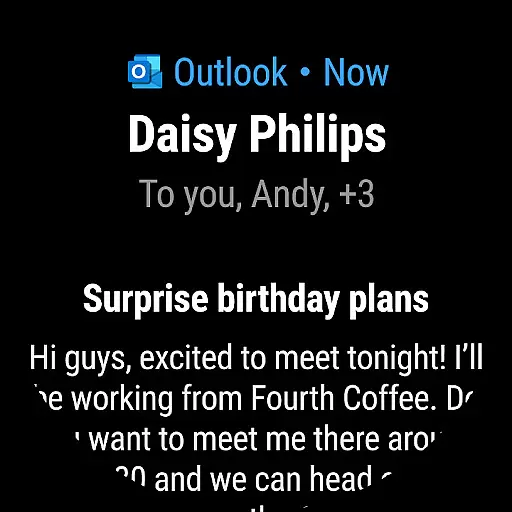
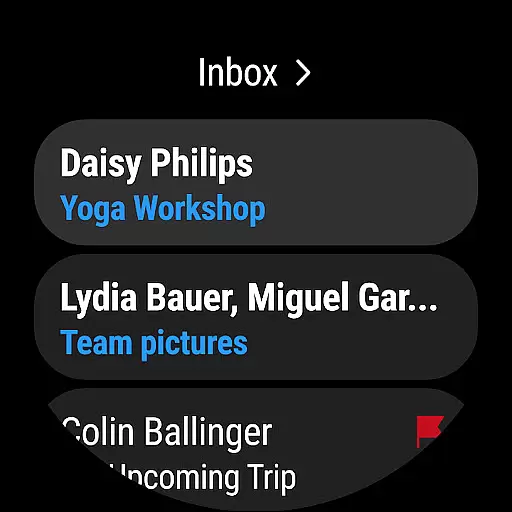
This integration allows users to receive notifications, view calendar events, and even respond to emails directly from their smartwatches. Such functionality ensures that you are always connected, whether you're in a meeting or on the move.
By synchronizing data across devices, Outlook provides real-time updates and ensures that any action taken on the wearable device is accurately reflected on the mobile app. This means you can manage your emails and calendar with ease, without missing a beat.
The benefit of this seamless companion app integration is clear: it enhances productivity by allowing users to perform essential tasks quickly, without needing to reach for their phone. This makes managing your busy life more convenient and efficient than ever before.
Device compatibility is crucial when selecting an app for your Wear OS device. Microsoft Outlook excels in this area by offering broad compatibility with various devices running on Wear OS, ensuring that most smartwatch users can take advantage of its features.
Outlook's compatibility extends beyond just supporting different hardware; it also integrates smoothly with multiple email providers such as Gmail, Yahoo Mail, iCloud, and Microsoft 365. This versatility allows users to consolidate all their email accounts into one manageable interface on their smartwatch.
In addition to email management, the app supports calendar functionalities, enabling users to view upcoming events and reminders directly on their wrist. This comprehensive support ensures that no matter what device you use, you will have access to critical information at a glance.
Ultimately, the wide-ranging Wear OS and device compatibility offered by Microsoft Outlook translates into a versatile and reliable tool for staying organized and productive, regardless of the specific technology ecosystem you operate within.
User-friendly interface
Robust security features
Seamless integration with multiple services
Intelligent email organization
Comprehensive productivity tools
Limited offline functionality
Advanced features require subscription
Occasional syncing issues
Heavy on system resources
Complex setup for some users

Embrace the holiday spirit with this magical animated watch face!
 4.40
4.40
A modern premium sporty hybrid watch face for Wear OS by Ballozi
4.70
Structured watch face with seven complications and modular UI elements
3.90
Real-time weather radar with temperatures, warnings, hurricanes, and widgets
4.80
Hyper-Realistic Airplane Dashboard Watch Face With 10 Skins and Custom AOD
4.00
A realistic hybrid watch face with many customization options.
4.60
Daily Weather forecast with 15 weather images for Day & Night plus Big Bold time
4.10
Back up your contacts & access them anywhere
4.30
Toyota app currently supports 2010 or newer vehicles (2018 or newer for Hawaii).
4.50
Christmas Theme Watch Face for Wear Os
5.00
Beautiful, colorful and practical watch face. For Wear OS devices.
5.00
A modern hybrid informative watch face for Wear OS designed by BALLOZI
4.80
WTW M17 is a premium and luxurious hybrid watch face
4.70
Beautiful artistic animated digital watch face, with a customizable layout!
4.40
Bold weather Digital watchface with forecast & optional animated background
4.40
Snowflake Rose Gold Watch Face - Digital, modern, & sleek with GYRO effect.
4.10
The #1 source of faces for your smartwatch!
4.00
Viewer for Wyze/Yi/Eufy/Arlo/ONVIF/RTSP/P2P IP cams w/ adv. features & DIY DVR
4.00
an Analog Watch Face for winter season with freeze winter background for Wear OS
4.4


User Reviews